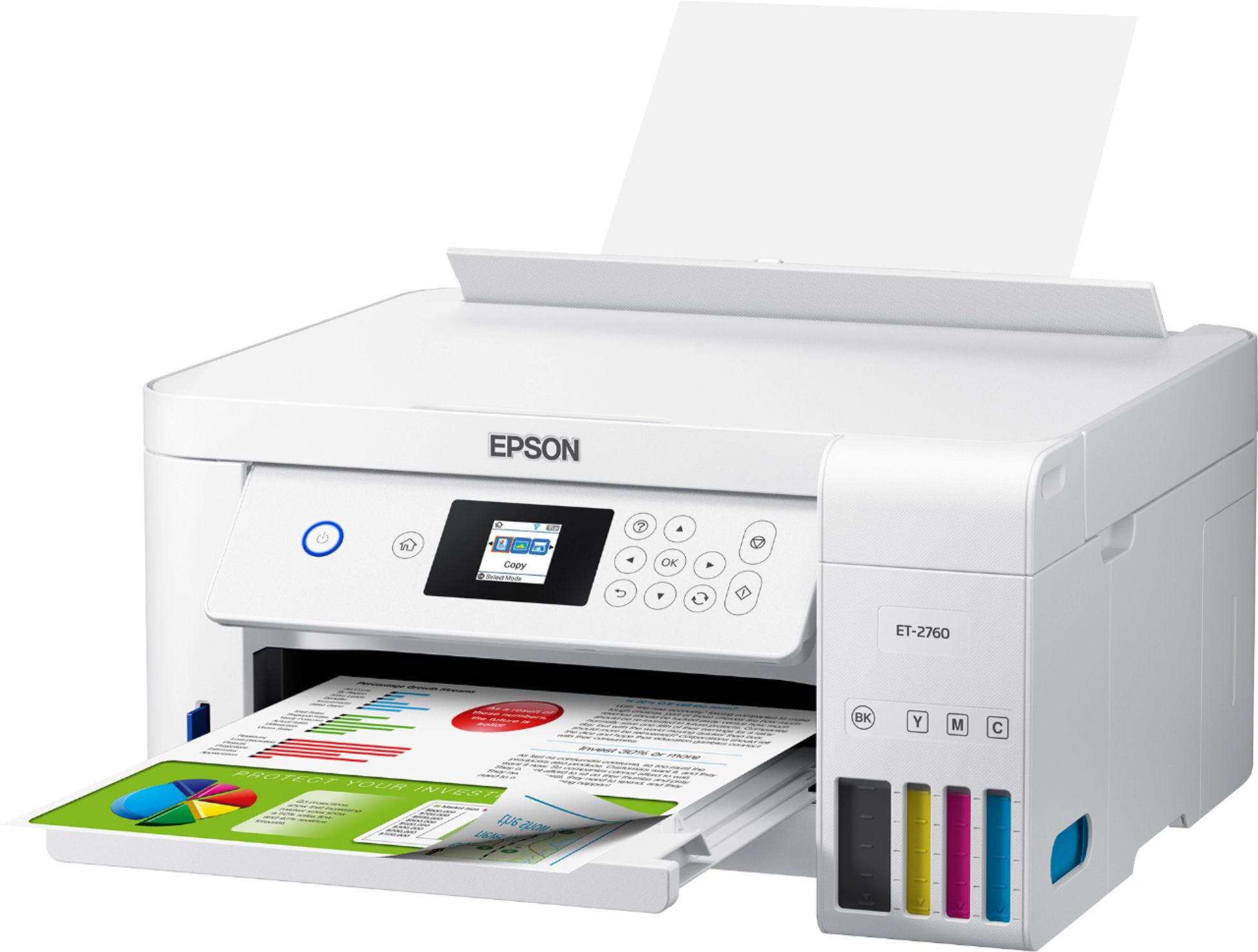
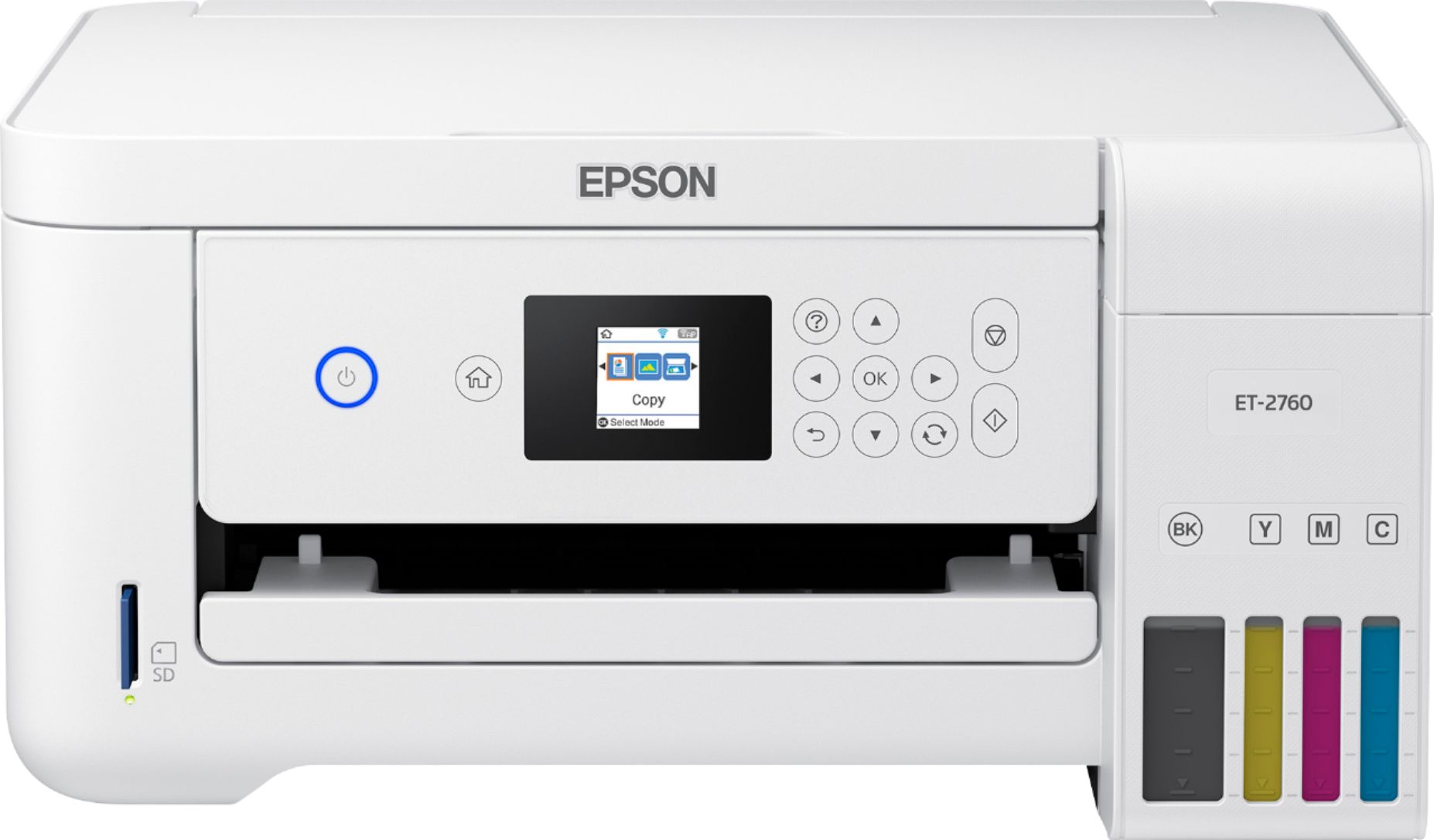
A:AnswerHi, the ink used in the EcoTank ET-2760 are not dye sublimation inks. Additionally, this Epson printer was not designed for dye-sublimation printing nor use non-genuine Epson inks. Other brands of ink and ink supplies or edible ink are not compatible and, even if described as compatible, may not function properly. Hope this answers your inquiry! Regards, Eduard - The Epson Team.
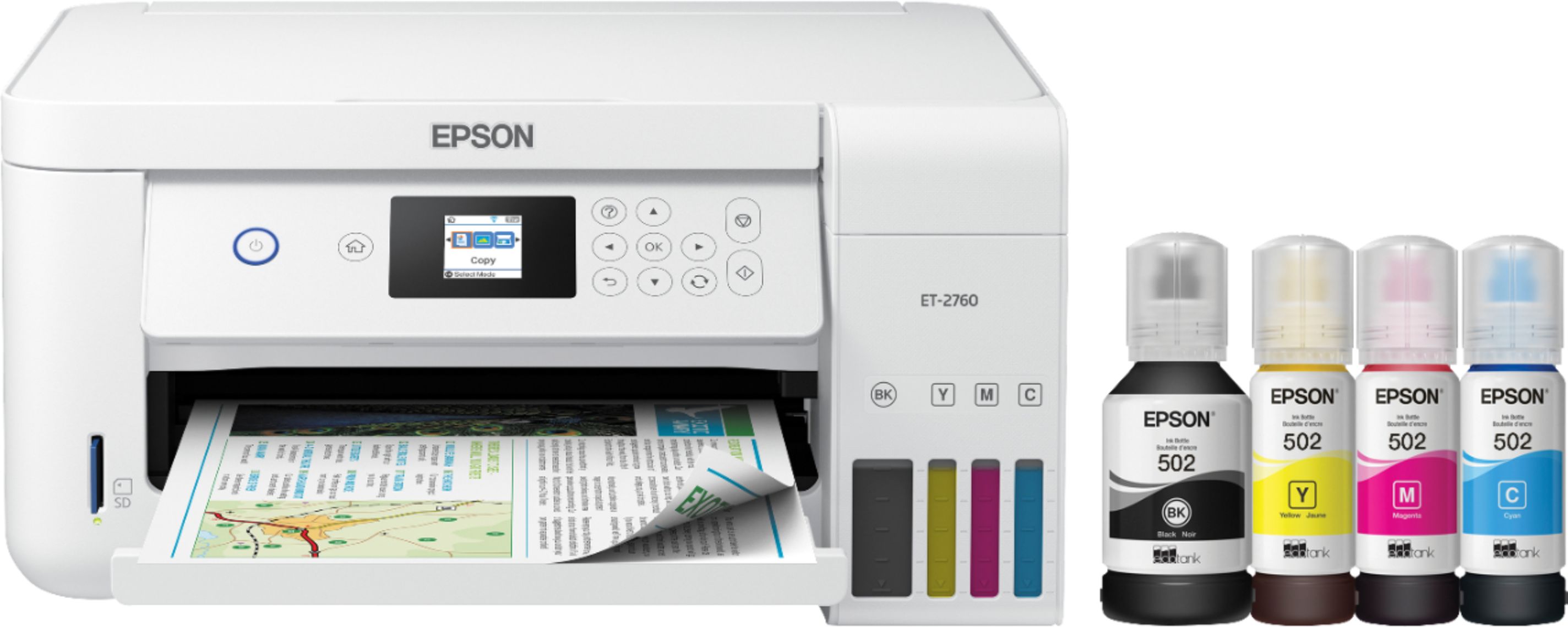
A:AnswerHi Upnorthgramma, You can rename the printer during or after installing the driver for the Epson EcoTank ET-2760. For details, visit the Epson support site. Hope this helps. Regards, Alexander - The Epson Team.
A:AnswerHi Lindsay, No. Epson EcoTank ET-2760 Wireless All-In-One Inkjet printer uses only genuine Epson-brand ink. Other brands of ink and ink supplies or edible ink are not compatible and, even if described as compatible, may not function properly. Hope this answers your inquiry! Regards, Eduard - The Epson Team.
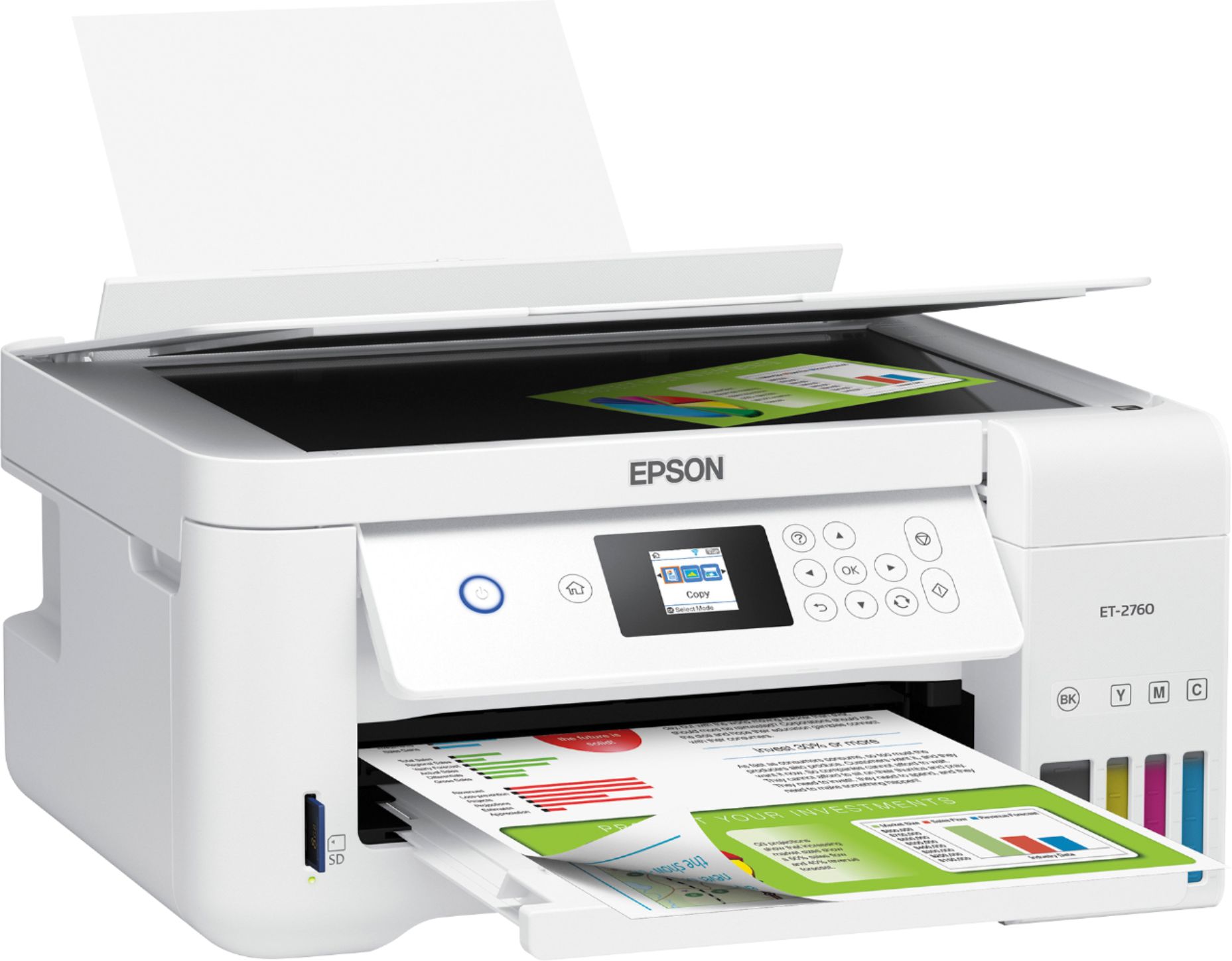
A:AnswerWith regards to the edible ink that would need to be used and after looking online on what's required to print the transfer, I would say definitely not. The EPSON ECOTANK ET-2760 PRINTER does not use the conventional ink cartridge where you insert a color cartridge; it uses an ink well that you fill from the appropriate color bottle. There is no way to flush the well if you wish to reuse the printer as a conventional printer and the inkjets would probably become clogged or may not distribute any type of ink other than what it was designed for. The warranty would be voided probably as well. Look online for what printers are recommended for the use you're looking for.
A:AnswerNot sure I understand your question. If you mean that there’s unexpected horizontal lines on your paper after printing, I don’t see those on documents we’ve printed.