Refund Refresh 4-Day SaleEnds Monday. Limited quantities. No rainchecks.Shop now

Main Content

Questions & Answers

Page Showing 21-28 of 28 questions
  • QuestionCan it print envelopes?

    Asked by Harry.

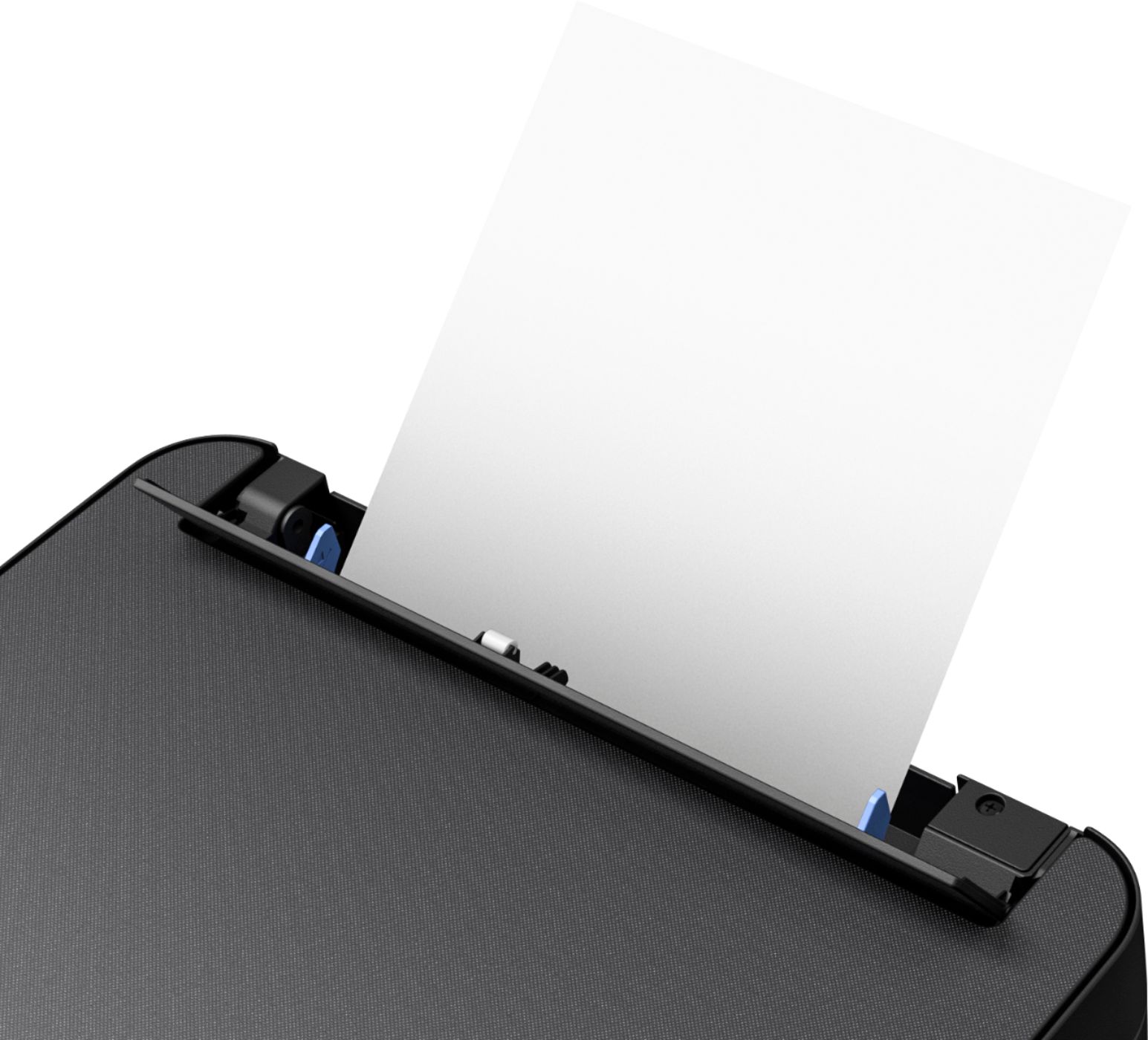
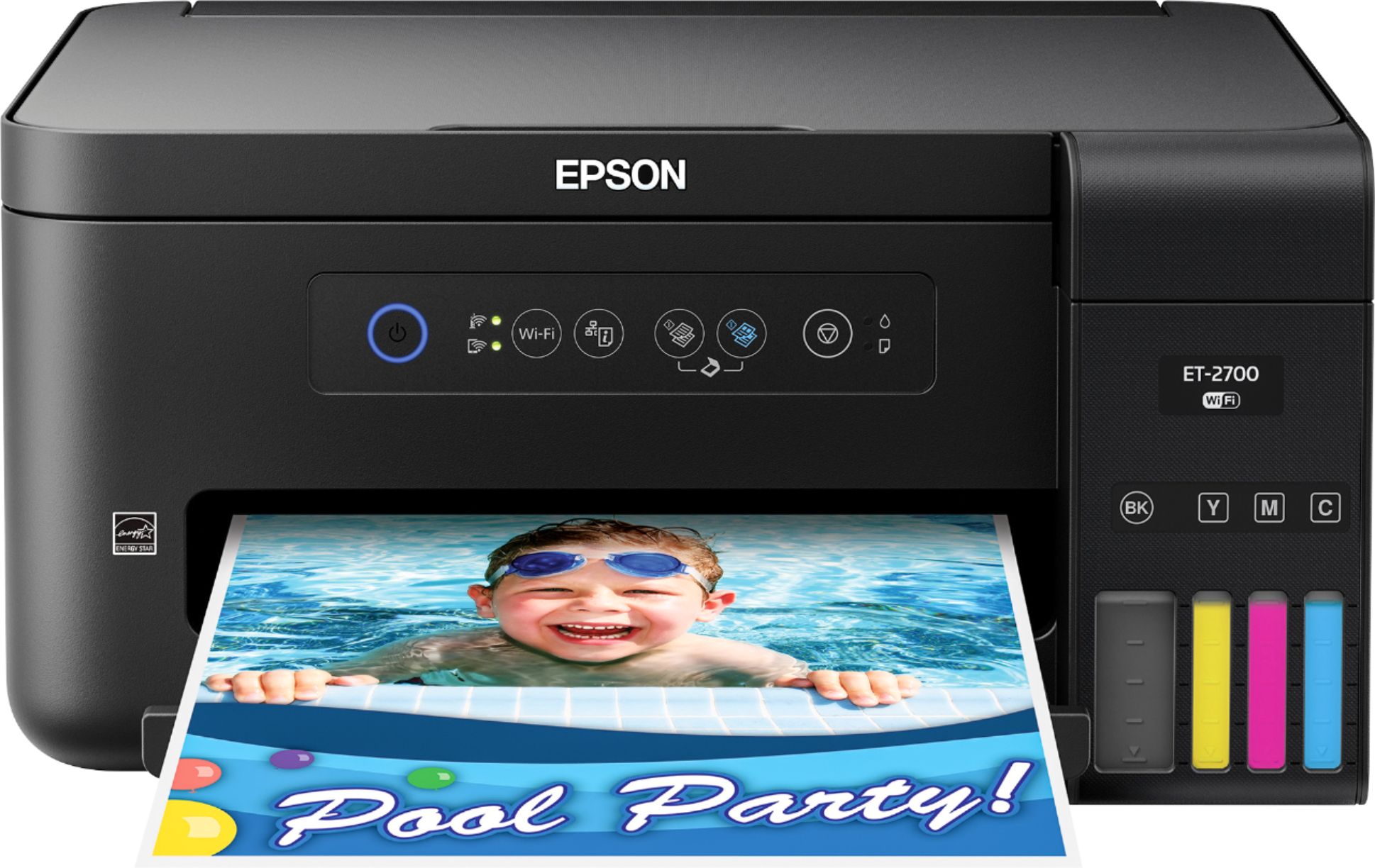
    • Answer Hi Harry, Here's what's in the more info about this printer. Expression® ET-2700 EcoTank® All-in-One Specification Sheet | Page 2 of 2 Paper Handling PC-free Paper Support Plain (8.5" x 11", A4) Max. Paper Size 8.5" x 47.2" Paper Sizes 3.5" x 5", 4" x 6", 5" x 7", 8" x 10", 8.5" x 11", 8.5" x 14", A4, A6, half letter, legal, executive Paper Types Plain paper, Epson Bright White Paper, Photo Paper Glossy, Premium Photo Paper Glossy, Presentation Paper Matte, Premium Presentation Paper Matte and Premium Presentation Paper Matte Double-sided ENVELOPE TYPES No. 10; plain paper, bond paper, air mail Input Paper Capacity Paper tray: 100 sheets plain paper, 20 sheets photo paper, 10 envelopes Output Paper Capacity 30 sheets plain paper SHORT ANSWER YES
      Answered by H2234343

  • QuestionWhen you scan something are you able to send in email?

    Asked by Anonymous.

    • Answer Yes...save the file to a place you can find it easily and send in an attachment to your email.

      Answered by AnneS

  • QuestionDoes this printer reduce or enlarge when scanning or copying?

    Asked by preacher.

    • Answer Yes, you can edit with the software it comes with.

      Answered by Ane65

  • Questiondoes Epson sell a all in one with the eco tank and fax

    Asked by 1234centerhenry.

    • Answer Yes

      Answered by bush

  • QuestionIs this ink considered Sublimation ink? i am looking to purchase to start sublimation printing

    Asked by leece.

    • Answer The ink included in the box is not sublimation ink, but if you look at some third party products, you can find sublimation ink that will work in this printer.

      Answered by Anonymous

  • QuestionDoes this have capacity to fax?

    Asked by Anonymous.

    • Answer NO, the lowest model - ET2700 does NOT fax - it does scanning, copying and printing. If you need the fax feature you would need to buy the most expensive and largest model which is the ET-4750

      Answered by IrmaT

  • QuestionCan you set the printing preferences to fast draft so that it uses less ink?

    Asked by MSM1.

    • Answer Yes, go into the printer settings, choose draft instead of normal for print quality.

      Answered by IrmaT

  • QuestionIs the ink included with the ET-2700

    Asked by Trinity.

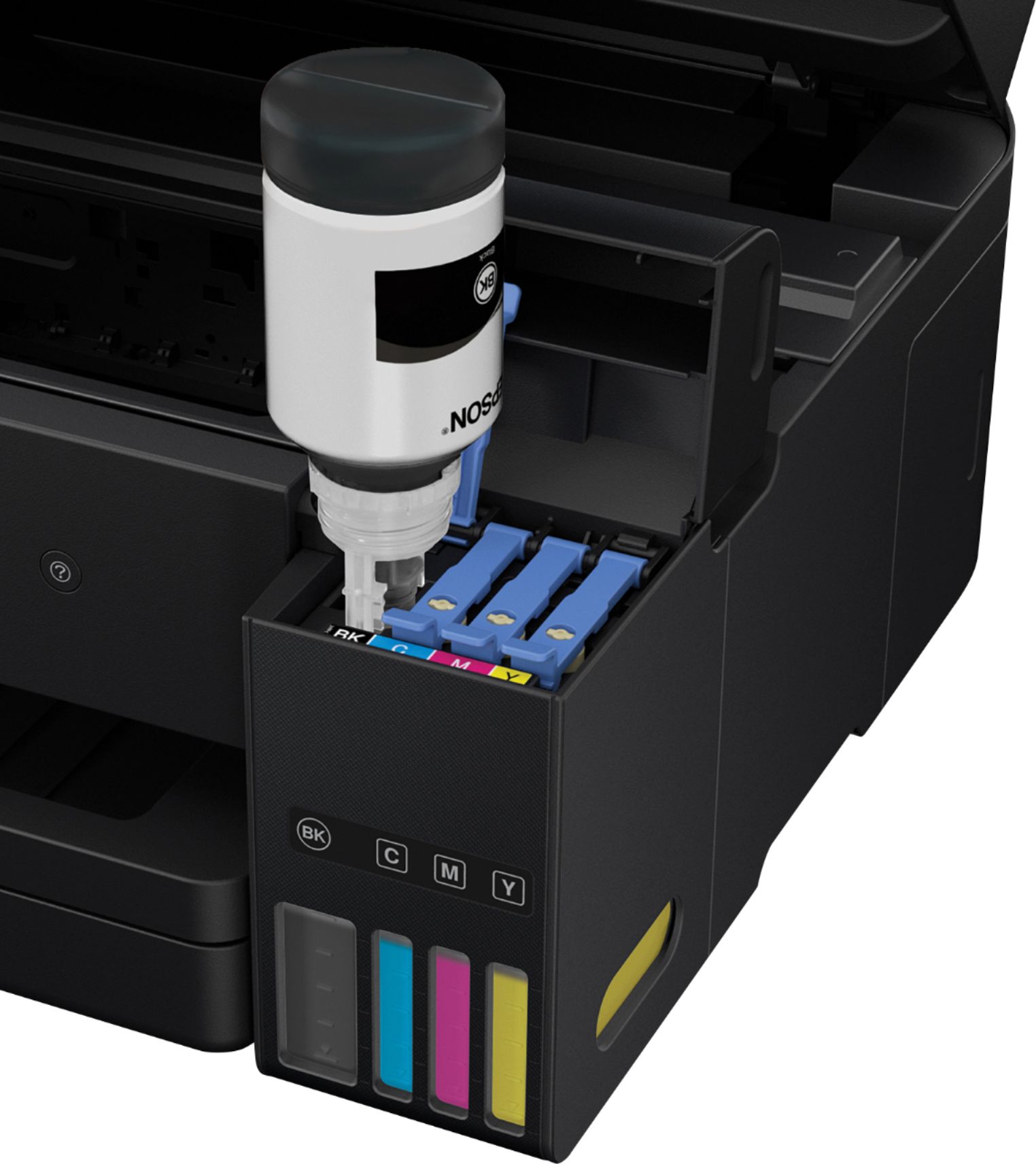
    • Answer Yes

      Answered by Anonymous