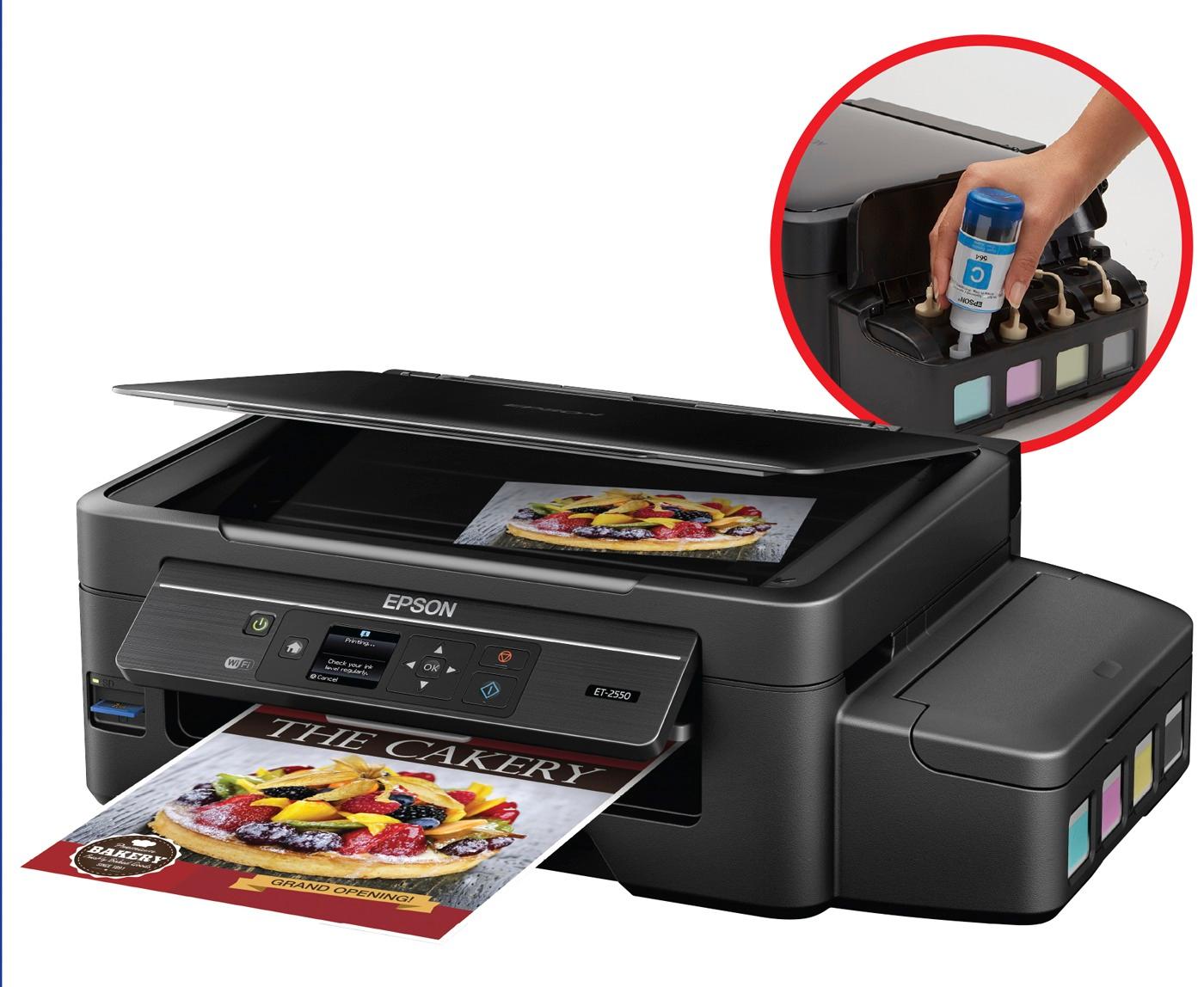
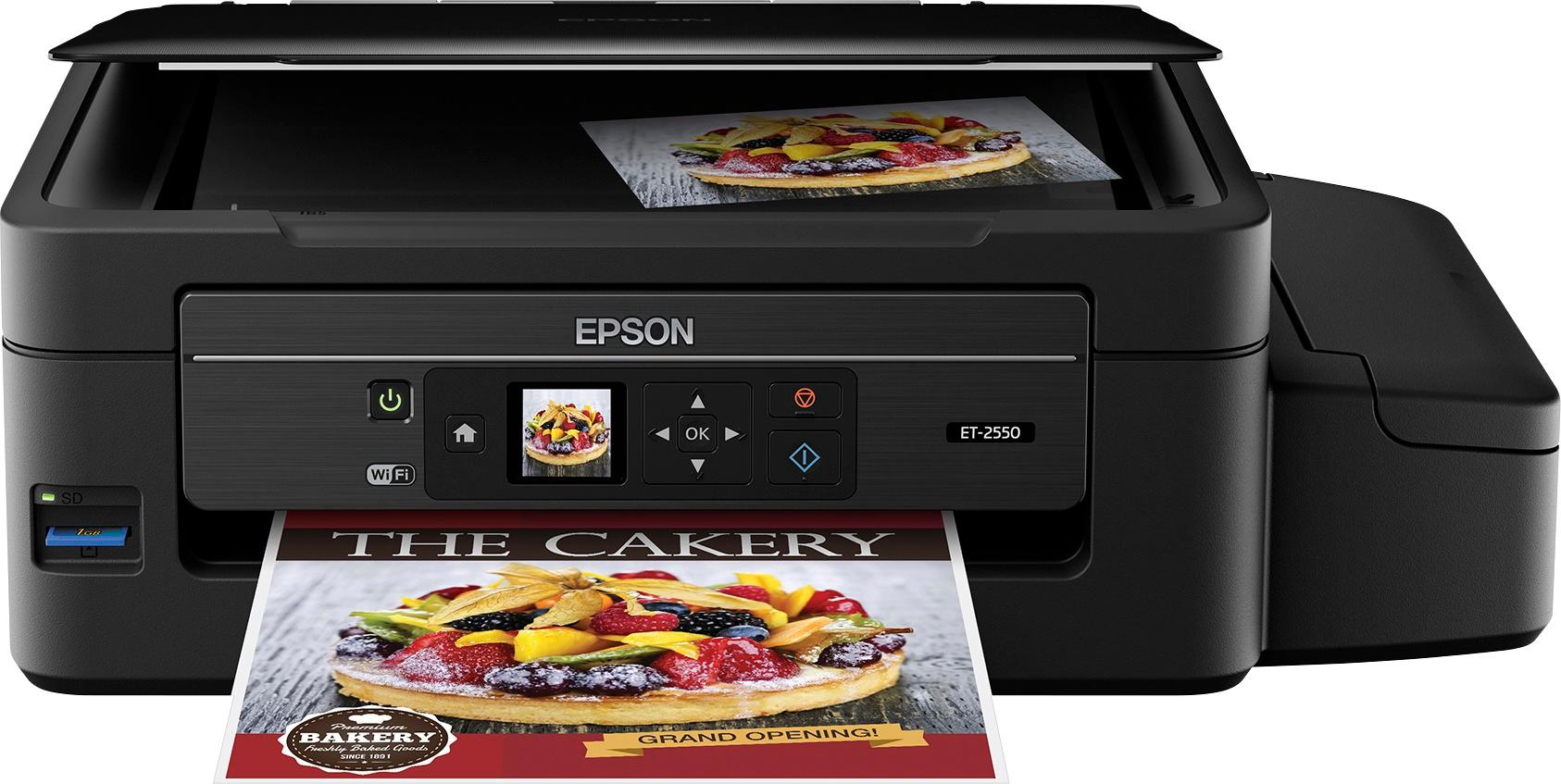
A:AnswerI own 2 of these printers. One at my house and one at my vacation home. They work flawlessly. You can tell it to print black and white. You can change the color settings for photos also. I have told everyone that this is the only printer they should own.
A:AnswerYes, we have printed many photos and they turn out better than the photo printer that we bought just for pictures. This has since replaced two printers and we use only this one now.
A:AnswerNo,
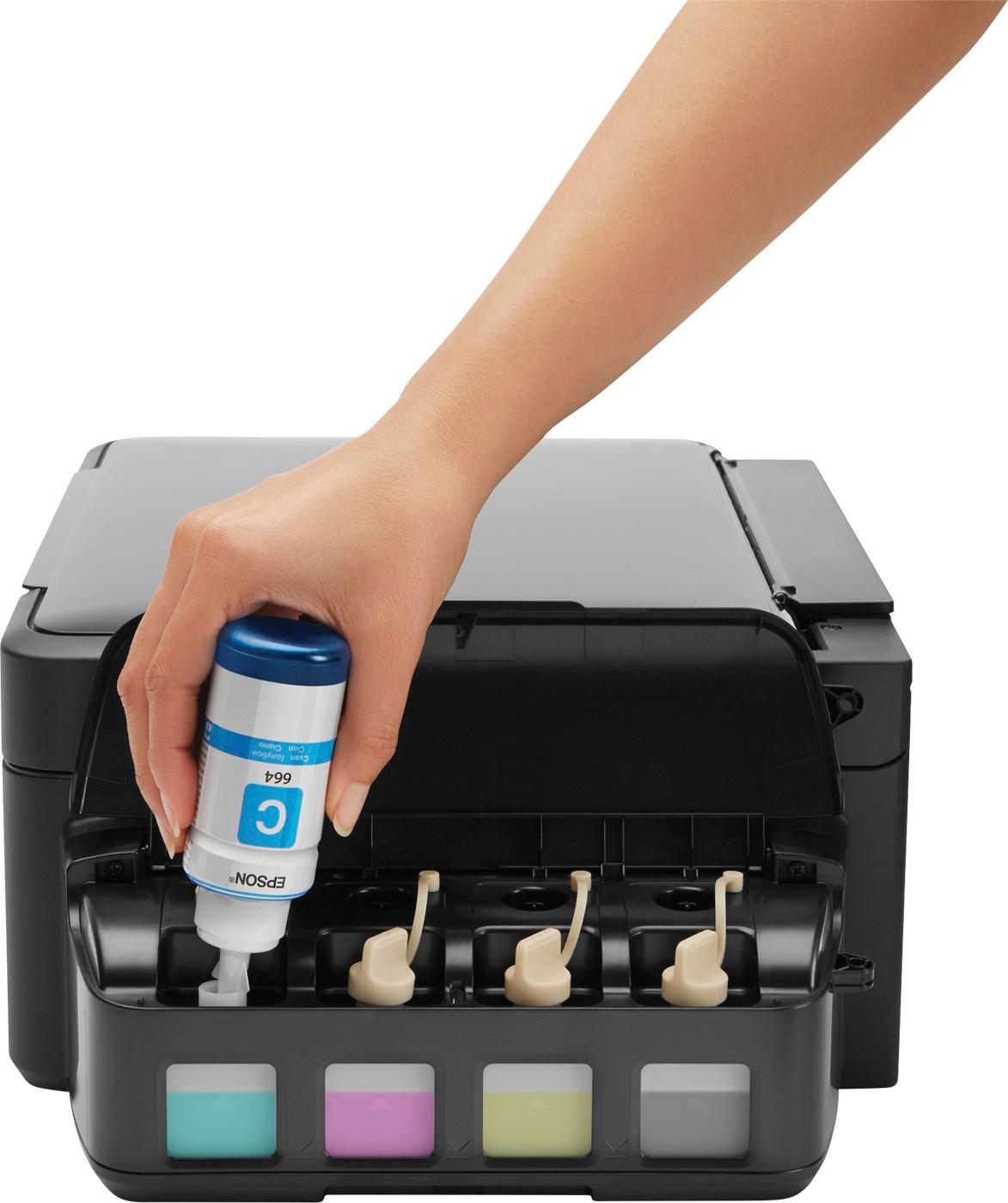
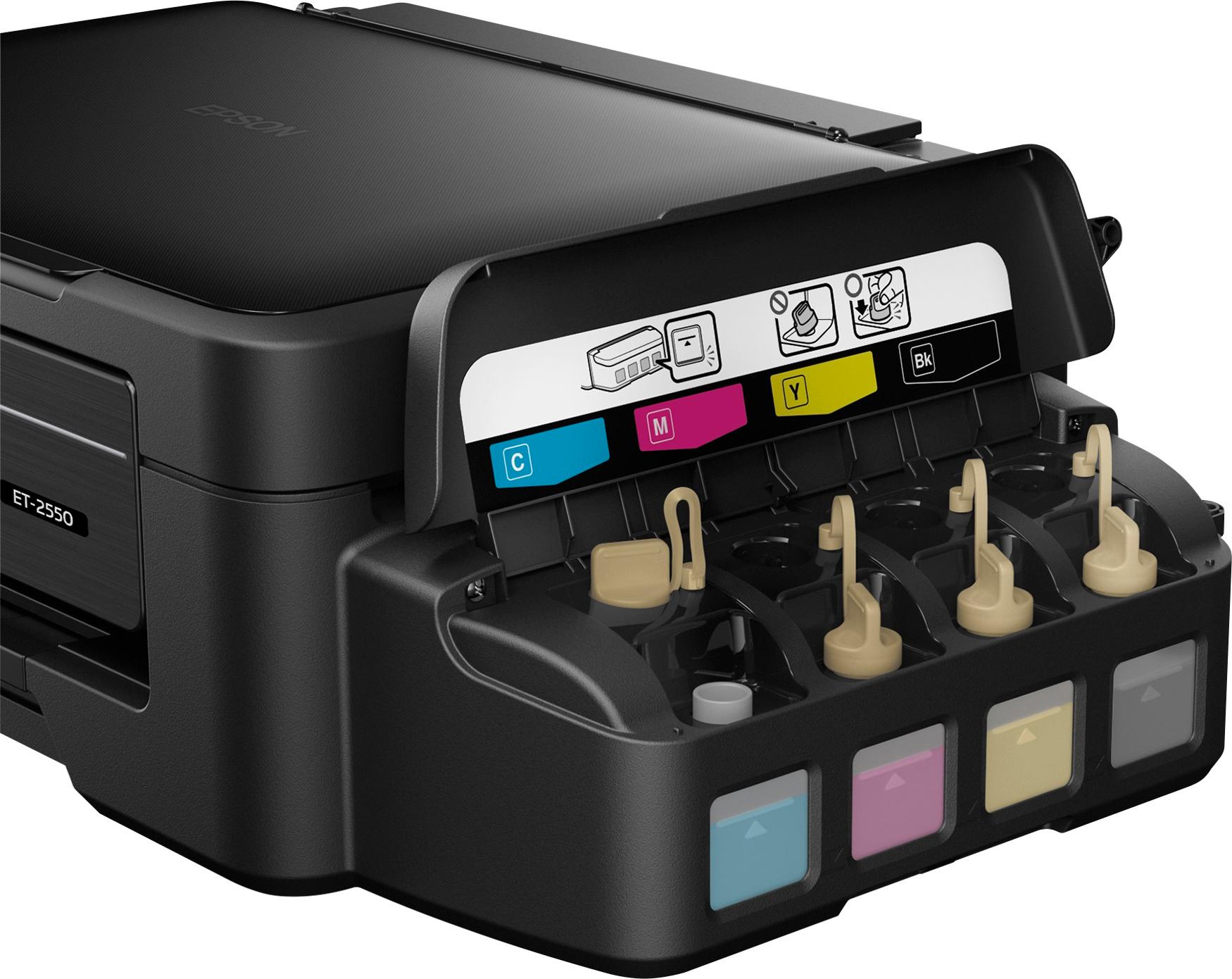
In order to keep the print heads clean. A small amount of color ink is used even if you select black only. If a color ink runs out it will need to be replaced before you do more prints.
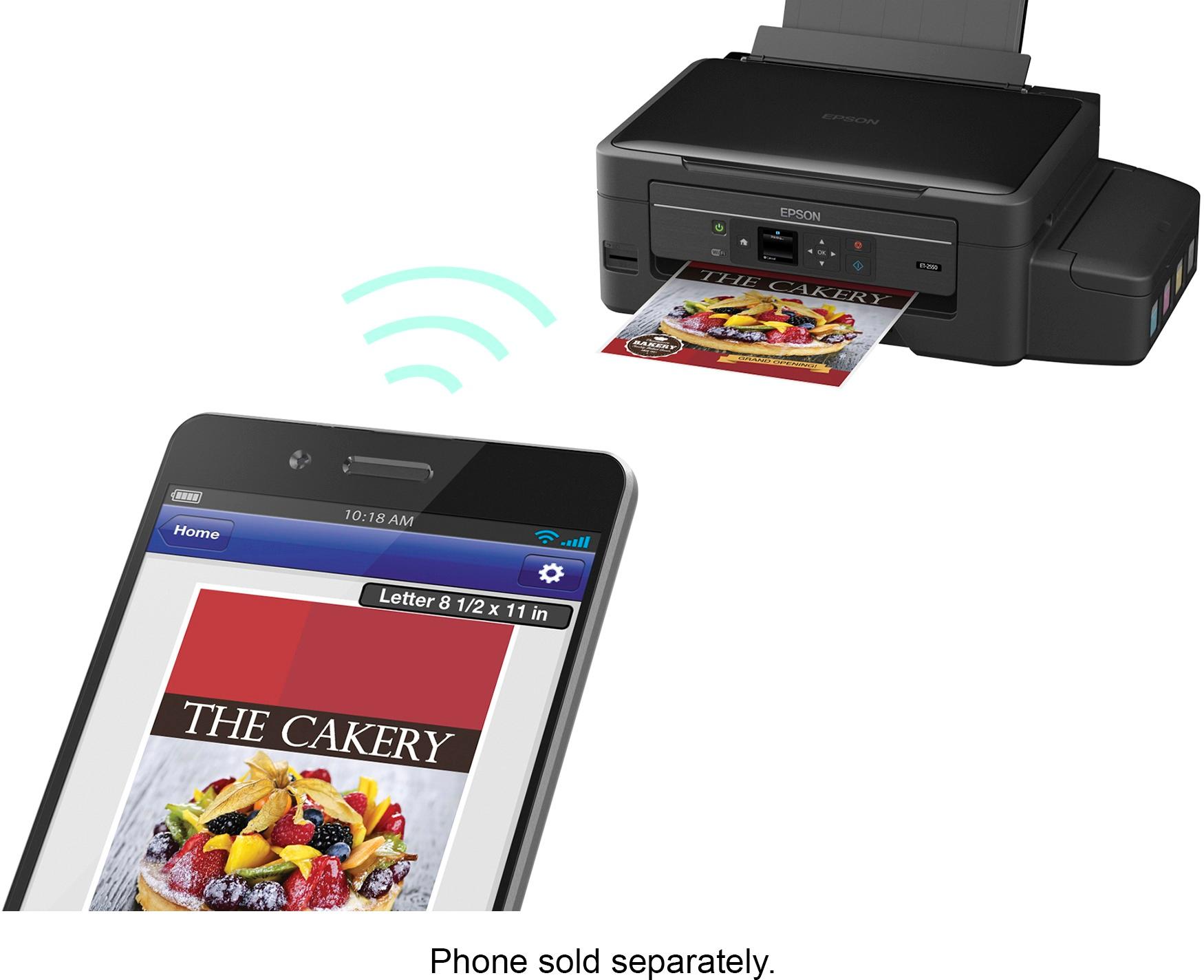
A:Answeryes, I am sharing this printer on my in-home network and several Windows 10 computers, as well as our Apple iPhone and iPad, all print to the printer seamlessly.
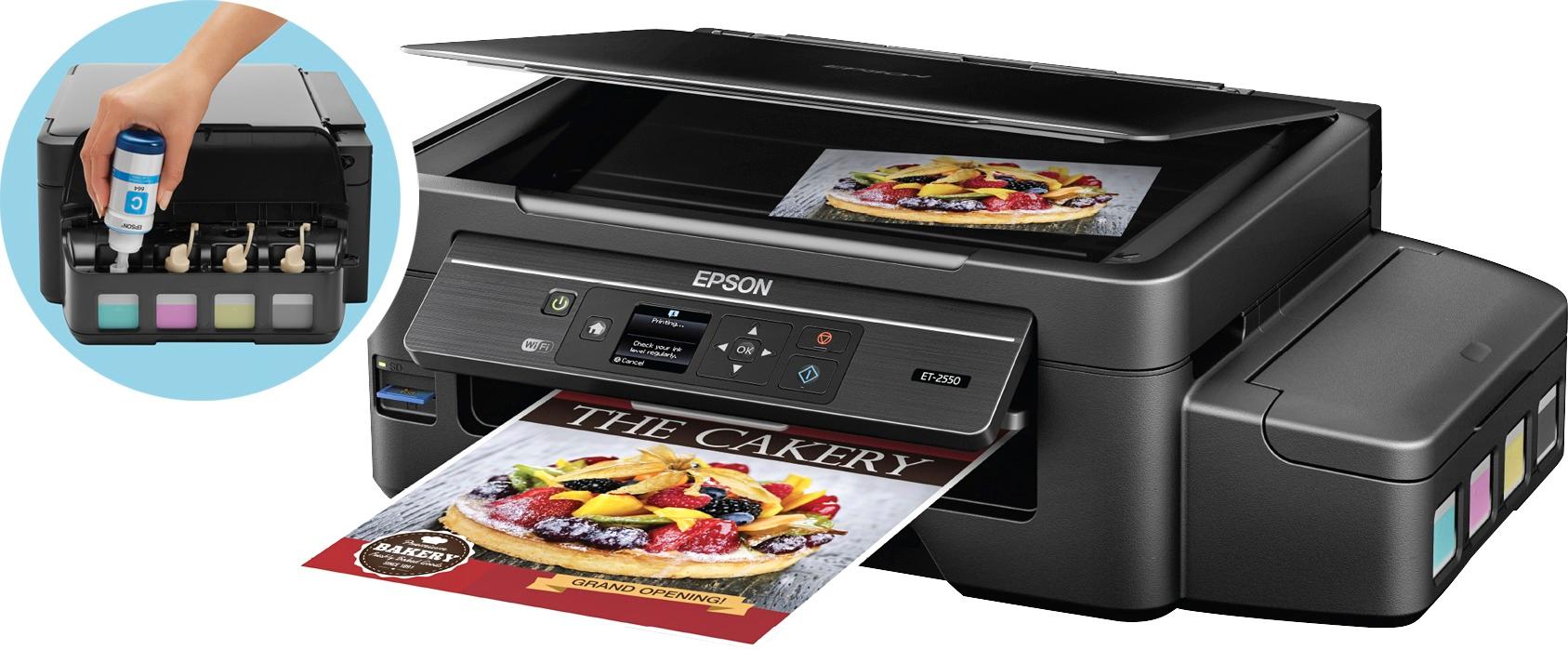
A:AnswerIt copies, it scans, it prints. Sounds like 3 in 1 to me. The more costly model has fax capability if that is what you want the fourth function to be.
A:AnswerMost scanners don't scan film negatives or picture slides out of the box because light has to be coming from the BACK of the negative then THROUGH the negative to reach the scanner sensors. (Most scanners work by bouncing light from the FRONT of an opaque image onto the photo then back into the sensor.) And it has to be the right amount of light in the right way. My solution was to put a sheet or two of plain white paper to diffuse the light then I placed an LED flash light behind (on top) the negative while it was laying on the scanner. (The light with an array of LEDs like a work light, or flood lamp works best, not a concentrated beam of LEDs like for a long distance flash light.) Then it worked. The scanner has to scan with the lid up or the lid open for this setup to work. Amazon also sells specialty kits like the one I described with the light built in "Slide and Negative Scanners". Hope this answers your question.
A:AnswerThe 2550 has a screen and more wireless options (WiFi/WiFi Direct/Airprint/iPrint)
The 2500 just has buttons and wireless options (WiFi/iPrint)