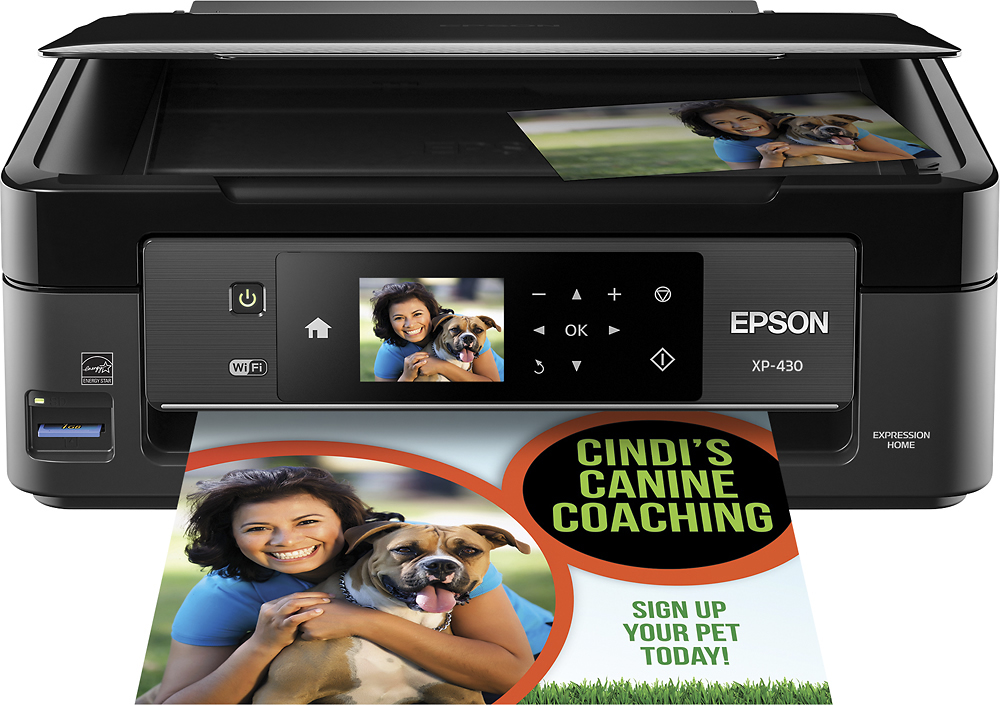
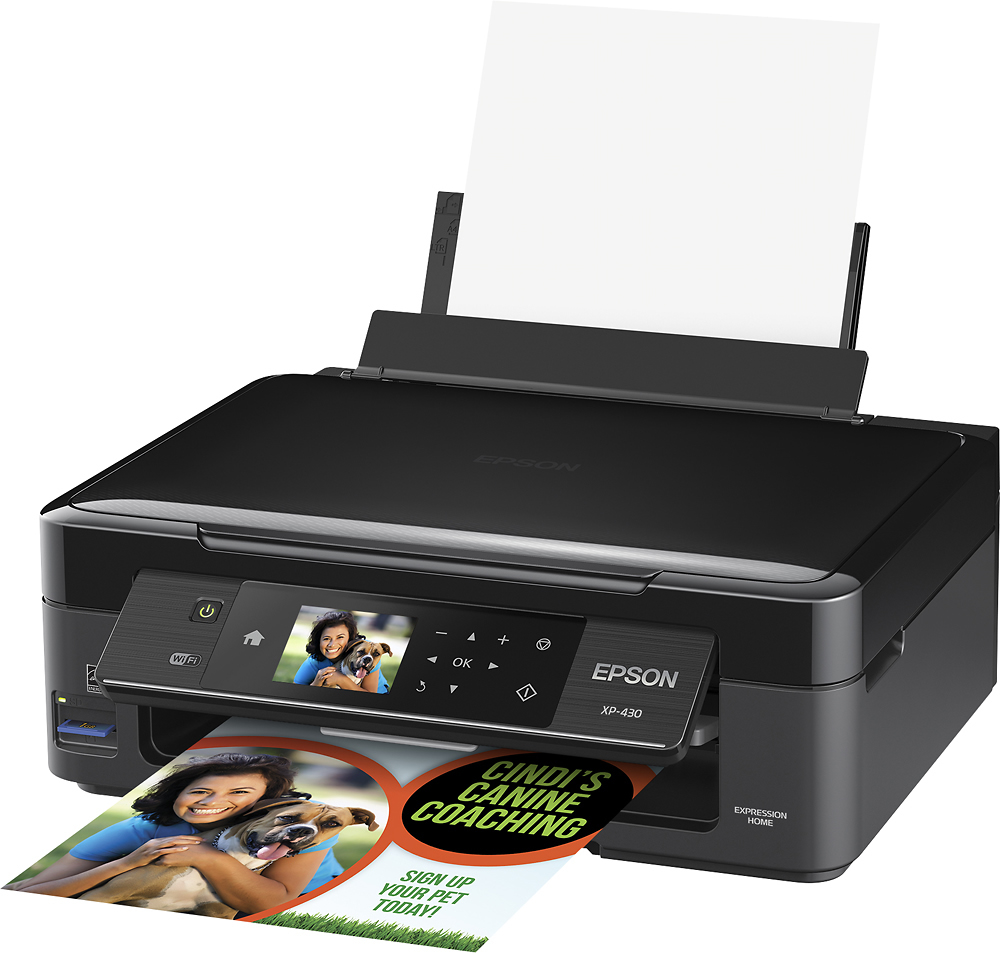
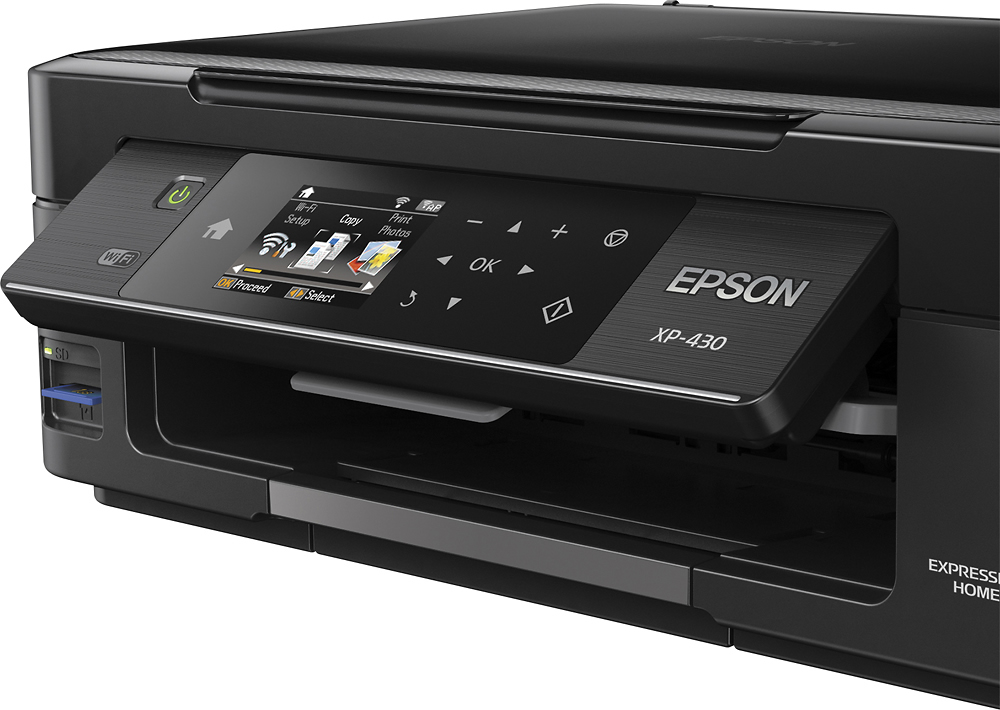
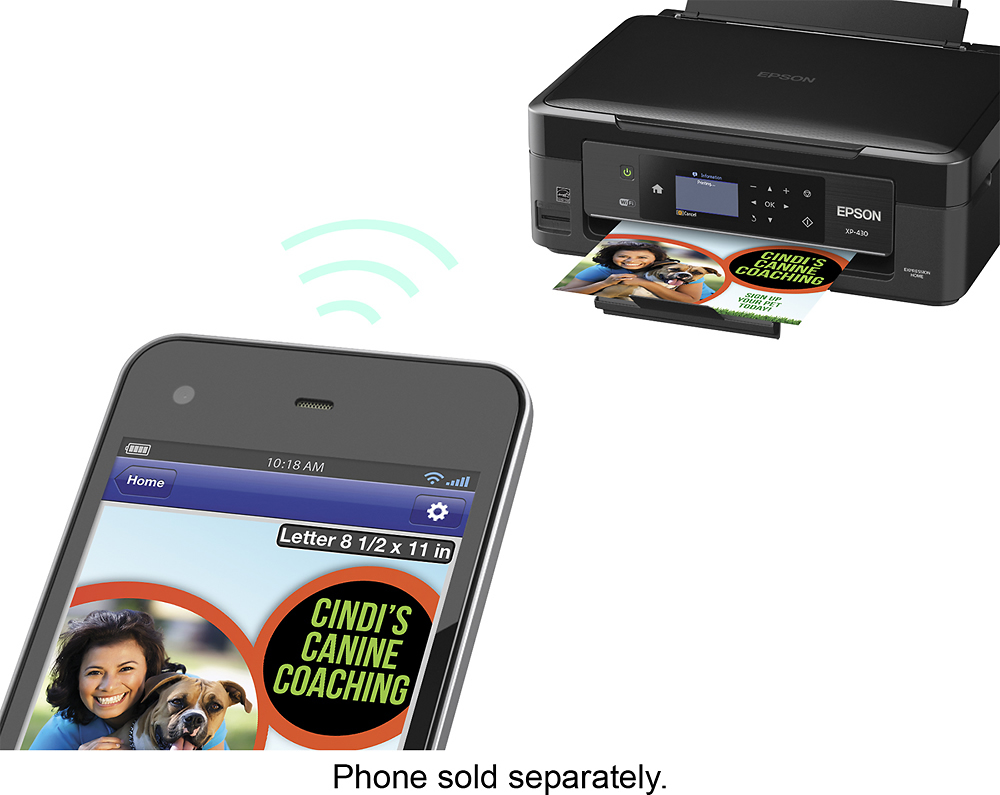
A:Answer To connect to wifi, either install the disk that came with the printer, or if one did not come with it, or you lost it, go to http://www.epson.com/cgi-bin/Store/support/supDetail.jsp?oid=201986&infoType=Downloads and download the latest software. While installing it will walk you through the process of USB connection or WiFi, (make sure the printer is NOT plugged in with a USB or the computer may get confused. Start the install with the printer not connected.) and walk through the steps. Bing bam boom, it should be connected.