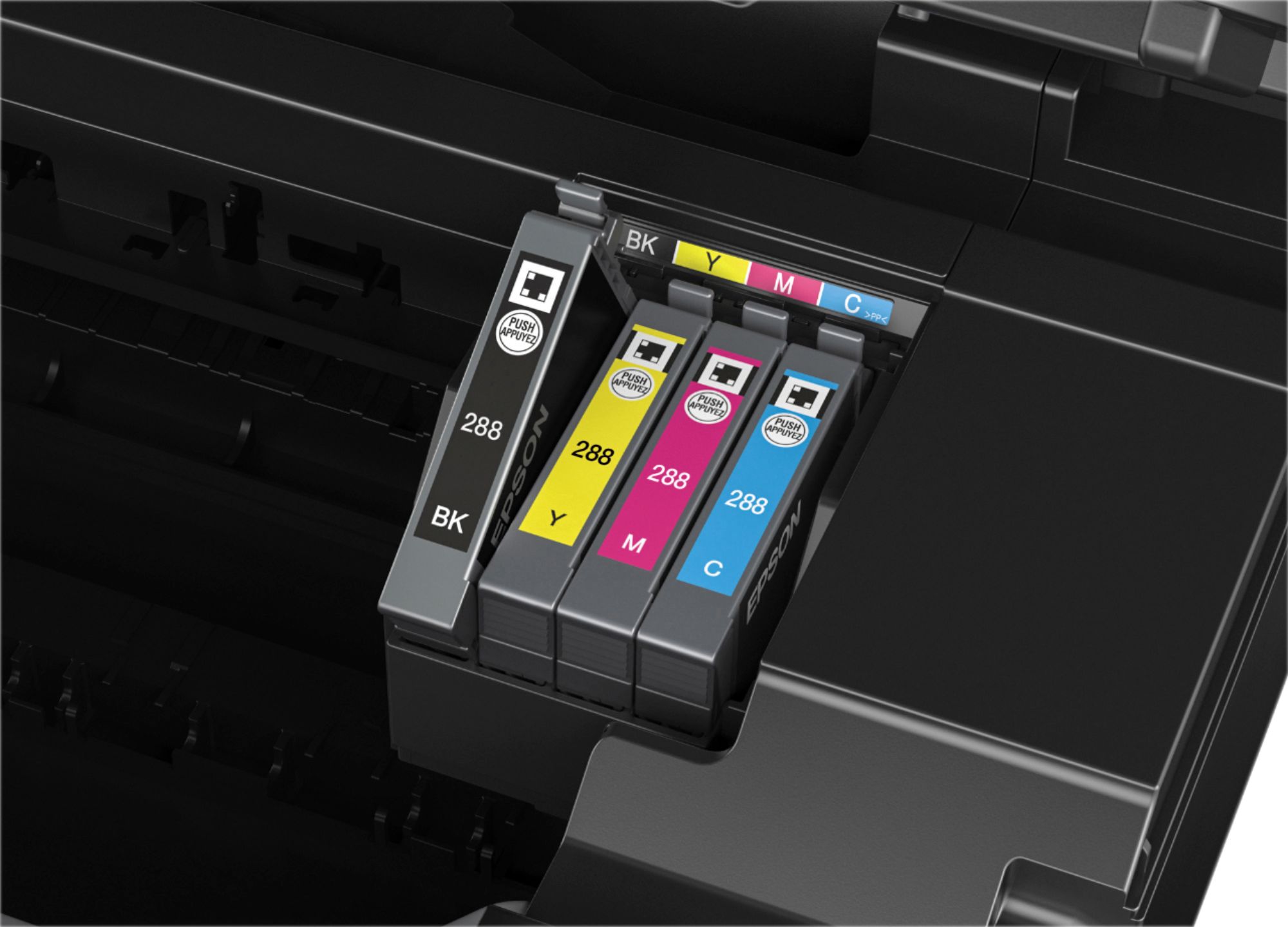
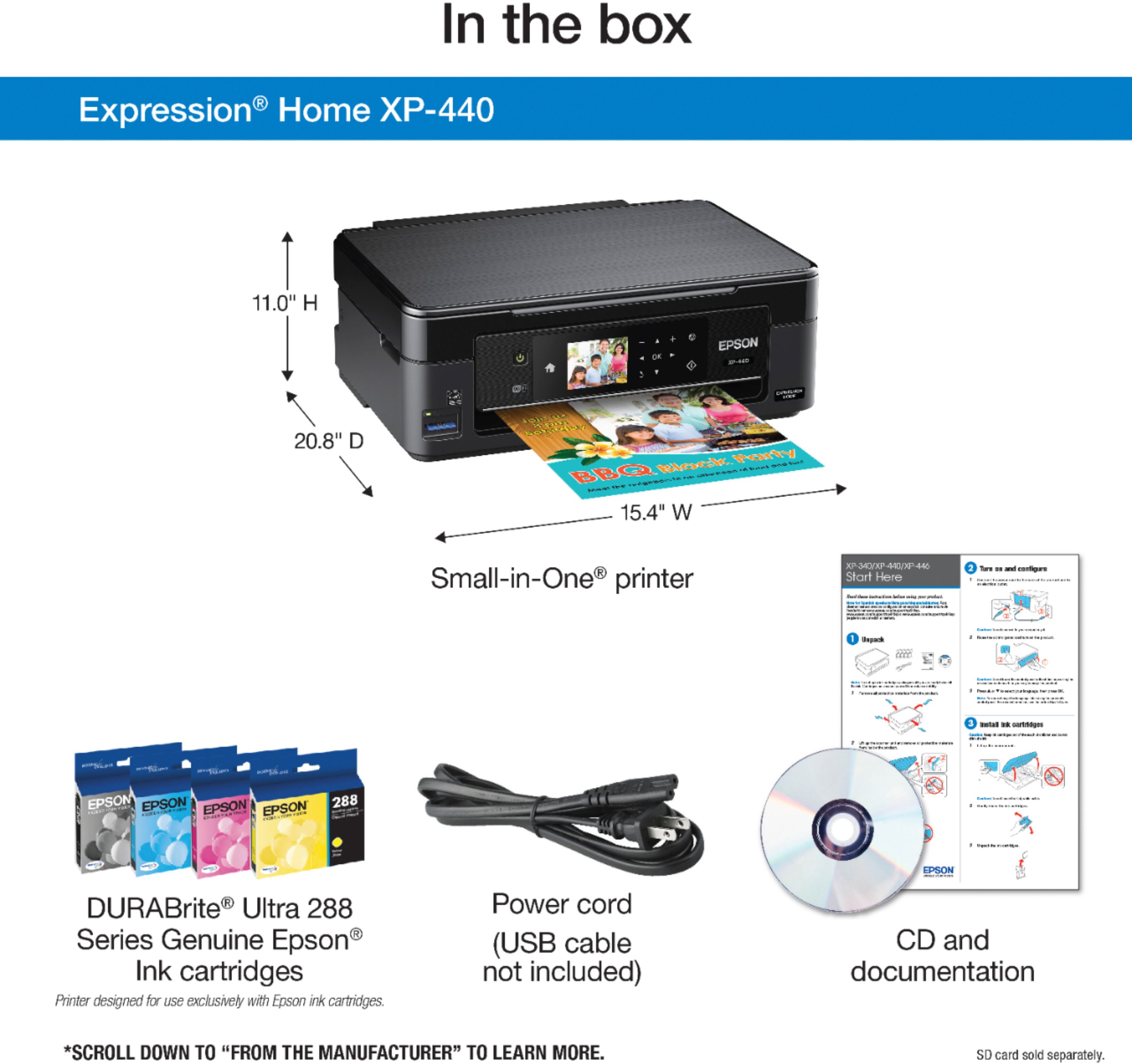
A:AnswerPrinting can be set to black only the cartridge requirement is black, yellow ,magenta and cyan. If one of the cartridges runs out of ink you will need to replace that before printing. One tip I found is if you want to save on ink and don't mind poorer quality setting the printer to draft quality will save on ink
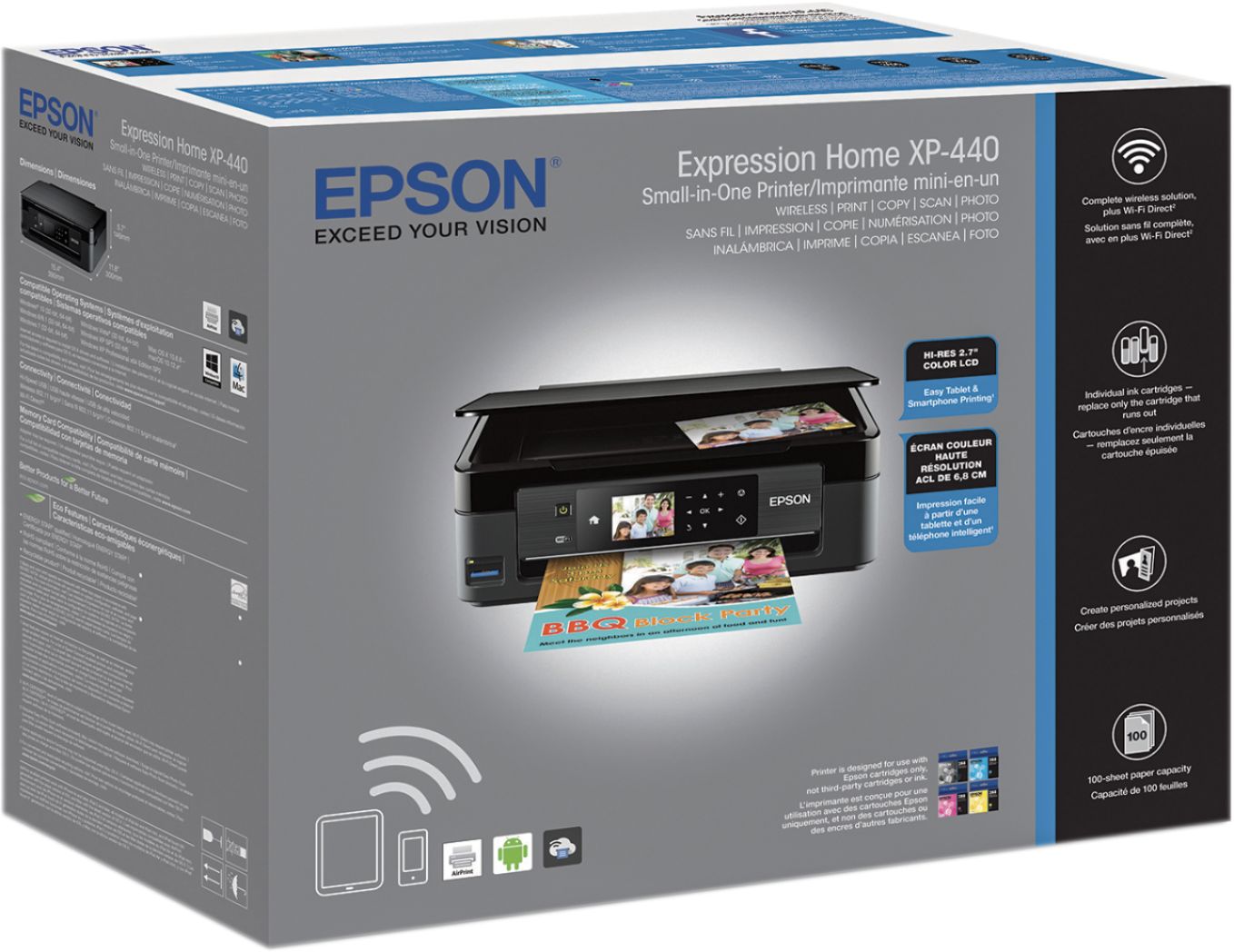
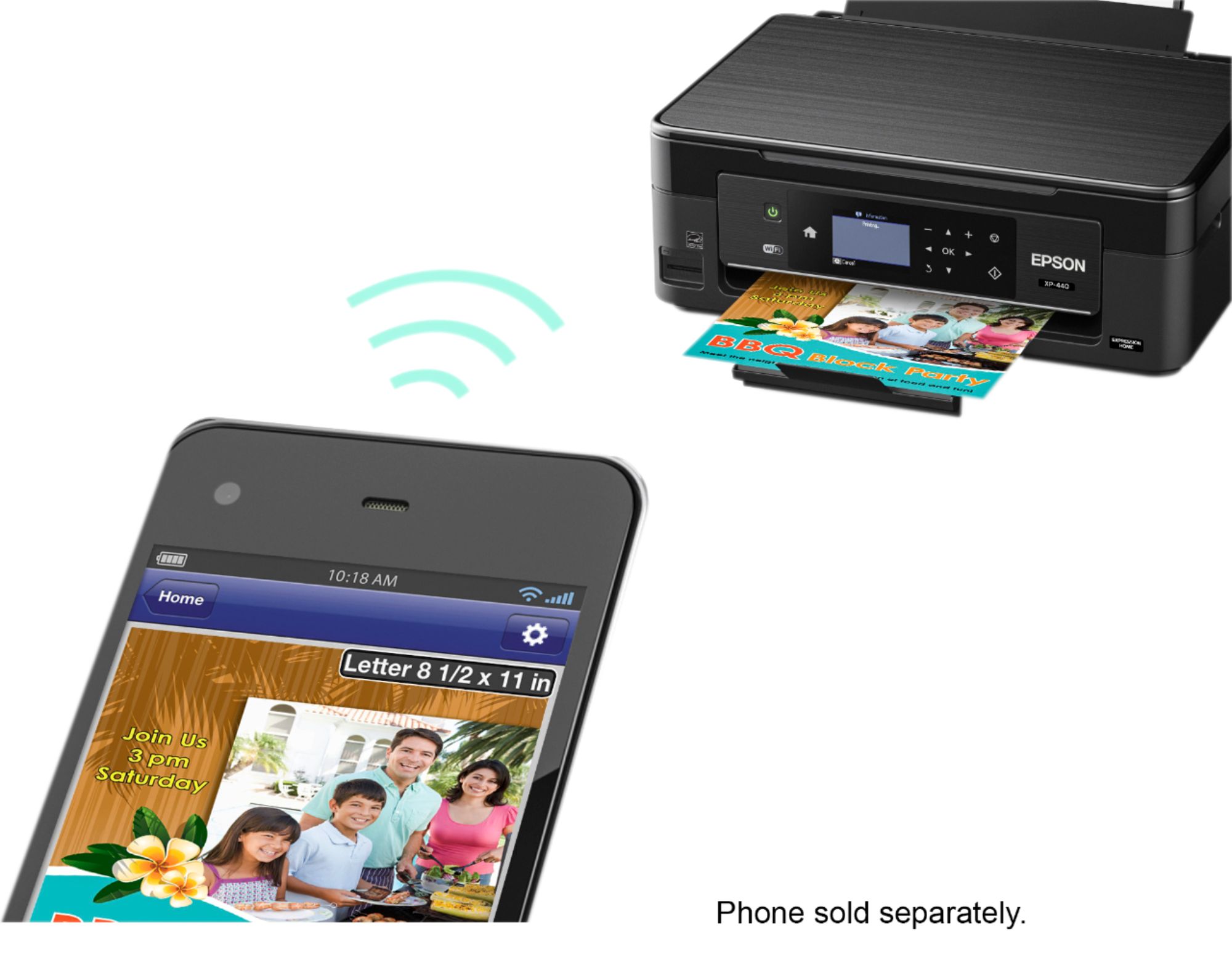
A:AnswerThere shouldn't be any issues. As soon as I had it set up and linked to our wifi (which took about 10-15 tops), she was able to find the printer and printed some coloring pages for our children from her phone downstairs. As long as there is a wifi connection it should work just fine. As far as the software is concerned, that shouldn't be an issue either.
A:AnswerI was able to use this printer for scan/copy/printing directly from my phone and other mobile devices without the printer touching the internet or having to enter any sort of information into it directly or from another device. So the auto refill feature is optional.
A:AnswerYes it compatible with iPad. For most part all printers are unless very specific about it. But they are all made to be compatible or have an app that you can download to make it more accessible.