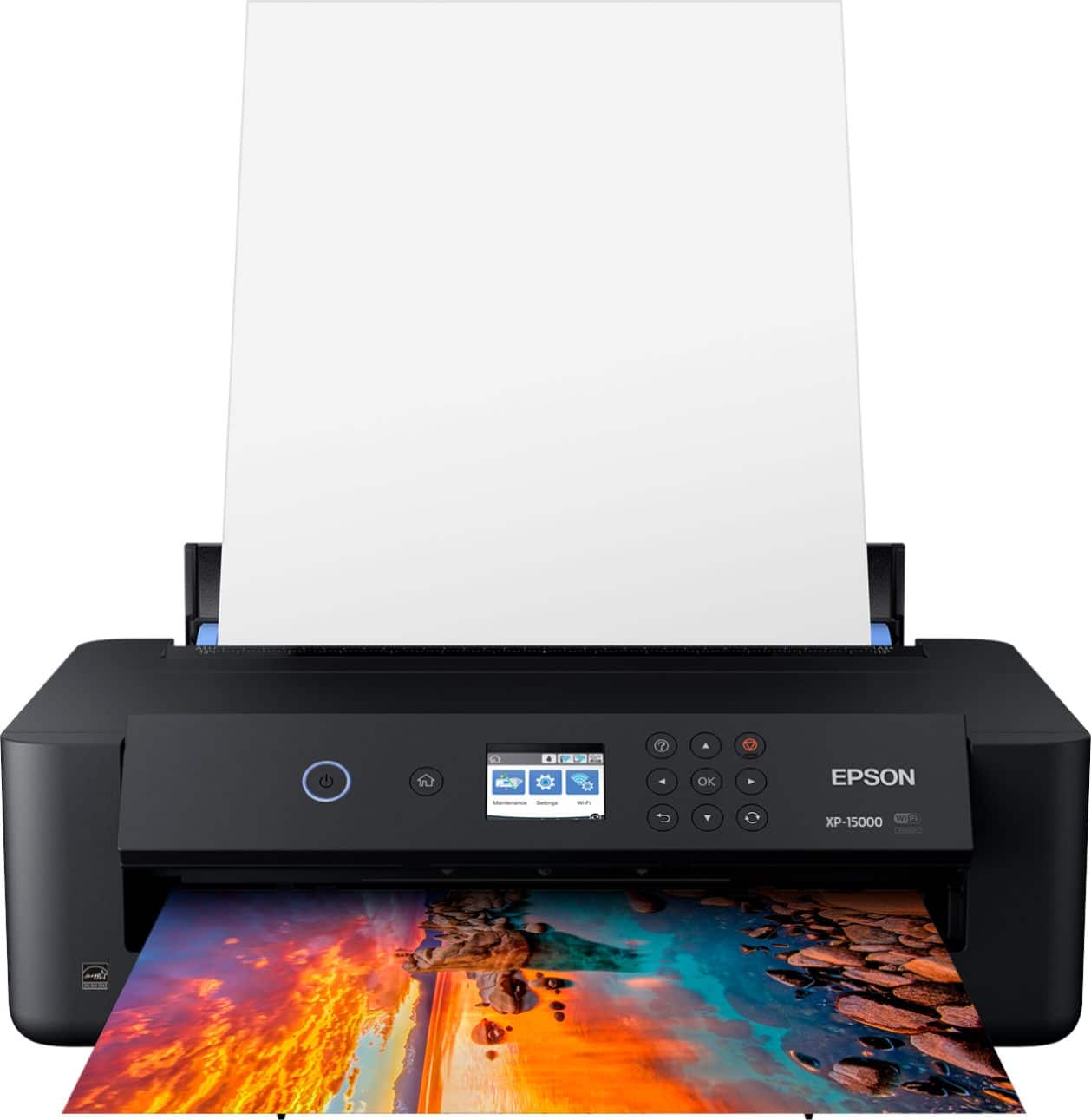
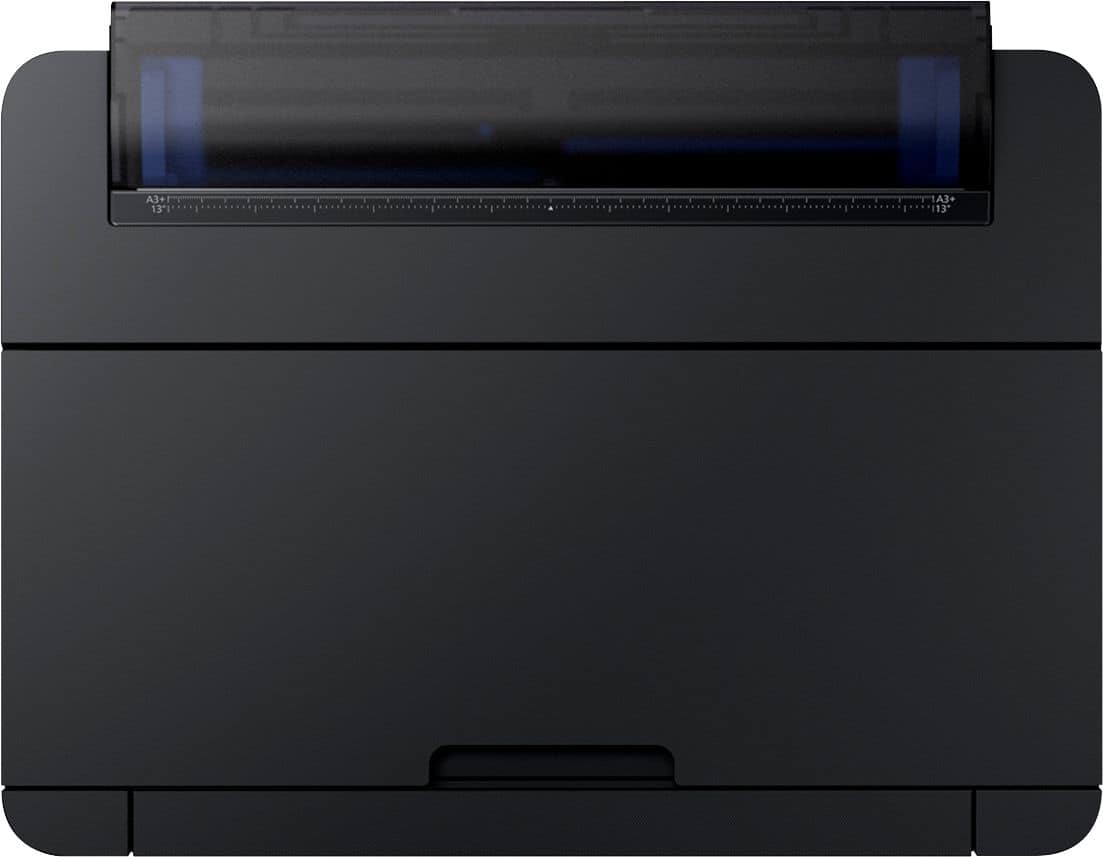
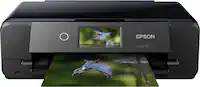
A:AnswerNo. Large paper (up to 13x19) feeds from a rear slot and smaller sizes from the front drawer. I am very happy with this printer, but can tell you that I've occasionally have encountered paper feed problems, especially with heavier matte papers. Color rendition is perfect.
A:AnswerHi PumpkinKing, The heaviest media the XP-15000 can feed is 24 lbs. That is well short of matte board. Look for a high-end printer that has a straight feed path. Regards, Mark - The Epson Team.
A:AnswerHi, Yes, the XP-15000 can print on standard paper sizes, such as Letter, Legal, 4 x 6, 5 x 7, 8 x 10, and many more. Regards, Mark The Epson Team.
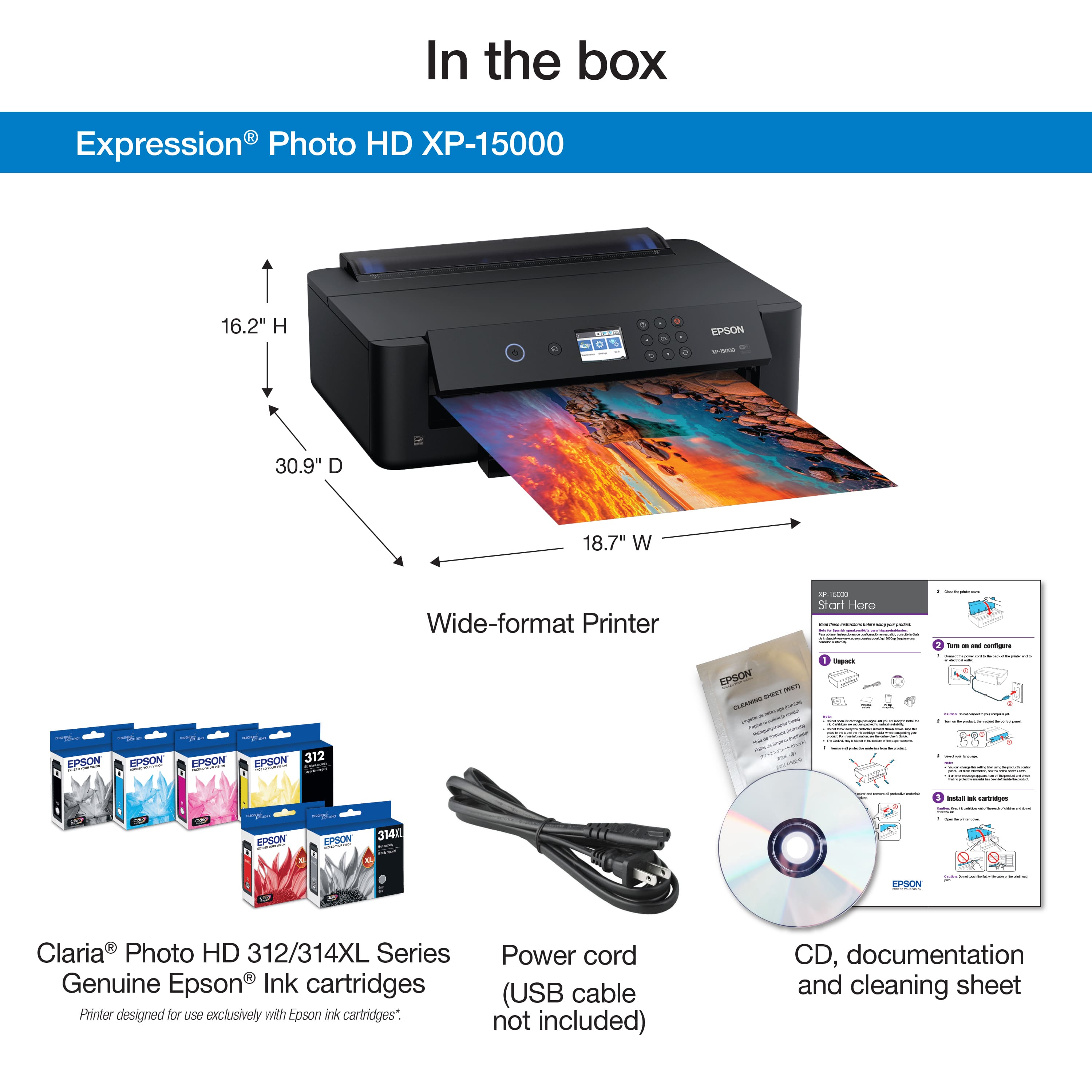
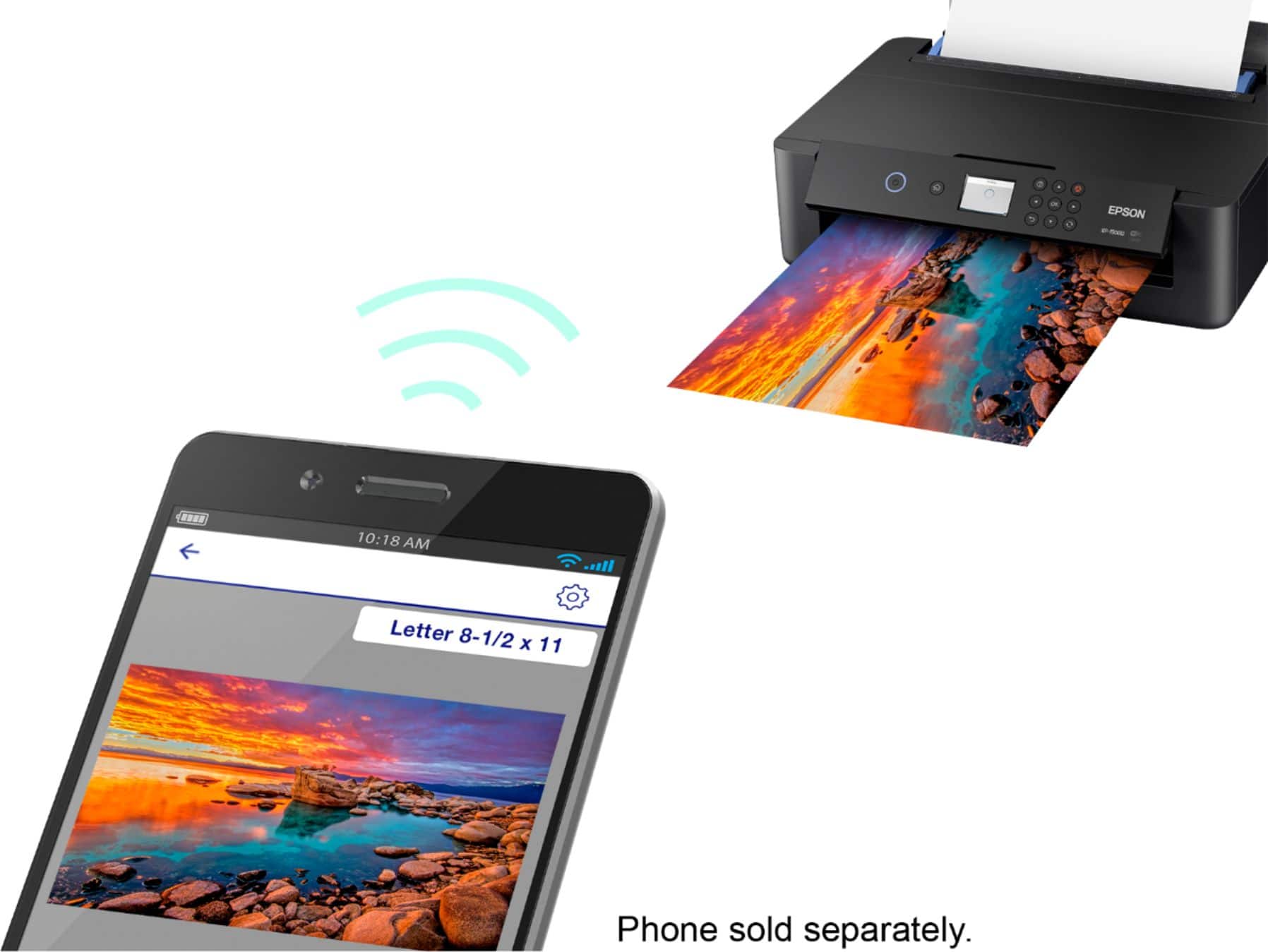
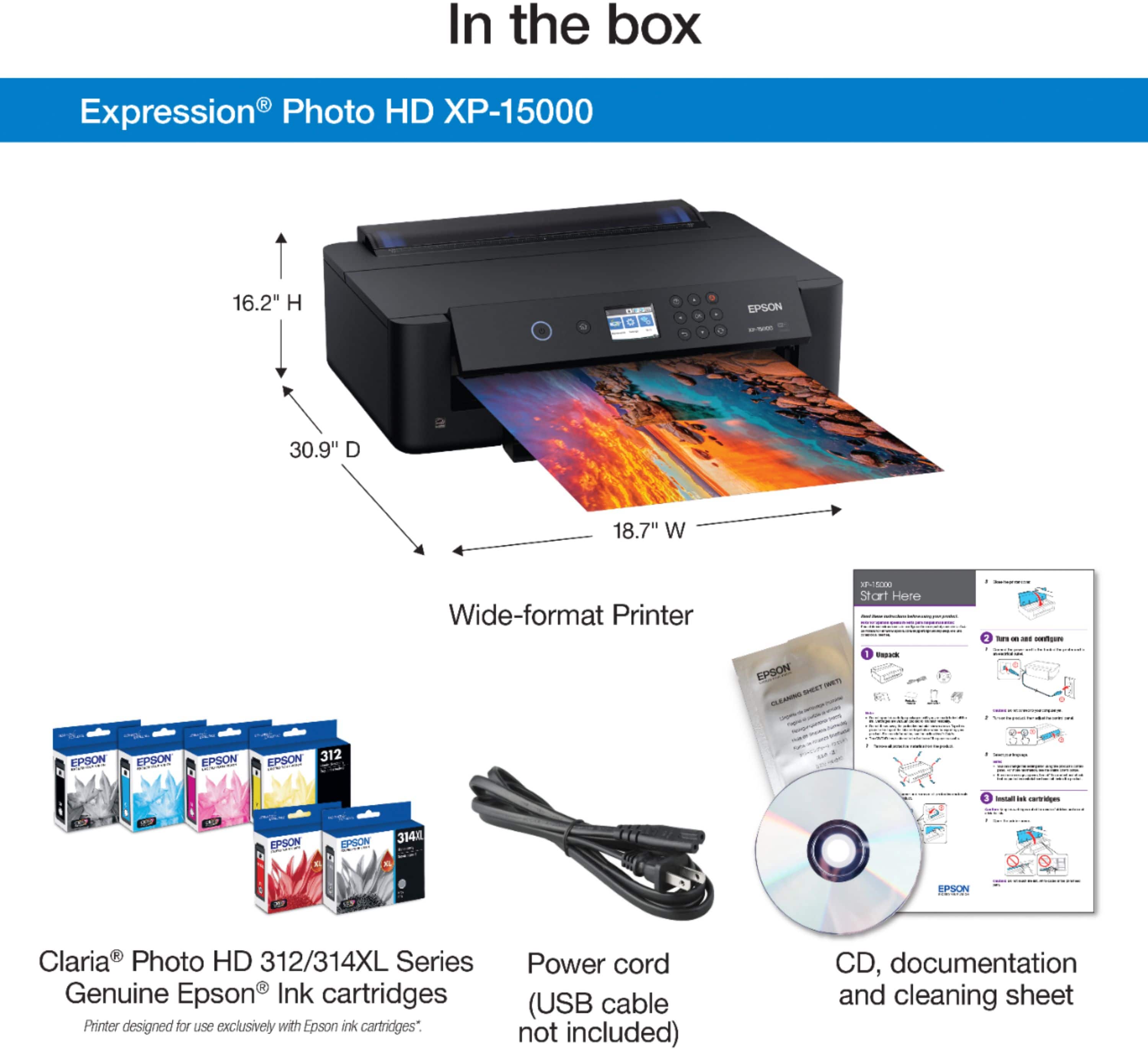
A:AnswerHello majikmaker03. The XP-15000 can be used wirelessly via Wi-Fi. If you need to physically connect the printer to a computer, then you would need to purchase a USB cable separately. Regards, Kevin - The Epson Team.
A:AnswerHello. The XP‑15000 does support paper sizes up to 13" × 19". We generally don't test 3rd party paper, so your results may differ depending on the brand and finish. It’s a good idea to try one sheet first or check with the paper manufacturer to make sure it works well with our printers. For heavier papers, we recommend using the rear feed to avoid paper feed issues. Regards, Kevin - The Epson Team.
A:AnswerHello. The Epson XP‑15000 can handle heavyweight paper, but traditional 140 lb watercolor sheets aren’t officially supported. Many standard watercolor papers are too stiff or textured for reliable feeding. We haven’t tested 140 lb watercolor paper, so results will vary depending on the specific brand and surface. Regards, Kevin - The Epson Team.
A:AnswerHello PamaJama. Yes, the XP-15000 will work with Windows 11. You can find the latest print driver on our official Epson Support page. Regards, Kevin - The Epson Team.