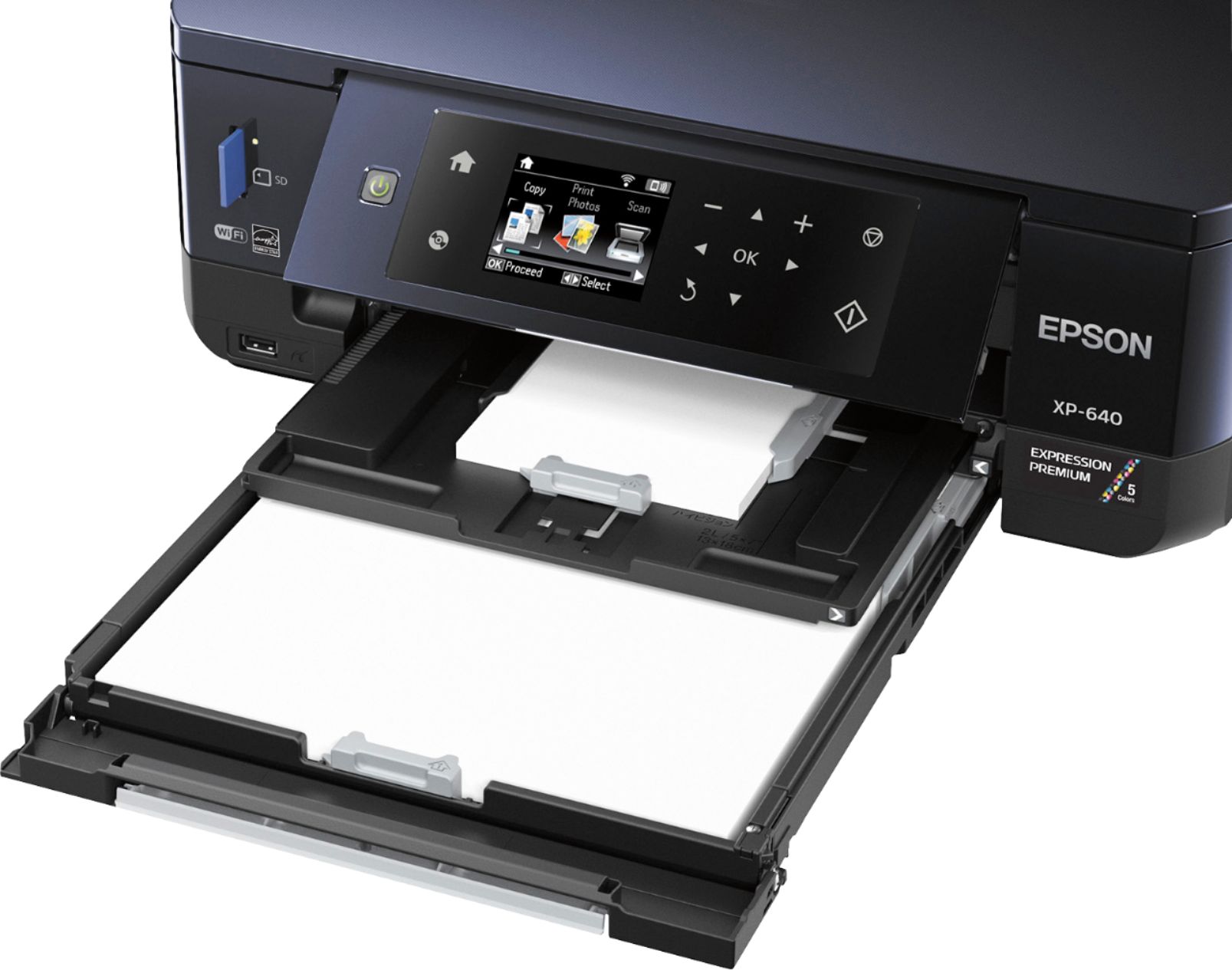
A:AnswerTry resetting your print settings to default. Also, make sure the correct "glossy" photo paper is being used. You can also try to put only a few sheets of photo paper in the cassette or deleting the printer all together and reinstalling the drivers.
A:AnswerYes it does work with the MacBook Pro. I have the Retina display 13 inch and it works when it is plugged in and also over the wireless connection.
Hope this helped.
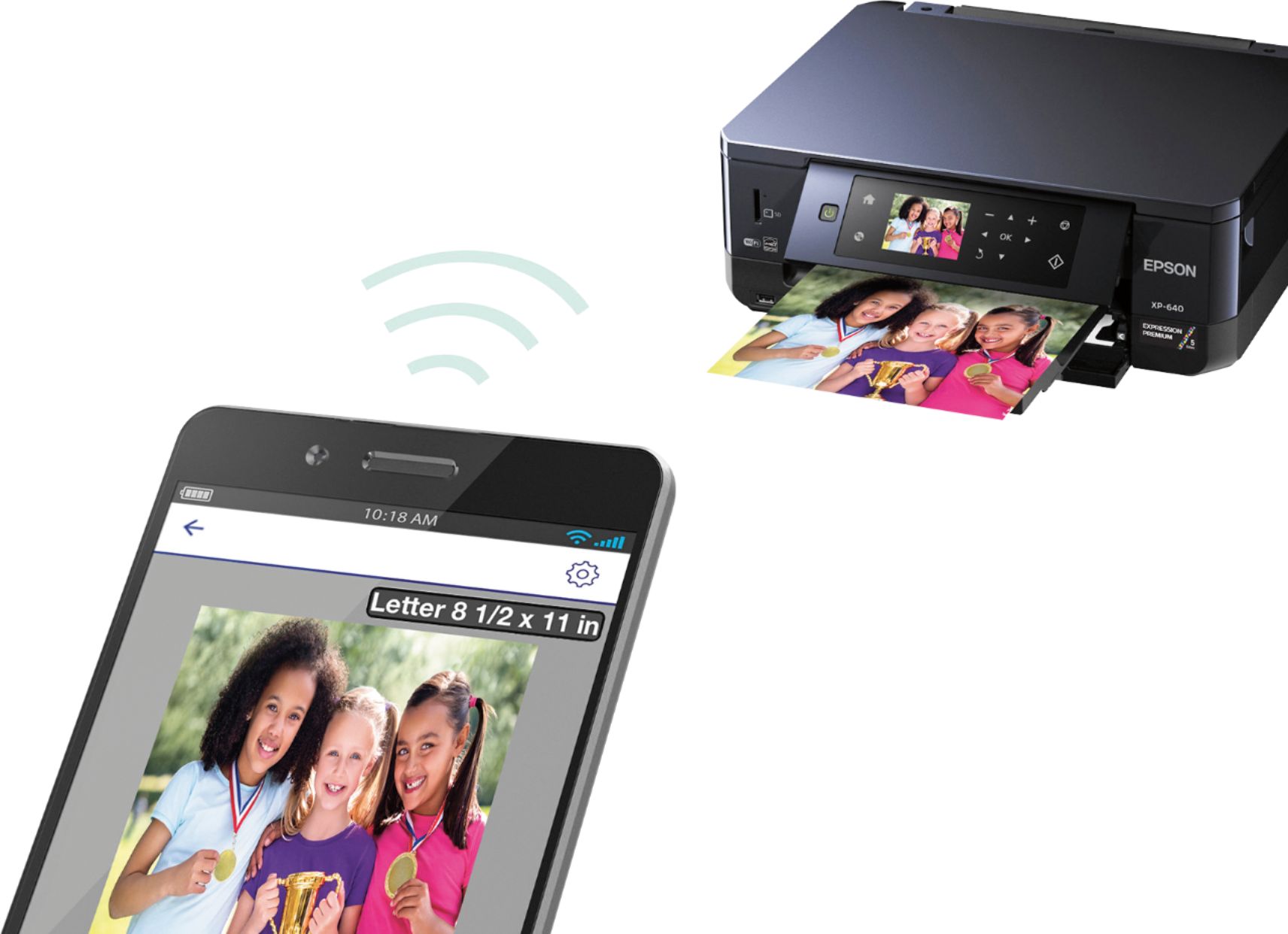
A:AnswerI do not have an iPhone, but it appears based on the Epson Web Site: http://www.epson.com.au/connect/wireless-printing-compatibility.asp that all of the iPhones are compatible with the Epson Expression XP 640. Hope this information is helpful.
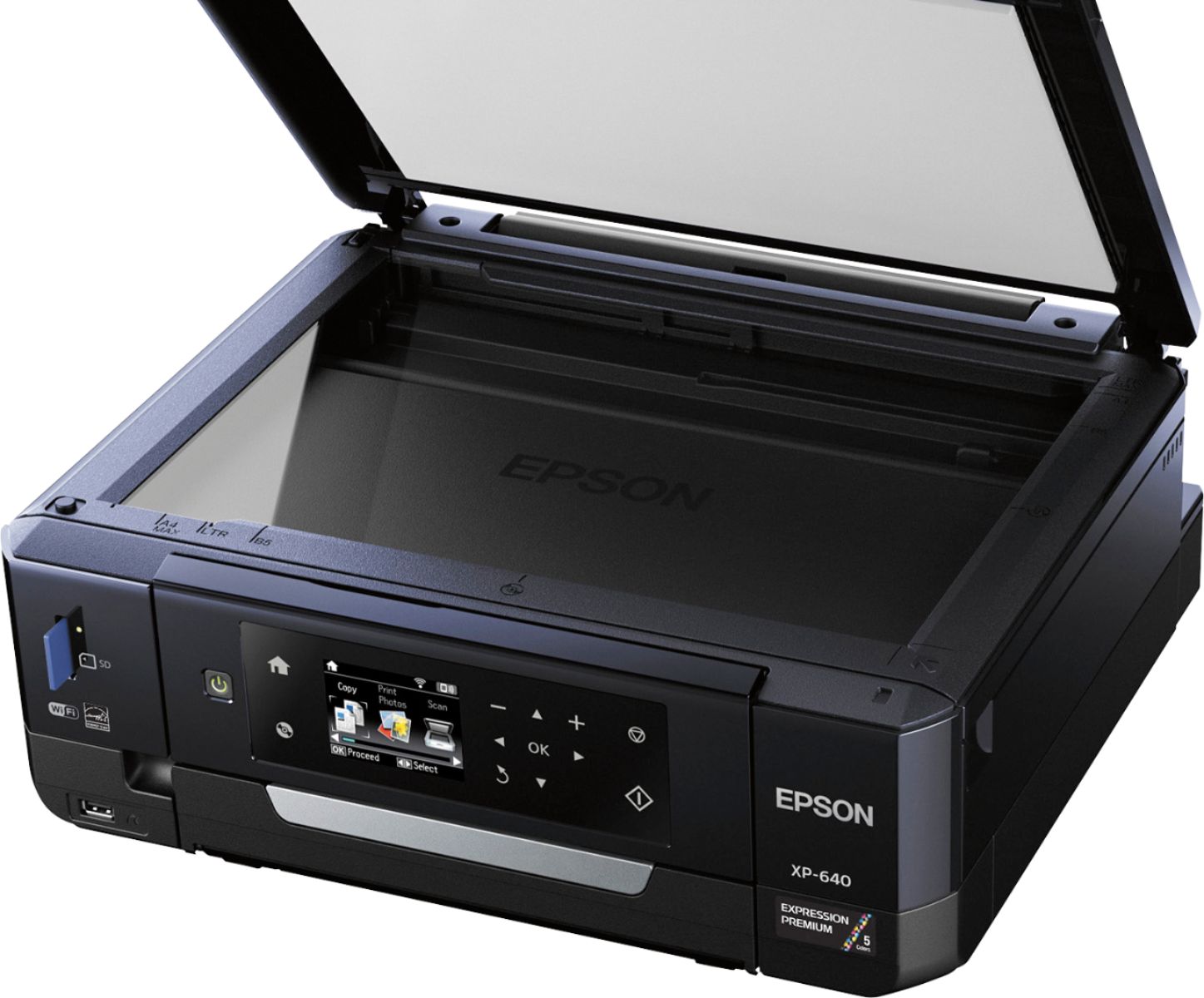
A:AnswerThis item does scan to a computer, copy and is compatible with MS Windows XP Professional x64 Edition, MS Windows XP SP3, Apple Mac OS X 10.6.8 or later, Windows 8, MS Windows Vista, MS Windows 7, Windows 8.1, Windows 10.