Questions & Answers
- Model:
- XP-640 ALL-IN-ONE C11CF5020
- |
- SKU:
- 5451700
Highly rated by customers for: Print Quality, Ease of use, Size
Page Showing 161-163 of 163 questions
Q: Questionxp 640 error message 202621 help please xp640 error message 202621
Asked by sam.
- A:Answer I have not encountered this, but have with "other" printers. When this has happened, it was due to connection or to many commands were pushed, and it could not decipher what I was wanting.
Answered by BBShopper
Q: QuestionIs there a way to set the paper type to "copy paper". When I make a copy of a text, the choices are : premium matte, premium glossy, ultra glossy, glossy, premium semi-glossy. I just want a multipurpose copy paper to copy a recipe!
Asked by DairyQueen.
- A:Answer To BBShopper: I am not trying to make a copy from my computer at all. I want to use the printer as a copier (like you might find in an office) to copy one sheet of paper. "Scan" actually scans it and sends it somewhere (cloud, memory card, computer). but does not make a copy. I just want to make a physical copy on regular paper (not photo paper). Is there a way to do this on the Epson Xp-640?
Answered by DairyQueen
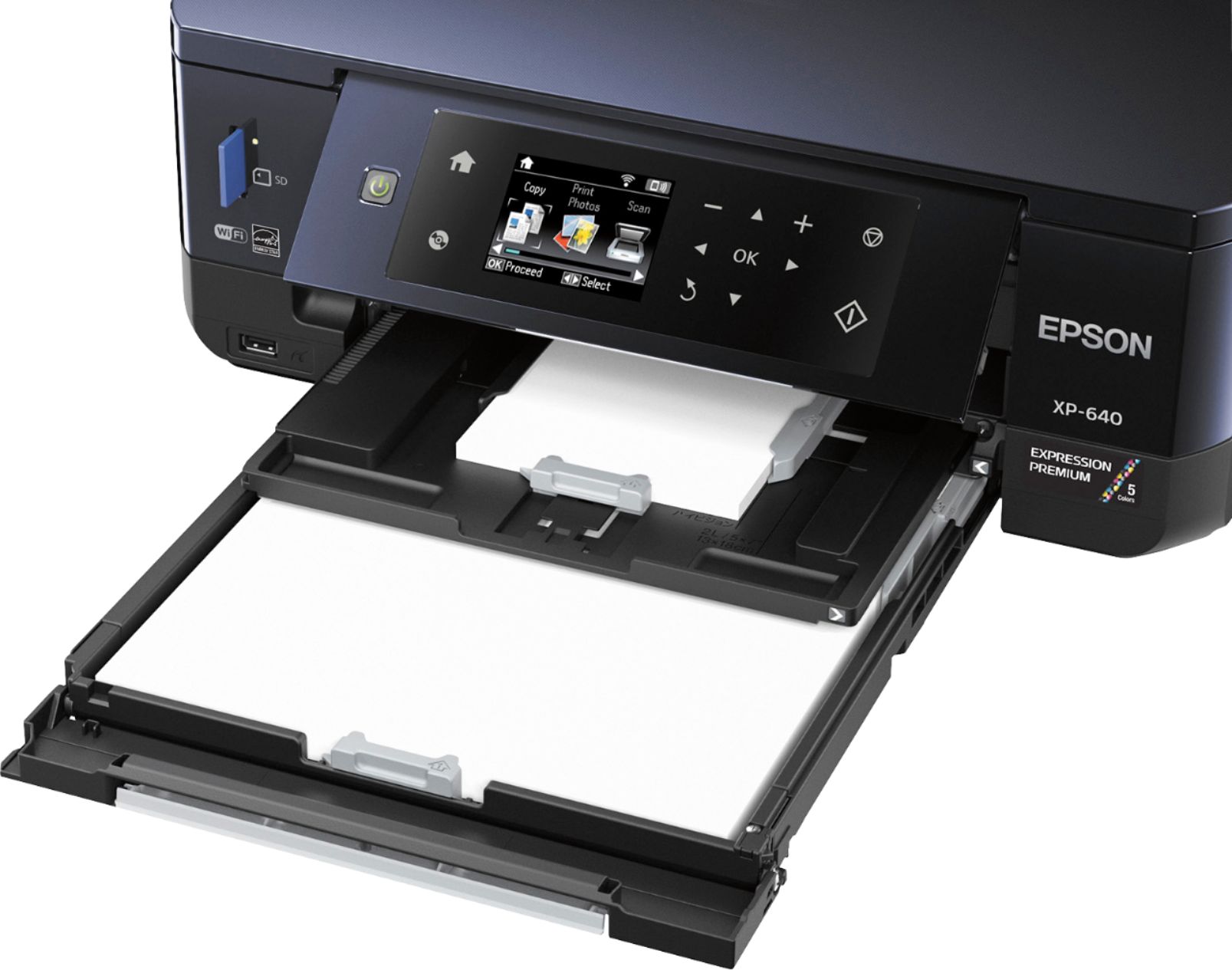
Q: QuestionI have this printer and cassette 1 is empty and cassette 2 has letter size paper in it but when I try to print from a device it tells me to load cassette 1. I just need to print the letter paper, how do I fix this?
Asked by Indy2711.
- A:Answer Make sure the tray is out to catch the paper. Not the tray below cassette 2
Answered by Riker
Best-selling Best Buy
- Tech Fest Deal$99.00