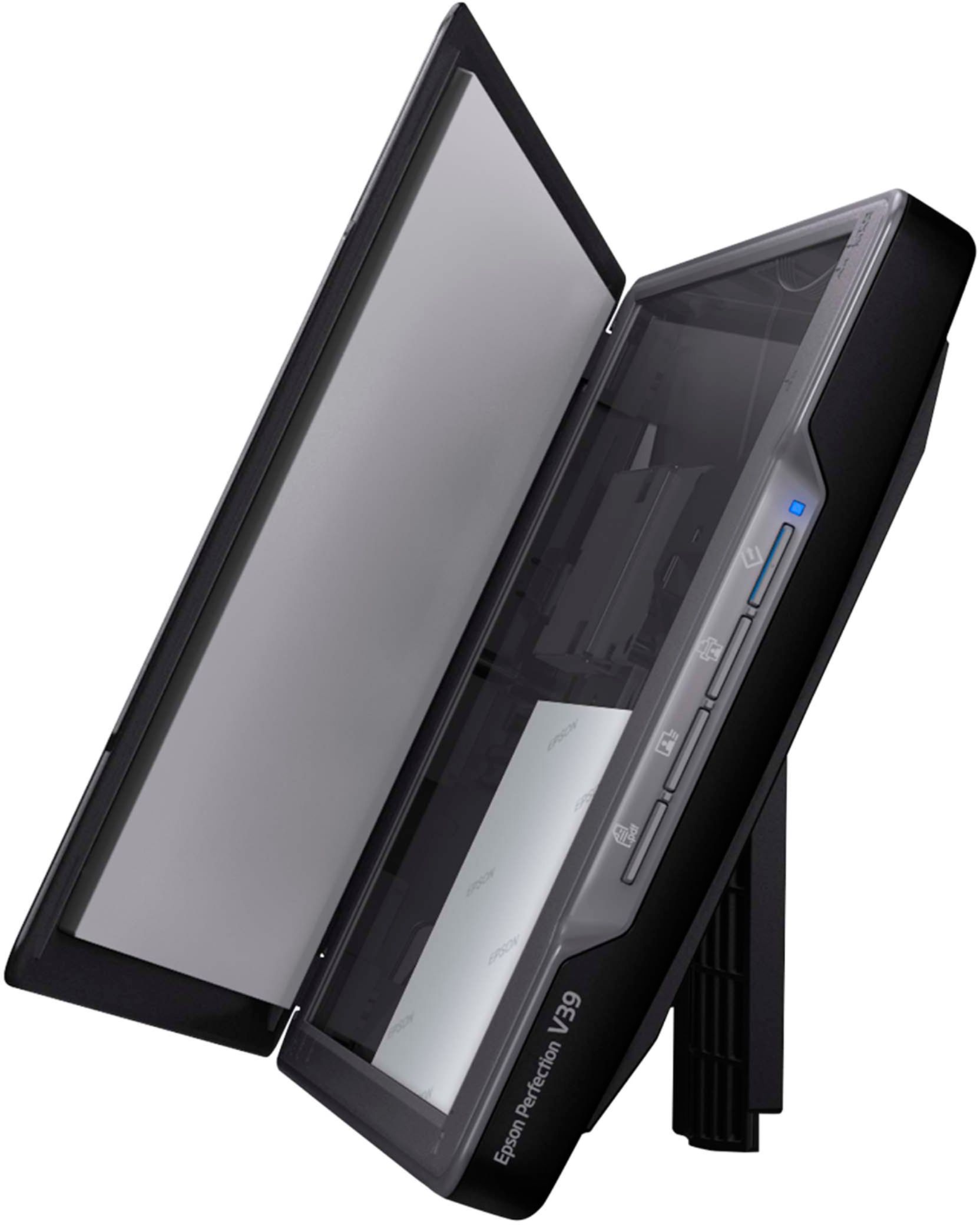
A:AnswerHi Apple. The Epson V39 Photo Scanner is compatible with Apple computers running macOS 10.6 - 11. To download the latest print driver, please visit the official Epson Support website. Regards, Kevin - The Epson Team.
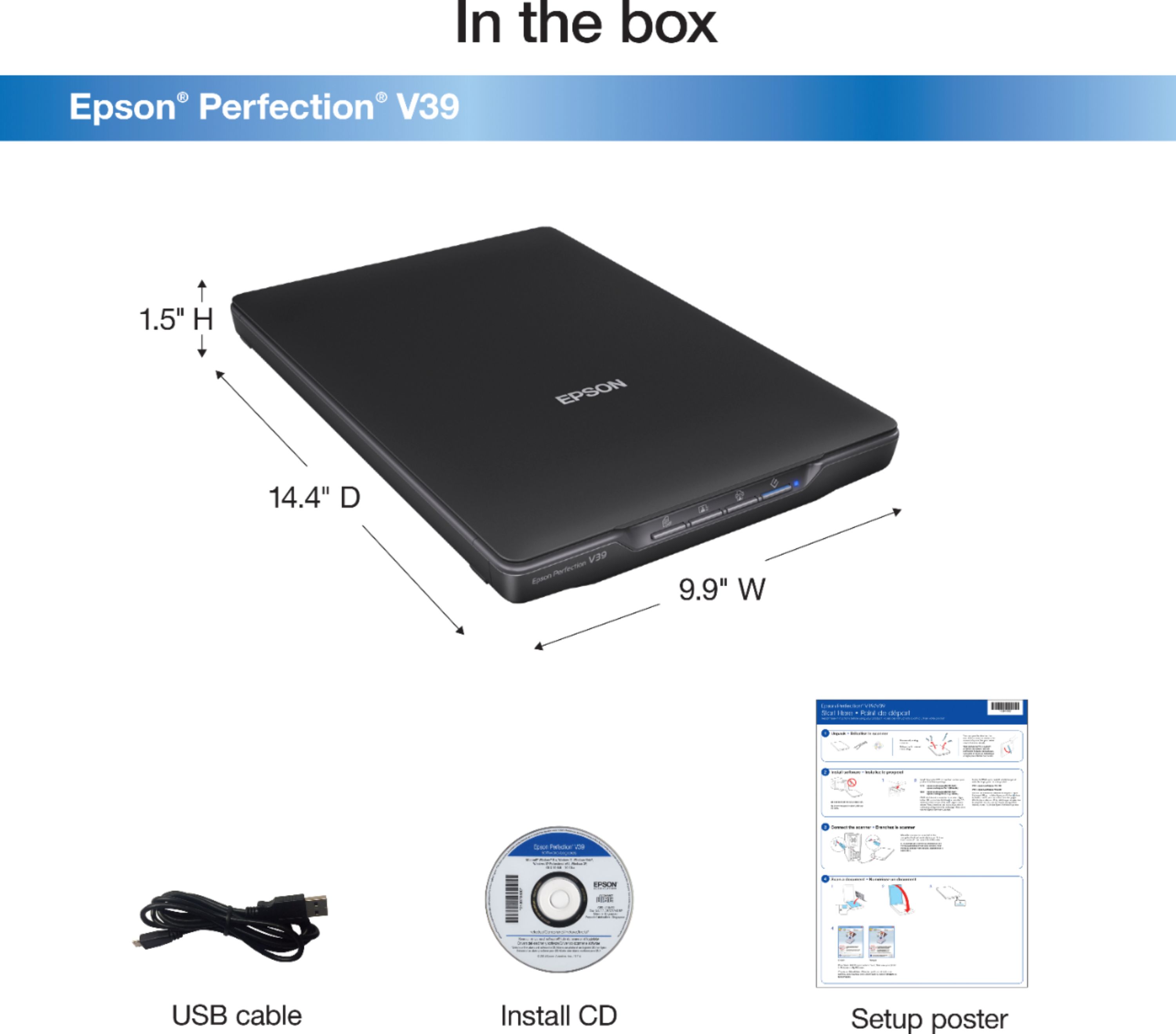
A:AnswerThe scanner does not come with any software. The simple start instructions tell you where to download the software from the Epson support site. No CD drive required.
A:AnswerHi Fairfielder, Yes, the software included with the Perfection V39 allows you to save multiple scanned documents to one PDF. Regards, Mark - The Epson Team.
A:AnswerHi Emma, The Perfection V39 Scanner should work when it is connected to any standard USB port on a computer. To use the scanner with a Mac, you must download the drivers from the Epson support site and install them. Regards, Mark - The Epson Team.
A:AnswerHello garfreak. The V39 features a removable lid that can accommodate scanning book pages and covers. We recommend contacting the software designer to confirm compatibility as it is 3rd party software. You can find and download the latest scan driver software on our official Epson Support page. Regards, Kevin - The Epson Team.
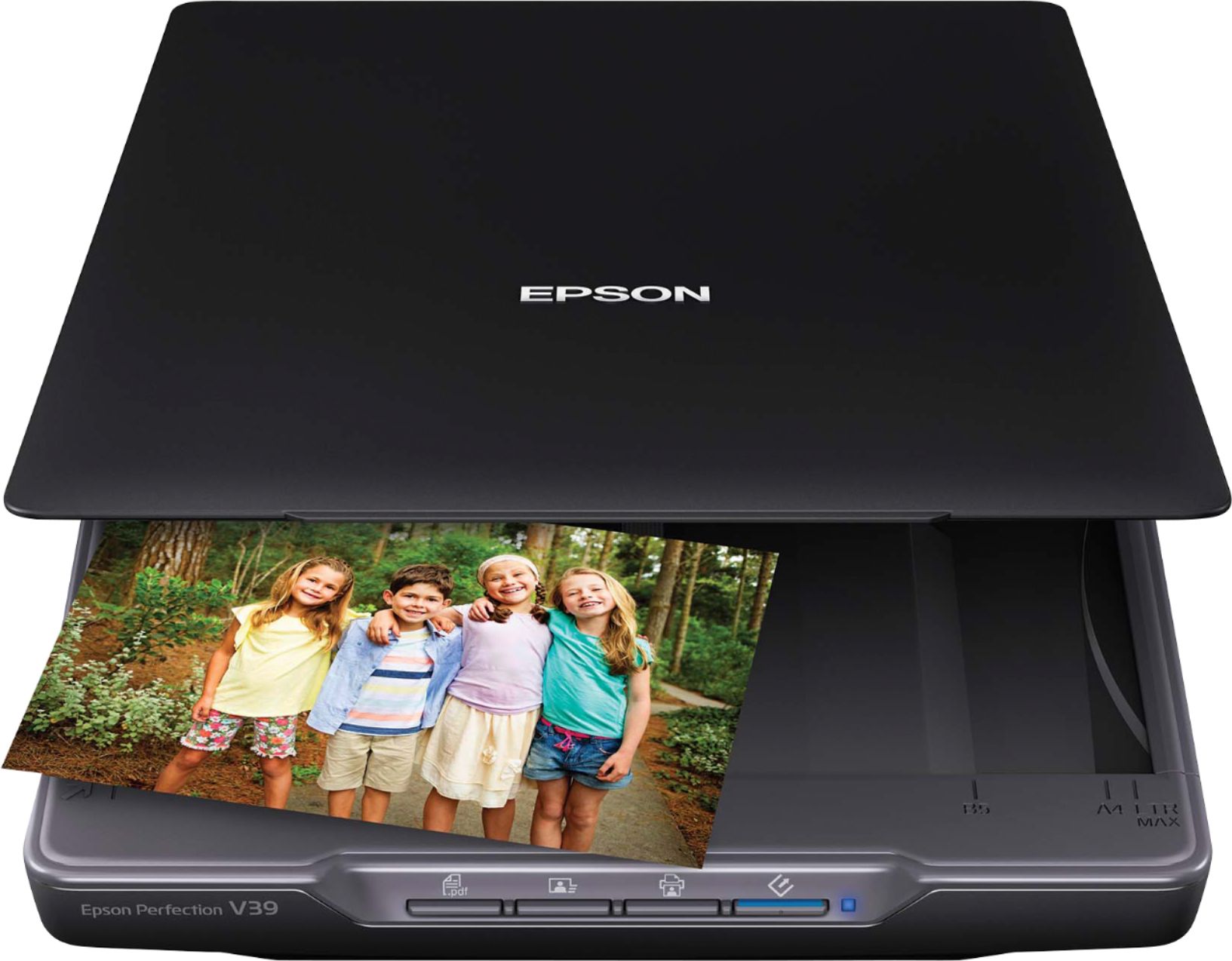
A:AnswerHello Stella. Unfortunately, the Epson V39 Scanner is not compatible with Chromebooks. The scanner only works with computers using Microsoft Windows and Mac OS. Regards, Kevin - The Epson Team.
A:AnswerYou need to check the Epson Website to see if there are device drivers and software for you to download and use for your version of Windows. You may also have memory and CPU limitations based on the size of the image that you are trying to scan and at what resolution you are using. The larger the image and the higher the resolution that you choose to scan at - will also affect how much memory [RAM] that your system will use. With older Windows systems such as yours you may easily exceed the RAM limits of what you are trying to accomplish. Your CPU performance will probably be slow as well. Also based on the age of your system, depending upon your use/how/what-you-sue-your system for - you may also be compromised by file storage or how large your hard drive is. When you scan large image files - they take up more and more "storage" space when you use a higher resolution setting [that is why you see hard drives for 2GB or 4GB becoming more commonplace]. In addition, Windows [and Apple as well] Operating Systems [all version] requires and uses a "scratch space" to use on your hard drive; so what you see as being "free space" to use may not be all free to actually use. I recommend that people purchase at least 64GB for RAM with new Windows systems so they are prepared for the present and future with regards to where technology is moving towards - both for software, games and multimedia performance. That is the 1st step. The 2nd part is that you can use a program like XnConvert to help you with resizing one or many images. Do a search to find where to download XnConvert - it is very quick and easy to use; there are other similar solutions.
A:AnswerHello Slides. Unfortunately, the V39 isn't designed to scan slides. We recommend looking at the V600 Photo Scanner. It has a built-in transparency unit that scans slides, negatives, and medium-format panoramic film. The V600 is currently in stock on BestBuy's website, but please note that availability can change. Regards, Kevin - The Epson Team.
A:AnswerHello Stapleton. Unfortunately, the V39 does not have the ability to scan to a USB drive. However, it does support a direct connection via a Hi-speed USB 2.0 cable. Regards, Kevin - The Epson Team.
A:AnswerHi swamperbob, The Perfection V39 features optical 4800 x 4800 dpi resolution, so a 2" square scan would contain 9600 x 9600 pixels. Enlarging it by 4x without software interpolation would result in 2400 x 2400 pixels at 8" x 8". As long as the object you are scanning is flat, the focus should be good. If the object you want to scan is not perfectly flat, consider a scanner with a CCD sensor, like the Epson Perfection V600. At the time of this response the V600 is available at BestBuy.com. Regards, Mark - The Epson Team.
A:AnswerHello 450545. Yes, the Epson Perfection V39 scanner is compatible to work with Mac OS 11.x.x. To download the latest driver, please visit our official Epson Support page. Regards, Kevin - The Epson Team.
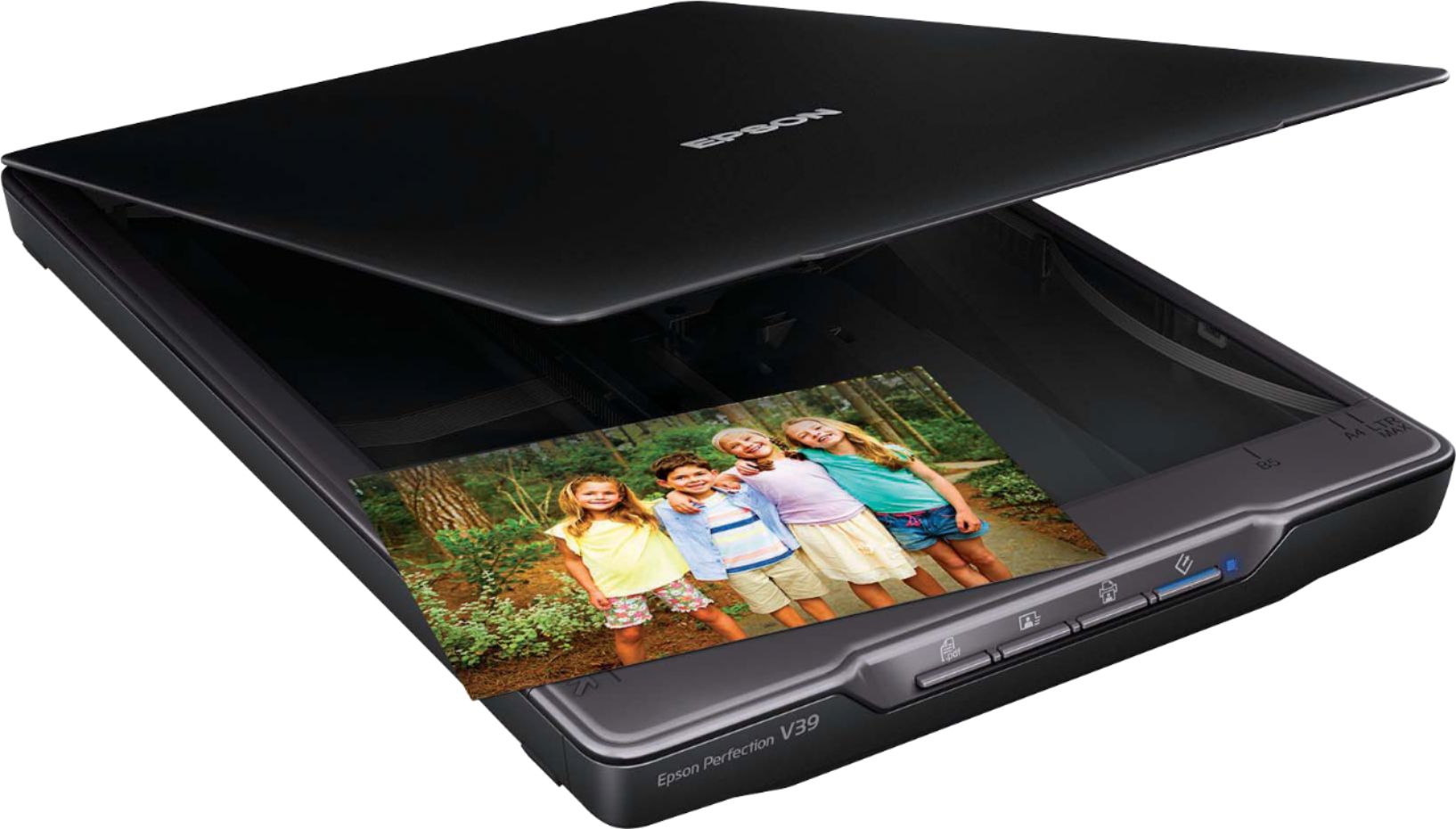
A:AnswerHello BG40. Yes, you can find and download the latest print drivers for the V39 Scanner directly from our official Epson Support page. Regards, Kevin - The Epson Team.
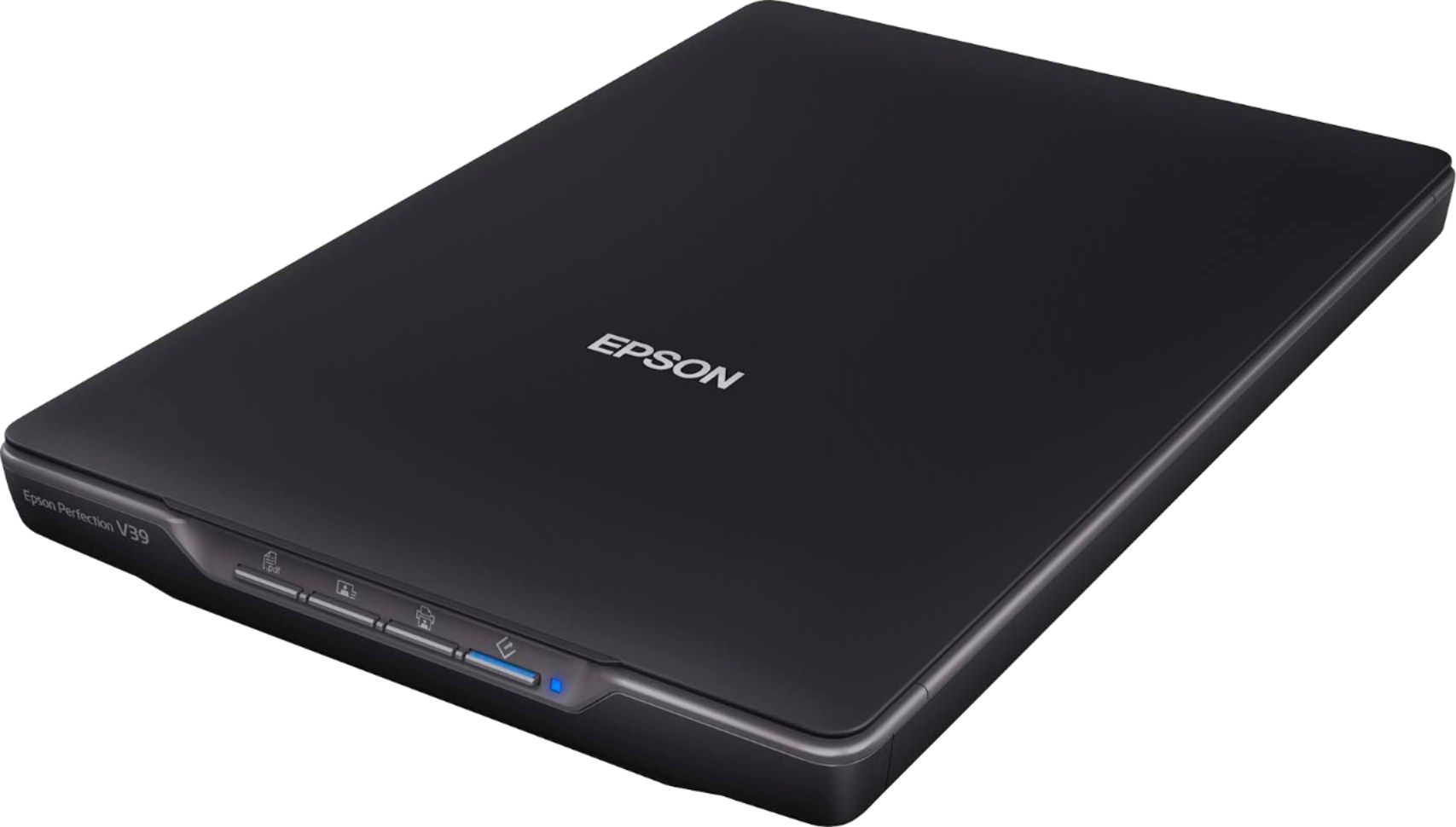
A:AnswerHi LeAnn, The Perfection V39 Photo Scanner has a removable lid that allows you to scan thick materials like a book. Regards, Mark - The Epson Team.
A:AnswerHello PonyGirl. Yes, the V39 Scanner allows you to remove the scanner cover, which is generally recommended and beneficial when scanning a book or thick document. Regards, Kevin - The Epson Team.
A:AnswerHello. The Perfection V39 Scanner does not have the ability to scan film negatives and 35mm slides; it doesn't come with any film holders or software option for detecting frames and processing them. The V39 is compatible with computers running the MAC OS 10.x.x - 11.x.x operating systems. If you need more information, visit the official Epson Support website. Regards, Sam - The Epson Team.

A:AnswerHi, Sorry, the Perfection V39 is not wireless. You need a computer and USB connection to use it. Epson has several wireless sheet fed scanners that will let you scan to your Samsung phone and iPad. Regards, Mark - The Epson Team.