A:AnswerHi HeidiL. Yes, the Epson Pro EX7280 can run on power supply voltages from 100 – 240 V AC +/- 10% at 50/60 Hz. Regards, Kevin - The Epson Team.
A:AnswerHi Gary, Yes, you can project from a USB storage device using the Pro EX7280. The file types are limited to: .jpg, .bmp, .gif, .png, and .avi. For more details, visit the Epson Support site for the projector. Regards, Mark
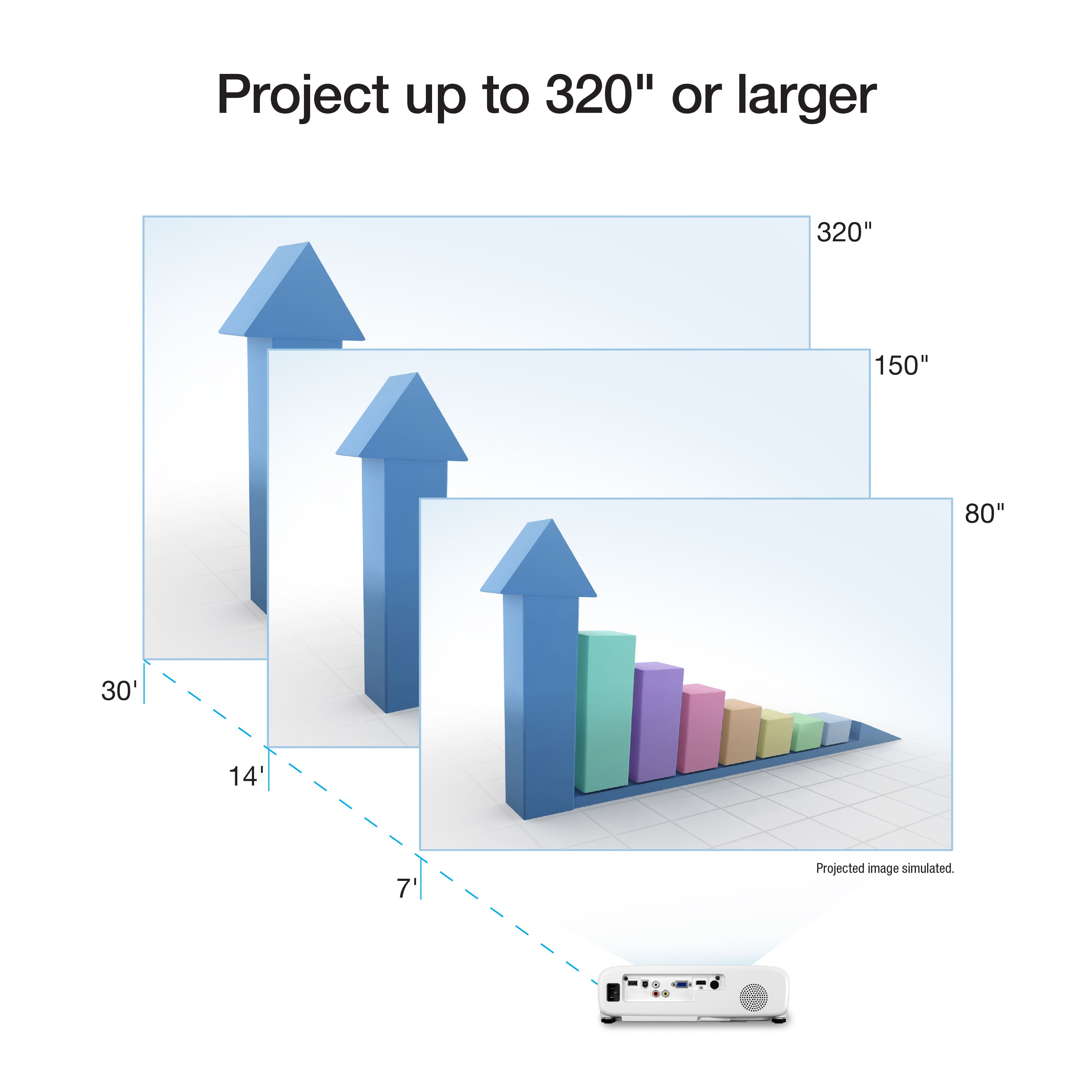
A:AnswerHello Dave. If you are planning on using a 15 ft screen with an EX7280, we recommend placing the projector 180 to 223 inches away from the display. For more details, please review the "Projector Placement" section found in the User's Guide on our official Epson Support page. Regards, Kevin - The Epson Team.
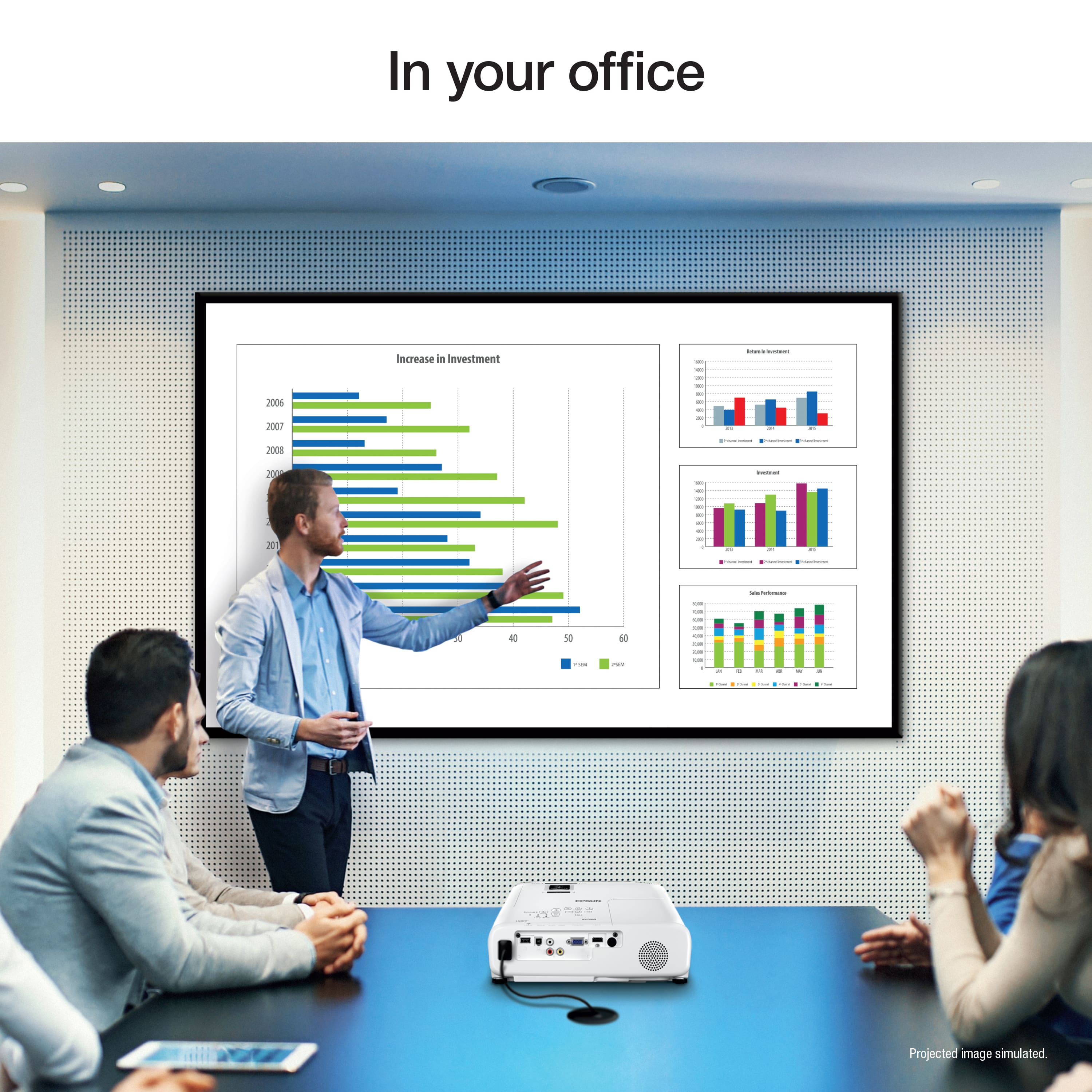
A:AnswerHello. The EX7280 Projector is primarily intended for indoor use; it is not recommended to be placed outdoors. For more information on optimal usage, please visit the official Epson Support Page. Regards, Kevin - The Epson Team.
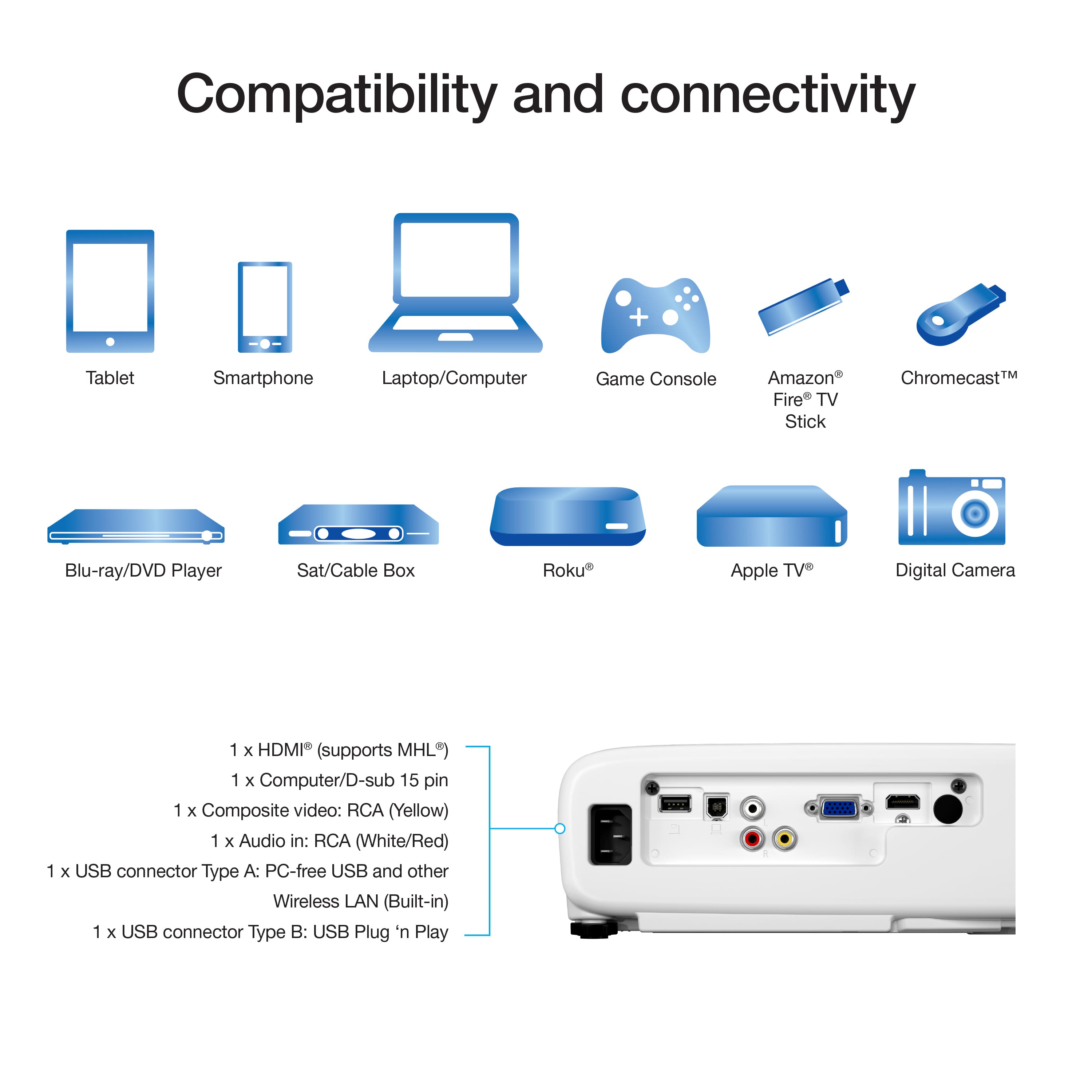
A:AnswerHi Tranquil, The Pro EX7280 has a standard HDMI port for connectivity. If you connect your Apple TV to the projector, it will work with you Apple devices. Regards, Mark - The Epson Team.
A:AnswerHi Pastor, Yes it does. In addition, you can use the EX7280 to project from the front or rear whether the projector is sitting on a table or hung from a ceiling mount. Regards, Mark - The Epson Team.
A:AnswerHi EXP, The Pro EX7280 works like an external monitor when you connect it to a computer, so as long as your laptop supports dual monitors via HDMI or VGA connections, it will work with two Pro EX7280s. Regards, Mark - The Epson Team.
A:AnswerHi nickname, The Epson Pro EX7280 is not a 3D projector. However, the Epson Home Cinema 3200 supports 3D and is available at Bestbuy.com. (Inventory can change.) To use the 3D feature you must purchase glasses that are 3D active shutter glasses with Full HD RF 3D certification. Regards, Mark - The Epson Team.
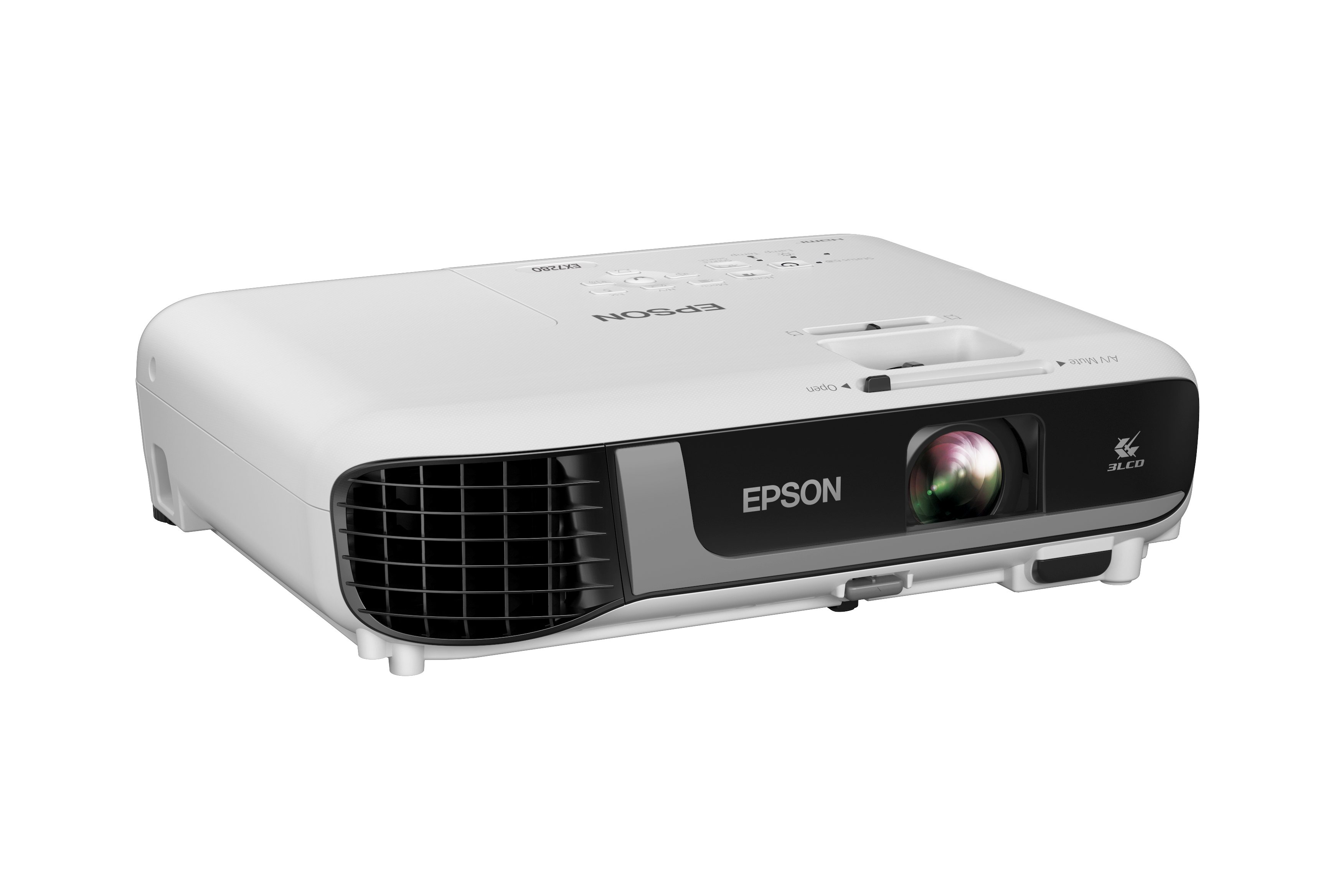
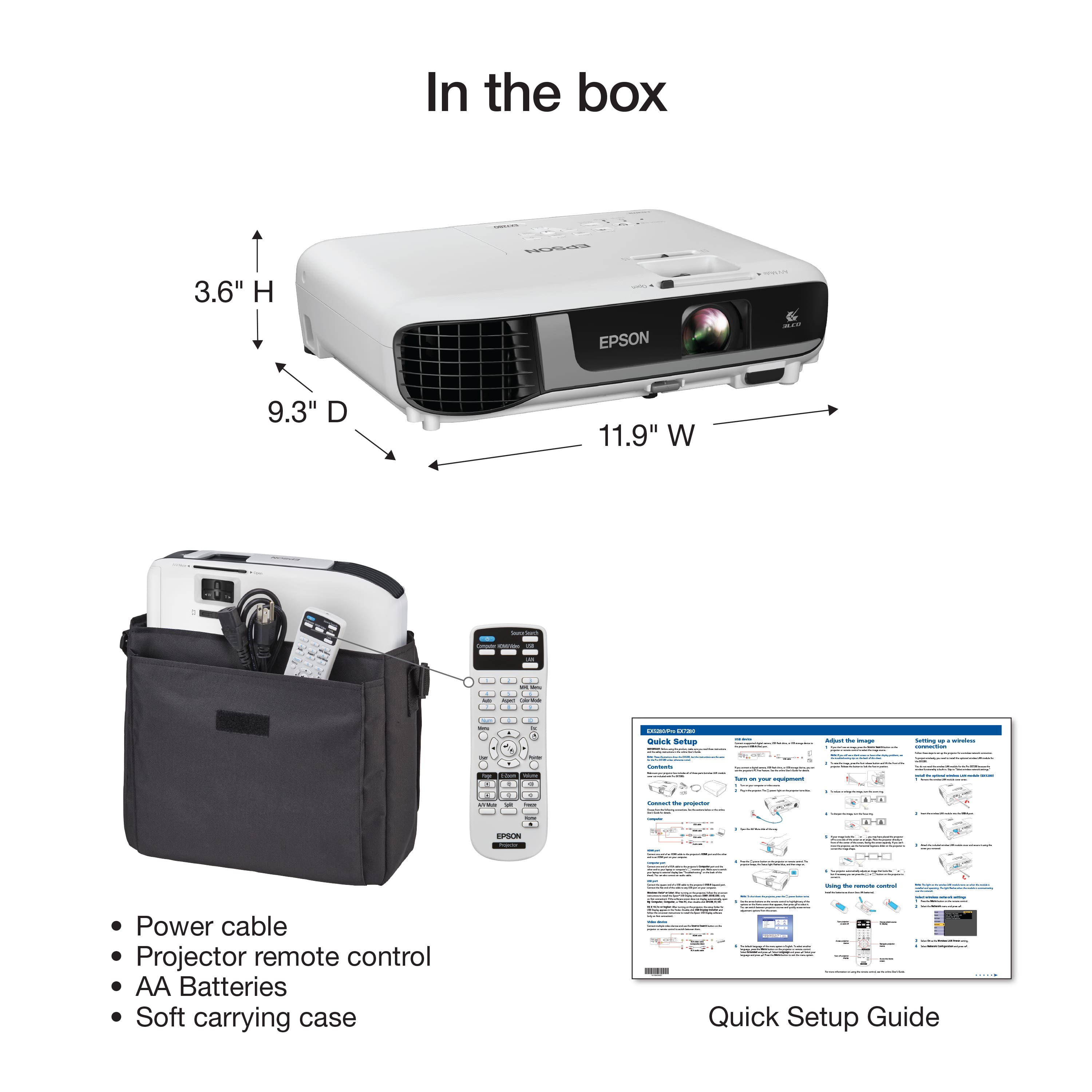
A:AnswerHello. The EX7280 projector does not require a lens cap as the projector already has a built-in sliding cover that protects the lens. You can slide the A/V Mute lever until you hear a click to open and close the cover. Regards, Kevin - The Epson Team.
A:AnswerHello JGCND. Yes, the EX7280 can be ceiling mounted. To mount the projector, you need to use the Universal Ceiling Mount that is sold as a separate accessory. The part number for the mount is ELPMBPJG. Regards, Kevin - The Epson Team.
A:AnswerHello JCGND. Epson does not sell a lens cap for the EX7280 projector. The projector already has a built-in sliding cover that protects the lens. Slide the A/V Mute lever until you hear a click to open and close. Regards, Kevin - The Epson Team.
A:AnswerHi Dave, The Epson Pro EX7280 has a standard HDMI port on the back you can use to connect a FireStick. But, the projector has an internal speaker with no Bluetooth capabilities for sound output. The Epson Home Cinema 1080, which is also currently available on Bestbuy.com, has two HDMI ports and a 3.5 mm (Stereo) audio output port. You could connect it to an inexpensive Bluetooth sending unit for sound. Regards, Mark - The Epson Team.