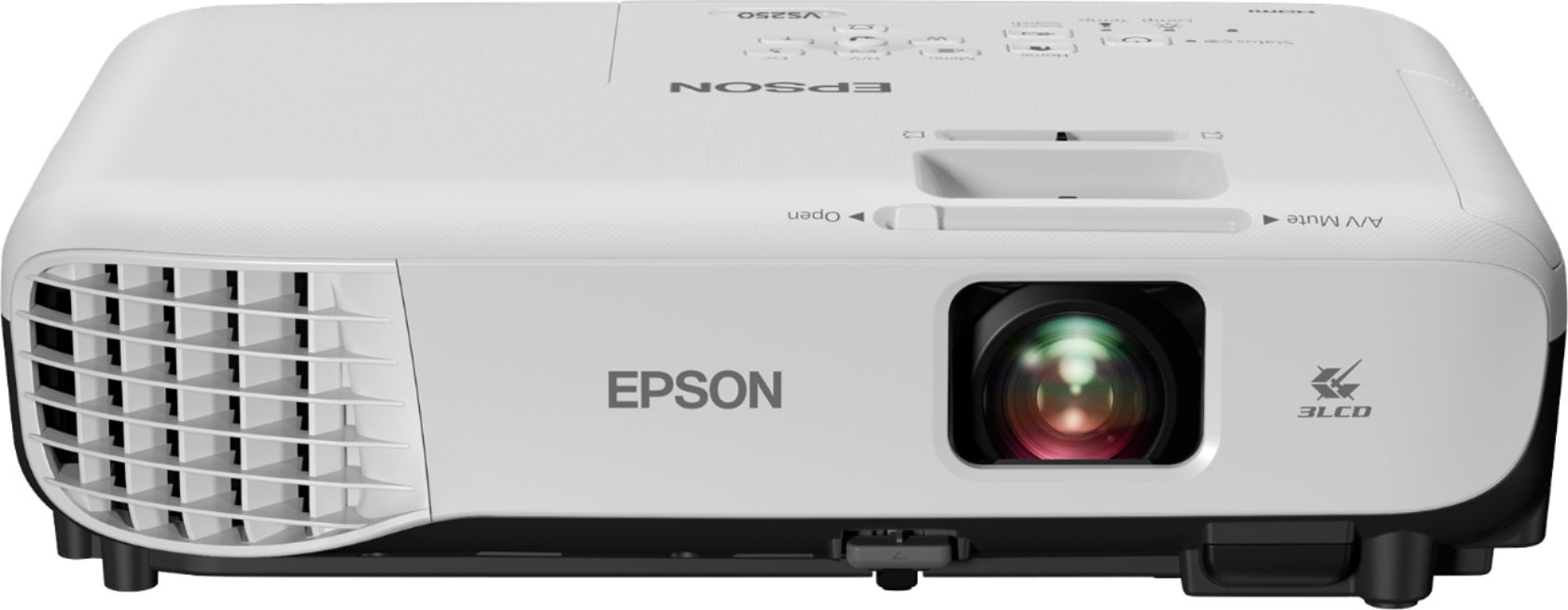
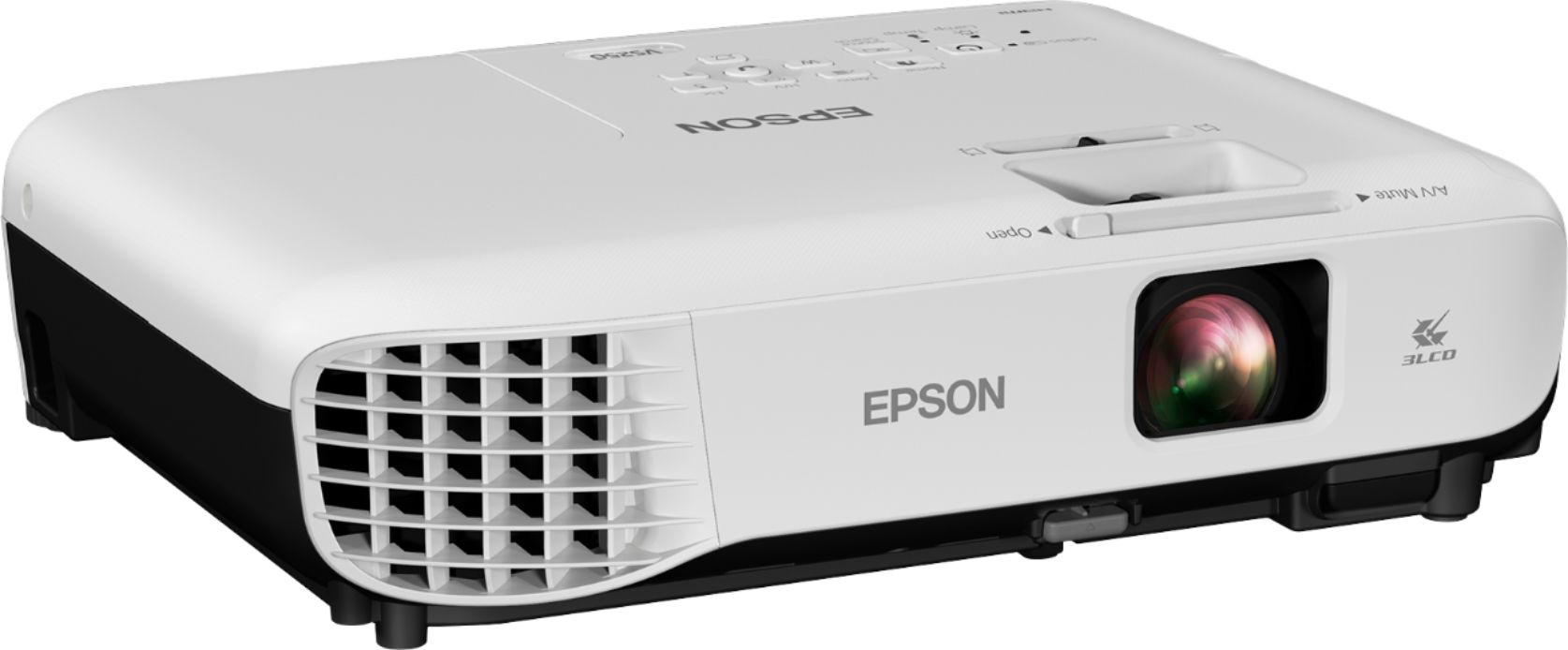
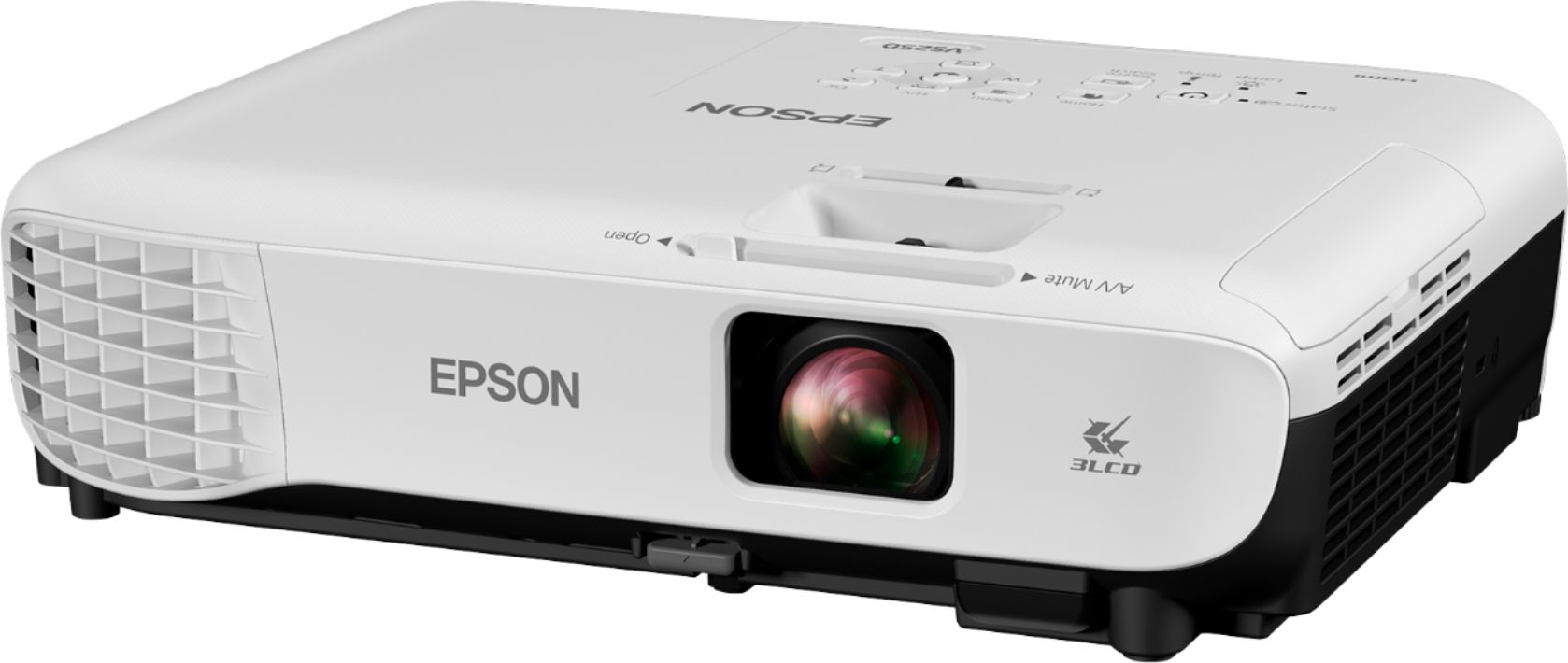
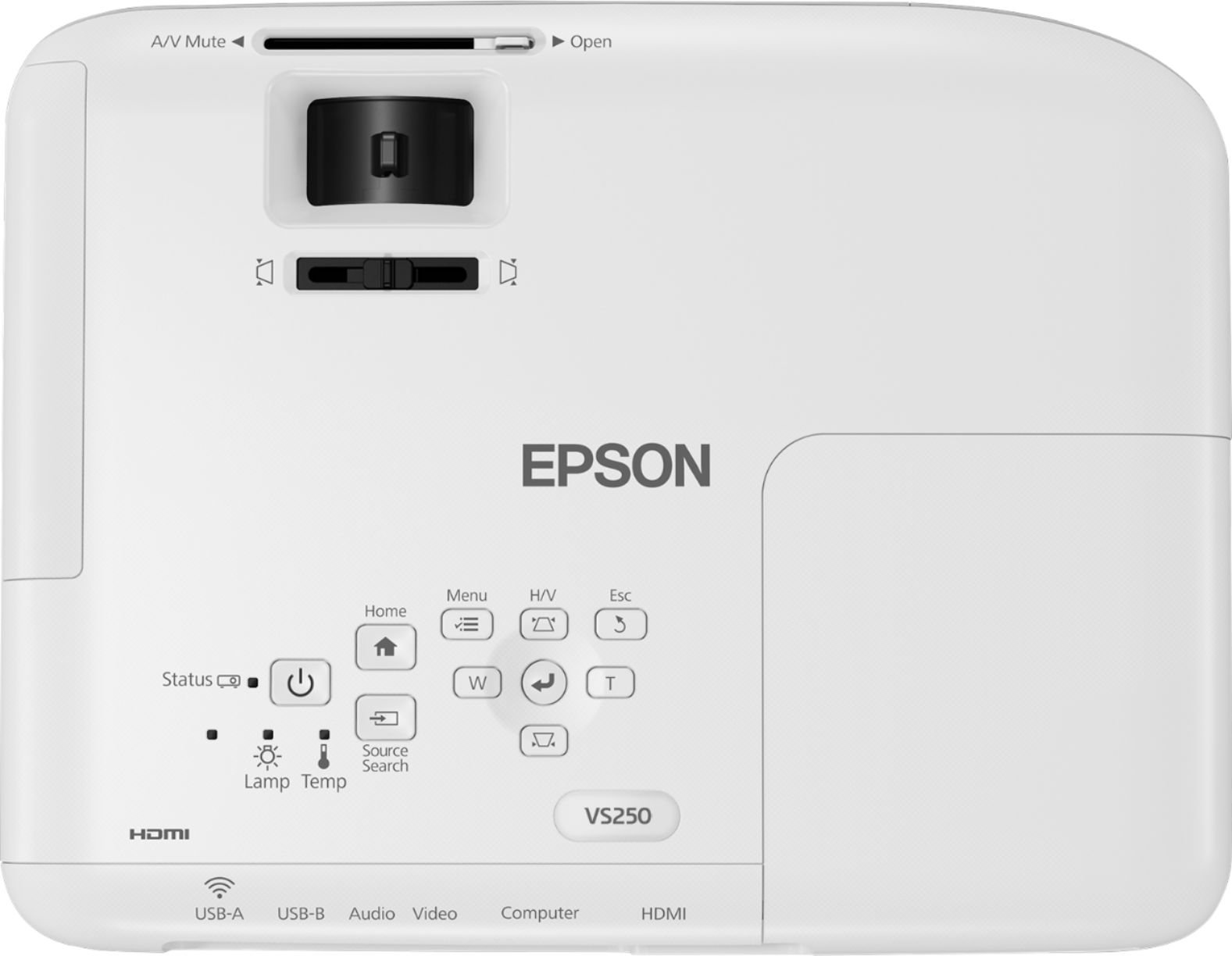
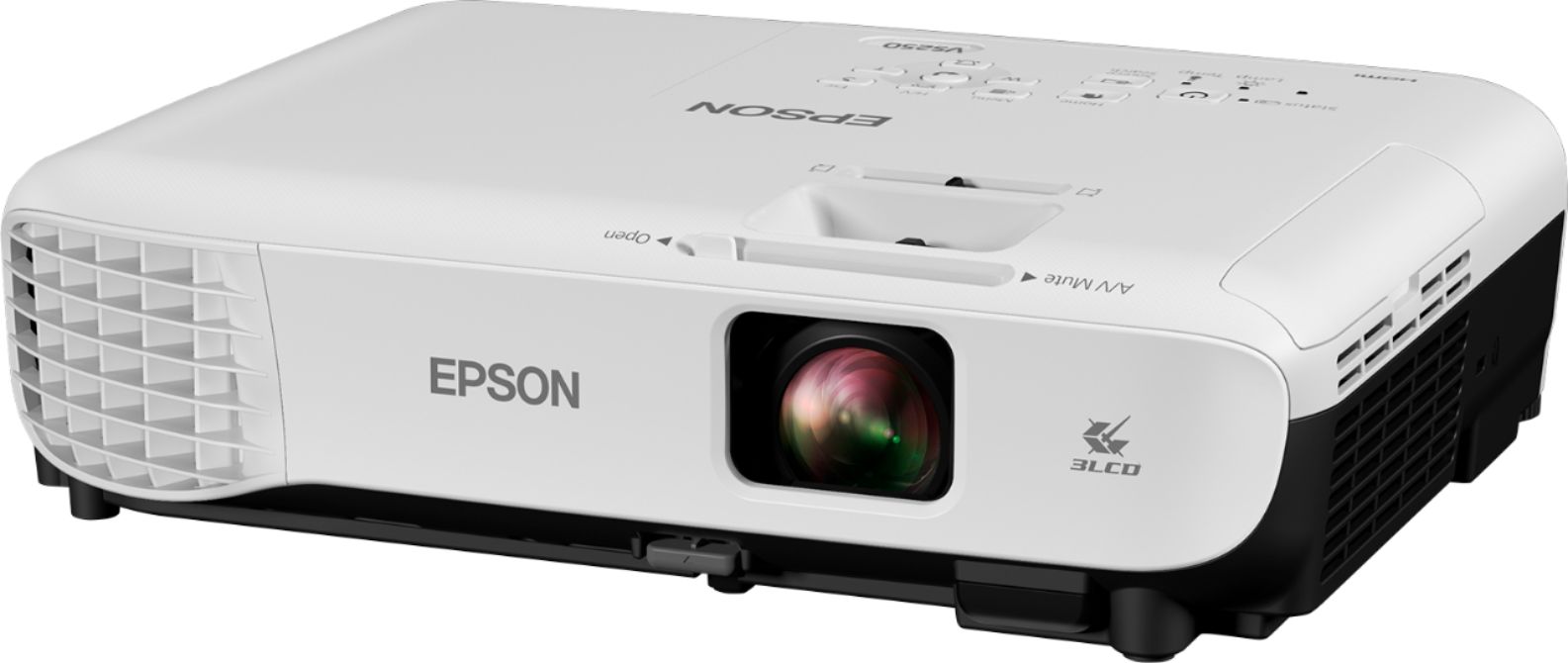
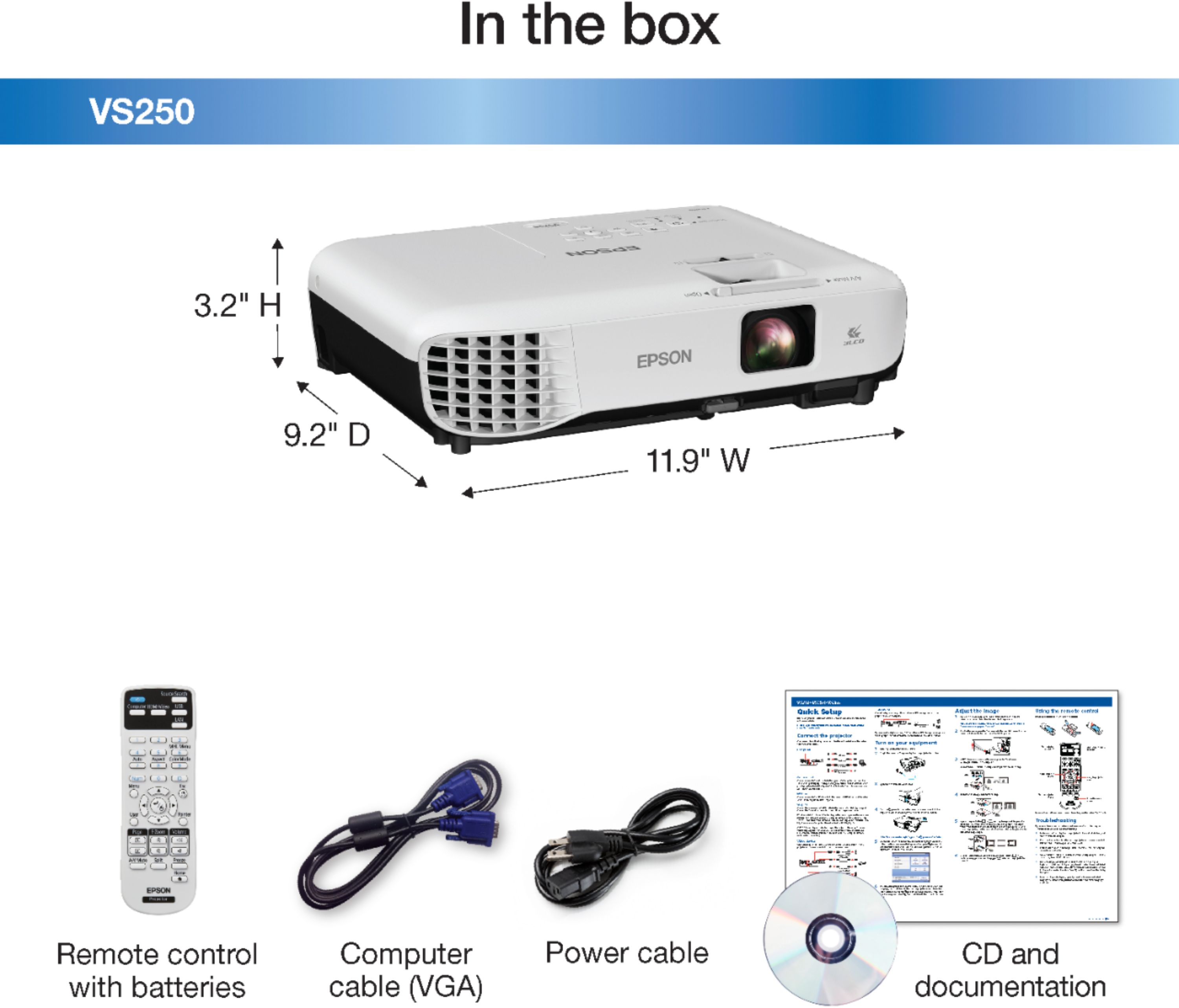
A:AnswerResolution should be in the specs. I recently bought it and used it for a presentation. Pretty good quality projector, the room was lit up and it still showed everything very clearly.
We must have kept 15-20 feet out, screen size close 80 inches and it was very nice quality!
A:AnswerHi Stingen, The VS250 has a built-in speaker and does not have an audio out port. You can purchase an HDMI audio separator to extract to sound from your HDMI input cable to send to your sound bar. Sorry about your cell phone. Regards, Mark - The Epson Team.
A:AnswerHi fredditee, You can use the VS250 for projecting pictures on canvas. It has a USB port for direct connection with a thumb drive. If you purchase an adaptor for your iPad to connect it to the VS250's HDMI port, you can show images that way as well. Regards, Mark - The Epson Team.
A:AnswerHi RS7, The VS-250 has mount points on the bottom for a ceiling projector mount, it does not have dedicated mount pounds for a tripod. If you use a tripod with a tray to hold the projector make sure it can support the VS250's 5.3 lbs. Regards, Mark - The Epson Team.
A:AnswerHi, The VS250 requires a physical connection to your cable box to receive a video and audio signals. This is typically an HDMI cable. This is standard for all projectors. Regards, Mark - The Epson Team.
A:AnswerHi Hugh, The VS250 projector has an aspect ratio of 4:3 and a throw ratio range of
1.45 (Zoom:Wide), 1.96 (Zoom:Tele). Check the Epson support site for more information. Regards, Mark - The Epson Team.
A:AnswerHi Nick, Sorry, no the VS250 is not HDCP 2.2 compliant. Most of Epson's line of Home ansd Pro Cinema projectors with 4K and UHD are HDCP 2.2 compliant. Check the Epson support site for details. Regards, Mark - The Epson Team
A:AnswerHi Pureme42, The Epson VS250 has an HDMI input. If your Xfinity box has HDMI then you should be able to connect them. Regards, Mark - The Epson Team.
A:AnswerHi STCooper1, This is Eduard from Epson. Yes. The Epson VS250 SVGA 3LCD projector is compatible Windows 7 Home Premium. Updated projector software can be downloaded from our official website. Regards, Eduard - The Epson Team.
A:AnswerHi, The Epson VS250 SVGA 3LCD projector offers 3200 lumens of color brightness (color light output) and 3200 lumens of white brightness (white light output). Regards, Alexander - The Epson Team.
A:AnswerHi wonderwoman, No, the Epson VS250 does have a sleep mode, lens cover and A/V mute timer that you can adjust. For details, visit the Epson support site. Regards, Alexander - The Epson Team.
A:AnswerHi Julia, The Epson VS250 projector does not have built-in support for NetFlix and Prime, but it has an HDMI port. You can plug a streaming device in and it will work. Regards, Mark - The Epson Team
A:AnswerHi, This is Eduard from Epson. Epson VS250 SVGA 3LCD Projector is best with an Ultra Portable Projector Screen. Hope this helps. Regards, Eduard - The Epson Team.
A:AnswerHi Peaches, Yes, you can use the free Epson iProjection app to project an image via wireless connection with the Epson VS250. For details, visit the Epson support site. Regards, Alexander - The Epson Team.
A:AnswerHi Juanita, Yes, the Epson VS250 SVGA 3LCD projector can be projected on a screen 30" to 350" (0.88 - 10.44 m). Hope this answers your inquiry. Regards, Eduard - The Epson Team.