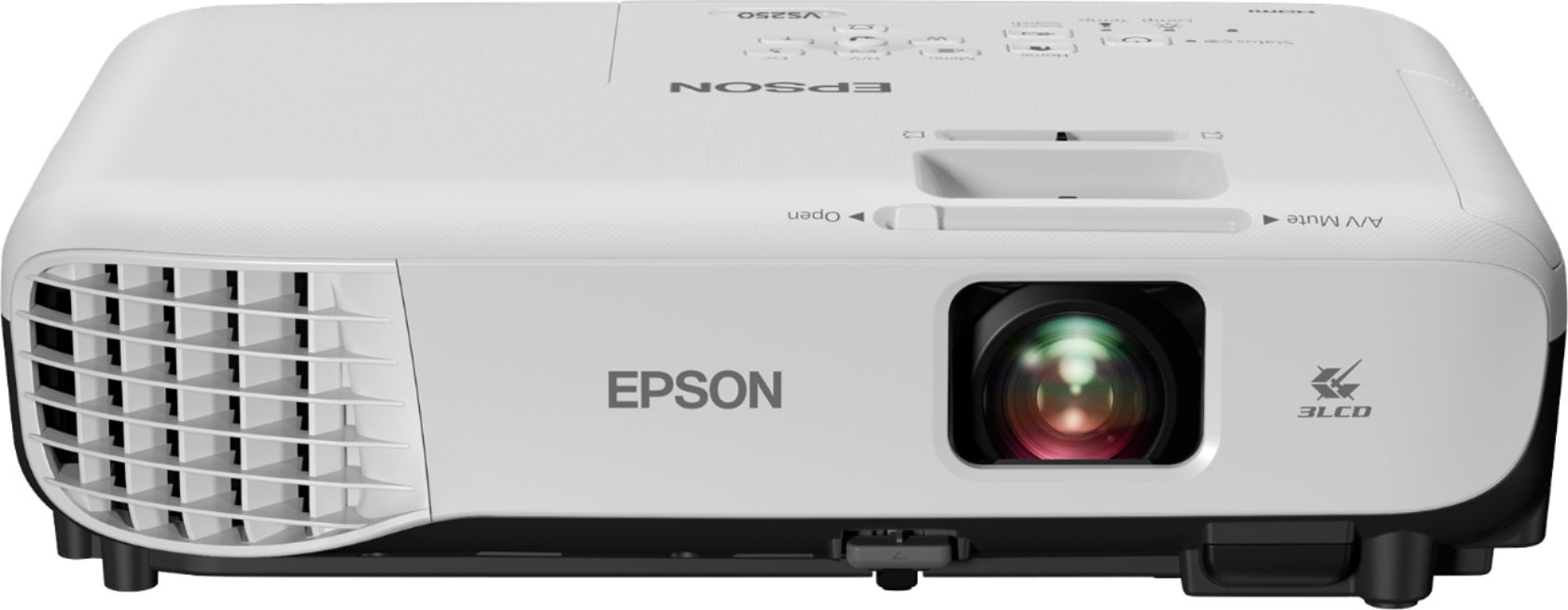
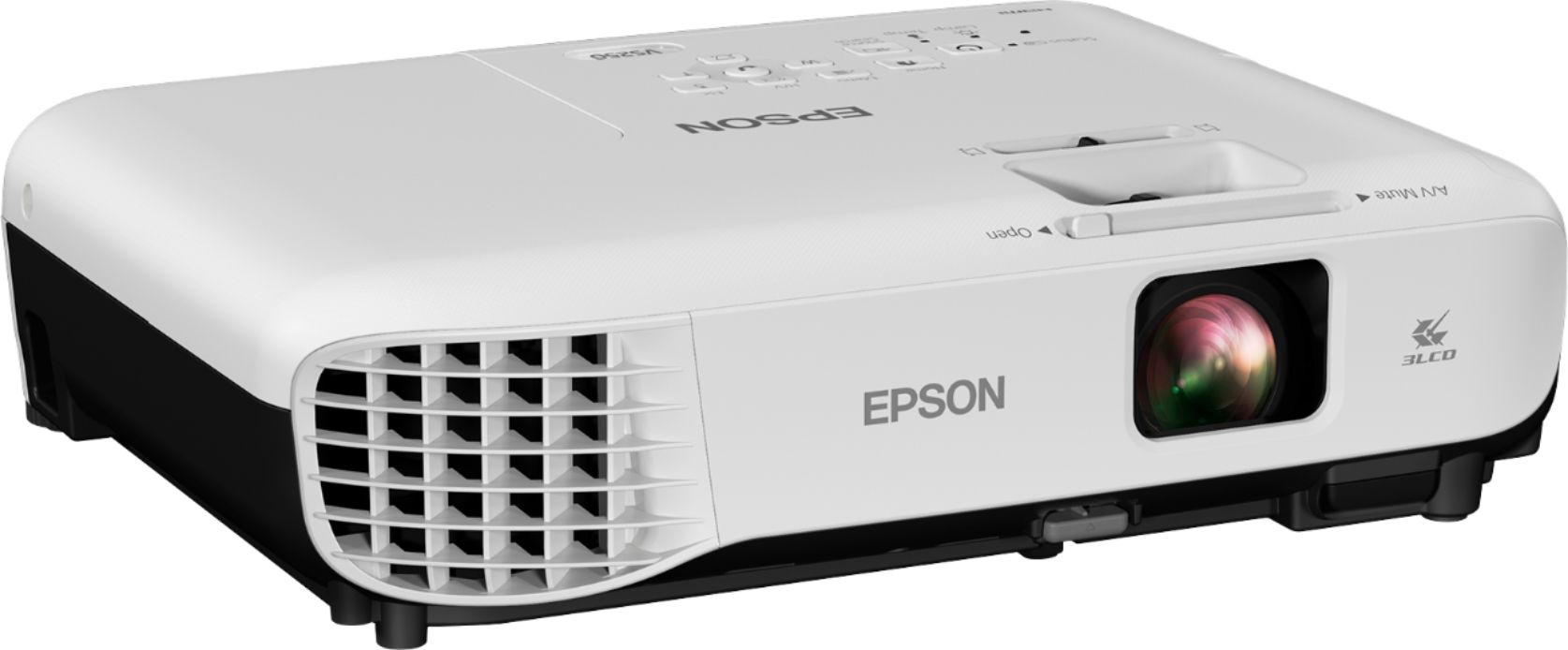
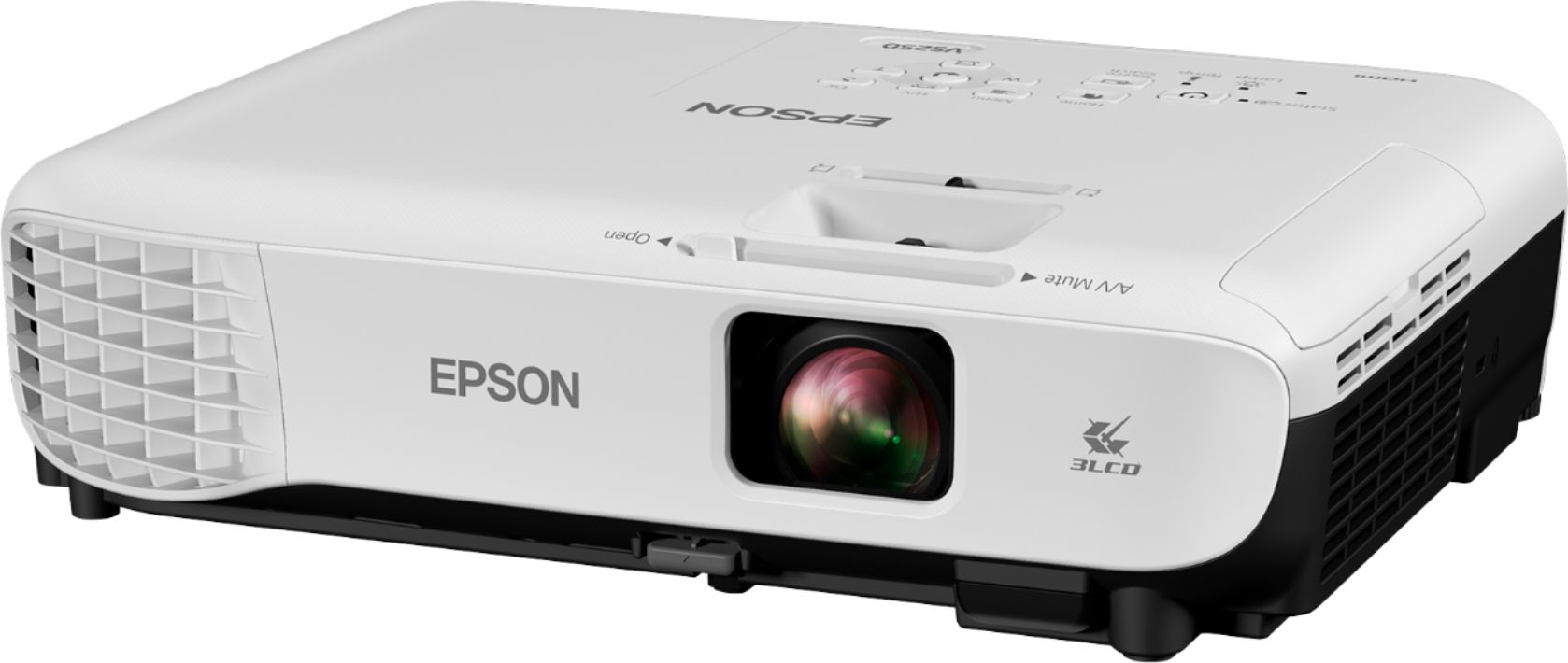
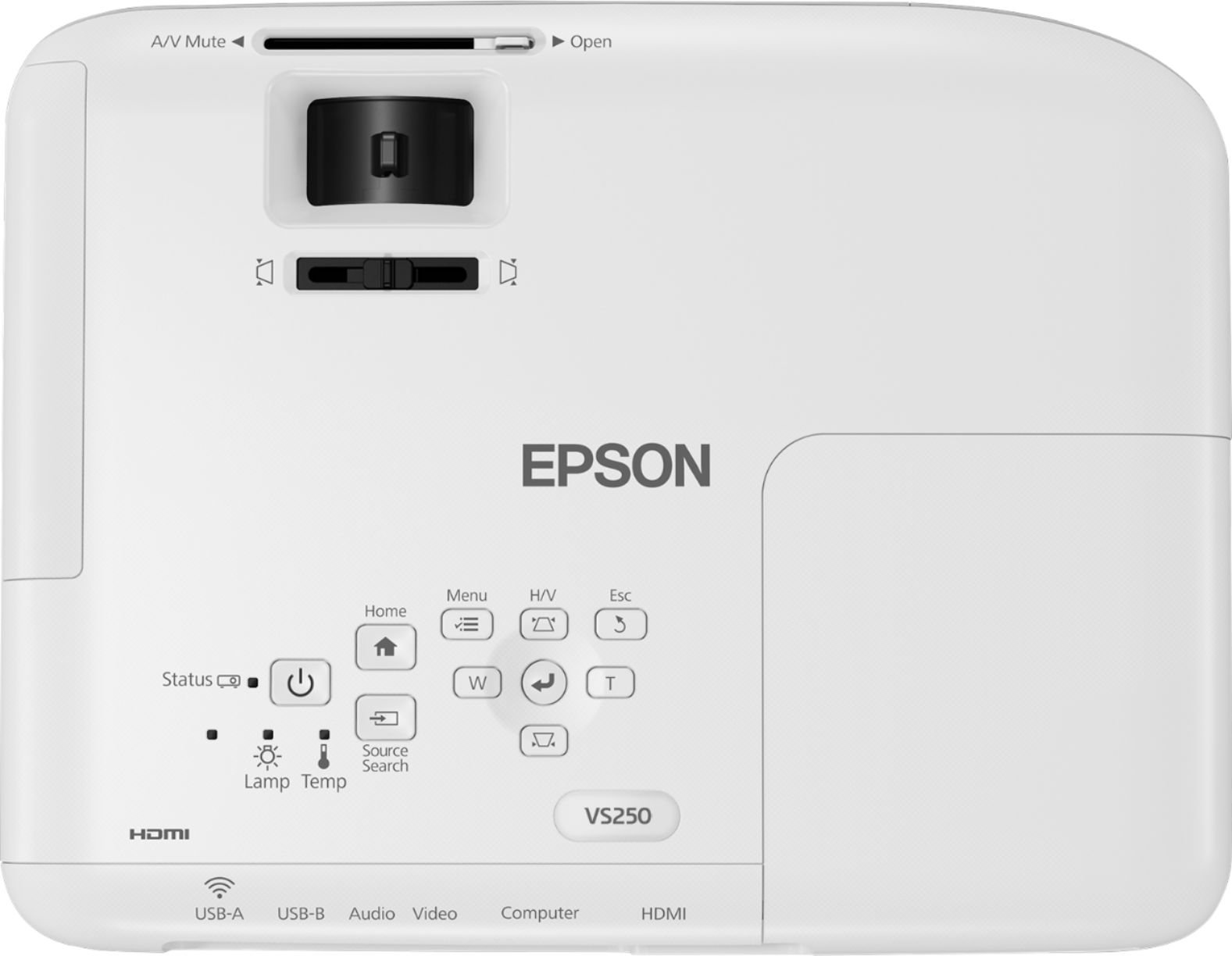
A:AnswerYou can use the projector's PC Free feature to project compatible images or movies from a USB storage device. Connect your USB device or camera to the projector's USB-A port and switch the projector's display to this source. When you're done projecting, make sure you disconnect the device from the projector correctly.
A:AnswerHi JHC51,
Unfortunately, I don't have an answer for you since I would like to use this projector for the dame purpose. I was wondering if you purchased this device in the meantime and if so how were the results?
thanks in advance!
CSS24
A:AnswerYesss! That’s what I bought this for and me and my friends watch movies with it all the time. Picture is perfect but the speaker is kind of quiet.
A:AnswerNot sure of your question, but if you are asking can I use this in Europe with a adapter than I think the answer is yes. see photo I took from from the bottom of mine.
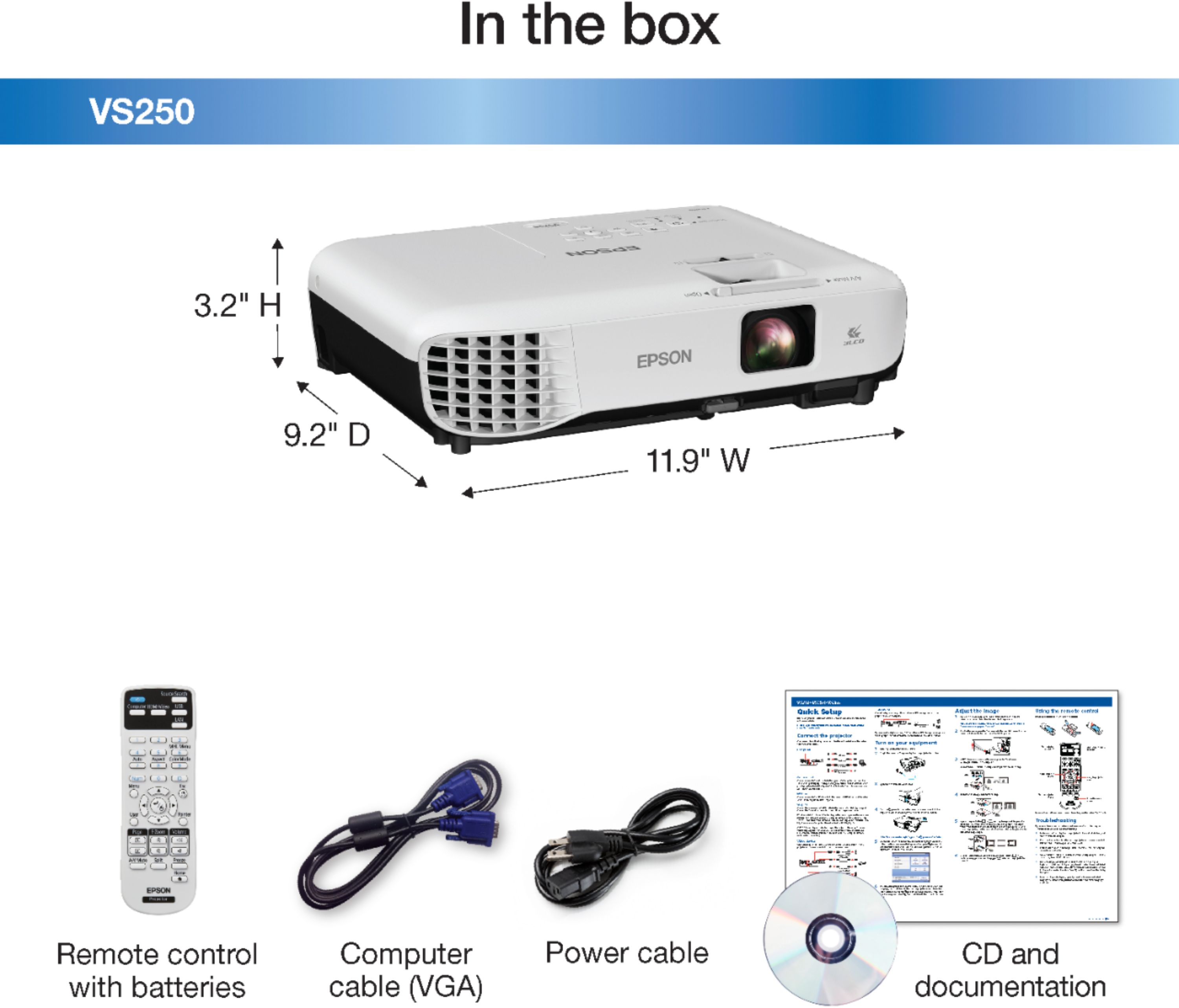
A:AnswerThe projector comes with a VGA cord so if you are using a PC or if your laptop has a VGA port you won't need any other cords. If not you will need an HDMI cord. But yes! You can project both of those things.