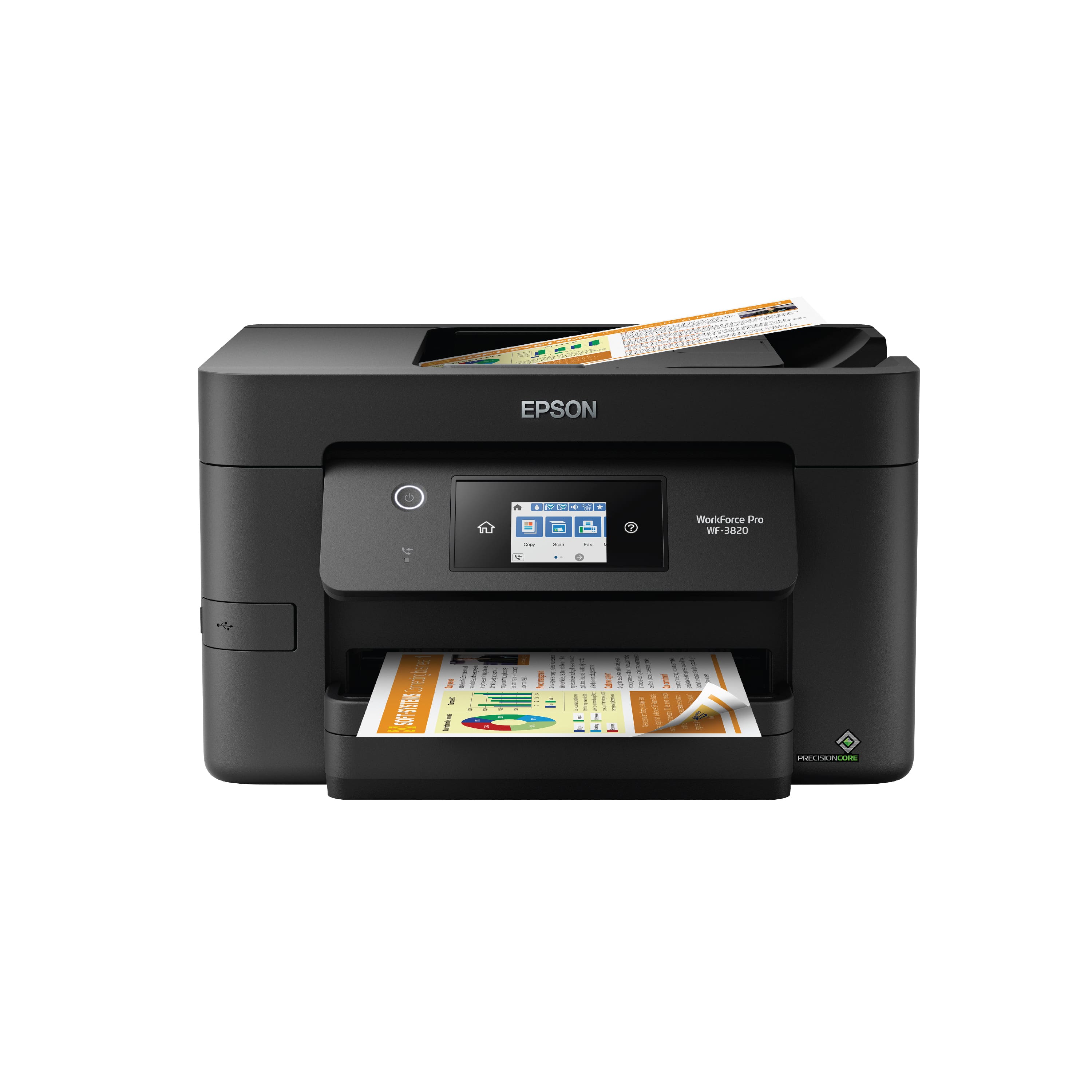
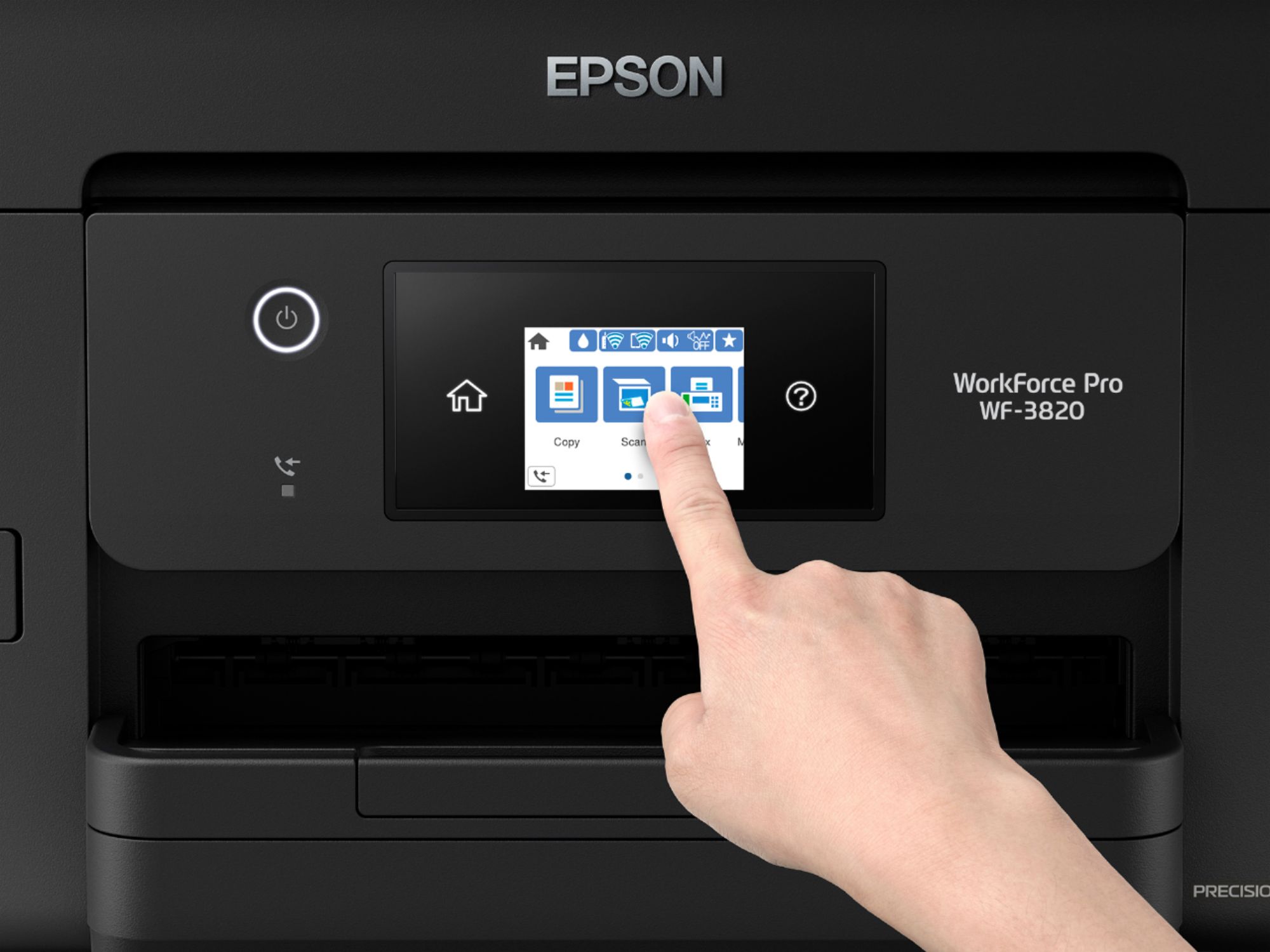
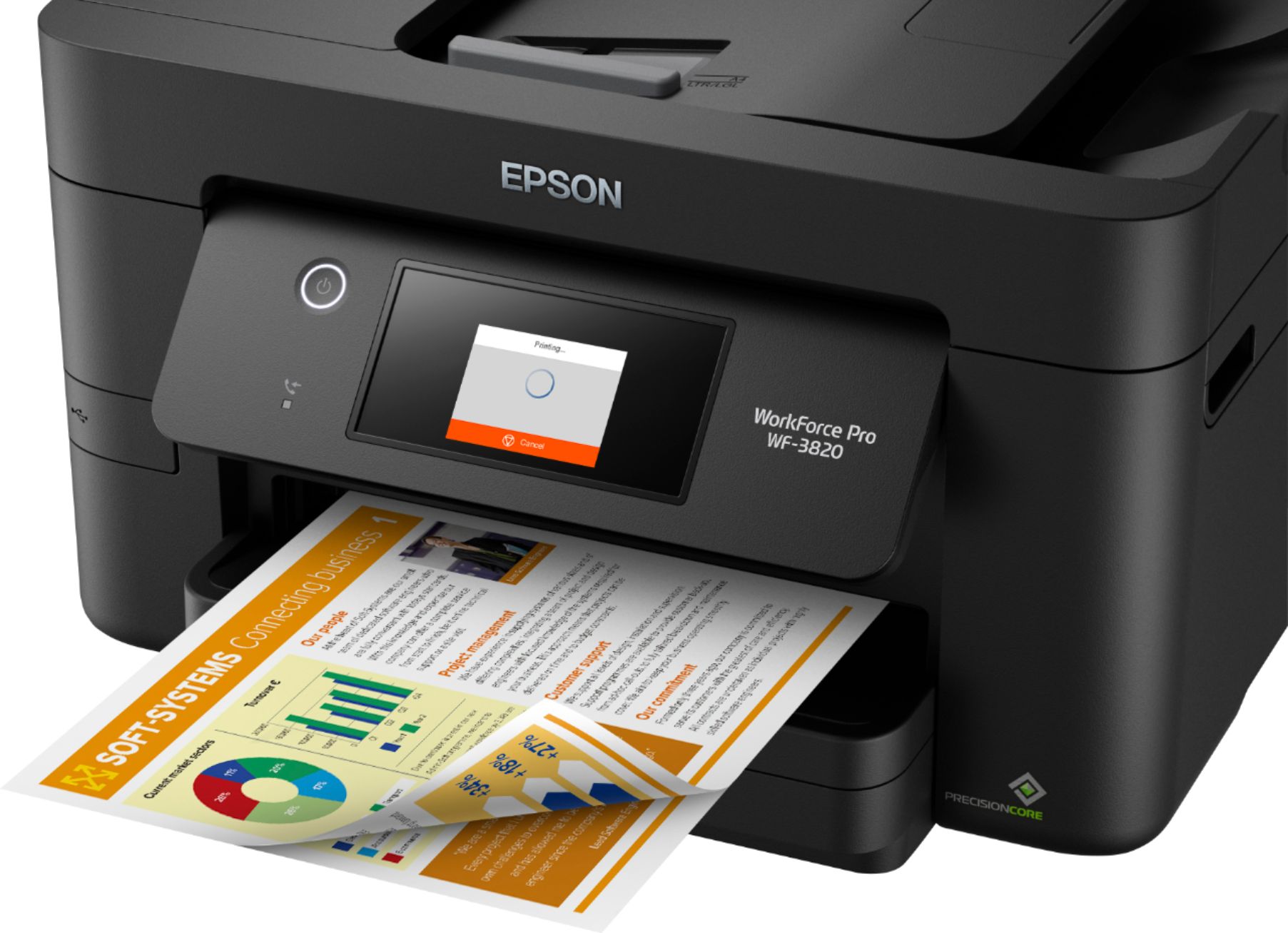
A:AnswerHi, You can send and receive faxes using the WorkForce Pro WF-3820. In order to use the fax feature the printer must be connected to a standard phone line. Regards, Mark - The Epson Team.
A:AnswerHi anita. The Epson WorkForce Pro WF-7820 is compatible with computers running the following Microsoft operating systems: Windows 10, Windows 8, 8.1 (32-bit, 64-bit), Windows 7 (32-bit, 64-bit), Windows Vista (32-bit, 64-bit), Windows XP SP3 (32-bit), and Windows XP Professional x64 Edition SP2. Regards, Bobby - The Epson Team.
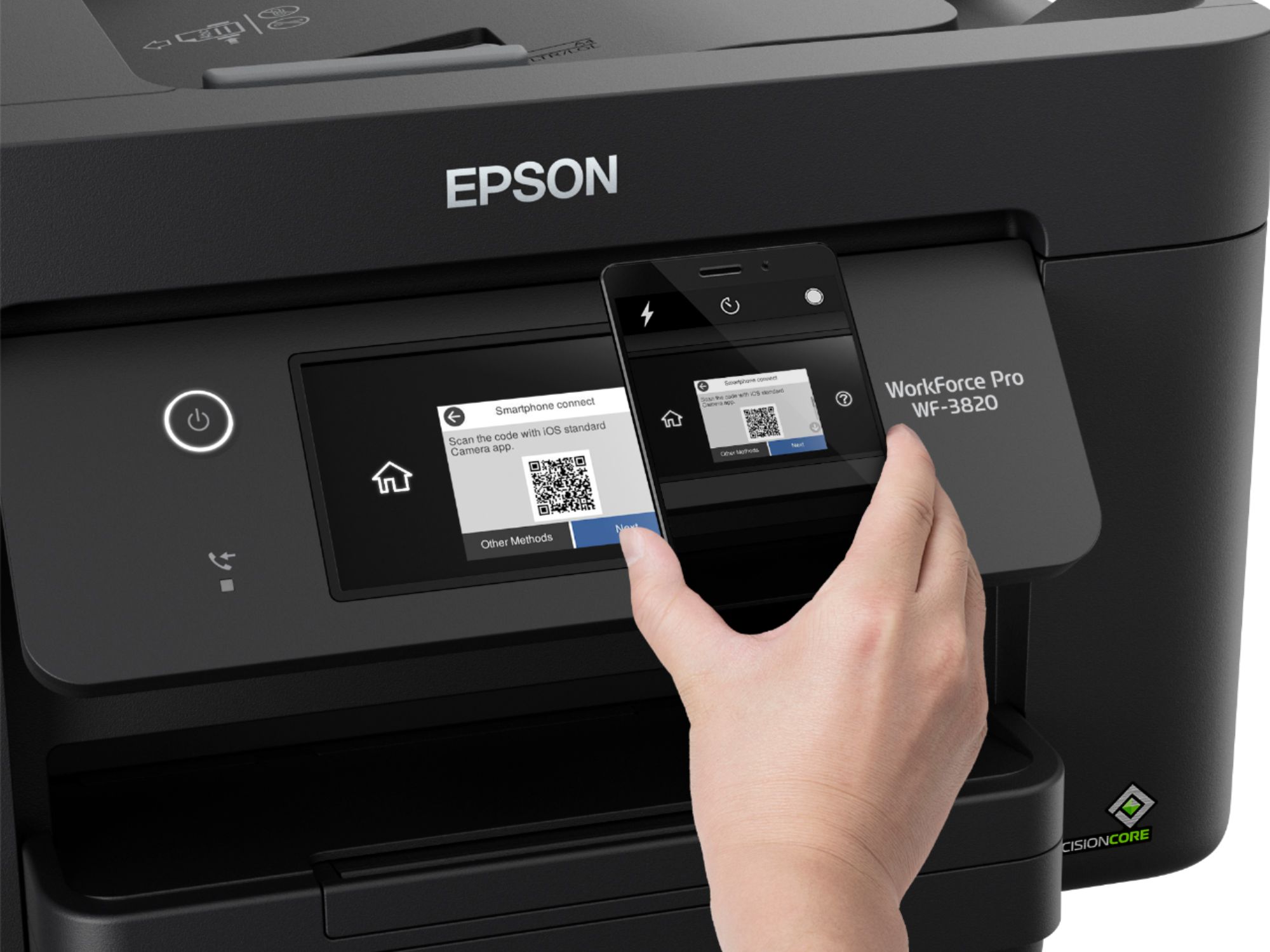
A:AnswerHi Mary. Yes, the Epson WorkForce Pro WF-3820 was designed with Wi-Fi Direct. For more information, visit the official Epson Support website. Regards, Bobby - The Epson Team.
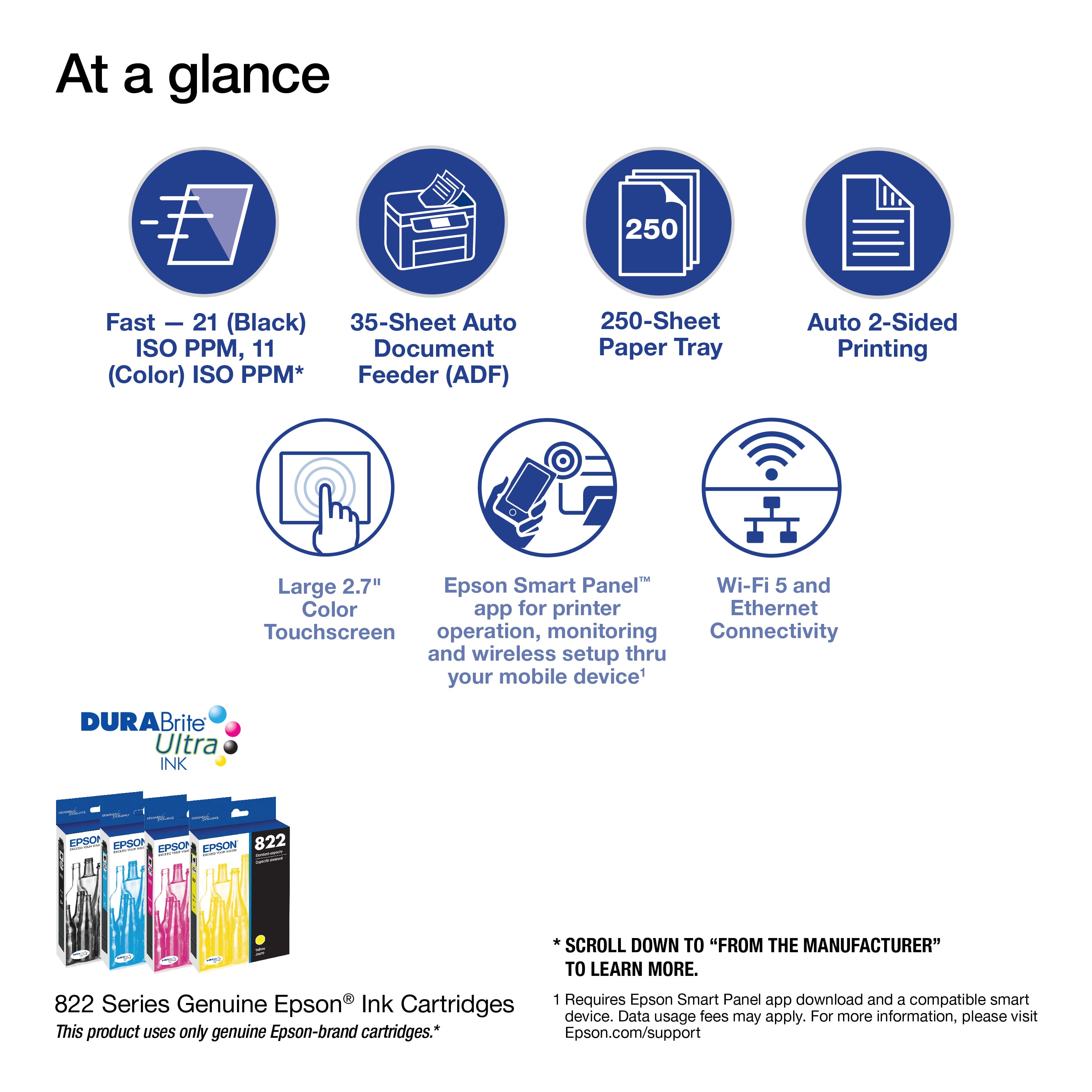
A:AnswerHi Mike. The following are answers to your questions on the Epson WorkForce Pro WF-3820: 1. You can temporarily print with black when a color ink cartridge has been expended. 2. The Document Cover (also known as a "scanner cover") can stay open at 90-degree, and 3. Using the T822XL ink cartridges, the ISO page yield is 1,100 in black. Regards, Bobby - The Epson Team.
A:AnswerYou can print from your android phone (https://epson.com/Support/wa00877)
As far as chromebook, I don't have one to test, but according to this https://www.techjunkie.com/install-epson-printer-chromebook/ - you can follow the instructions and be able to print from Chromebook.
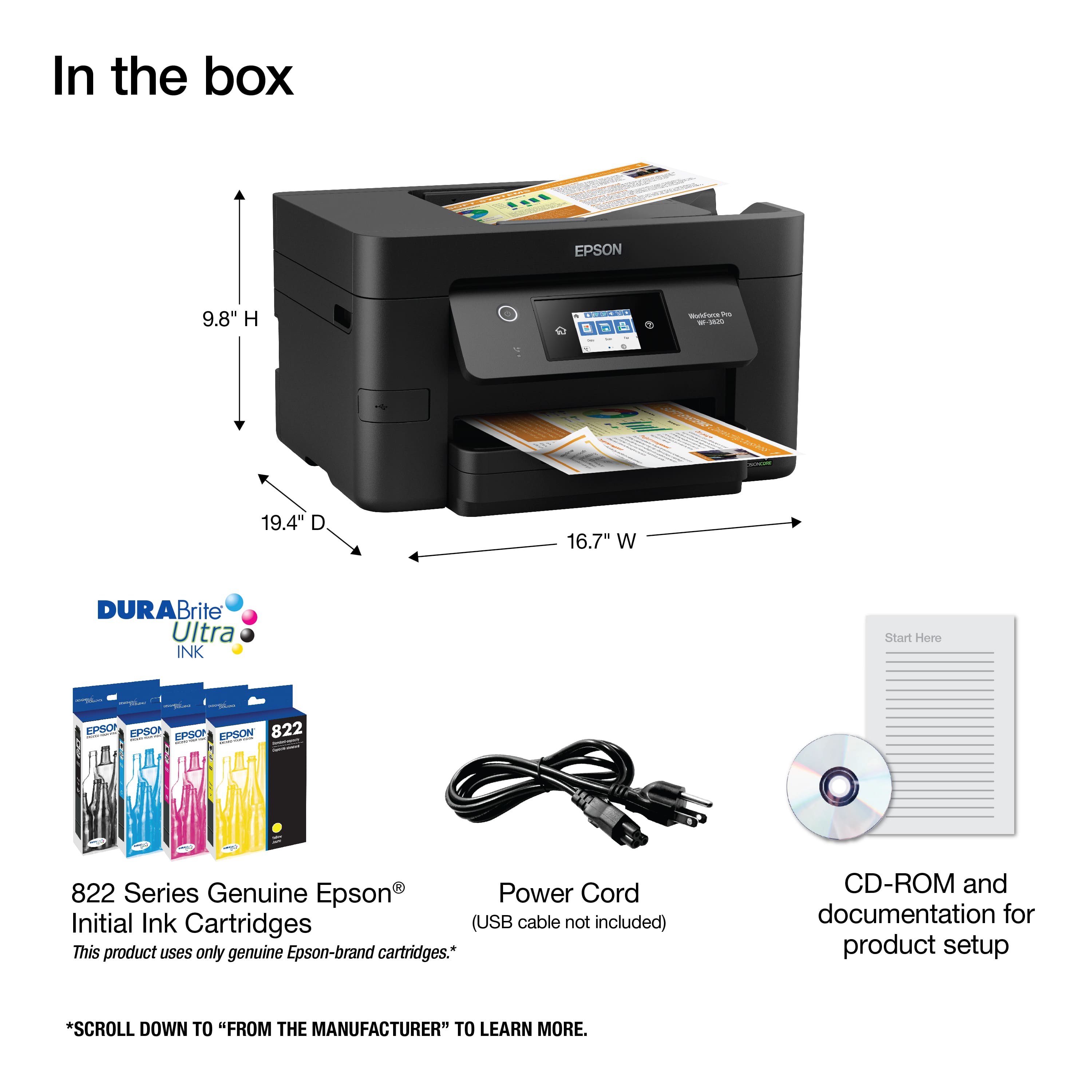
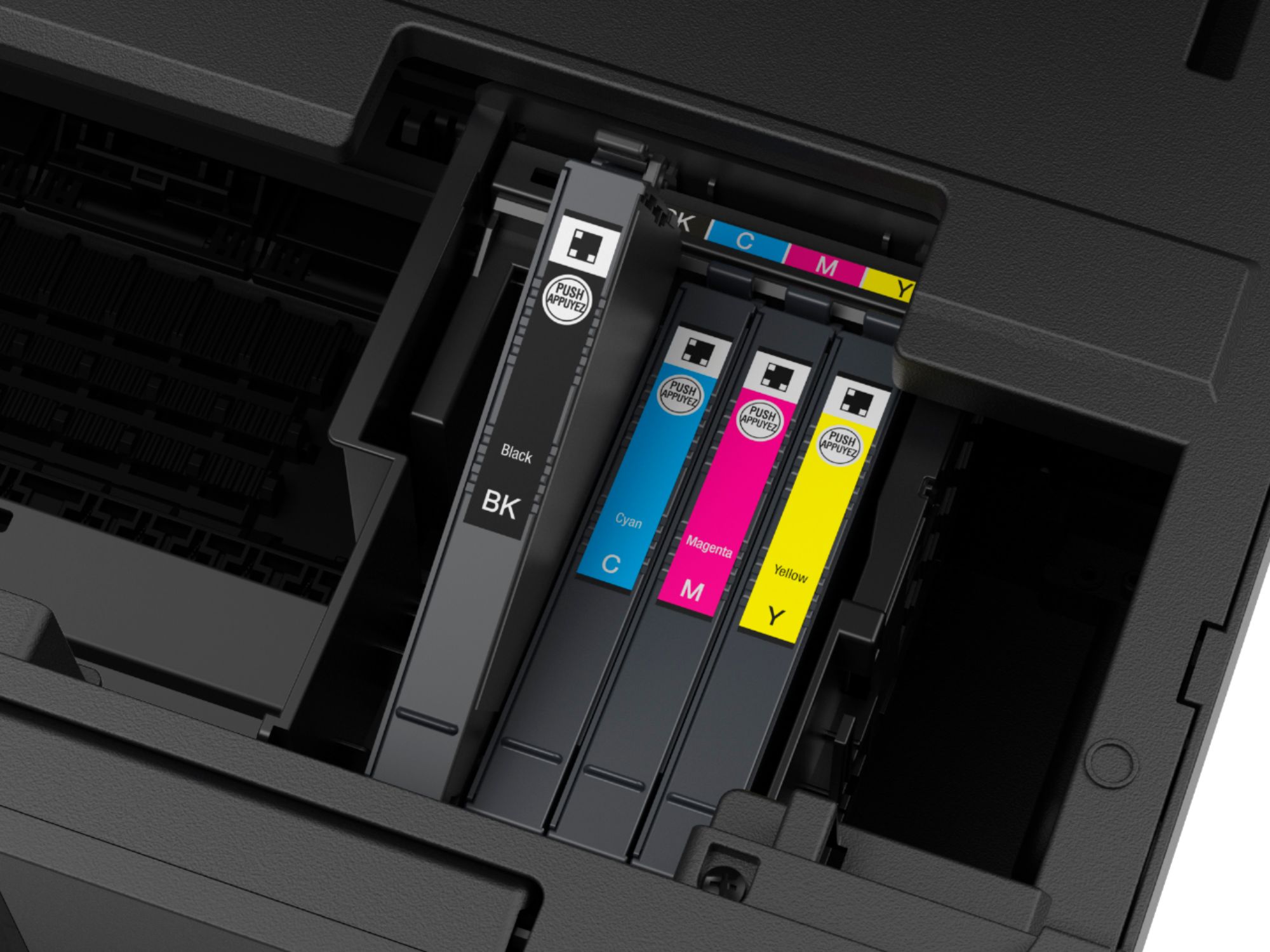
A:AnswerHi Jude. The WorkForce Pro WF-3820 is designed for use with genuine Epson 822 or 822XL in cartridges only. The ISO page yield for the Epson 822 ink cartridges is 350 pages in black or 240 pages in color. The ISO page yield for the Epson 822XL ink cartridges is 1100 pages in black or 1100 pages in color. Additionally, you can find the cost for replacement ink cartridges at the Best Buy website. Regards, Bobby - The Epson Team.
A:AnswerHi, Yes the WorkForce Pro WF-3820 includes fax. In order to use the fax capabilities, the WF-3820 must be connected to a landline. Regards, Mark - The Epson Team.
A:AnswerHi Red, The WF-3820 includes fax. You have to connect it to a land-line-type phone jack to use the fax feature. Regards, Mark - The Epson Team.
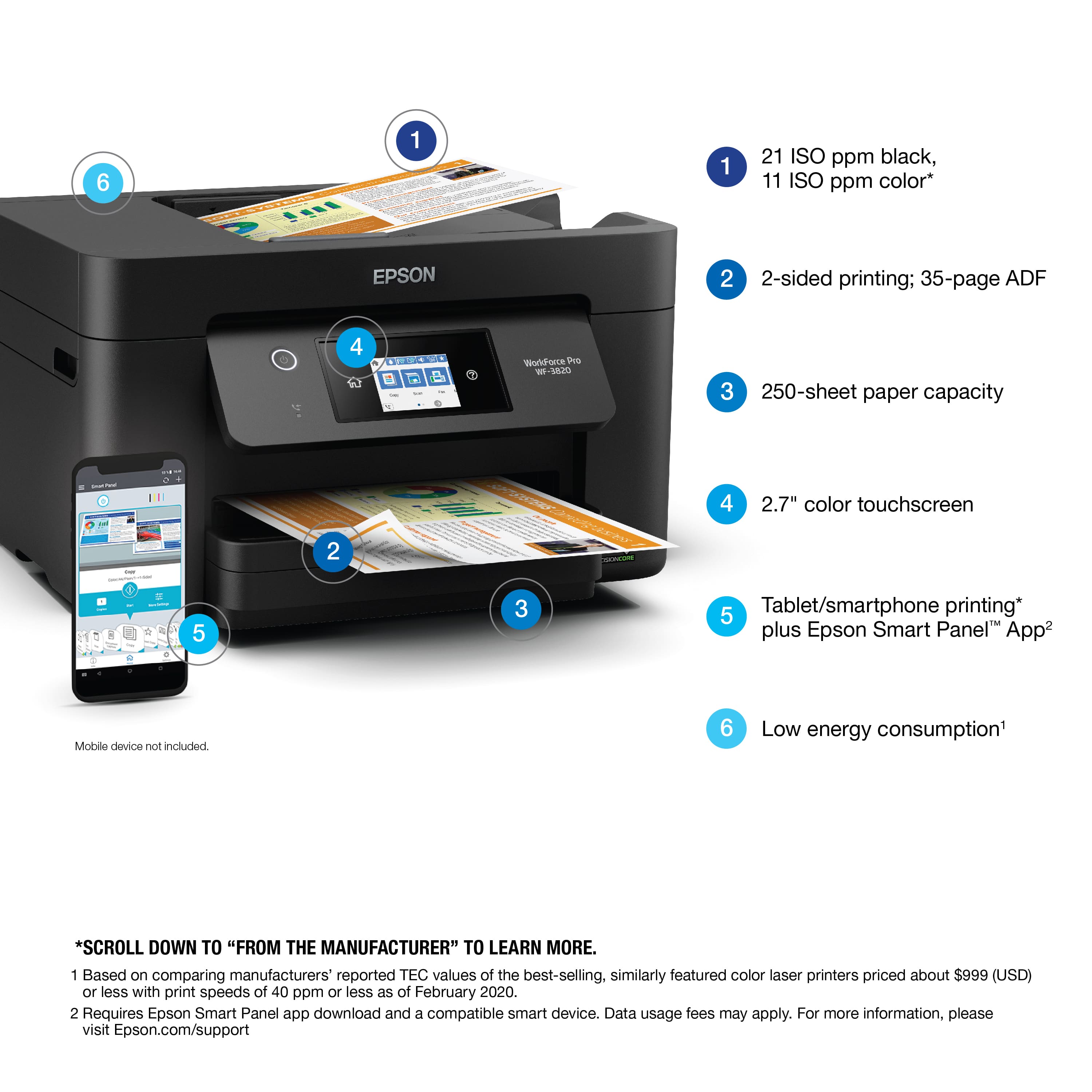
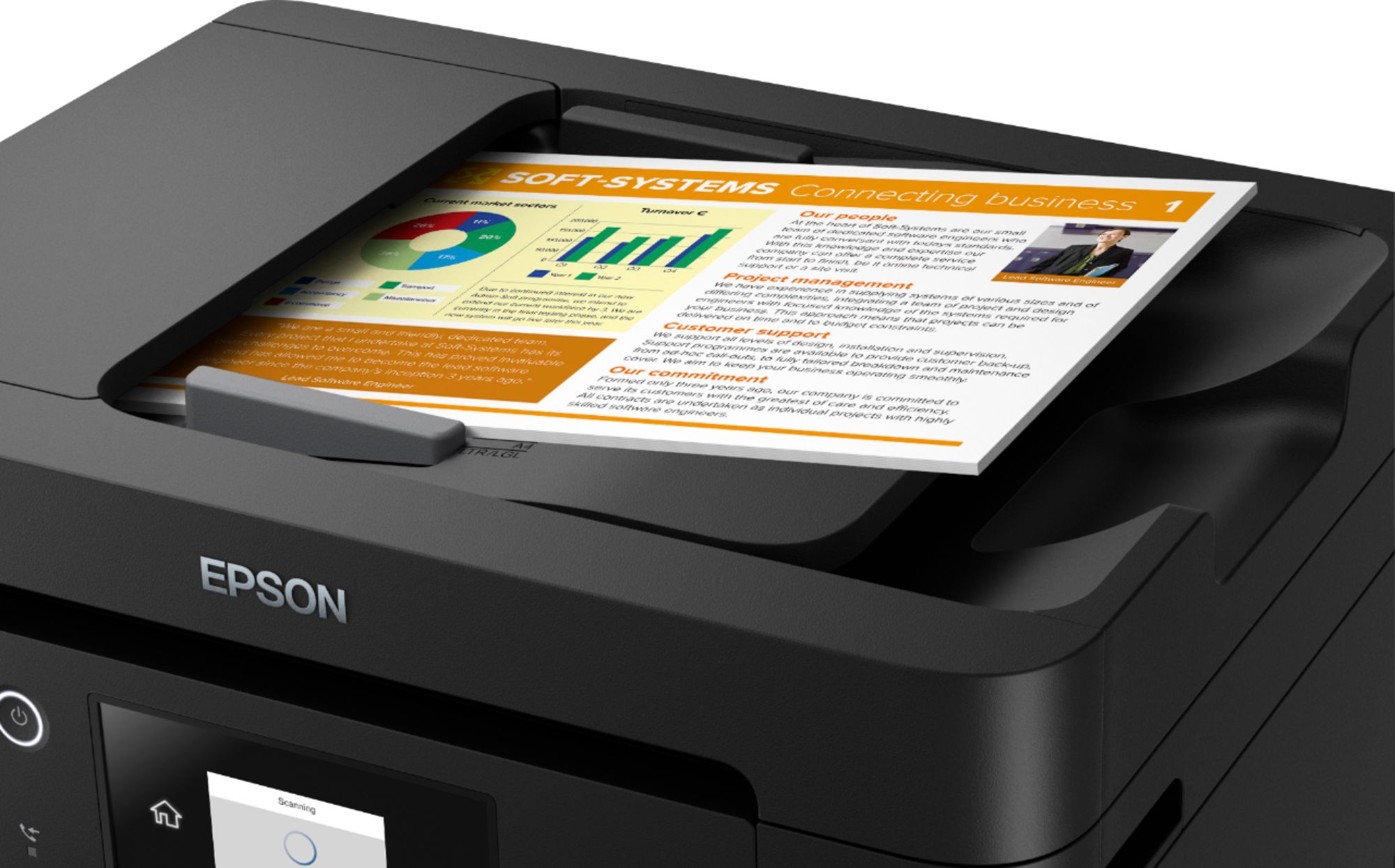
A:AnswerHi Amanda, The WorkForce Pro has an auto document feeder for the scanner that holds 35 Letter-size sheets, so you can load a stack and scan them. Regards, Mark - The Epson Team.
A:AnswerHi Tammy. No, the Epson WorkForce Pro WF-3820 was not designed for dye-sublimation printing nor use non-genuine Epson ink cartridges. Regards, Bobby - The Epson Team.
A:AnswerHi AnneJ. Yes, you can reduce or enlarge files to printout on supported paper sizes, in either landscape or portrait orientation, with the Epson WorkForce Pro WF-3820 via print settings on your computer. Please visit the official Epson Support website for more information. Sincerely, Bobby - The Epson Team.