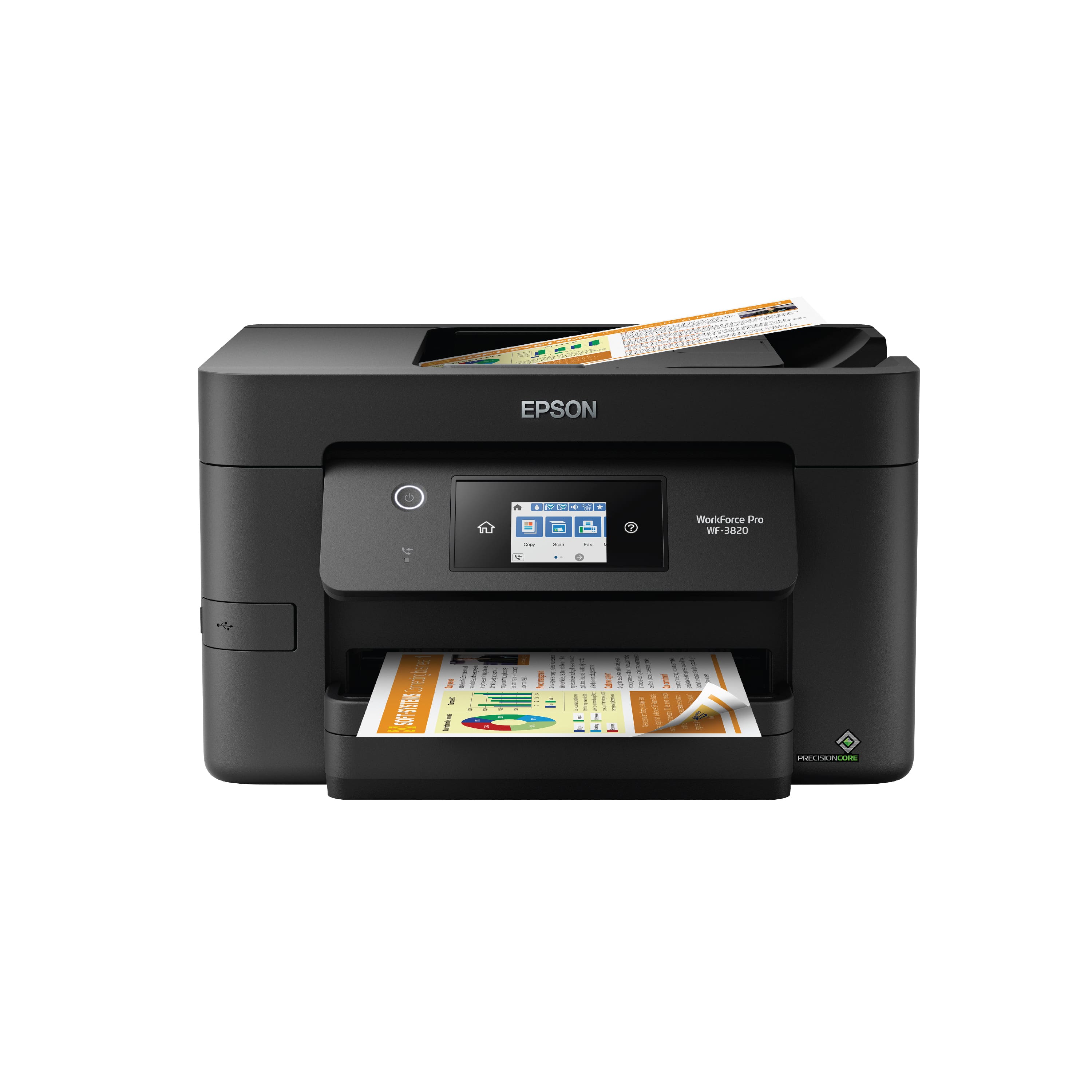
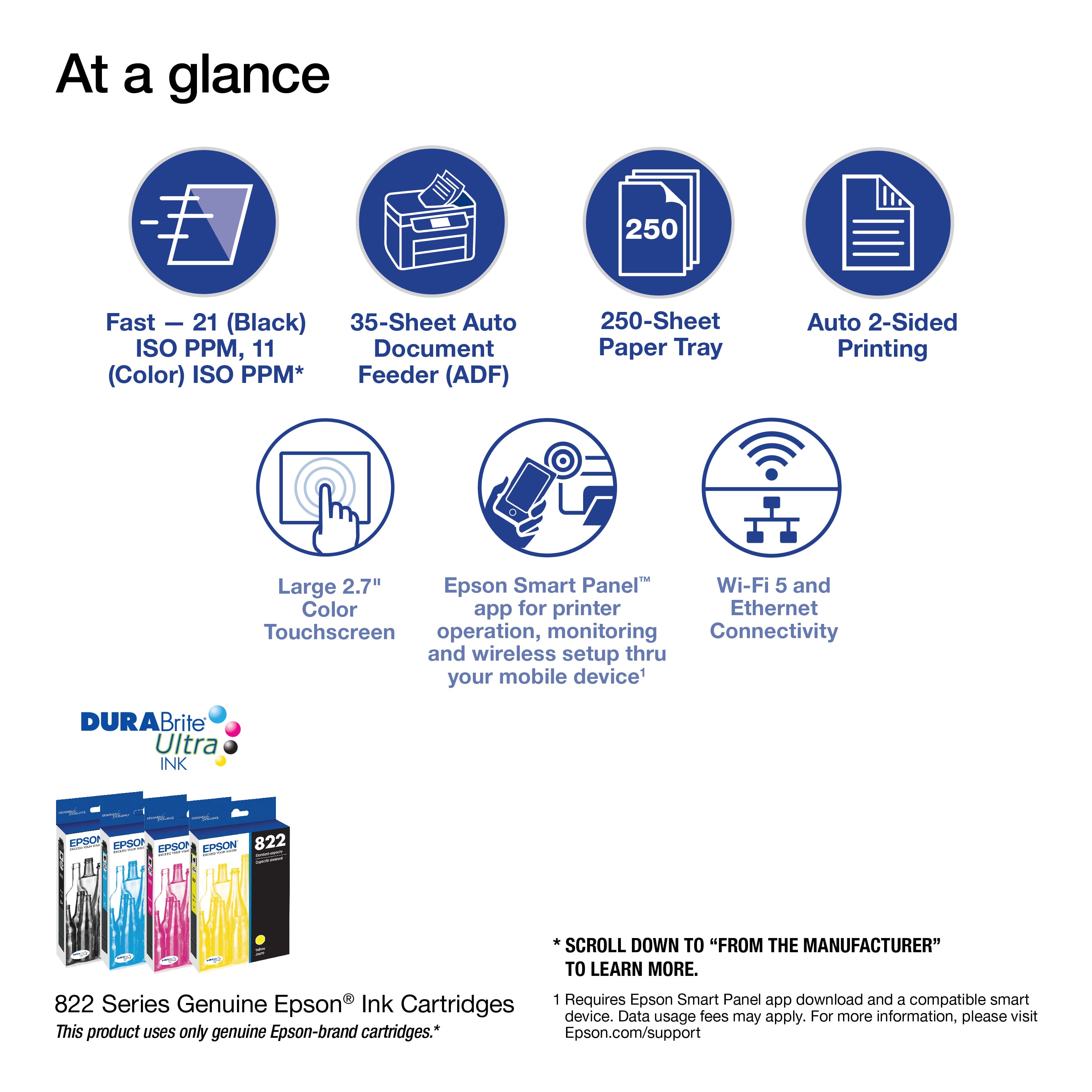
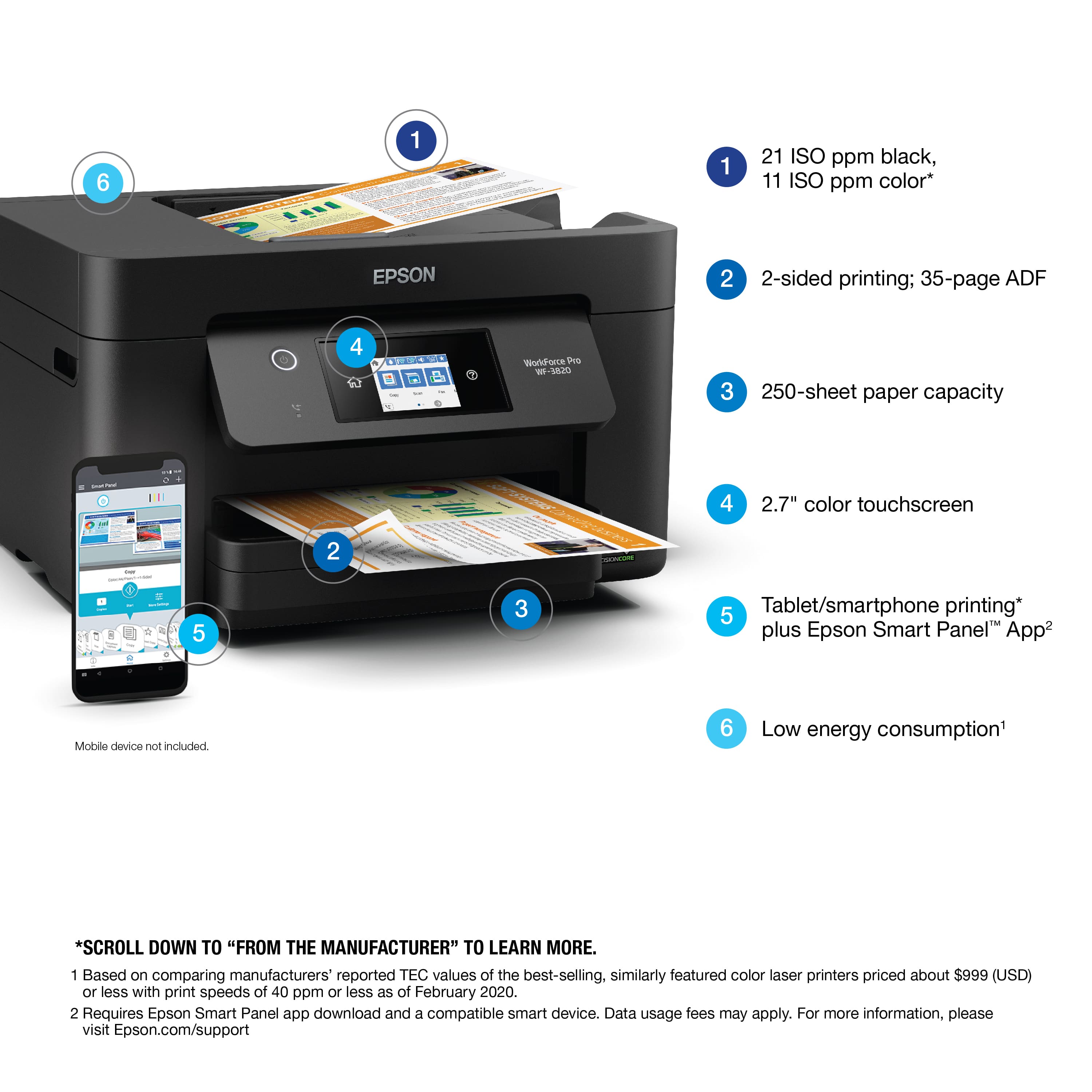
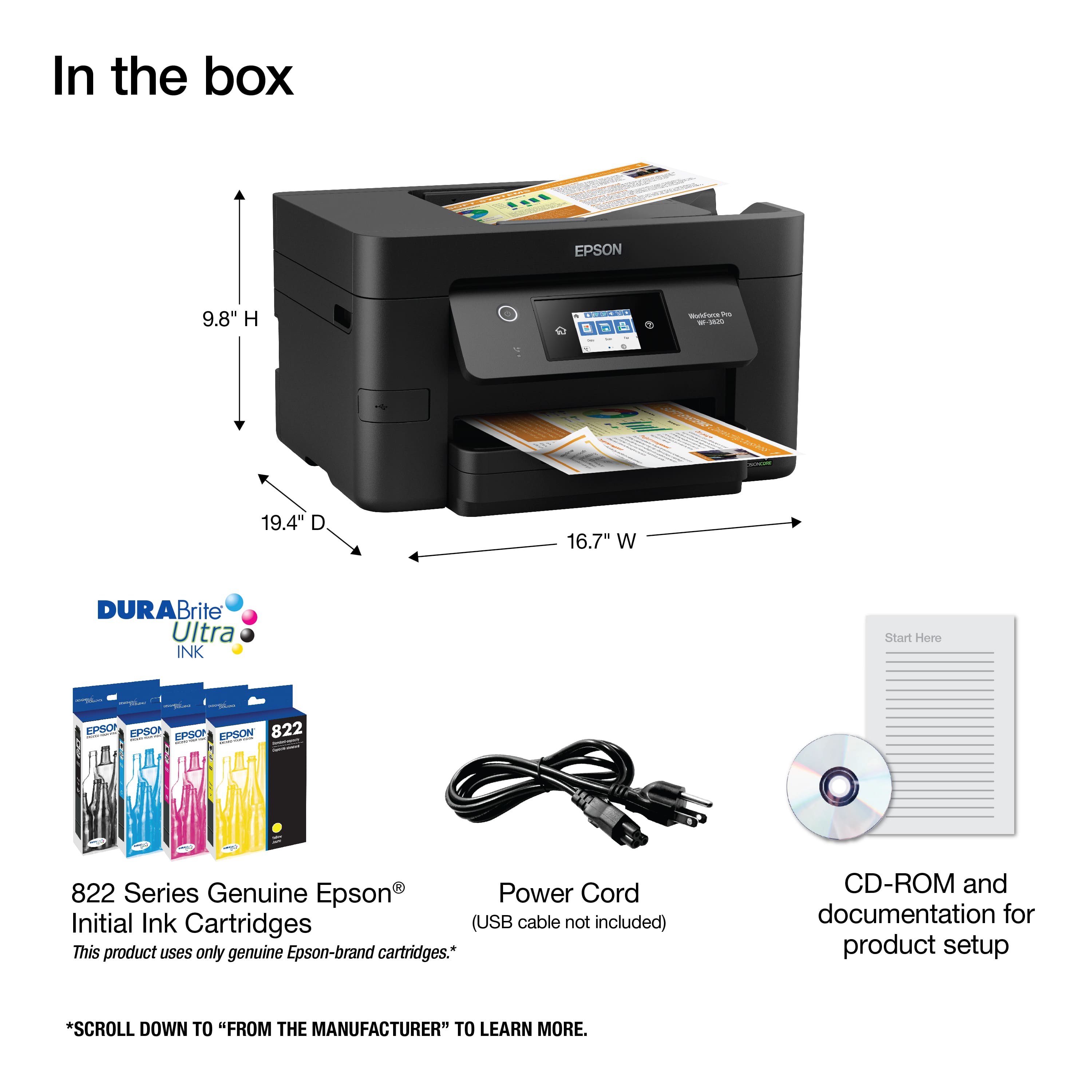
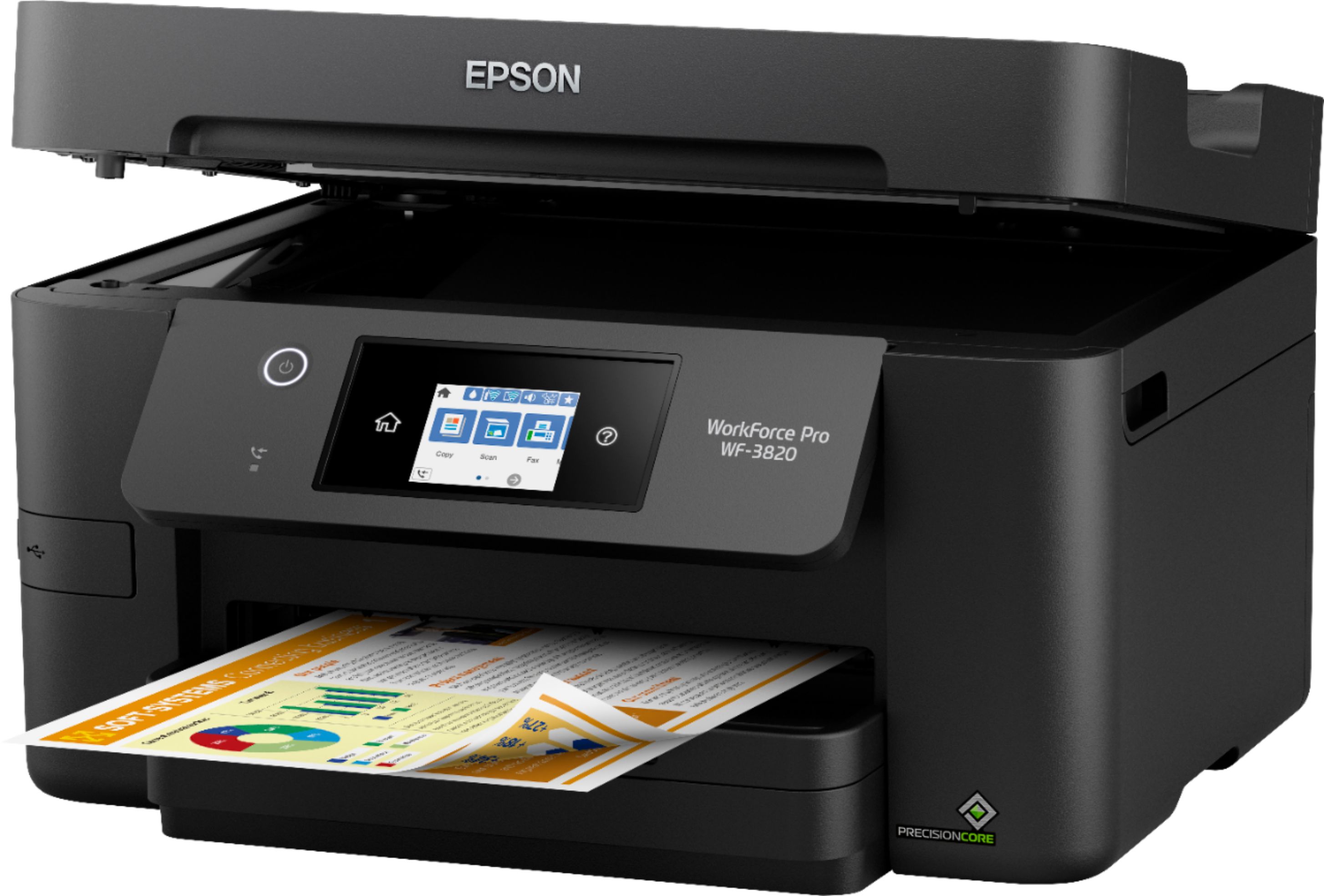
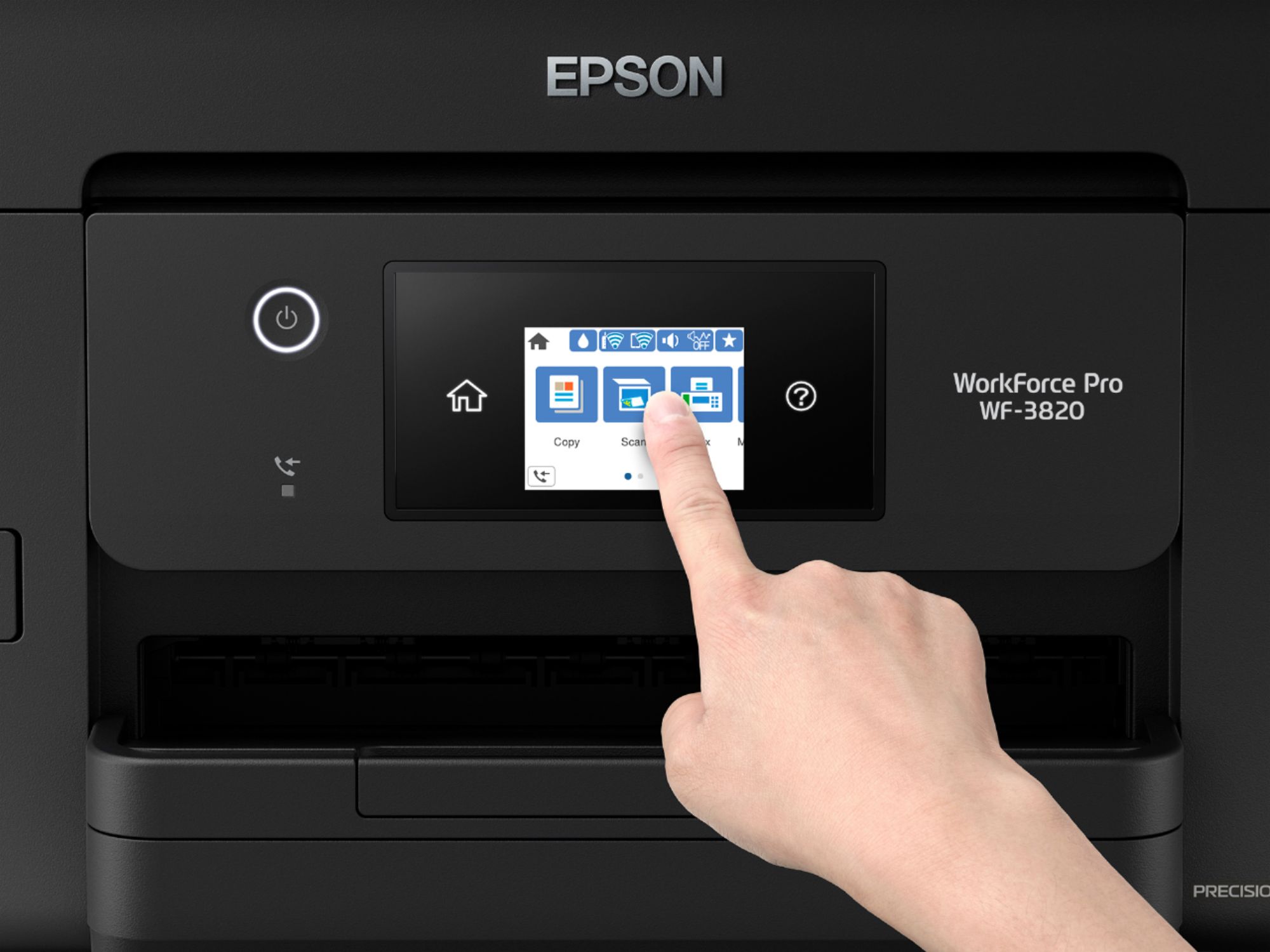
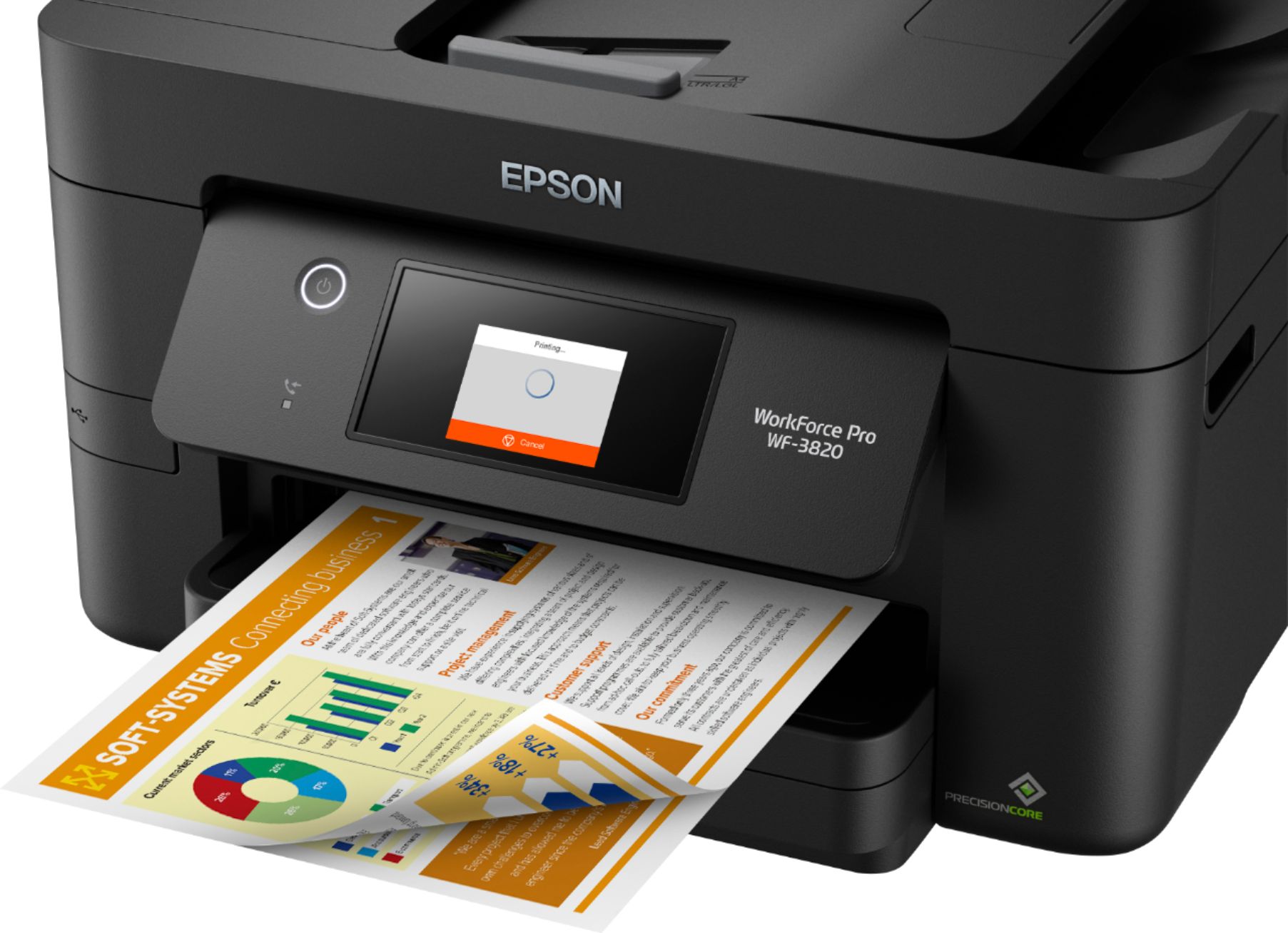
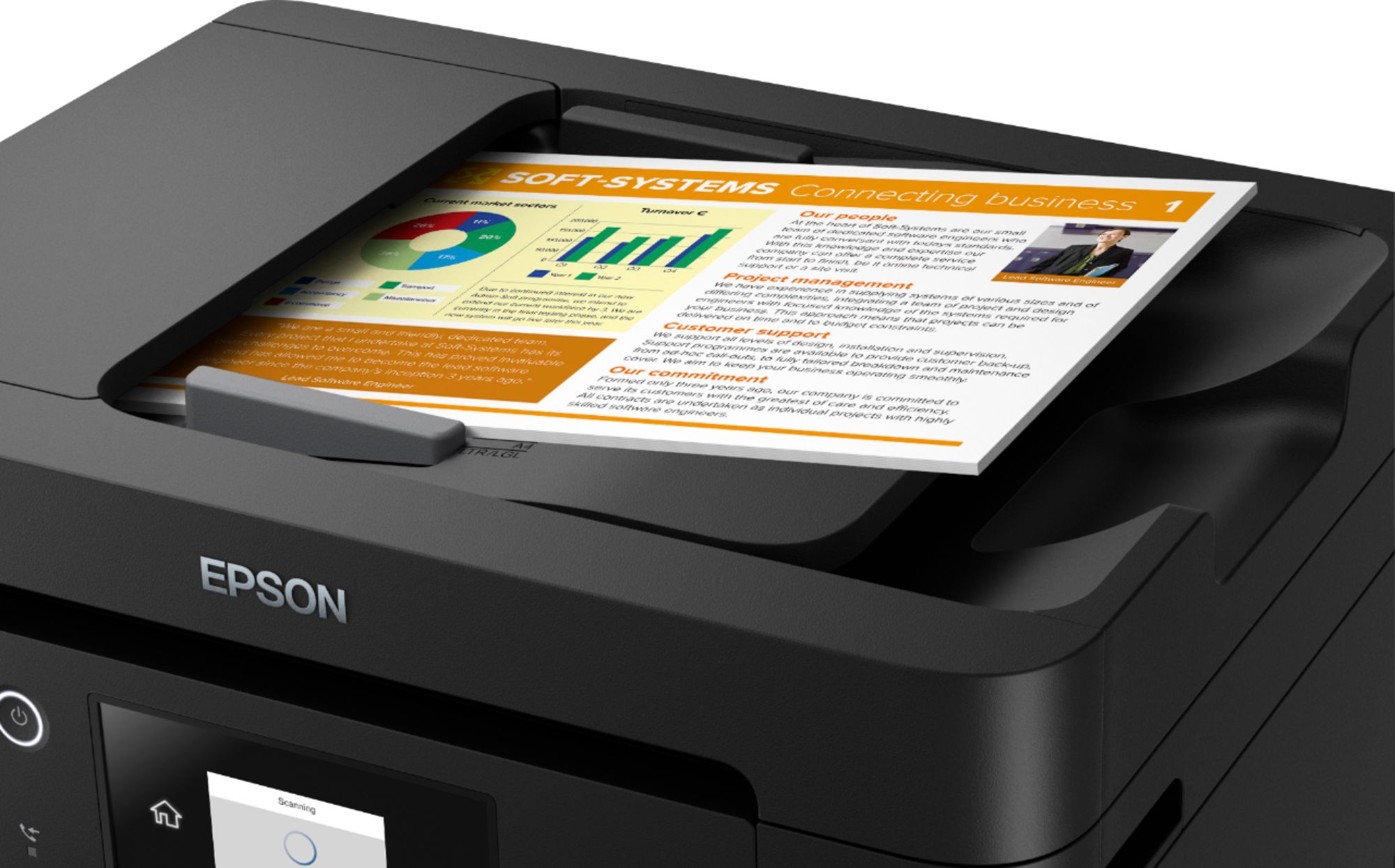
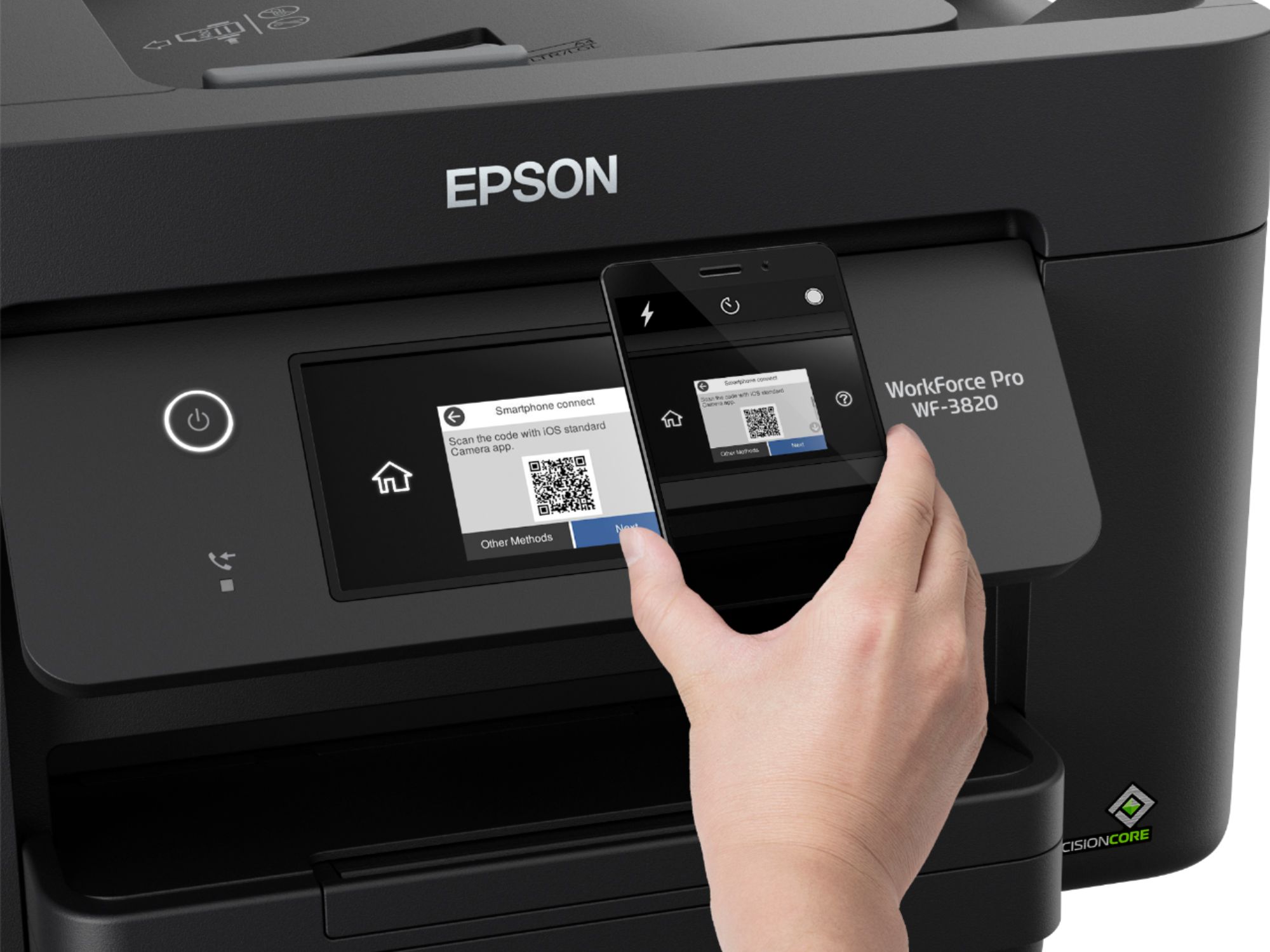
A:AnswerYes, the printer faxes, scans, copies and prints, but you must be sure to install all the specific drivers for those applications, plus a phone line for faxing.
A:AnswerYes, it prints really well & fast from an Android phone, but make sure to download/install the 2 Epson print apps for your phone. Epson Print Enabler & Epson iPrint are available in the app store. Epson Smart Panel is a new app that just became available from Epson's website that allows more features, control & editing directly from your Android or iPhone.
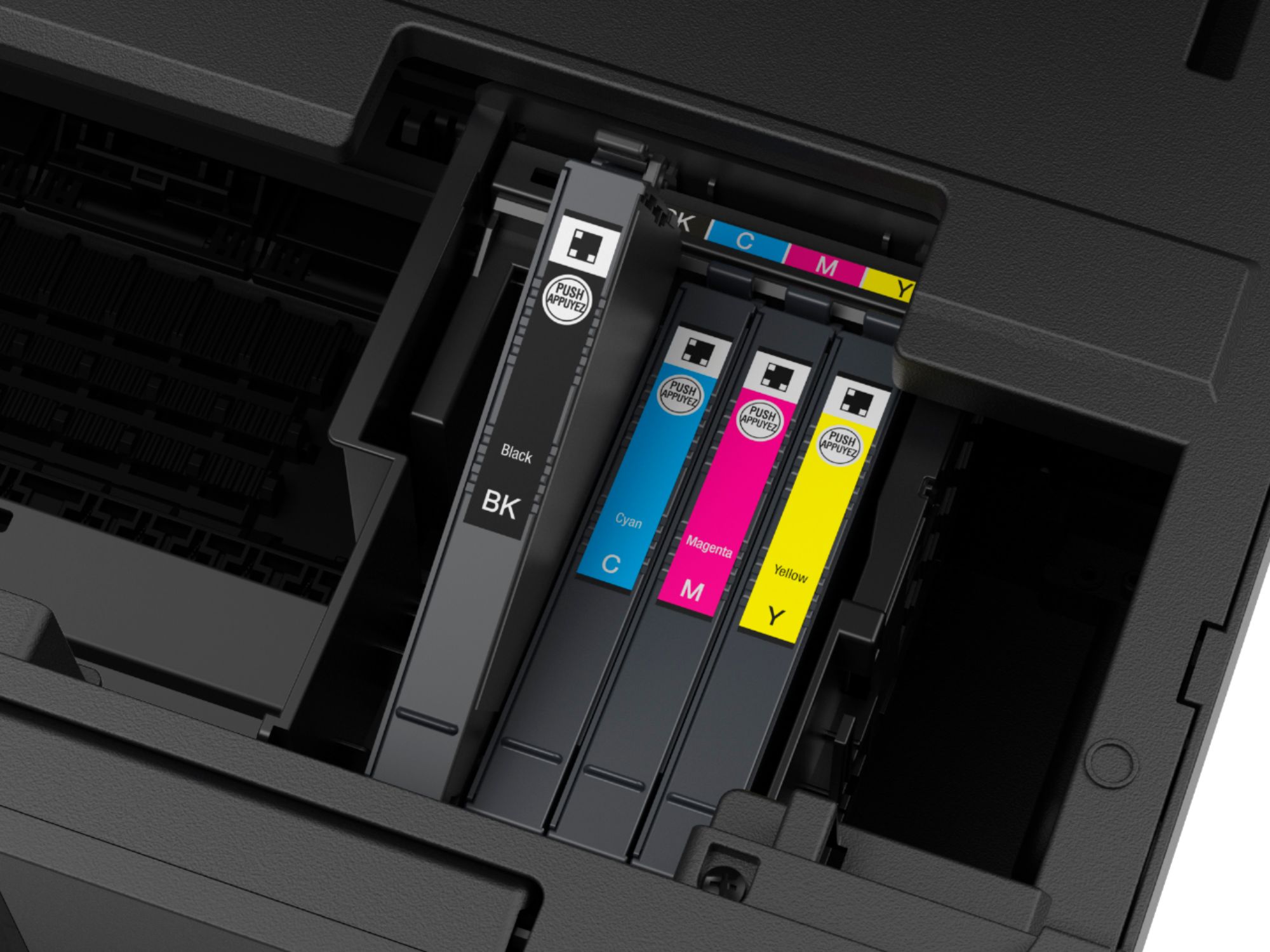
A:AnswerIn the menu select change print cartridges. Lift the printer open from the sides. The cartridge holder will position so you can access it. Lift them out individually from the tops.