A:AnswerIf your document to print shows the text in reverse a printer will print what you see. You may need to create a JPG file from your graphics to print or find another way to adjust your text to just what you want.
A:AnswerI have owned the WF-3620 and this one, the WF-2760. The 3620 was larger capacity and we got 11,000+ prints before it gave us problems, a couple years of frequent labor from the machine. The 2760 seems to be better built. It does have a few cheap seeming components like the tray that receives the printed paper, but the insides are stronger.
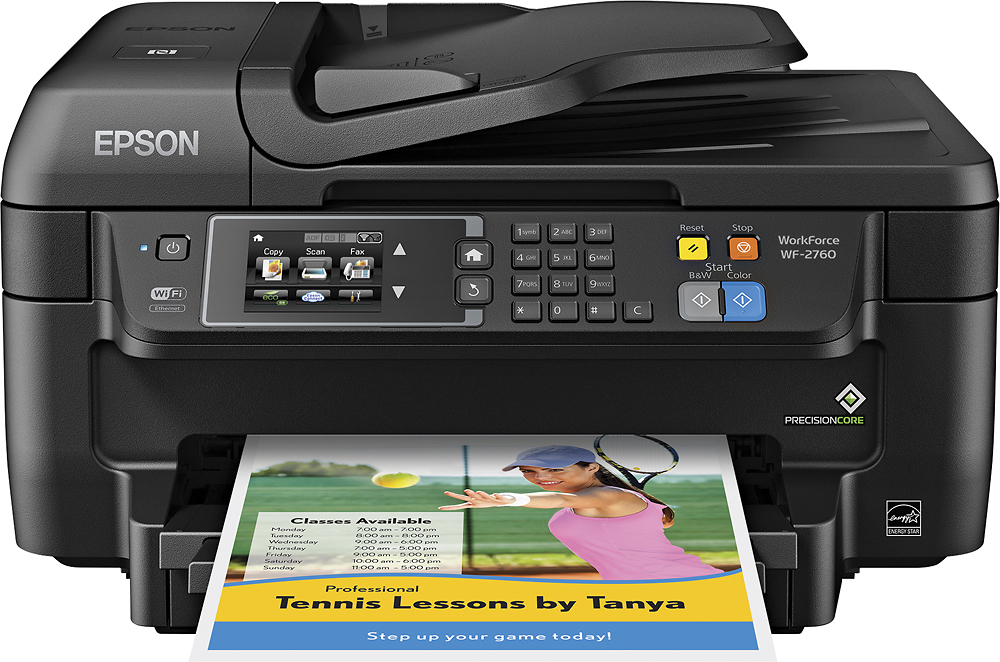
A:AnswerYes, it has email as an option on printer Scan features. I have never used it, however, and it may take some testing to figure out how to use it. Probably covered in an online user guide.
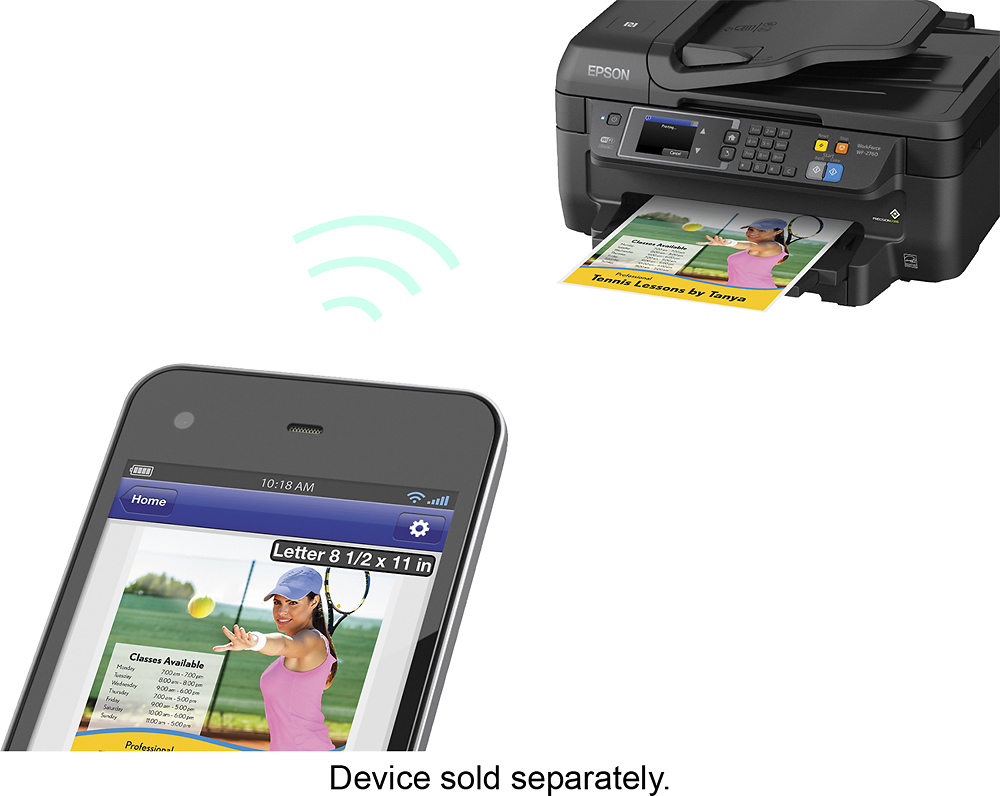
A:AnswerYes. Works great. You can just use airprint. I print from my macbook pro and iphone all the time. I just connected the printer to the wifi that my laptop and phone was on and hit search for the printer. The mac installed the drivers quickly and I began printing. I can also scan to my macbook from the printer. I suppose you could connect with USB cord also, but why? With this printer you can print from anywhere in the house from the macbook laptop.
A:AnswerIt will
SCAN: from the document feeder you can load it with several pages and scan to one document with all of them into one PDF.
COPY: it will copy a 2 sided document, yes. giving you a 2 sided copy. I believe it also copies 2 separate pages and combines them to one 2 sided document also.
FAX: I do not use this feature, but I am sure it will print whatever it receives. I didn't know you could fax 2 sided and I am not sure if I have seen a 2 sided fax machine. But if so, I bet this will do it.