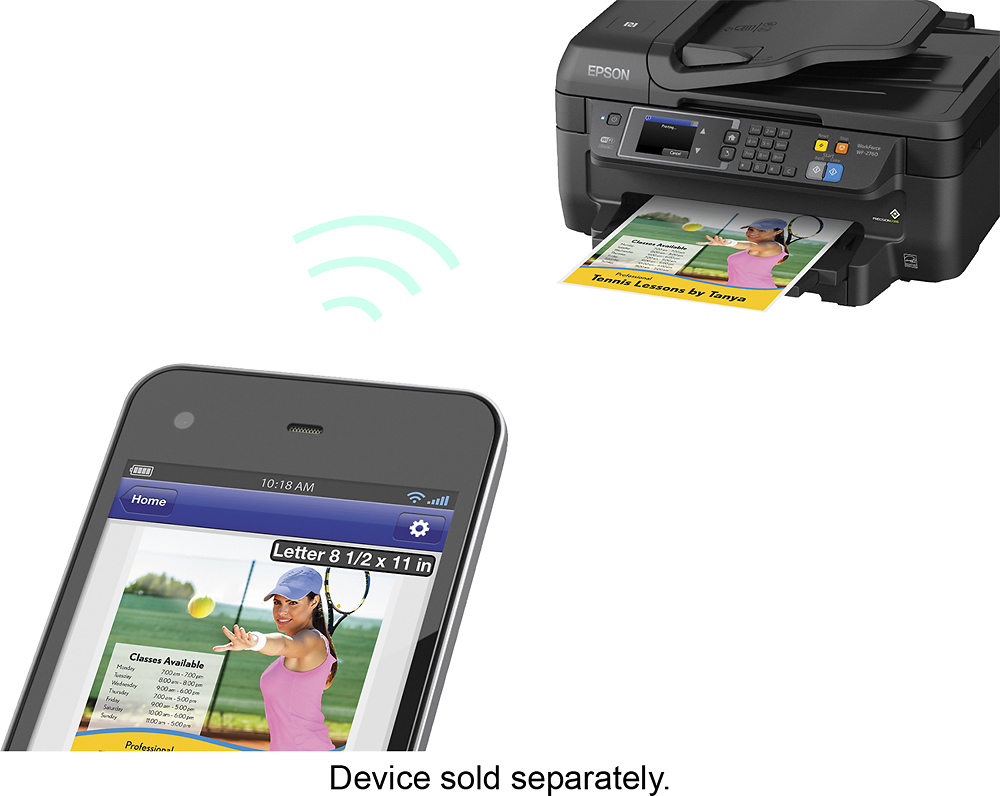
A:AnswerUpon reading the instructions...you can either connect the printer to the computer wirelessly or by using a USB cable. In either case if you have a home WiFi router you should be able to either print wirelessly from the laptop or share the USB connected printer on your network and print that way from your laptop. In either case you can print wirelessly or via the USB cable from your computer. You cannot connect two USB cables to the printer.
A:AnswerI used Costco refilled cartridges on my last Epson and the ink dried out. Had the printer for as few years and no problem until I ran Costco refill then it dried up and cpould not get it printing again. The ink is not that expensive for this one so play it safe. I lost a high end workforce due to the ink drying out.
A:AnswerPer the product features section of the product page:
"Prints up to 13.7 ISO ppm* in black, up to 7.3 ISO ppm* in color"
"Copies up to 11 cpm* in black, up to 5.5 ISO cpm* in color"
"*Requires a high-speed Internet connection.
*Print speeds vary with use. See manufacturer for info on print speeds."
Speeds for scanning to a computer will greatly vary depending on the scan quality selected and image size being copied.
Hope this helps!
A:AnswerYes. It is an option in the properties section when you hit Files> print> properties. This is assuming you have installed the Epsom software that controls the printer and not just gotten the drivers somehow.