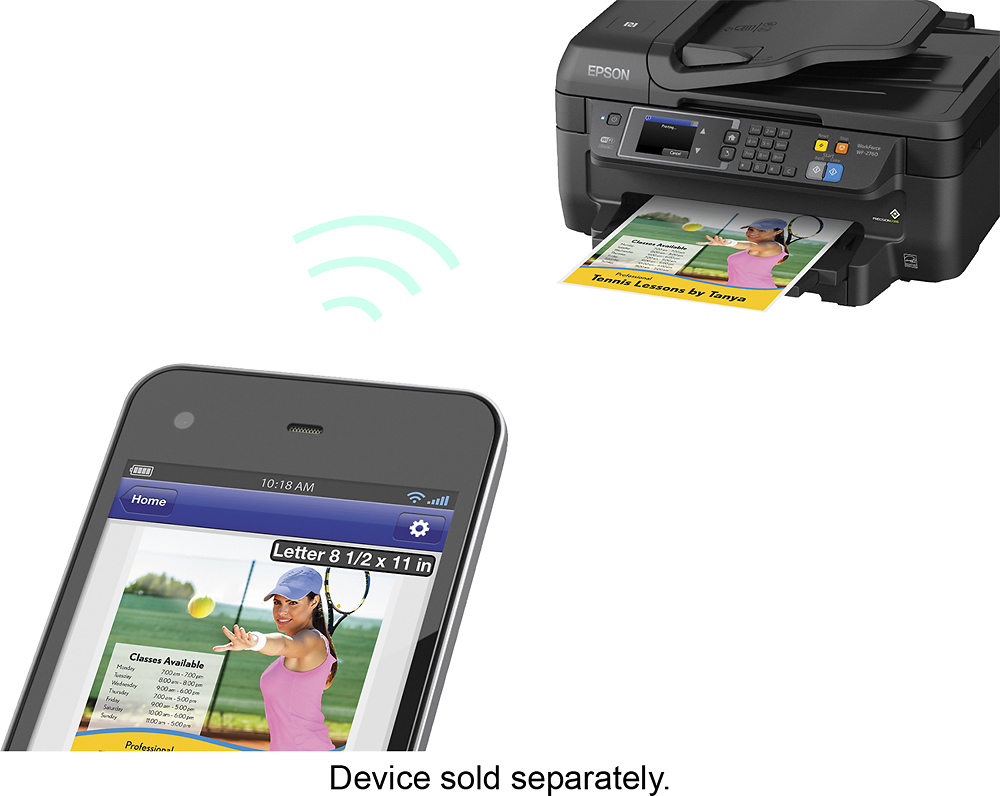
A:AnswerNot necessarily too close. If you have a anti-virus or security suite. Be sure you configure it to allow the printers IP/MAC address. And another thing you may have to do is manually change its IP to something that's not cloae to anything else you have connected to wirelessly connected to your modem.
A:AnswerYes, you can put a stack of pages in the document feeder and scan them all into one PDF (or probably separate files if you wish). The ADF is only single-sided though, so if you want to scan two-sided originals you will need to do one side at a time.
A:AnswerI am not sure what you mean by set-up charge. As long as you have a home network you merely have to pair the printer with your network; there is no fee or charge to do this and you will have no ongoing fees for using your own personal home network. I personally use a direct USB connection for reliability but you should have no trouble pairing the printer with your wi-fi as long as your printer is not very far away from your router. Follow the directions from Epson precisely for the best results.
A:AnswerThere is no separate tray for 4X6 pictures. You merely have to adjust the slides in the paper tray to accommodate that size paper. You will need to remove the paper tray to add the paper and make the adjustments but it is very easy to do. Be sure that you also adjust the paper size in your Page Set-up on the computer and also on the printer (in the menus on the touchscreen) for the correct paper size and type. It takes a little extra time but it will tell the printer exactly what you are trying to print.
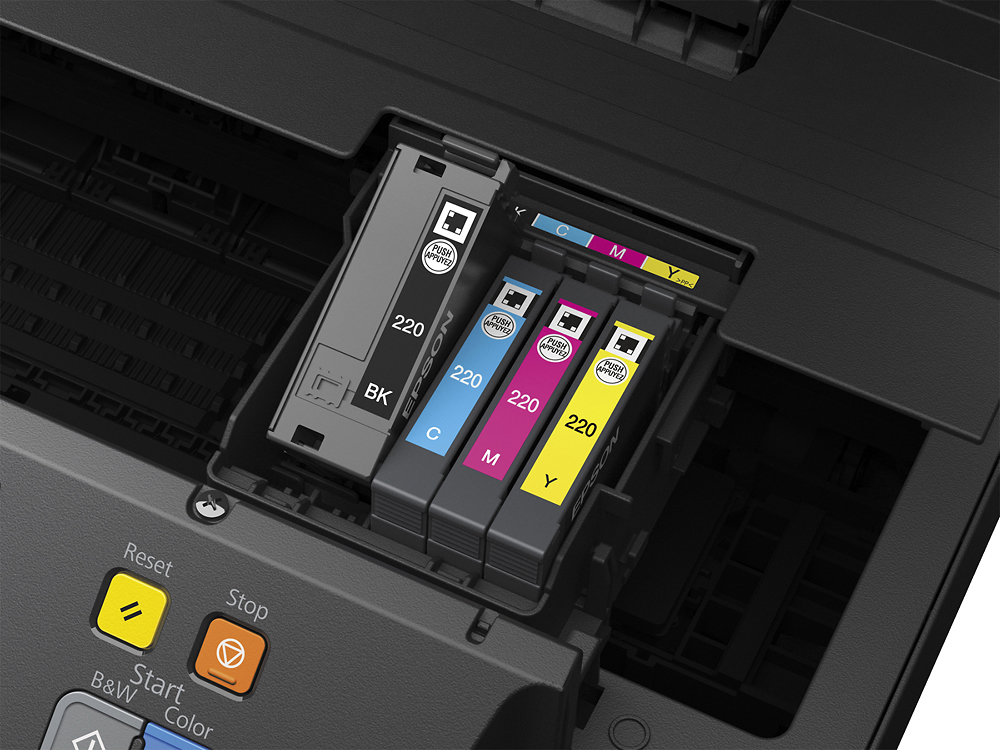
A:Answeri believe 220XL 4 cartridges yellow, blue, magenta and black. then you only have to change out the one is low but you can buy remanufactured like at ezink for a reasonable price.