Questions & Answers
- Model:
- EPSON WF-2830 PRINTER C11CG302
- |
- SKU:
- 6347500
Highly rated by customers for: Print Quality, Ease of use, Price
Page Showing 61-80 of 241 questions
Q: Questionhow do you tell if the ink is getting low
Asked by Anonymous.
- A:Answer Hello. The WF-2830 displays ink levels directly on the control panel. Also, you will be prompted to replace Ink Cartridges when the ink on the printer is running low. Regards, Kevin - The Epson Team.
Answered by Epson

Q: QuestionCan you receive a fax on this machine?
Asked by Davidemiller.
- A:Answer Hi Davidmilller, Yes, you can send and receive faxes with the WorkForce WF-2830. In order to use the fax feature, the WF-2830 must be connected to a standard phone line. Regards, Mark - The Epson Team.
Answered by Epson

Q: QuestionIt this printer compatible with sublimation ink?
Asked by cass007.
- A:Answer Hi cass07. The Epson WF-2830 was not designed for dye-sublimation printing nor the use of non-genuine Epson ink cartridges. Using sublimation ink in this printer could damage the print head and impact warranty coverage. Regards, Kevin - The Epson Team.
Answered by Epson

Q: QuestionCan you print from Samsung Galaxy S20 Android phone using WI DIRECT?
Asked by 8484.
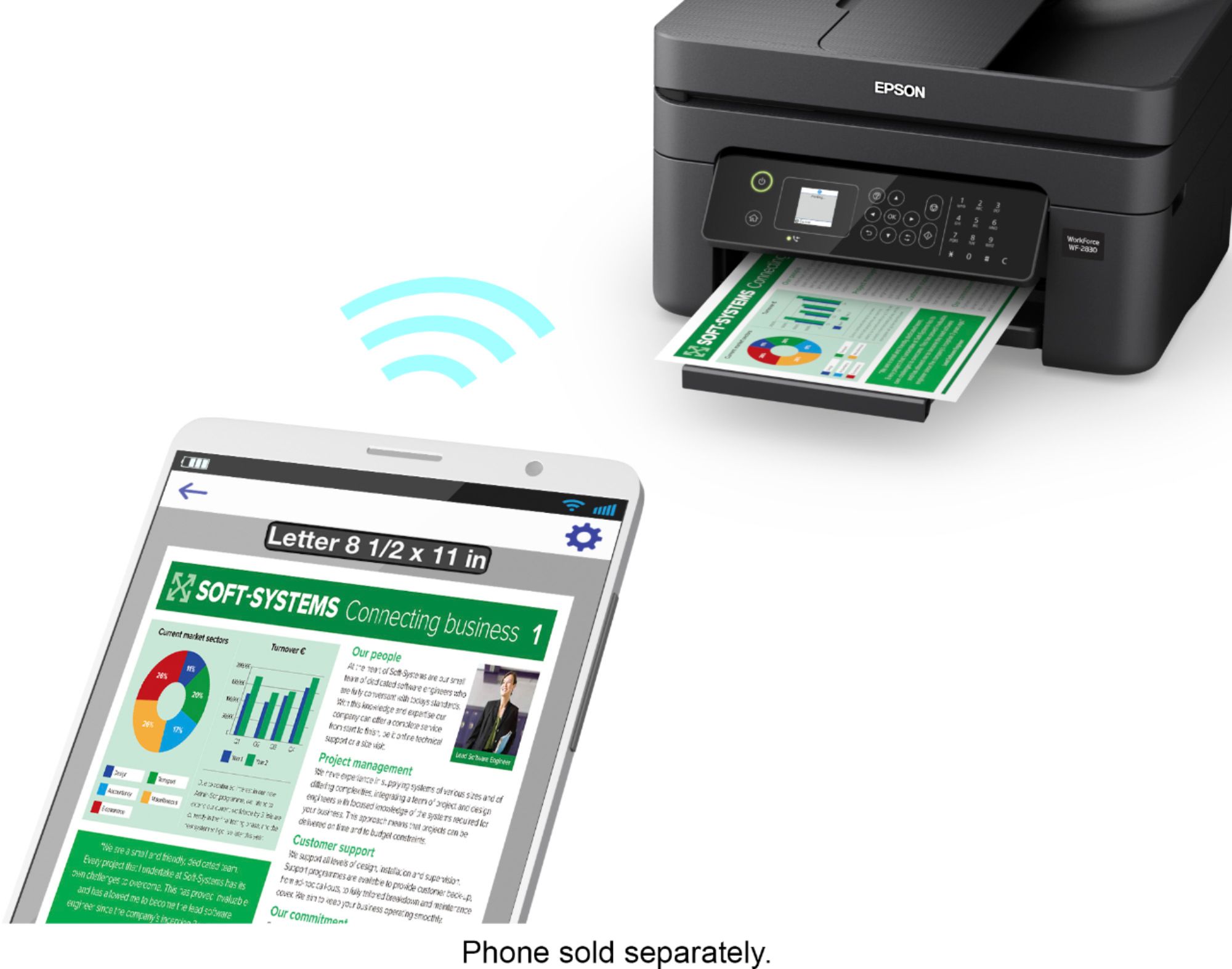
- A:Answer Hi 8484, Yes, the WorkForce WF-2830 supports Wi-Fi Direct printing. Visit the Epson support site for the WF-2830 for setup instructions. Regards, Mark - The Epson Team.
Answered by Epson

Q: QuestionCan I use a cable connection instead of wifi
Asked by Sweetpea.
- A:Answer Hi Sweetpea, Yes, you can connect the WorkForce WF-2830 to a computer using a standard USB Type-A to Type-B cable. The WF-2830 does not include a USB cable. Regards, Mark - The Epson Team.
Answered by Epson

Q: Questionwhat is the return policy
Asked by RDP1938.
- A:Answer Hello RDP1938. Please visit the "Return & Exchanges" section on BestBuy's website for more information on the return policy. Regards, Kevin - The Epson Team.
Answered by Epson

Q: QuestionHi, does this printer have a phone jack so fax through a landline? Thank you
Asked by AM.
- A:Answer Hi AM, Yes, the WorkForce WF-2830 does have a connection for a landline. You can use the WF-2830 to send and receive faxes. Regards, Mark - The Epson Team.
Answered by Epson

Q: QuestionIs this printer compatible with Windows XP?
Asked by Anonymous.
- A:Answer My be I'm not sure, becouse am still try to add the printer on my computer what work with Windows 11 by .
Answered by Anonymous
Q: QuestionWhat size cartridge doe this printer require?
Asked by Dede.
- A:Answer Hi Dede, The WorkForce WF-2830 uses Epson 212 or high-capacity 212XL cartridges. Regards, Mark - The Epson Team.
Answered by Epson

Q: QuestionCan it do prints for t.shirts
Asked by Anonymous.
- A:Answer Hi, Yes, you can print your own T-Shirt transfers with the WorkForce WF-2830 and Epson Iron-on Cool Peel Transfer paper. Regards, Mark - The Epson Team.
Answered by Epson

Q: QuestionWill this Epson Work Force #WF-2830 All in One Inkjet Printer be back online to purchase anytime soon? I have been waiting for quite a while, Or, in store. If so, is there a way I can be contacted by email when it is available? SKU#6347500
Asked by charzar.
- A:Answer Personal experience, this printer is not worth buying no matter what you pay for it. I've been struggling to get mine to work for the past two and a half months including replacing the ink cartridges after only two weeks of struggled use. It's probably why it's out of stock. Sounds like a great deal, but like the saying goes...too good to be true.
Answered by MikeM
Q: QuestionCan I use this system? with an ASUS LAPTOP
Asked by Tony.
- A:Answer Hello Tony. The WF-2830 can work with an Asus Laptop when running Microsoft Windows 7 or later. You can find the latest driver software for the printer on our official Epson Support page. Regards, Kevin - The Epson Team.
Answered by Epson

Q: QuestionIs this a photo printer as well?
Asked by JeepMama.
- A:Answer Hello JeepMama. The WF-2830 supports various photo paper types ranging from glossy to matte. It has a maximum print resolution of 5760 x 1440 optimized dpi and uses a mix of pigment and dye-based inks, making it a good choice for an all-in-one printer that can print documents and photos. Regards, Kevin - The Epson Team.
Answered by Epson

Q: QuestionCan I Fax with my Land Line Phone ?
Asked by Anonymous.
- A:Answer Hi, Yes, the WorkForce WF-2830 includes fax capabilities that require a connection to a landline. Regards, Mark - The Epson Team.
Answered by Epson

Q: QuestionIs there a way to connect a phone to this printer?
Asked by Anonymous.
- A:Answer Hello. The WF-2830 includes fax functionality. To use this feature, you must connect a telephone line to the printer. Regards, Kevin - The Epson Team.
Answered by Epson

Q: QuestionWhat ink will I need to purchase?
Asked by Lancast.
- A:Answer Hi Josie, The WorkForce WF-2830 requires Epson 212 or high-capacity 212XL cartridges. Regards, Mark - The Epson Team.
Answered by Epson

Q: QuestionDoes this printer come with ink cartridges or do I have to buy them initially, too?
Asked by Anonymous.
- A:Answer Hi. Yes, the Epson WF-2830 includes four ink cartridges (Cyan, Magenta, Yellow, and Black) for the initial setup only. Most of this ink is used to charge the ink delivery system, and the rest will be available for printing. Regards, Kevin - The Epson Team.
Answered by Epson

Q: QuestionI’m in a dormitory room and do not want everyone printing from the printer can it be password protected?
Asked by K.
- A:Answer Hi K, If your wireless router is password protected, you can connect your WorkForce WF-2830 to it and only people with the Wi-Fi password will be able to print wirelessly. Since the WF-2830 has a USB port, anyone with physical access to the printer can connect a computer via USB and print. Regards, Mark - The Epson Team.
Answered by Epson

Q: Questionmy Epson WF 2760 has no drivers available and what can I do? I have no warranty. I have tried to uninstall and, it re-installed with a different model Epson86ACF1. Help. Do I have to buy a new printer?
Asked by Epsonink.
- A:Answer Hello EpsonWF2760. Depending on the operating system, you can find printer drivers available for the WF-2760 on our official Epson Support page. The drivers currently available are compatible with macOS 10.6 - 12 and Microsoft Windows Vista - 11. Regards, Kevin - The Epson Team.
Answered by Epson

Most-viewed items
- $329.99$329.99The price was $469.99
- $249.99$249.99The price was $379.99
- $159.99$159.99The price was $309.99
- $99.99$99.99The price was $129.99
- $199.00$199.00The price was $399.00
- $449.99$449.99The price was $649.99