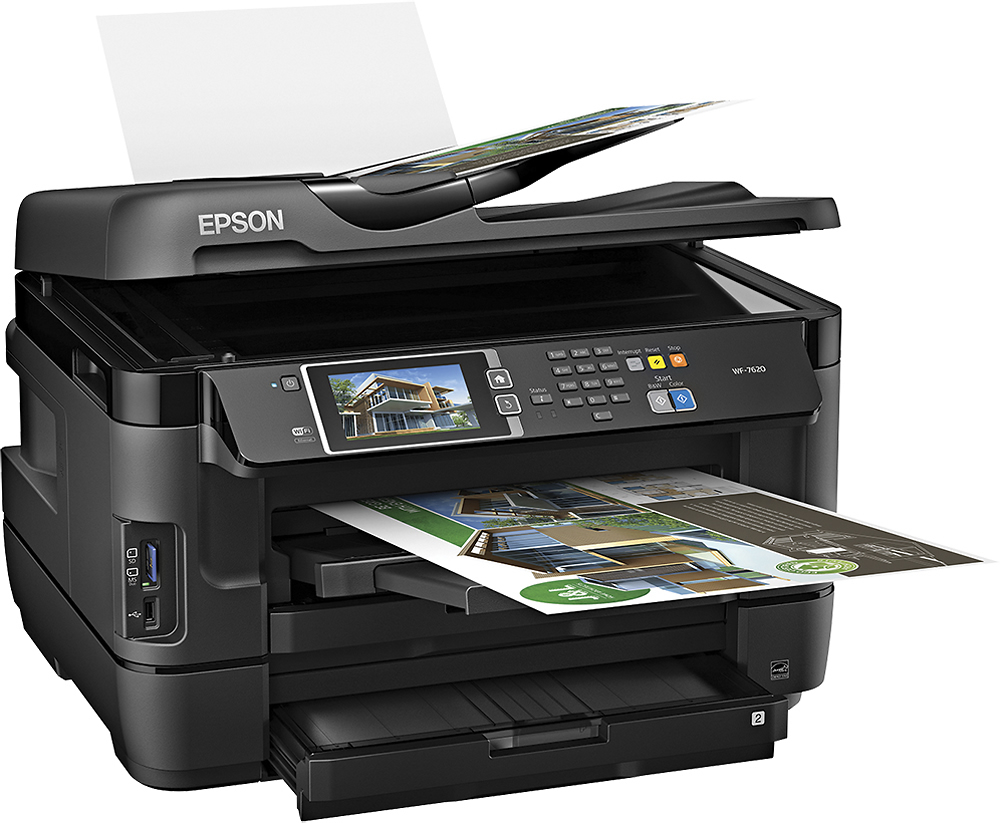
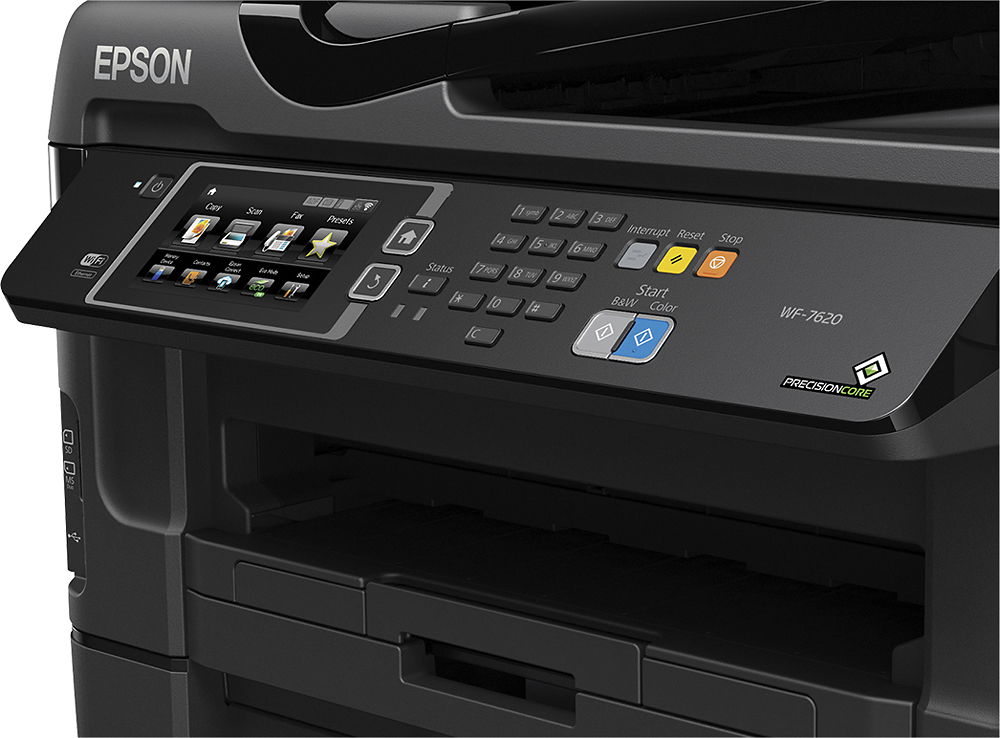
A:AnswerUsed it with my Dell XPS 14 and works like a charm. A little challenging in terms of understanding how to get certain aspects to work like wireless printing from tablet or phone but reading a bit and was able to figure it out. As to your question, no issues using Windows 10
A:Answerit is pretty large and weights about 49#. I not longer have the box, but I measured mine and it was about 17" wide x 15" tall . hope this helps
A:AnswerUnless you using it for forms and documents, I don't recommend using the ADF. It does use a fixed resolution and, at least on mine, tends to leave scan streaks in the direction of the feed.
I use mine for art mostly and use the bed to avoid the streaks, and the computer's Epson scan interface to get greater control over the scan settings (resolution, levels, saturations, etc)
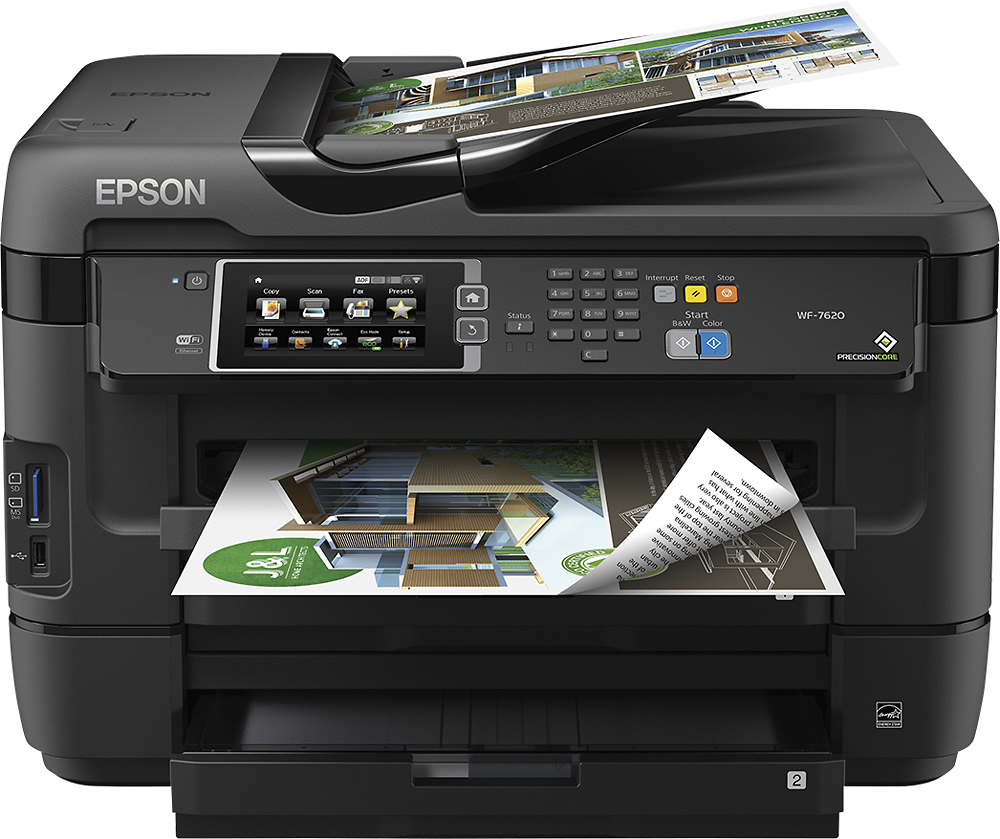
A:AnswerThe main difference is the print speed and specs. So the workforce 7620 can printer larger images and is mostly for people who professional work and print 13x19 paper. The workforce 7620 also prints images just slightly faster, not enough to make a real difference, but slightly faster. If you don't need paper that is 13x19 then the workforce 3640 will work just fine for you. Literally the do almost the exact same thing, but the workforce 7620 can print bring paper than the workforce 3640.