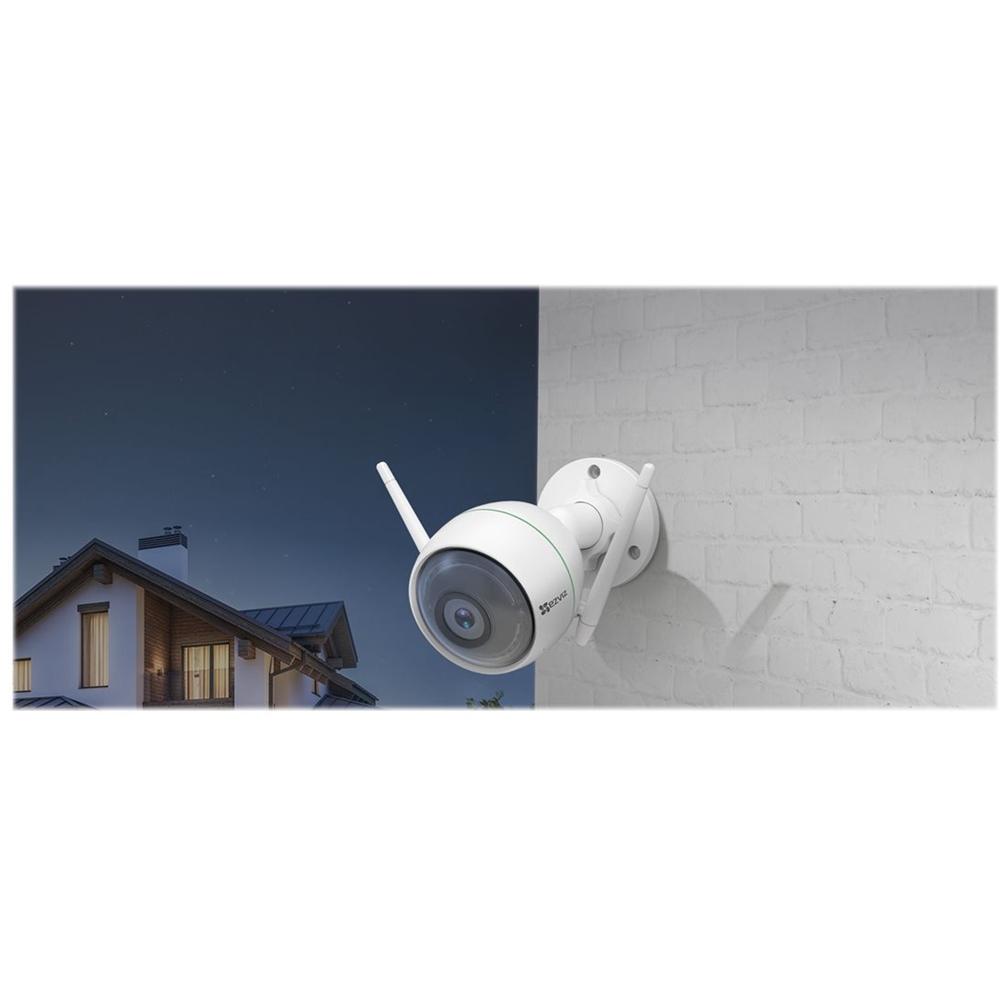
A:AnswerProblem is--nighttime when the ir light is on it reflects off the screen and all you see is the screen, if you remove the screen the light reflects off the window. If you turn off the light the nighvision capture is only very near the camera. If you have an outdoor light on the capture is much further.
A:AnswerTo ensure a smooth Wi-Fi setup, please make sure you have the latest version of the EZVIZ mobile app installed and make sure the mobile device you are using for this setup is connected to a 2.4 GHz WiFi network and ensure that your ISP is not restricting ports 80/554 We have a team of experts ready to help get everything back on track. Give the EZVIZ Tech Team a call at 1.855.693.9849, Monday - Friday 4am - 8pm Pacific Time or by email at [email protected]. We love to help!
A:AnswerNo - For this device to function properly, this device needs to be connected to a reliable power source using the power adapter included in the pack
A:AnswerFor this device to function properly you need to connect the device to a reliable power source and link this up to your 2.4Ghz WiFi network. You can view the live videos from your device at all times as long as the device is online, if you wish to view the playback from your device, you need to insert an SD card or subscribe to the EZVIZ cloud play service
A:AnswerNo - This camera is not a PT camera. This device is configured to record motion once a motion event is detected. You do not need to have the mobile app open for the device to trigger and record motion.
Please note that you need an SD card inserted for you to be able to review the playback from the motion event.
A:AnswerNo - For this device to function properly you need to connect the device to a reliable power source and link this up to your 2.4Ghz WiFi network. You can view the live videos from your device at all times as long as the device is online, if you wish to view the playback from your device, you need to insert an SD card or subscribe to the EZVIZ cloud play service
A:AnswerYes - You have the ability to receive motion detection notifications when they occur.
The camera is also configured to initiate recording when a motion event occurs if you have an SD card inserted or you have the cloud play subscription service
A:AnswerEZVIZ mobile app is available on the playstore and App store. For ipad download, please ensure that you change the category to iPhone only app. You cannot upload the motion event videos up to the icloud or any provate cloud. You can only upload the videos to the EZVIZ cloud or an SD card if you have one inserted