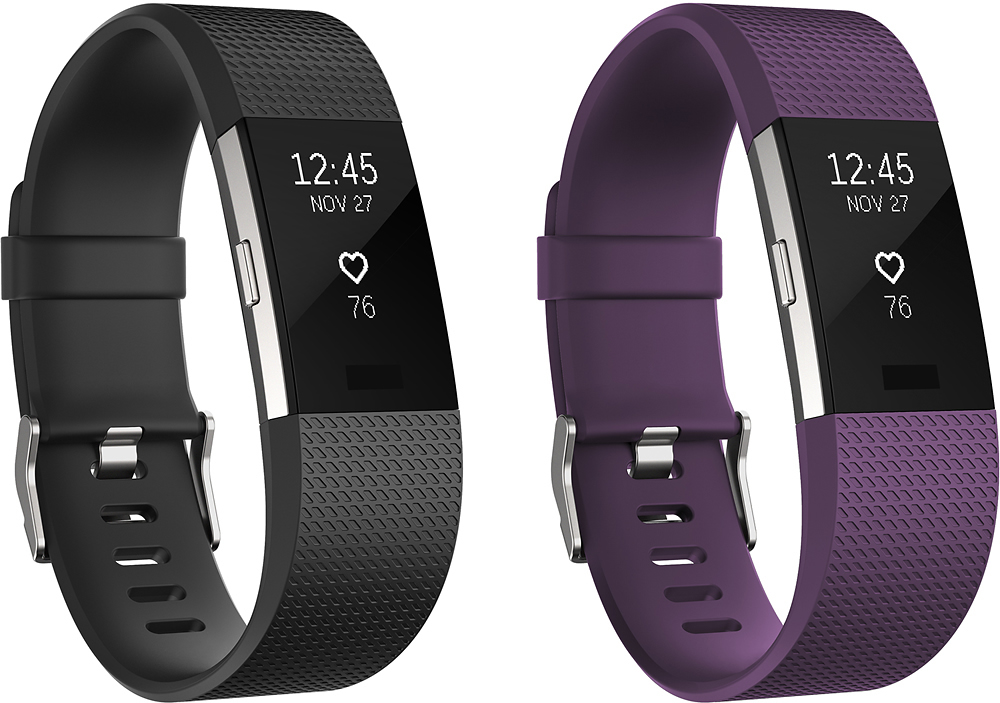
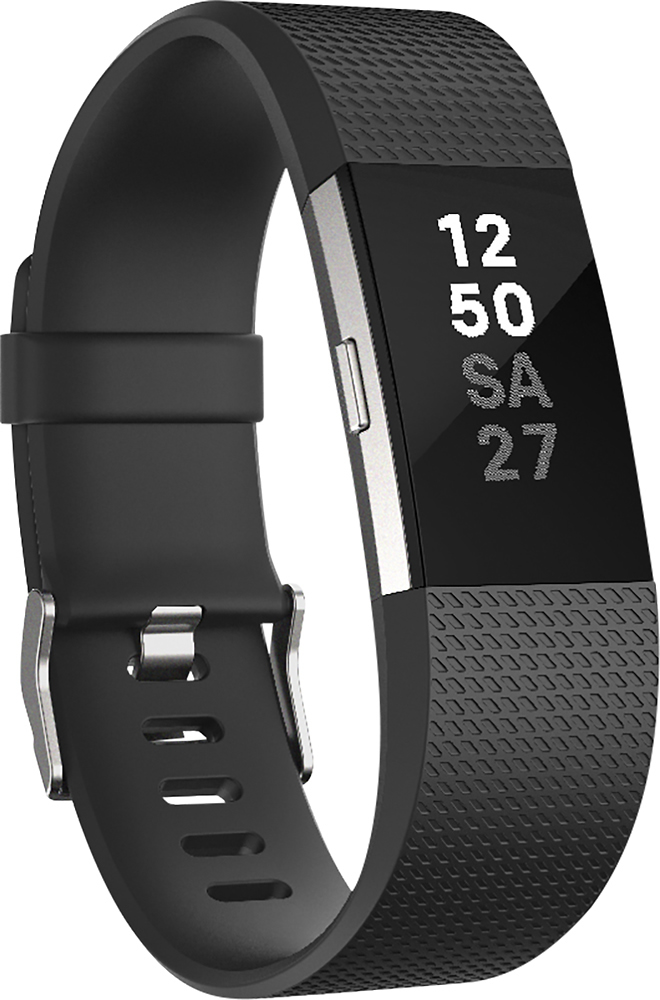
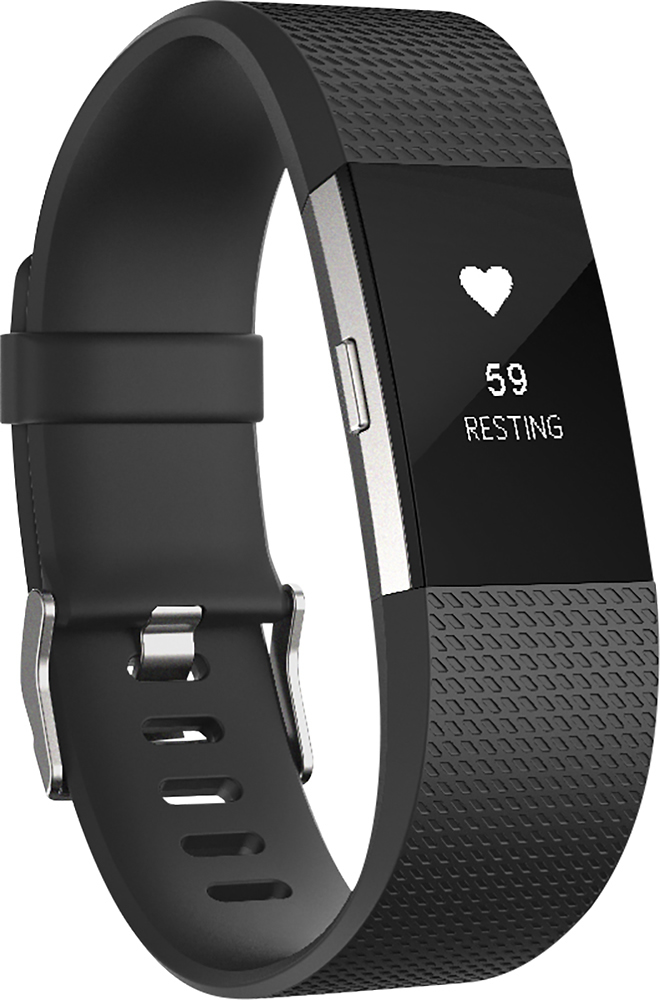
A:AnswerFrom the Fitbit website about the new charge
"Silent Alarm
Wake up peacefully with a silent vibrating alarm, and create a sleep schedule in the app to stay on track toward your goals."
A:AnswerThe Fitbit will receive messages and call alerts from the iPhone. Calls cannot be answered from the Fitbit, but callerid is displayed. Text messages can be read, but not responded too.
A:AnswerA dongle should come with the Fitbit in the Box. The community section of the Fitbit site has answers to why you may be having trouble syncing your Fitbit with your computer. One that I have discovered is if your cell phone is nearby in the Bluetooth is on it will interfere with the dongle picking up the signal from the Fitbit. The best solution is to turn off the Bluetooth on your cell phone temporarily while you sync the Fitbit with your computer.
A:AnswerI purchased mine in the store and there is a little wrist rest that determines whether you need a small or large. The small has many holes and my husband can even wear mine! Just saying that you don't necessarily have to have a tiny wrist to wear the small band.
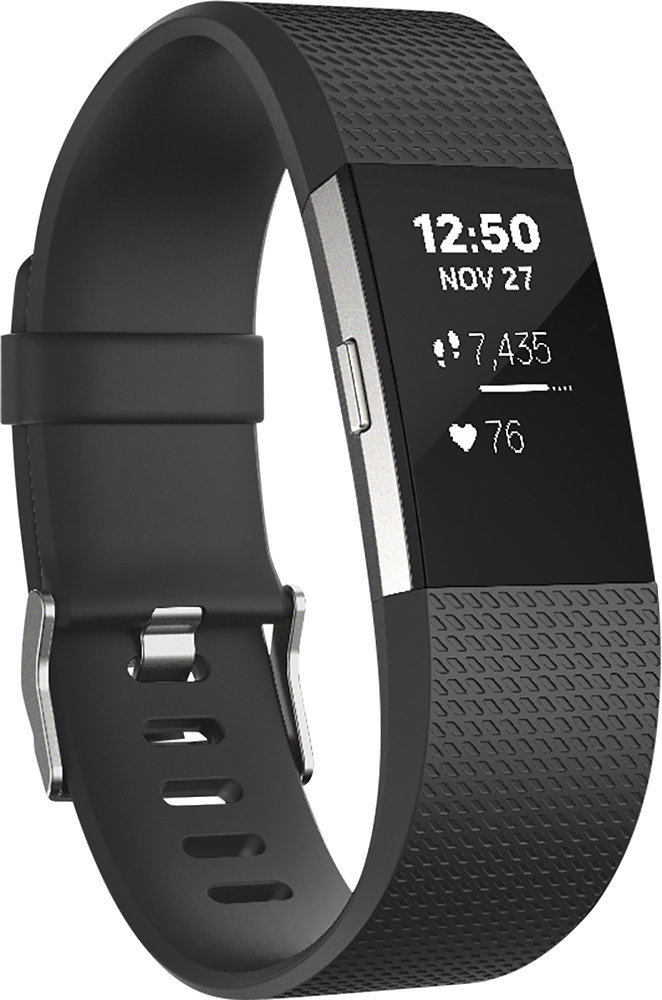
A:AnswerI've never counted the characters but it looks like 7. It display's Telephone #/Name of person texting above and message below. It does scroll giving you a quick glance of the message.
A:AnswerMy Charge HR broke. I didn't have to send it to manufacturer. Took it to Best Buy. They identified it was under warranty and exchanged it for me on the spot. Thanks Best Buy