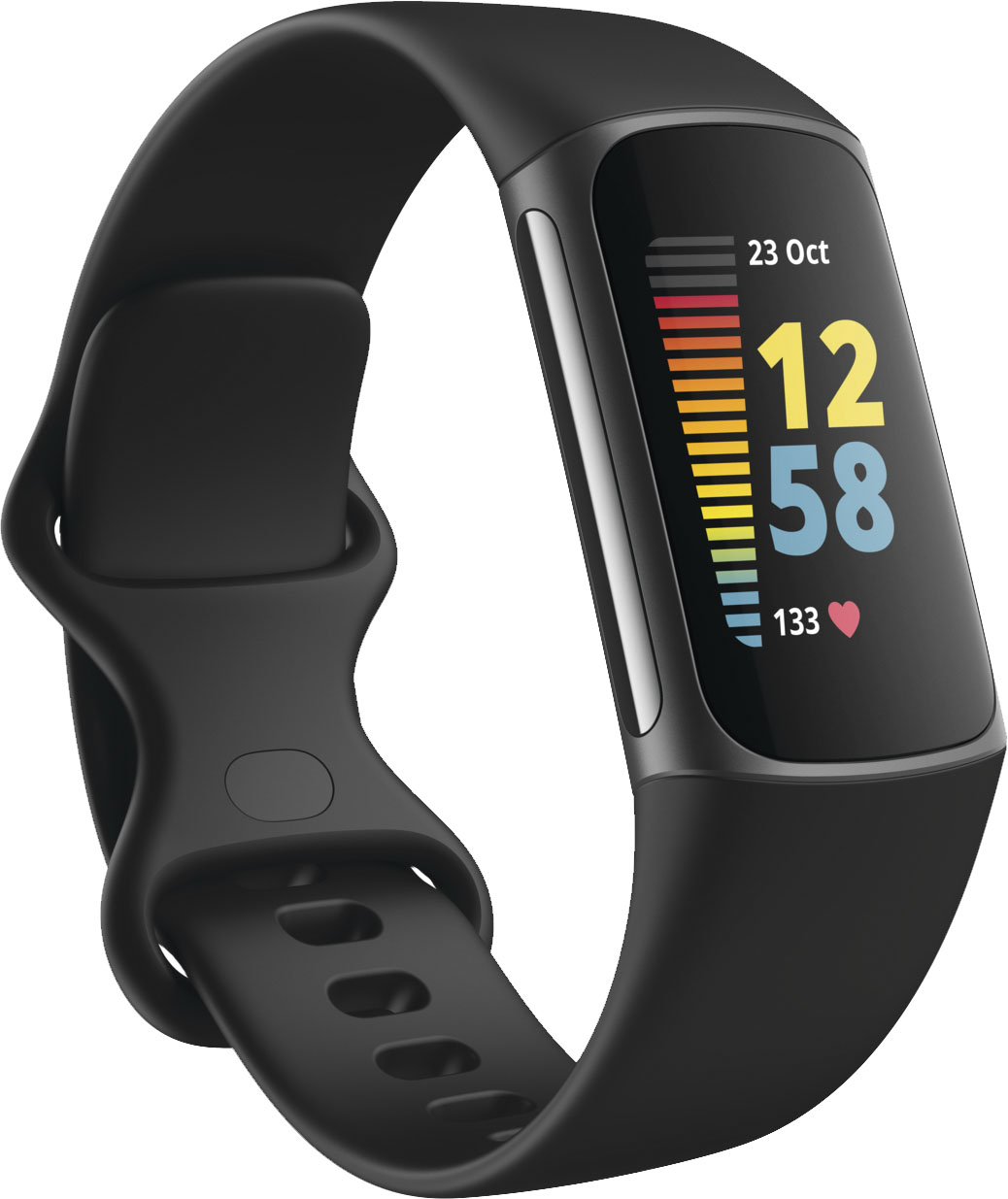
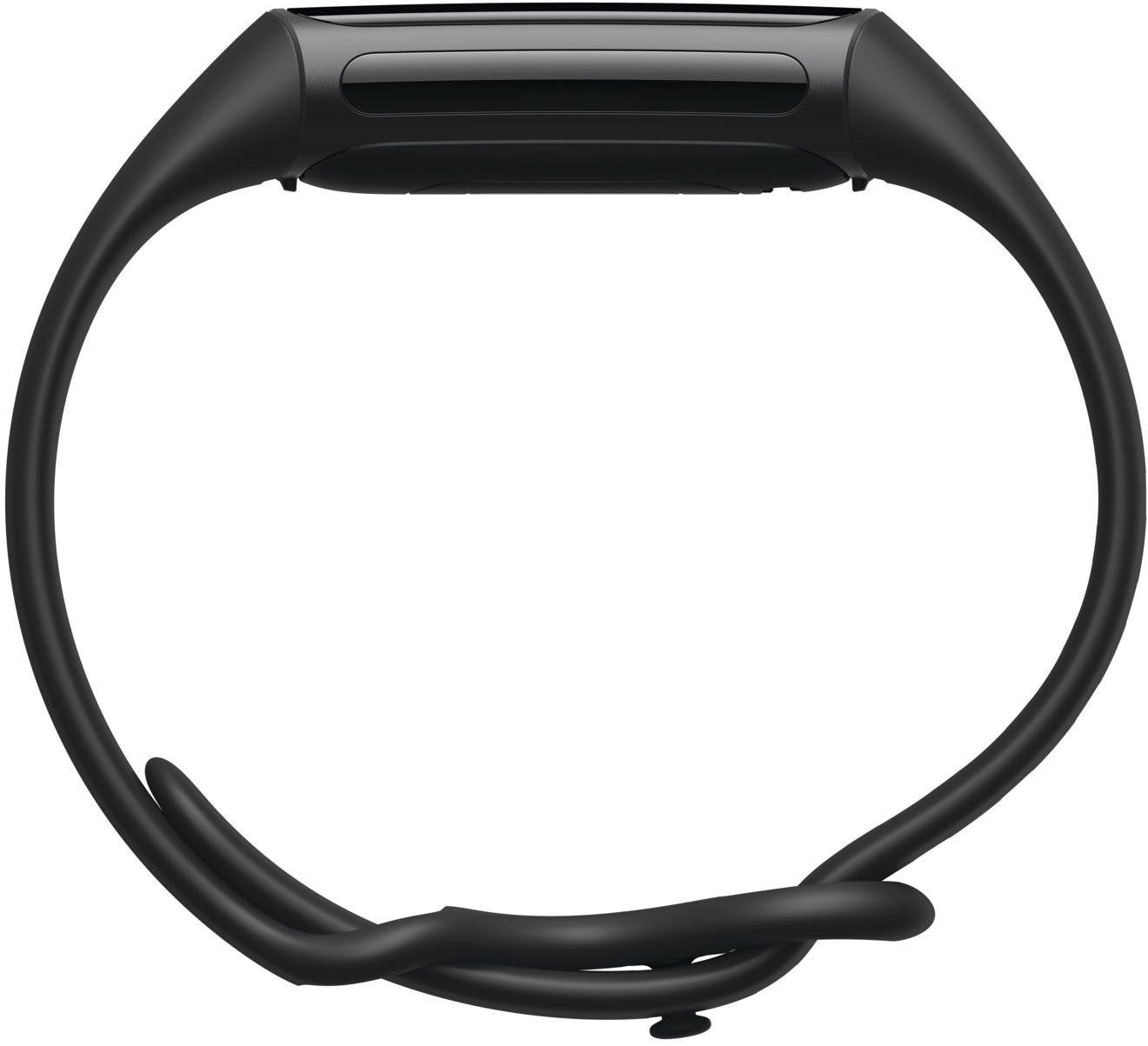
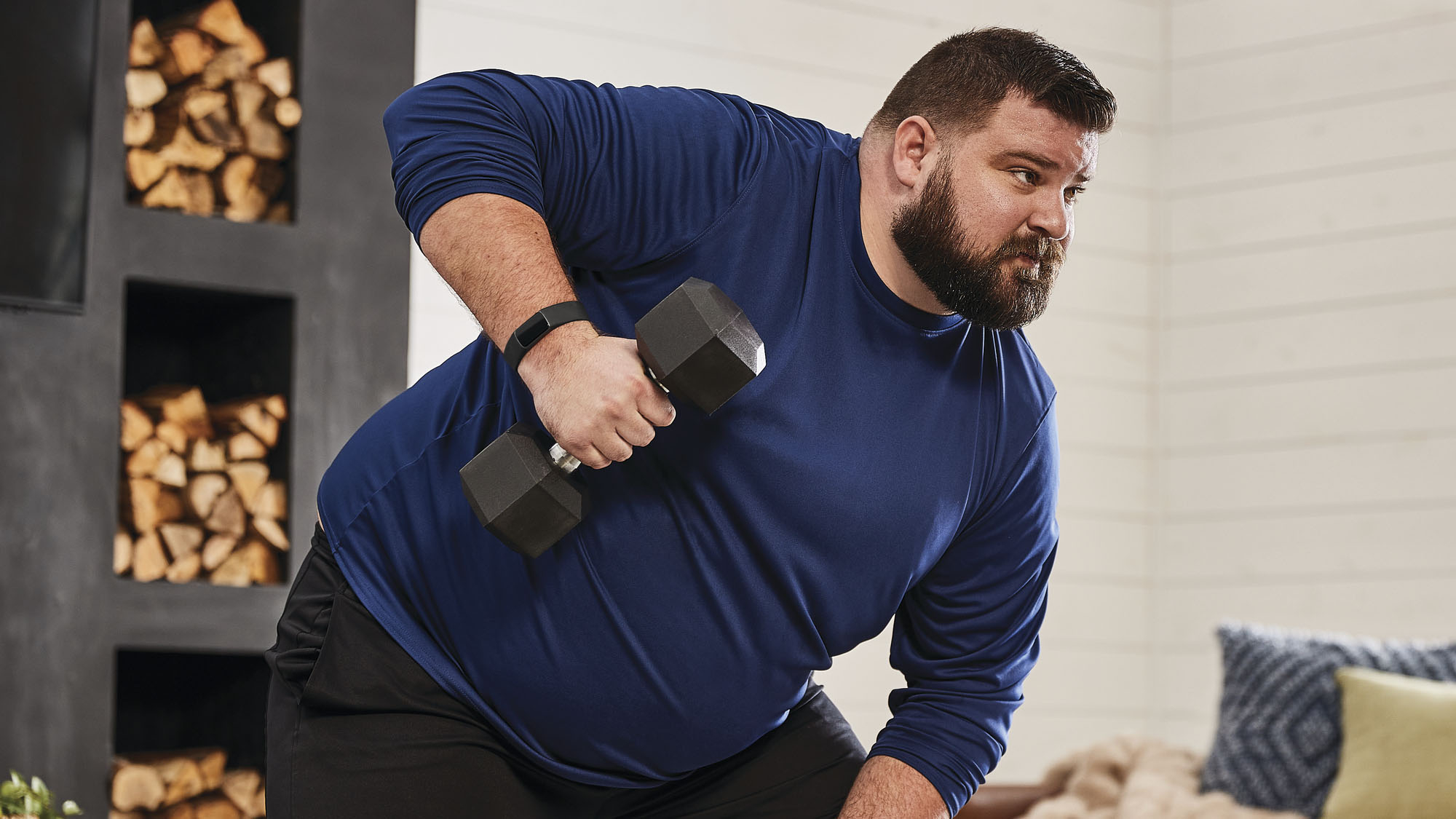
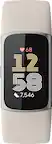
A:AnswerThe Fitbit Charge 5 is unisex. My fellow challenge mates are male and female and we both have it. Some accessorize it differently according to taste and personality. It is definitely unisex.
A:AnswerGo into the Fitbit mobile app
Click the button in the very top left corner
Select your device
Click Gallery
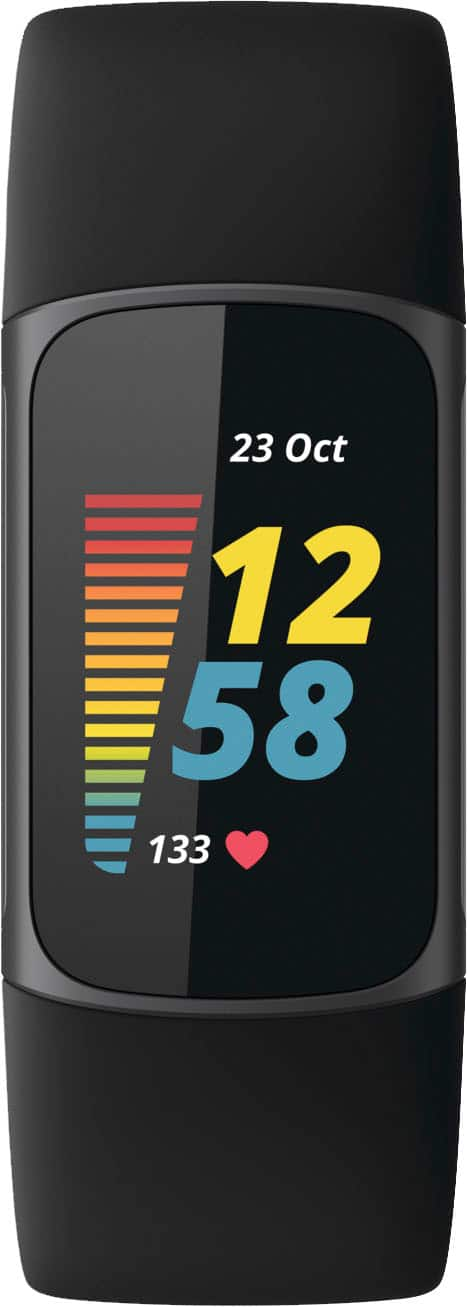
At the top you will see a scroll bar with 3 options: (Your device Name), Clocks, and Apps. Click on Clocks.
Choose the clock face you want and click Install. A progress bar will appear on both your mobile screen and your watch. Once it's done, test it by waking your watch up!
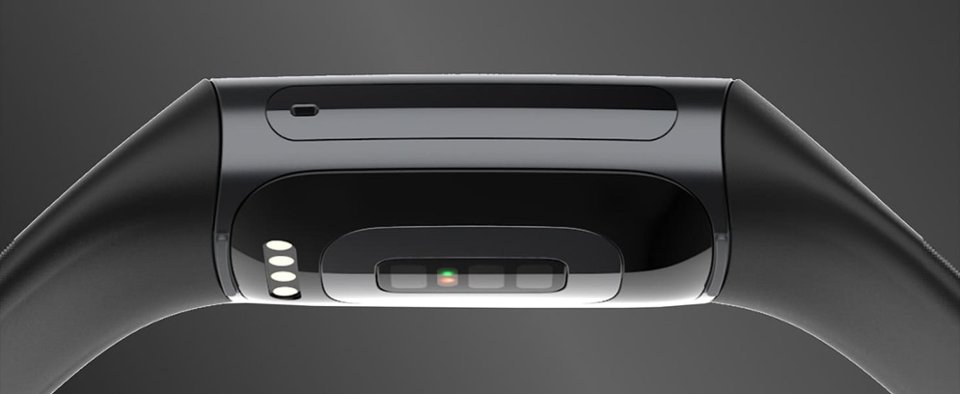
A:Answercharge lasts several days for me and i wear it all day and nite. using the ekg feature it will tell you if you are having an afib episode but you need to select this feature and place fingers in the fitbit for 30 seconds. it will not automatically detect afib and alert you
A:AnswerHi Franky,
It tracks the sports in the photos attached. You get to select 6 as short cuts so you can start them directly from your fitbit. I haven't used mine for spinning (stationary bike) yet, but I did use charge 3 and they seem to track the same things: bpm, time, active minutes, and depending on the activity distance. I have gone swimming with it and did not track laps but it did give me distance.
I have gone walking/running and biking with it and of connected to the gps it will give you an outline of your activity where you went, calories burned in certain sectors, and heart rate in different sectors too.
A:AnswerDon’t waste your money on Fitbit battery will die in a year. Find other watches that are bette Mayby that matches your phone. I love my Apple Watch.
A:AnswerIt does not have a microphone. You can go in the app and add a few quick responses that you could select to reply with but otherwise there is no way to reply.
A:AnswerYou can only get blood oxygen results from times when your watch has tracked you sleeping. You can see the results from your most recent result on the Fitbit app