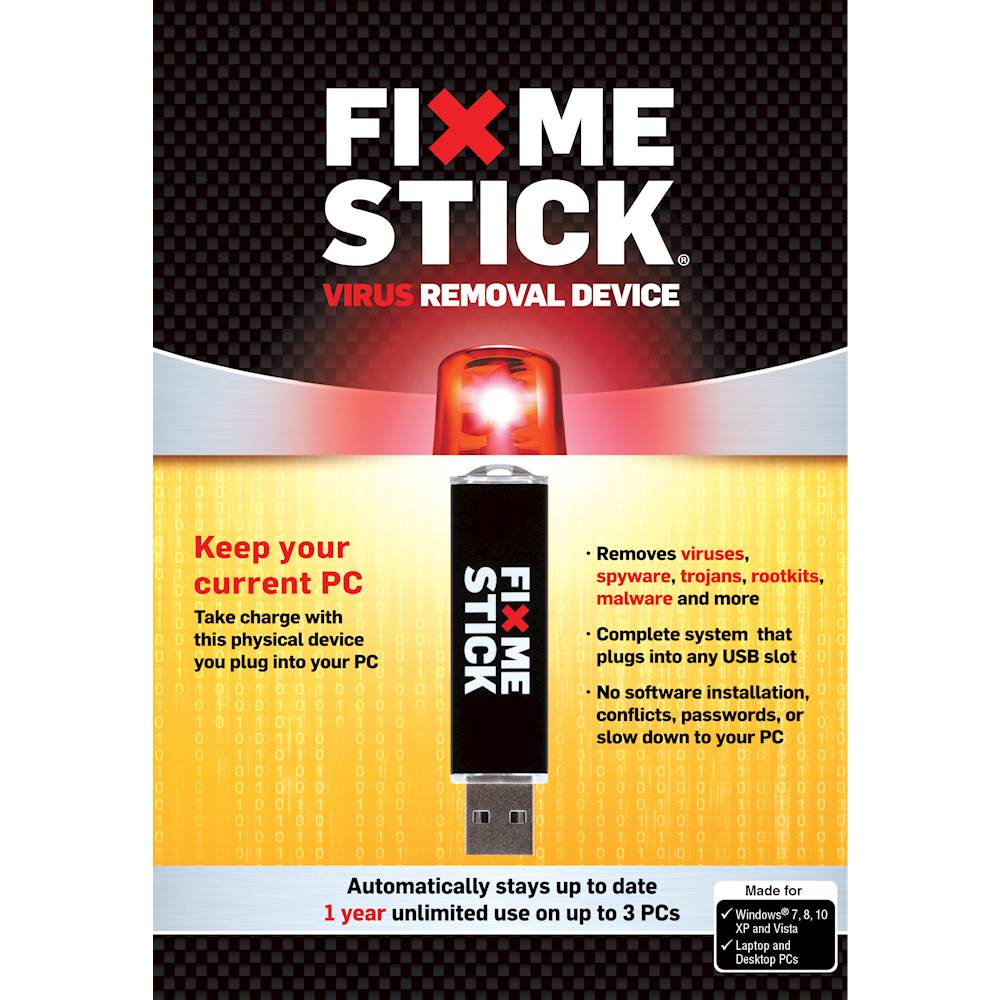
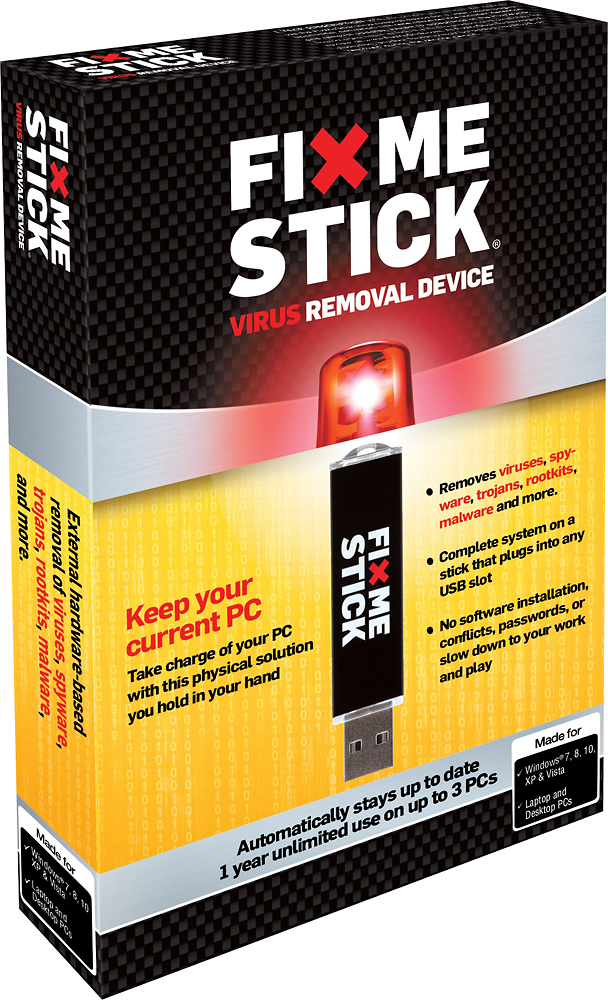
A:AnswerThat just means the FixMeStick is working. You can check out our "How To Get FixMeStick Started" instructions here: https://support.fixmestick.com/hc/en-us/articles/200196736-How-to-start-the-FixMeStick-from-Windows
A:AnswerIt is hard to say if this is a virus or not. If it is caused by a virus FixMeStick will be able to help. However if it is an older computer or has a lot of programs or files that may also be slowing down the computer and unfortunately FixMeStick can't solve that issue.
A:AnswerThe lifetime fixmestick is only good for the life of the computer. If you change anything that affects the mac address it is all over. Waste of money.
A:AnswerNo android support. The FixMeStick works on Windows XP, Vista, 7, 8 and 10. The FixMeStick is also available for Mac (Intel Based MAC systems - dating from after 2006). In order to run the FixMeStick you will need at least 512 MB of free RAM on your computer.