No content
Questions & Answers
- Model:
- CG01000-294601
- |
- SKU:
- 6334339
Highly rated by customers for: Scan Quality
Page Showing 1-8 of 8 questions
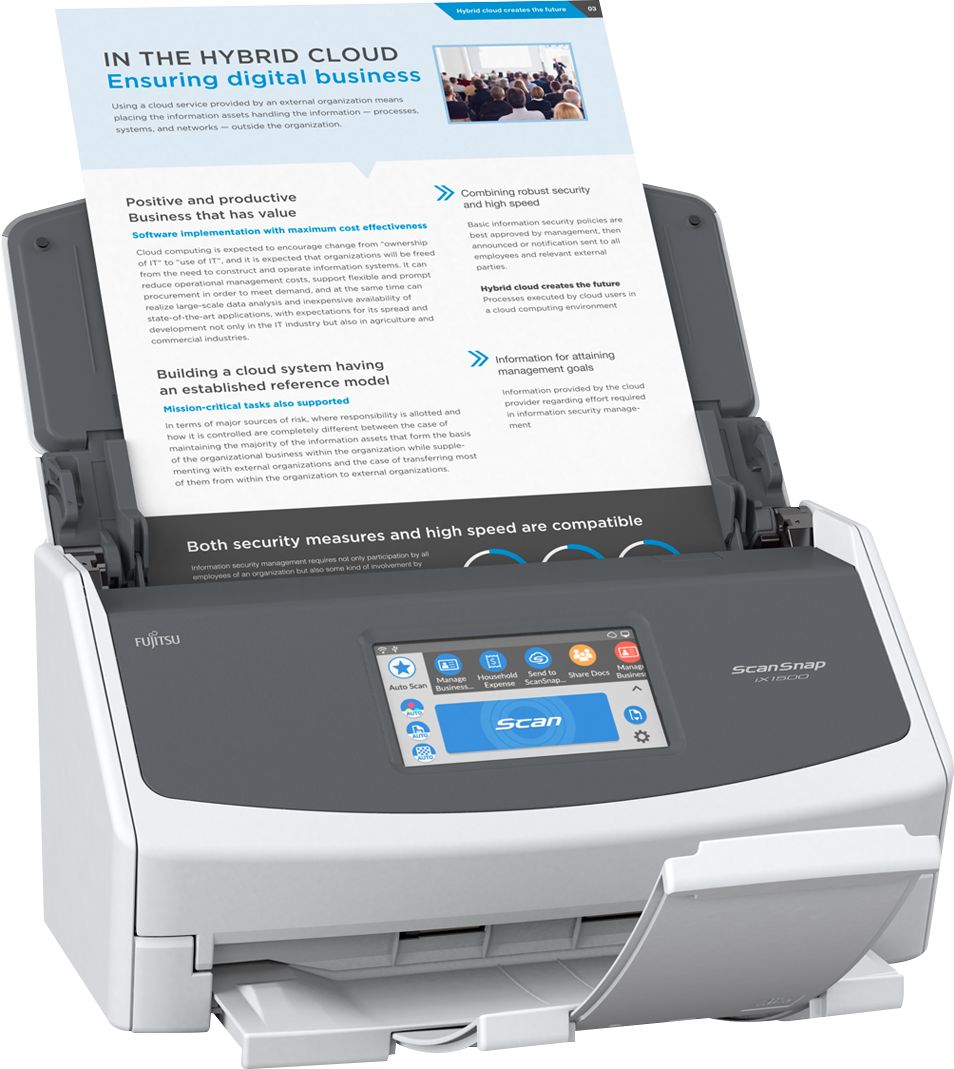
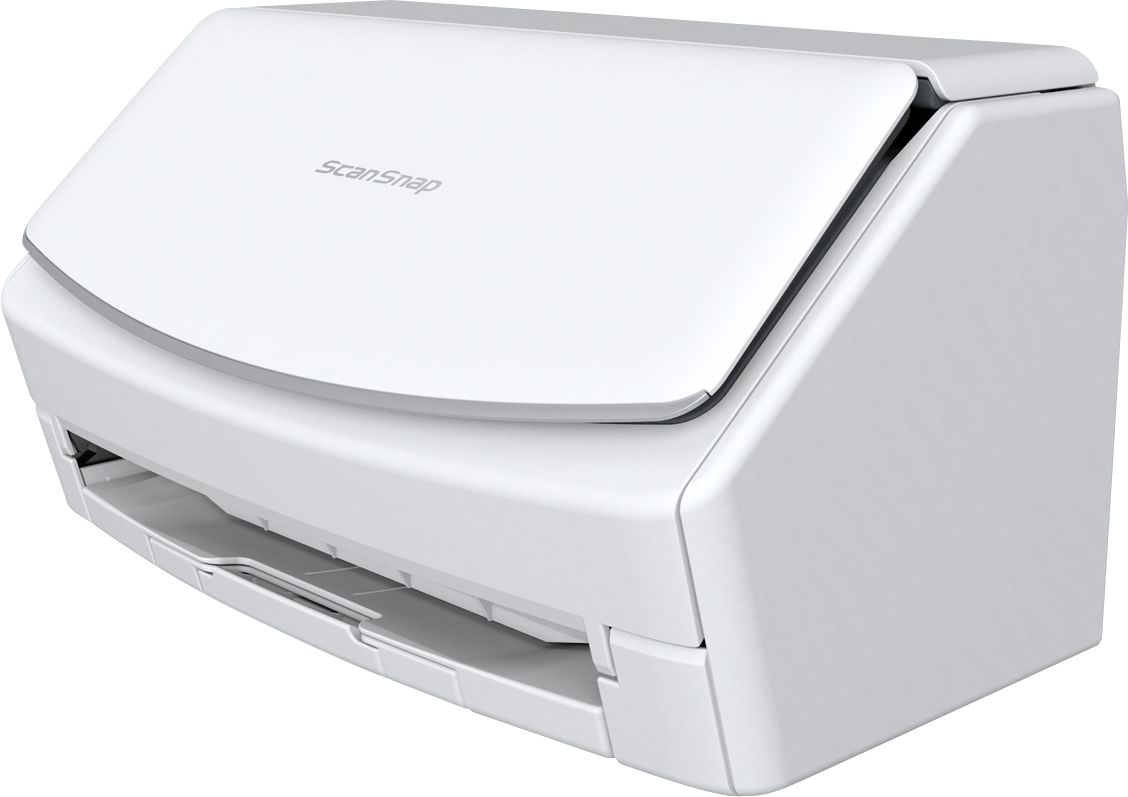
Q: QuestionWhat’s the difference between the white/gray model and the black one? There is a decent price difference.
Asked by Steve.
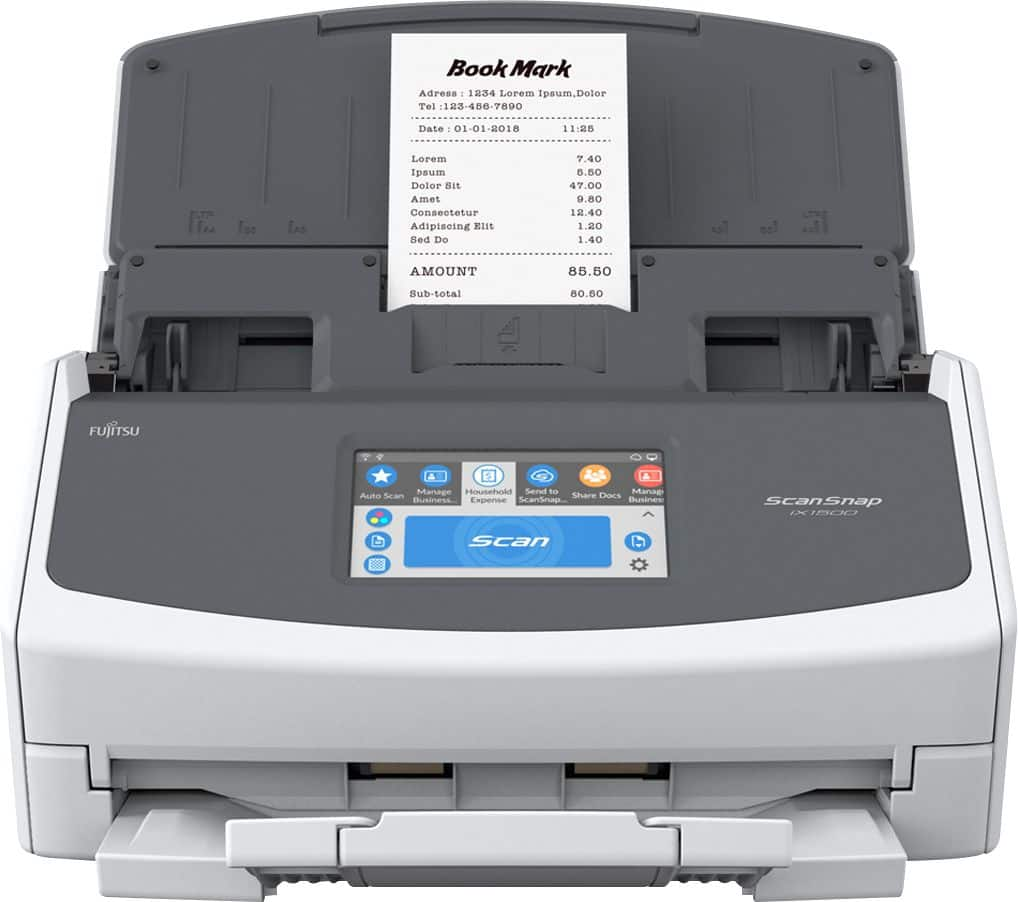
- A:Answer Thank you for contacting PFU Canada support. Technically, there is no difference except colour. In Canada, they sell for the same price. I don't know why BestBuy.com would have such a price difference unless their warehouse is overstocked and they are trying to sell off some stock. Hardware specification are exactly the same, and the software that comes with them are both identical and available to download from our website. Product specifications link https://www.fujitsu.com/ca/en/products/computing/peripheral/scanners/soho/ix1500/ Software download link http://scansnap.fujitsu.com/global/dl/
Answered by Fujitsu Canada Scanners

Q: QuestionIs the X1500 compatible with IMAC?
Asked by Nick1OTR.
- A:Answer Thank you for your interest in our Fujitsu products. Yes, the iX1500 supports IMAC. Please note that this model is discontinued and has been replaced by the iX1600, also IMAC compatible. Please see our spec sheets links. https://www.fujitsu.com/ca/en/products/computing/peripheral/scanners/soho/ix1500/ https://www.fujitsu.com/ca/en/products/computing/peripheral/scanners/soho/ix1600/ The only difference between these two model is scanning speed, iX1500 is 30 PPM, iX1600 40 PPM.
Answered by Fujitsu Canada Scanners

Q: QuestionCan I scan straight to google drive? Is there an Ethernet port so I don’t need a pc connected?
Asked by Joe.
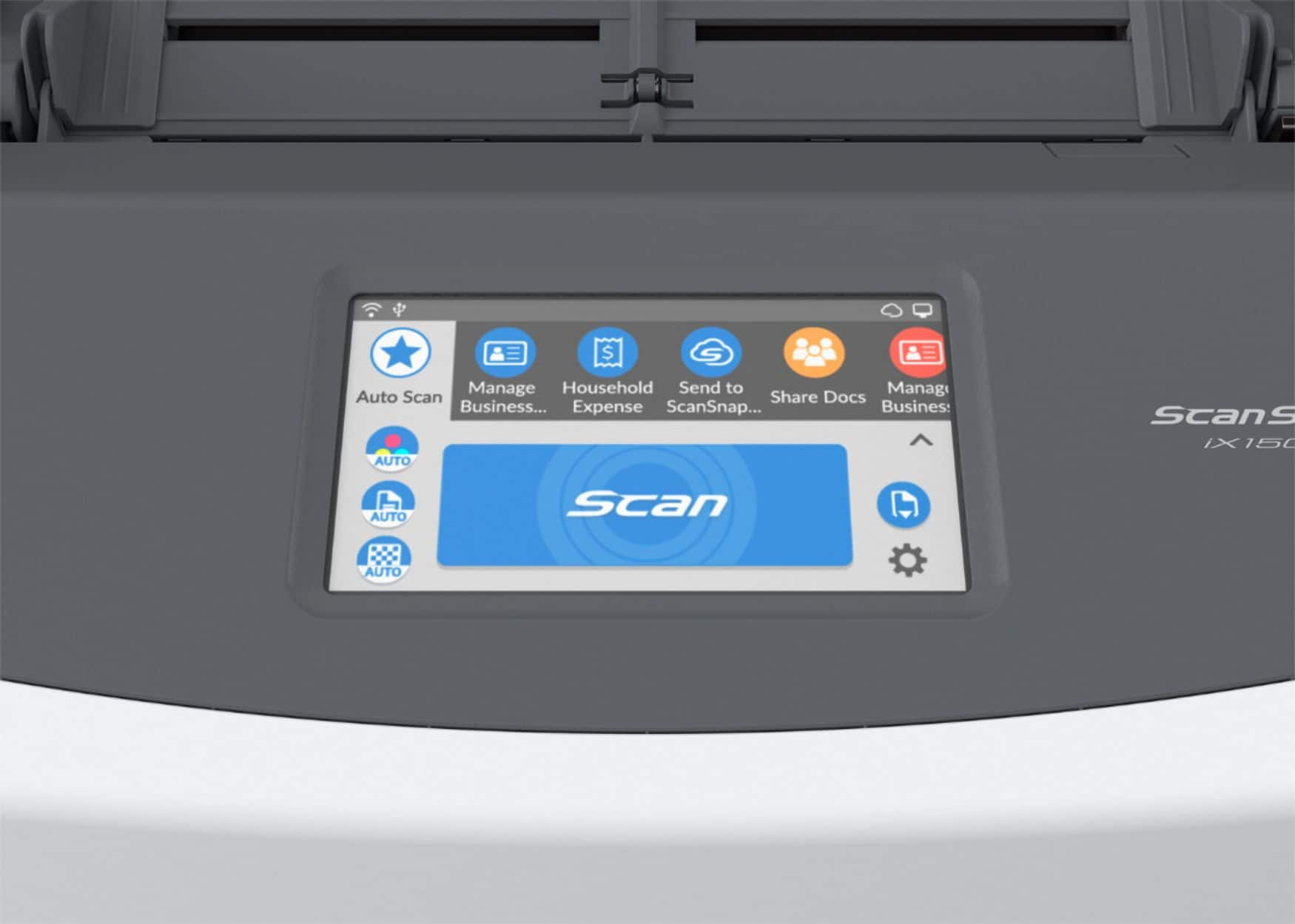
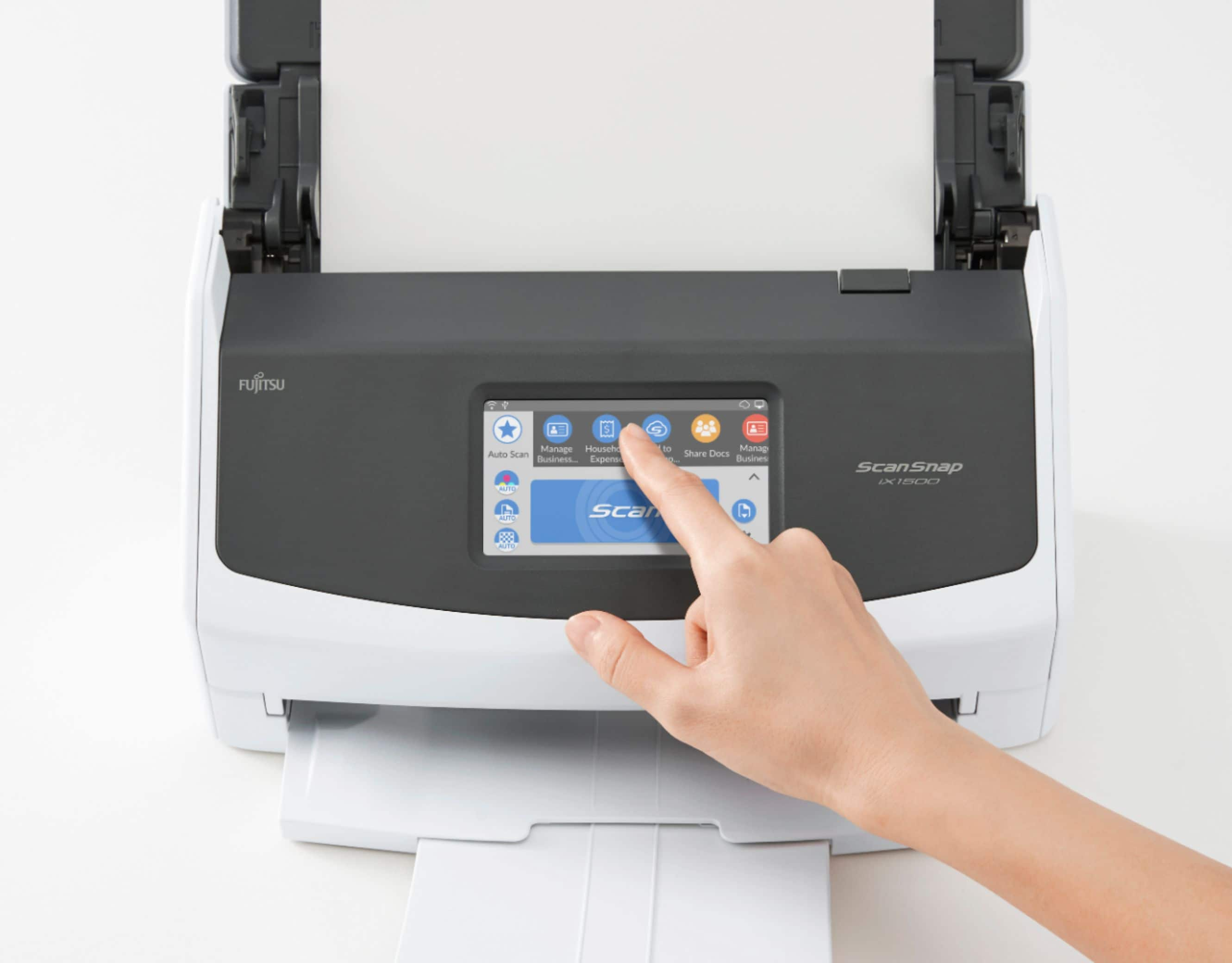
- A:Answer Hi Joe, thank you for your interest in Fujitsu products. The IX1500 does not have an ethernet port, but has the ability to connect with WiFi for a wireless connection to your network. It also supports USB 3.0. You do not need a pc to use the scanner. ScanSnap Cloud; included with the scanner; is productivity at the push of a button. Combining the ease-of-use of ScanSnap scanners with ScanSnap Cloud’s ability to integrate seamlessly with a variety of popular cloud services, this service provides a convenient and comprehensive solution for ScanSnap customers. You can directly access popular cloud services such as Box, Dropbox, Evernote, Google Drive, Google Photo, OneDrive etc. Please see the following link. https://www.fujitsu.com/global/products/computing/peripheral/scanners/scansnap/software/sscloud/
Answered by Fujitsu Canada Scanners

Q: QuestionIs this scanner compatible with the new Apple M1 processors?
Asked by JJM1.
- A:Answer Hello, Yes, the ScanSnap iX1500 is compatible with the Apple M1 processors. https://www.fujitsu.com/global/support/products/computing/peripheral/scanners/scansnap/faq/asm1-ss.html Hope that helps.
Answered by Fujitsu Canada Scanners

Q: QuestionI have an older ScanSnap 500 model and its great. I wanted to get a second one for other employees to use. Can you plug this model into a computer via USB or is it strictly a wifi connection?
Asked by Scannerforbusiness.
- A:Answer Thank you for your interest in our Fujitsu product. The IX1500 has a USB connection on it. You can also setup WiFi is you wish. Only one connection can be used at any one time.
Answered by Fujitsu Canada Scanners

Q: QuestionHi, I have confidential information that I need to scan directly into Google Drive. I have heard that this scanner uses Evernote through which all documents pass. Is that true? Is this a HIPAA complaint scanner process? Thank you!
Asked by NB.
- A:Answer Thank you for your interest in our Fujitsu product. Yes, our product is HIPAA compliant. You can scan to Evernote, Google Drive, OneDrive etc, but we do not use Evernote to scan to Google Drive. In the pass, we sold a unit through "Evernote" for their use too. The IX1500 is able to do multiple cloud platforms.
Answered by Fujitsu Canada Scanners

Q: QuestionCan this scanner scan straight to email? I need a scanner that does not connect to a computer
Asked by Anonymous.
- A:Answer The iX1500 does have the ability to scan to Outlook. This is true of all of the ScanSnap scanners.
Answered by Fujitsu Canada Scanners

Page 1, Showing 1-8 of 8 questions
Best-selling Best Buy
- $299.99$299.99The price was $349.99
- $59.99$59.99The price was $99.00
- $199.99$199.99The price was $349.99
- $14.99$14.99The price was $19.00
- $24.99$24.99The price was $29.99
- $14.99$14.99The price was $19.00