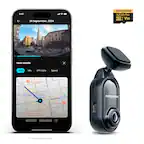
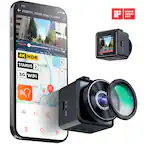
A:AnswerOnly time wifi is needed is when you want to sync dash camera gallery to Garmin Vault (Cloud Storage Plan). Otherwise, wireless connection is between the dash camera and the smartphone via Garmin Drive App.
A:AnswerI have mine installed right behind my rear view mirror and it’s small enough it’s not blocking anything. It comes with 2 different mounts and 2 cords for either short or long runs to a USB port. It should work for you.
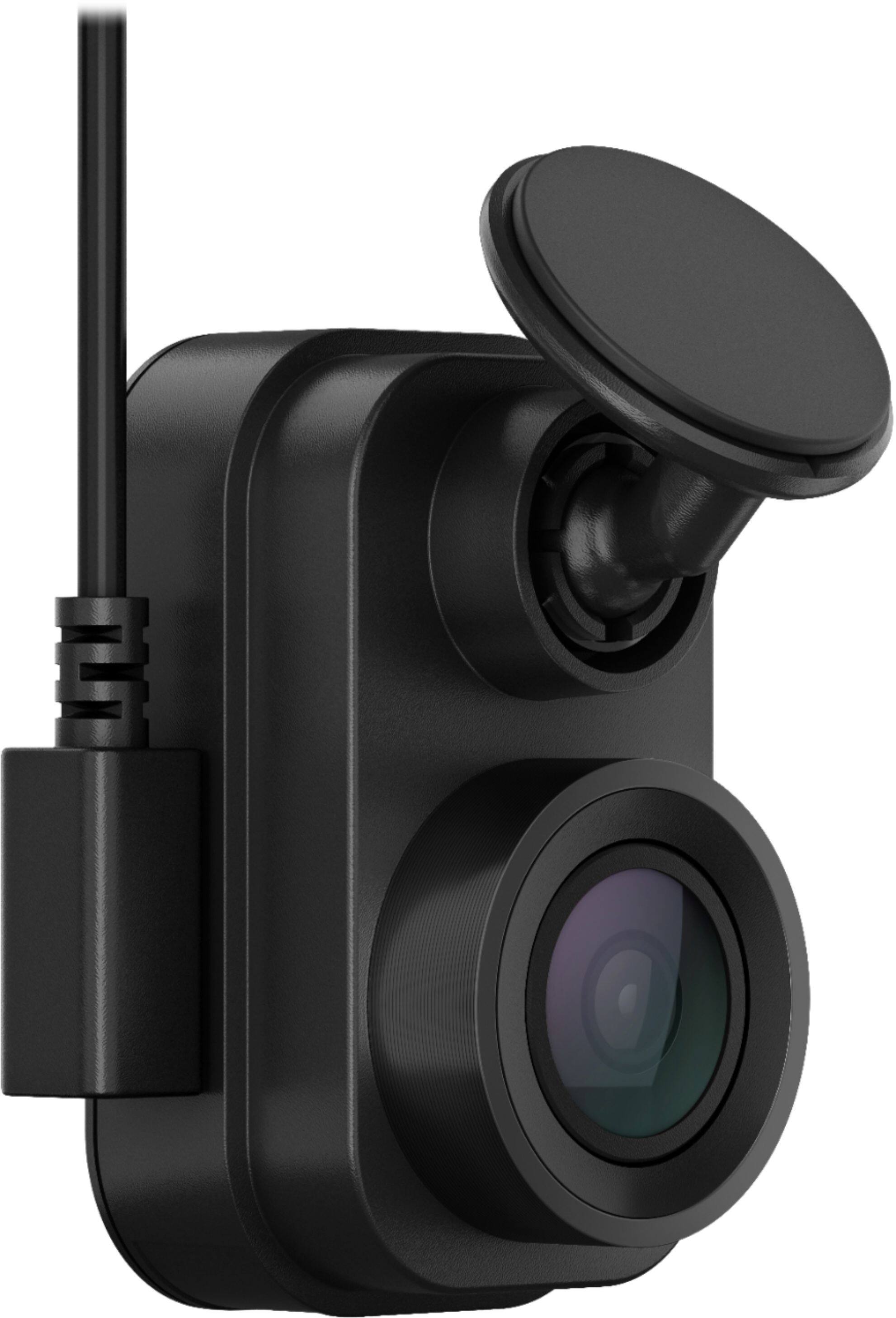
A:AnswerNo it’s not, it’s has one wire that powers the device that you have to have plugged into a cigarette lighter. The device does come with a 2 USB port cigarette lighter plug which will help if you need to use a phone charger or anything of that sort. It will come with a short cord and a longer cord (not sure of the lengths) that are very thin and easy to hide in a headliner or the dash. I’ve had mine for about 2-3 months and I love it. It always has my back just in case anything happens. It actually caught someone getting sideswiped while I was in the store and my buddy was in my truck! Very worth the money for the security and piece of mind!
A:AnswerYes but if you want it hardwired you might want to hire someone, unless you have some electrical experience. It was my first dashcam and was worried it would be hard to setup. Very easy, just used a little bit of tape under the glovebox and none of the wire is noticable...maybe for the passenger because it plugs into my center console and I couldn't run the wire from the bottom.
A:AnswerIt maintains it's time just fine, I don't know how, but it does. It does require the app. Setup for the device with the app is fine, but editing and offloading videos is a bad experience, unless you pop out the micro SD card.
A:AnswerThe Garmin Dash Cam Mini 2 is capable of both depending on the features being utilized. The Mini 2 can connect pair with a smartphone for video review and looking at a live video feed when using WiFi Direct, which is a device to device connection that does not use the internet.
The Mini 2 also can connect to a WiFi internet connection to utilize the Live View feature remotely or upload saved footage to the Vault cloud storage option.
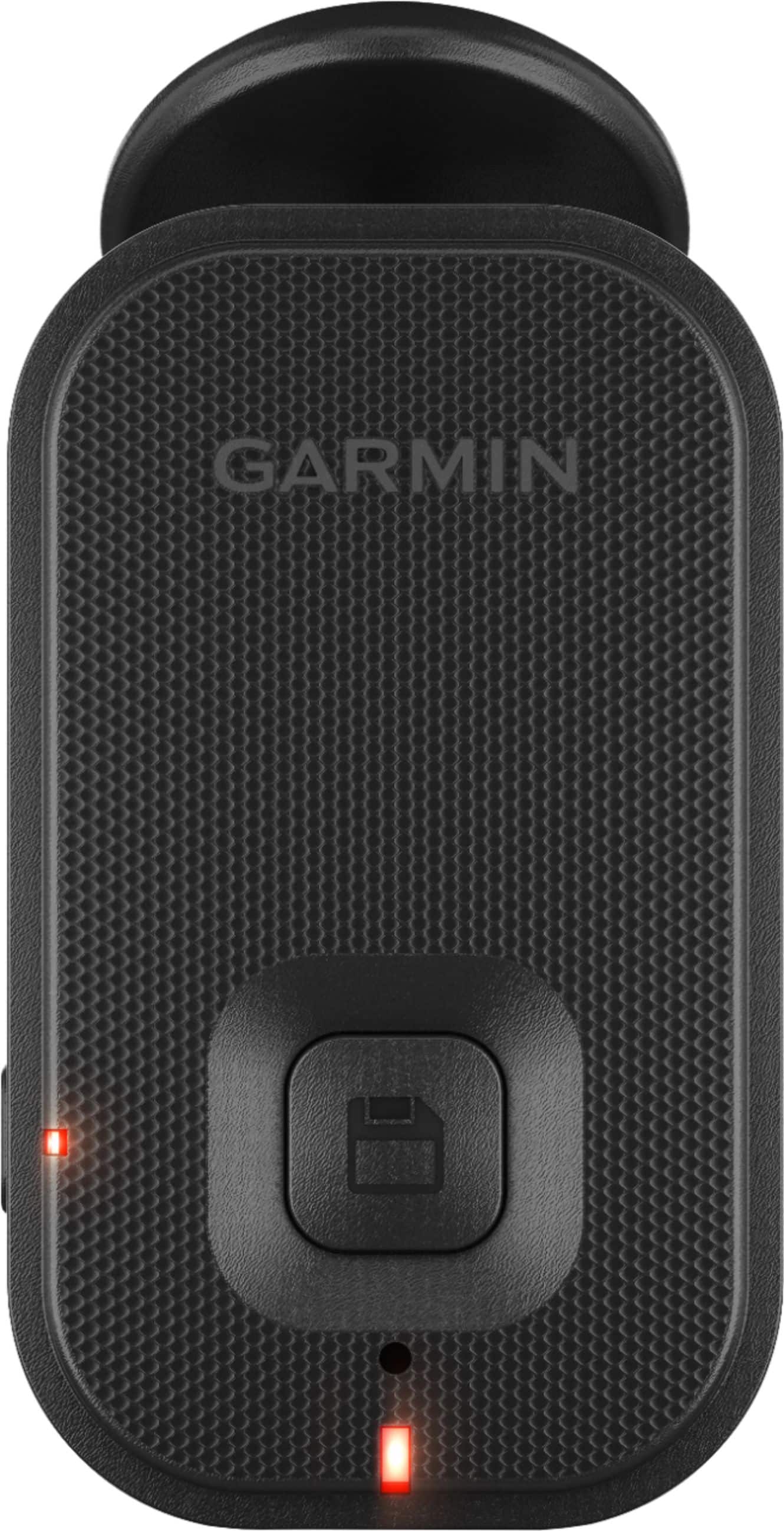
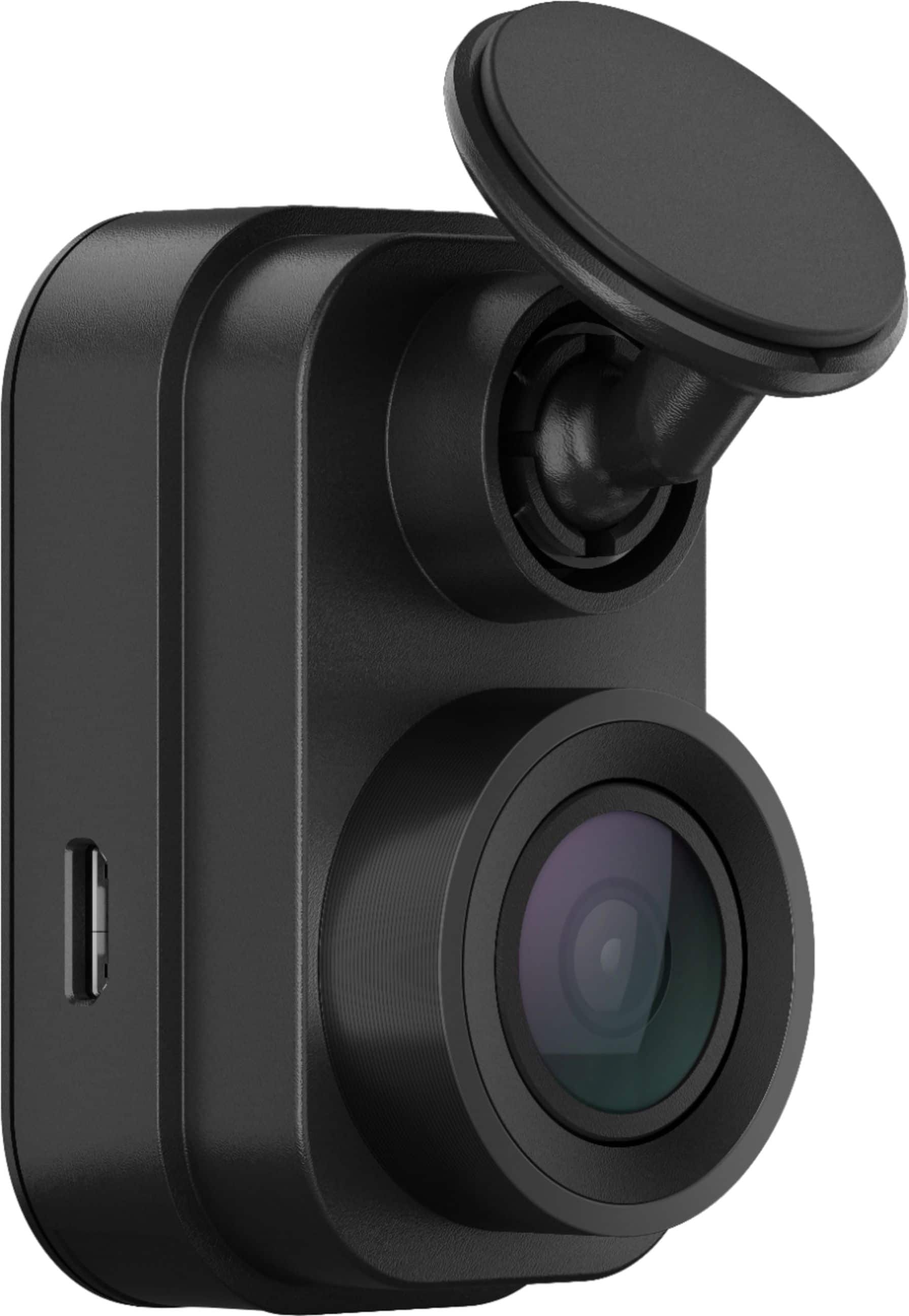
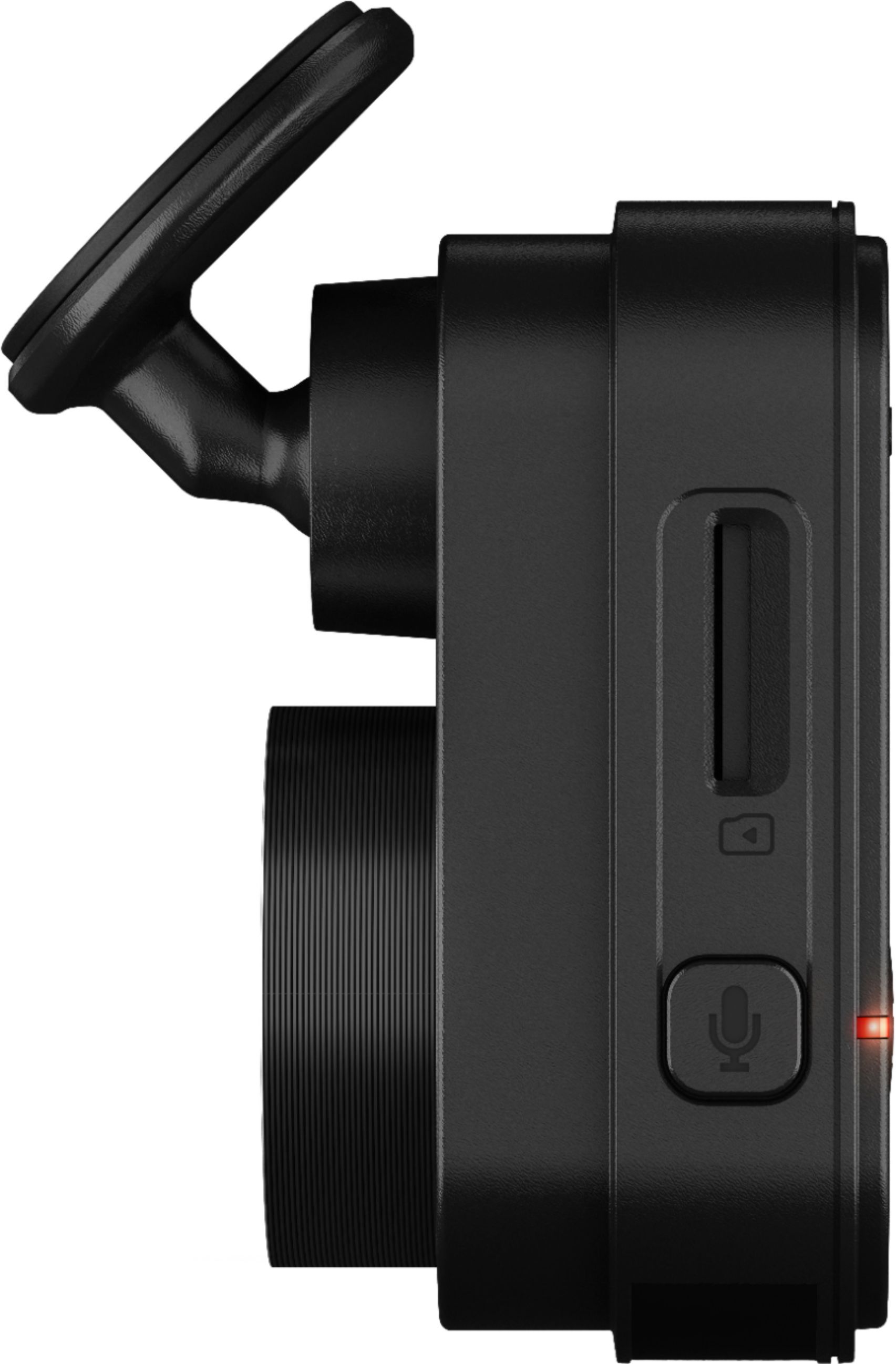
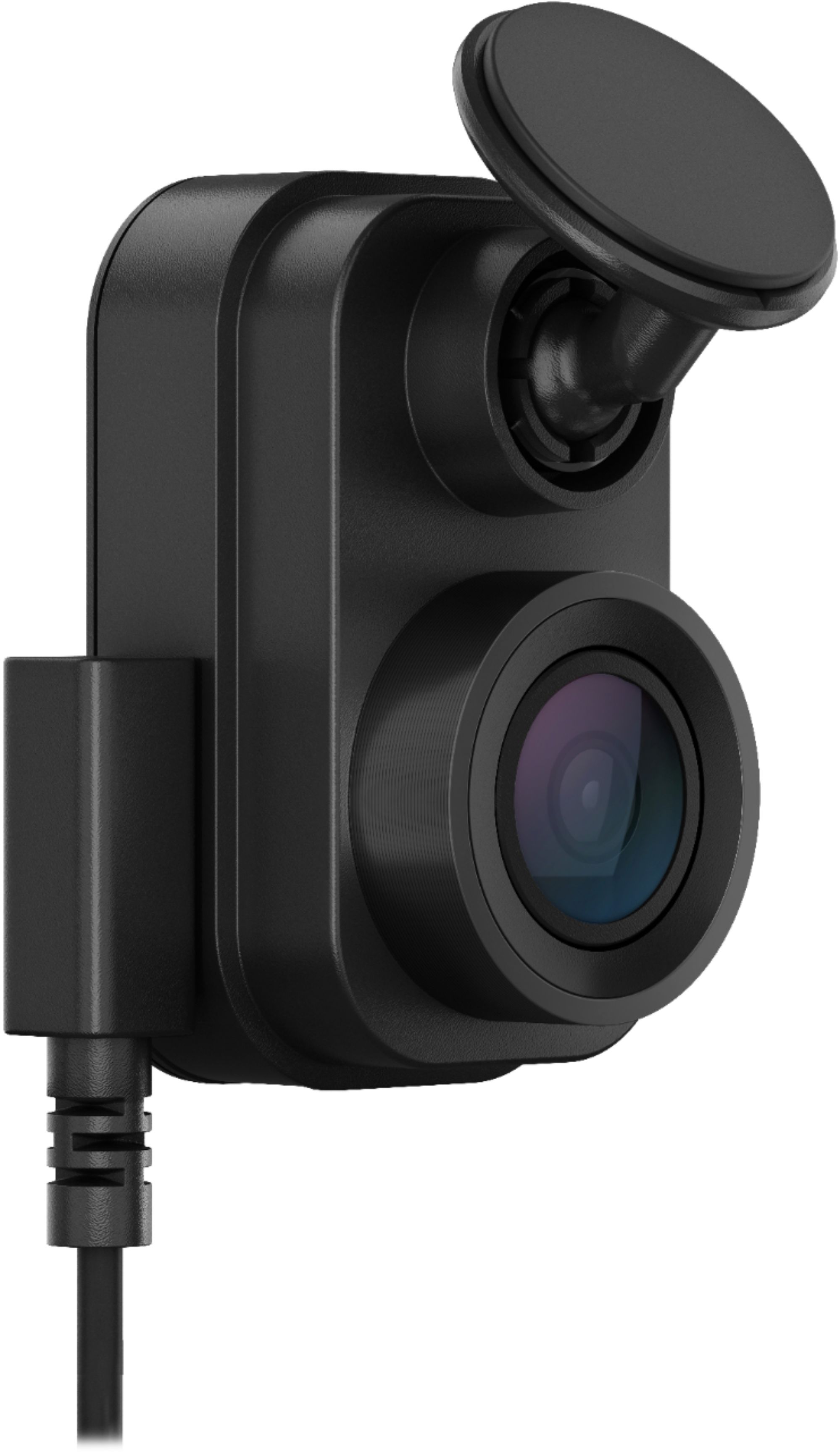
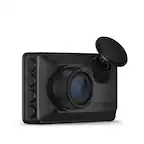
A:AnswerNo, the Garmin Dash Cam Mini 2 can only be used in the horizontal position as pictured.
An example of the mounting position can be seen in the owner's manual at the following link: https://www8.garmin.com/manuals/webhelp/GUID-8EFC497C-4031-46EE-AC26-B0AE4B3CE8BD/EN-US/GUID-EC8756D1-F0DB-446B-BB08-96C2392F95A4.html
A:AnswerThe mount that comes with the DC Mini 2 is permanently attached to the windshield. Garmin sells one that is suction cup mounted that is very easy to remove. The camera itself is not very difficult to remove off the mount. I personally have the suction cup mount for one car and the one that sticks to the windshield via adhesive in another vehicle. If you want versatility and the ability to swap the camera and mount out of one car and into another, get the suction cup. If you want one that's going to stick to the windshield better and stay in one car, just use the one they give you in the box.