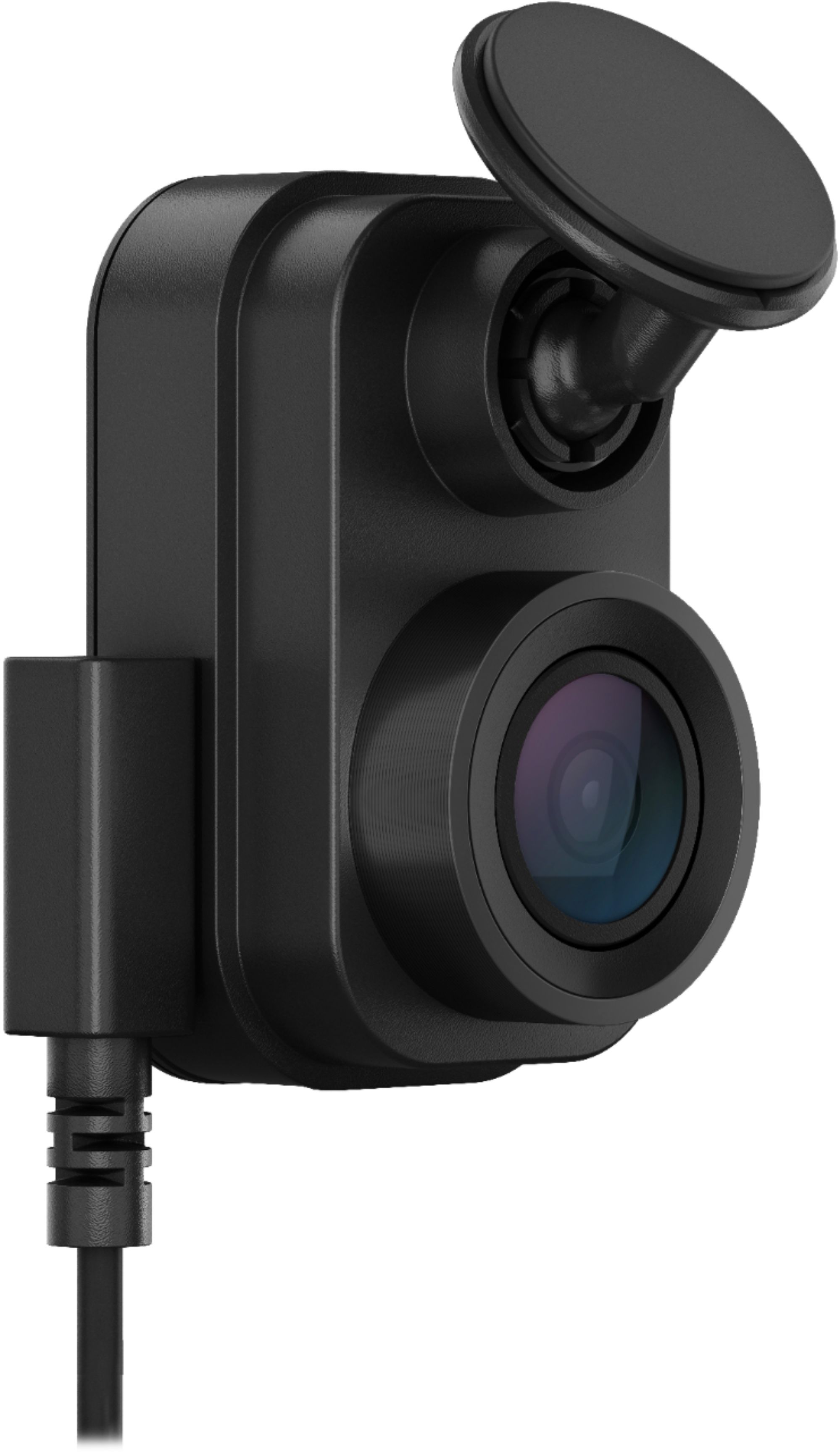
A:AnswerYou will need to purchase the power adapter that plugs into the car's internal electrical system (~50$, sold separately) and it can run at all times and capture collisions when the vehicle is not running
A:AnswerAdvanced driver assistance system (ADAS),provides warnings and alerts about your driving environment. For more information visit www.support.garmin.com
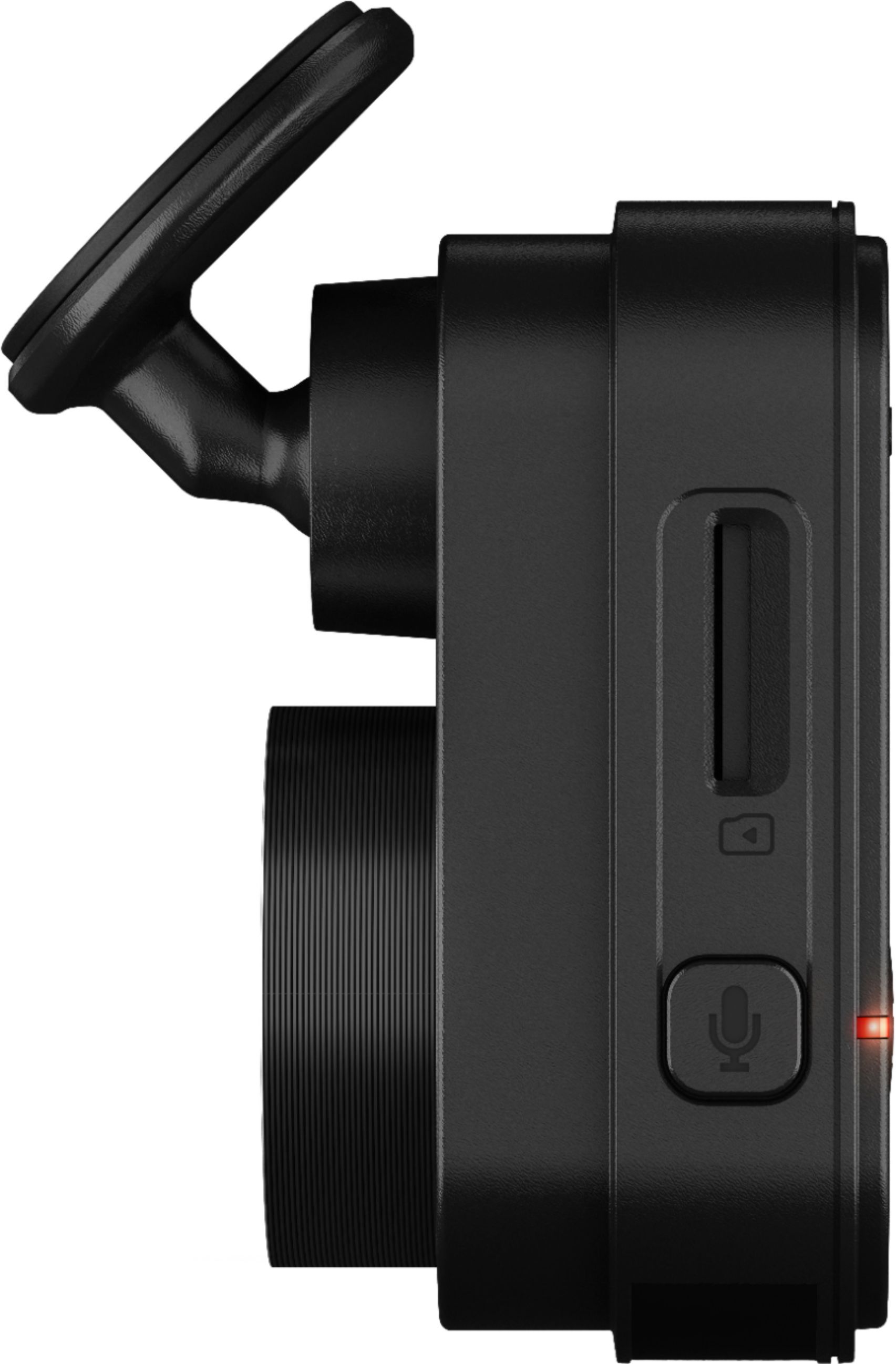
A:AnswerMax record time depends on the size of your SD card and the resolution you record at 64G at 1080p gives me about a week or recording (this will vary by how much you drive). You do have to format the SD when Inserted but it's fairly easy to do either on the camera or through your phone in the app.
A:AnswerYou have to hardwire it permanently which requires an additional kit. Can connect to wifi but signal must be nearby. There is no battery, it just uses a capacitor, so when your vehicle turns off the camera does too unless it hardwired to the car battery.
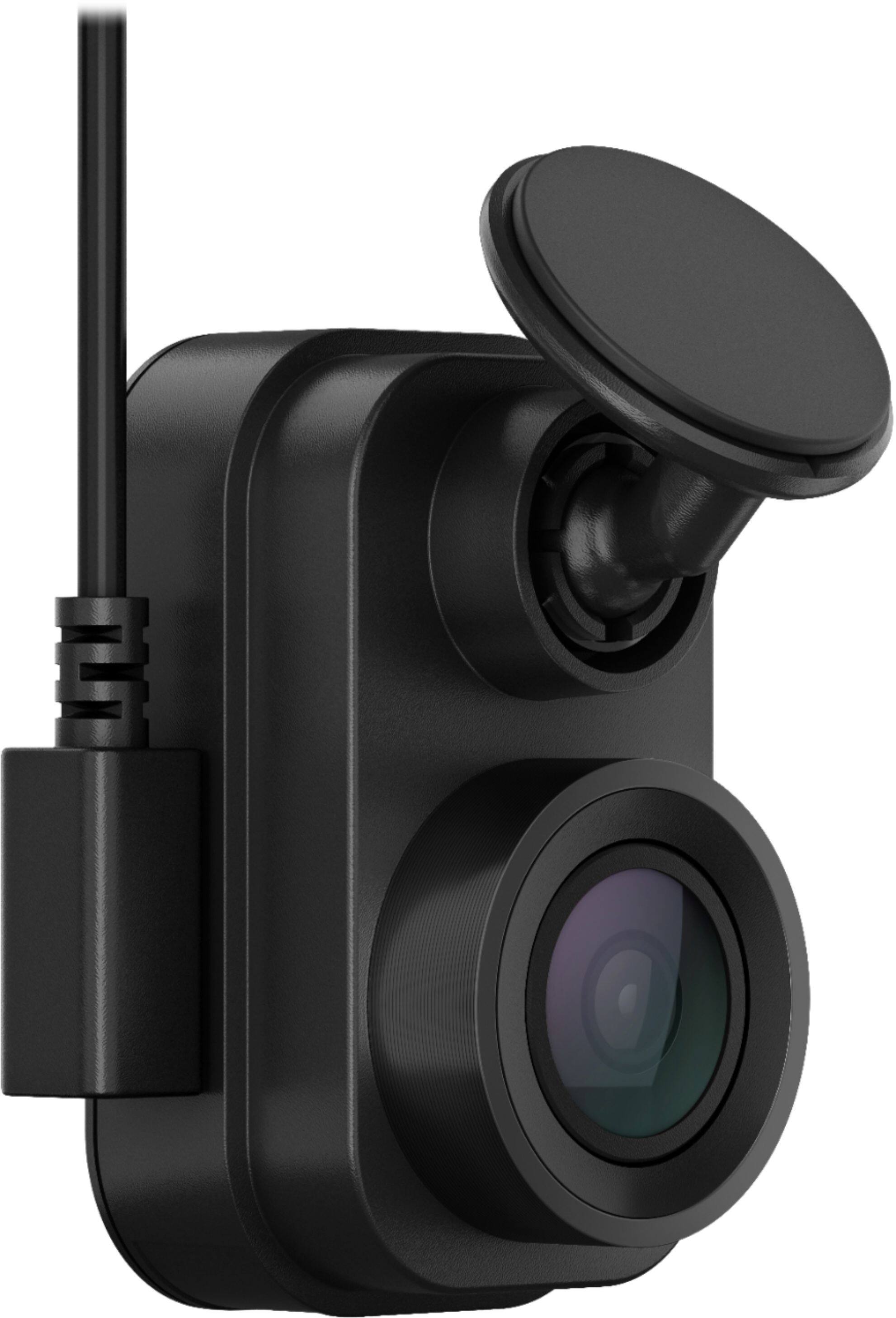
A:Answerthey are just USB Cables similar to this one in image. Regular USB port and a 90 degree mini type A . You can use a similar one like this for reference. They are easy to run in the head liner or something for routing.
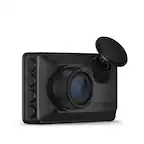
A:AnswerThe Garmin Dash Cam Mini 2 was designed for video and photo capture and monitoring. Please consider a Garmin Backup Camera instead to use with a compatible Garmin GPS navigation device.
A:AnswerI can't recall. Go to you tube. I did see a video that a user was doing the power install as you desire. He gave a pic and part name of the connector.