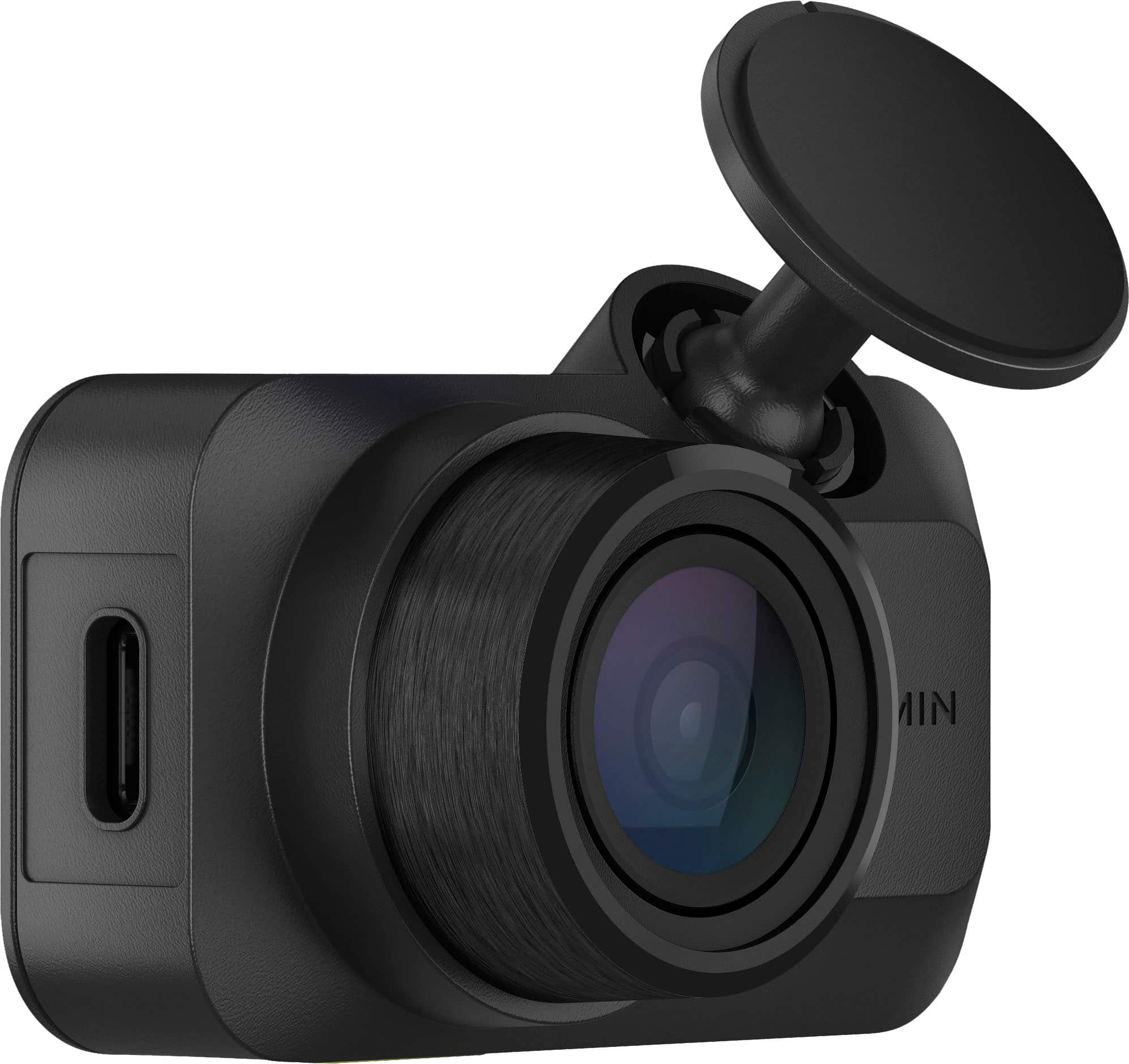
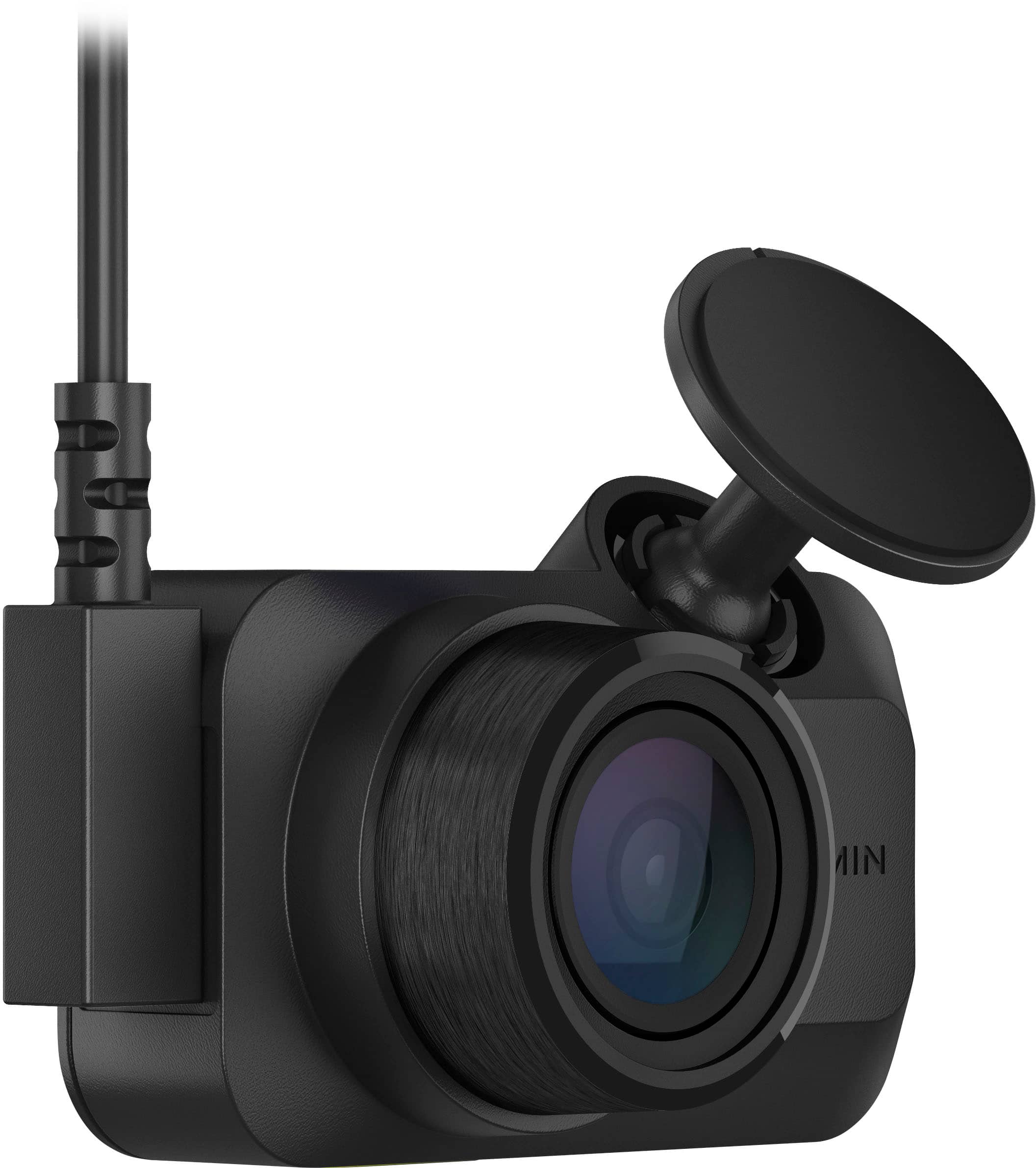
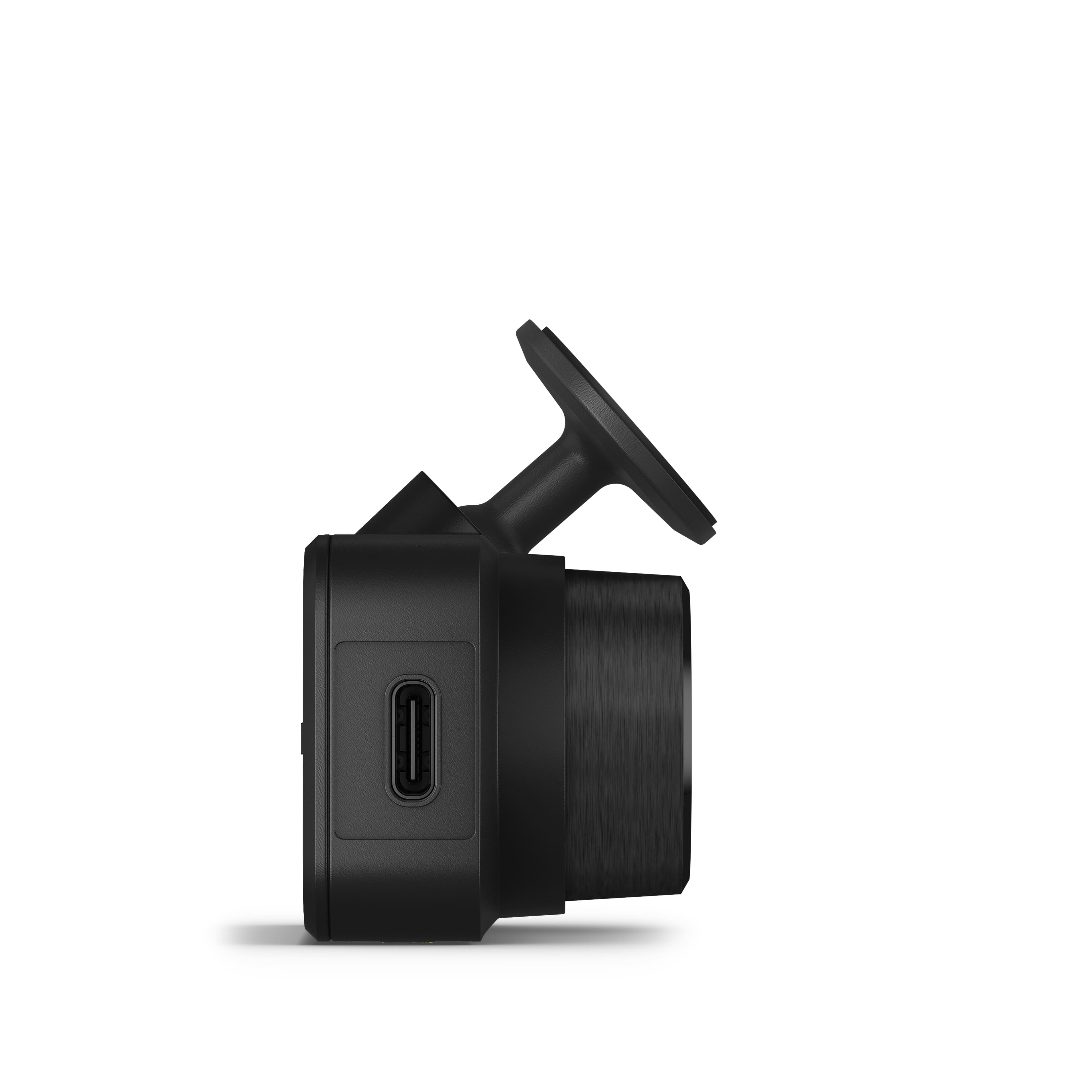
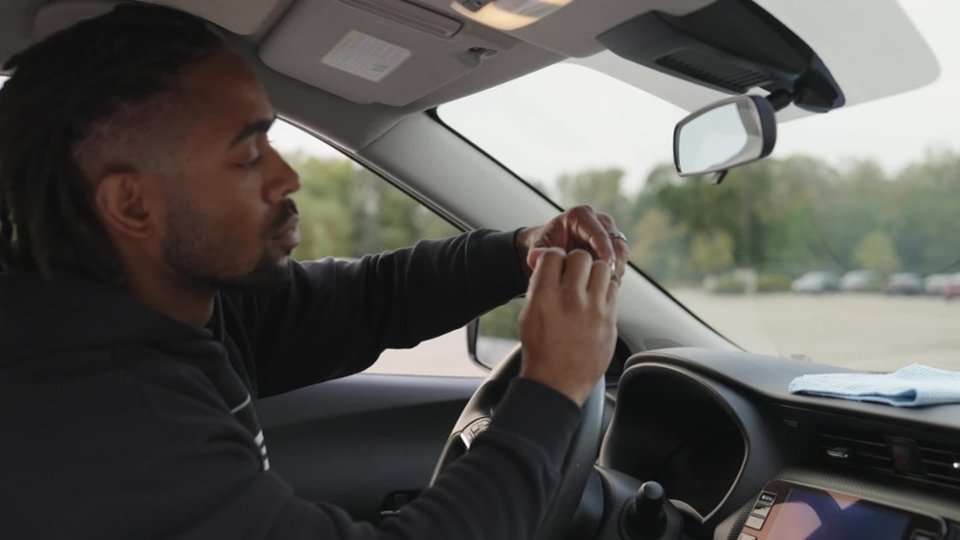
A:AnswerYes. This is how I’m running mine in my Mustang Darkhorse with mirror usb c port. The only downside is the cord is super long. Trying to find a short cable
A:AnswerYes, oldest recordings are automatically deleted once the SD card is full - unless a recording was flagged with crash detection or the user hit the record button, those are saved until deleted by the user.
A:AnswerRight now it starts at $10/month with discounts if you pay a year up front. But it's optional, you don't have to subscribe if you just want to record and save to the local SD card.
A:Answerit doesn't need wifi for basic functionality. But if it has wifi access, it can auto upload to the garmin cloud service (subscription required for that)
A:AnswerIt records to a removable SD card that you need to provide. It can go up to 512GB max card size. Make sure you buy a card that is fast enough for constant recording, and the high endurance ones meant for video like this last much longer.