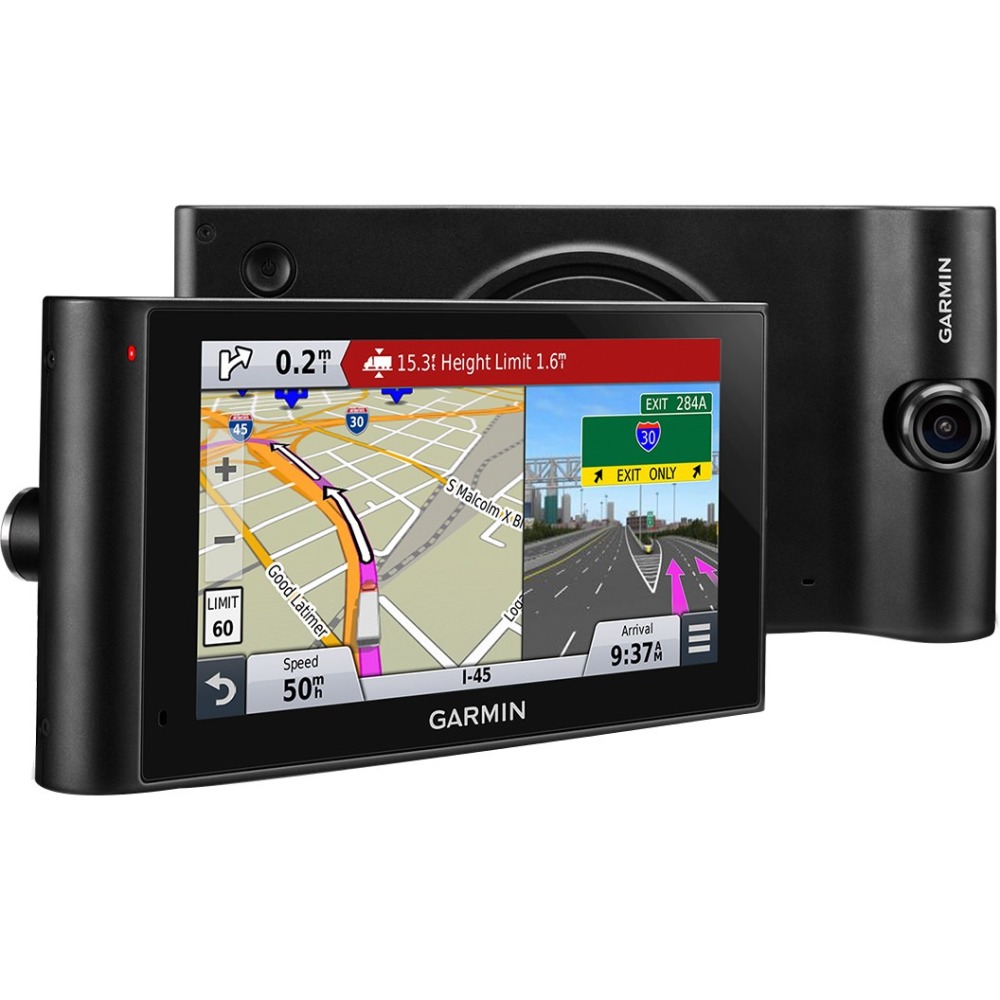
A:Answer By default, the dēzlCam immediately starts recording video when it turns on. It continues recording, overwriting the oldest, non-saved video until it turns off. The device records continuously until the device is turned off or video recording is disabled. In addition, the dēzlCam uses a sensor to detect possible accidental collisions and saves video footage before, during, and after the detected event. You can also manually save the video at any time.
For additional information, please feel free to check out the Owner's Manual (http://static.garmin.com/pumac/dezlCam_OM_EN.pdf). Thanks! (KS)