A:AnswerYou are seeing the screenshot icon. This allows you to take a picture of the device screen. To turn off the screenshot feature, select settings, display and screenshot.
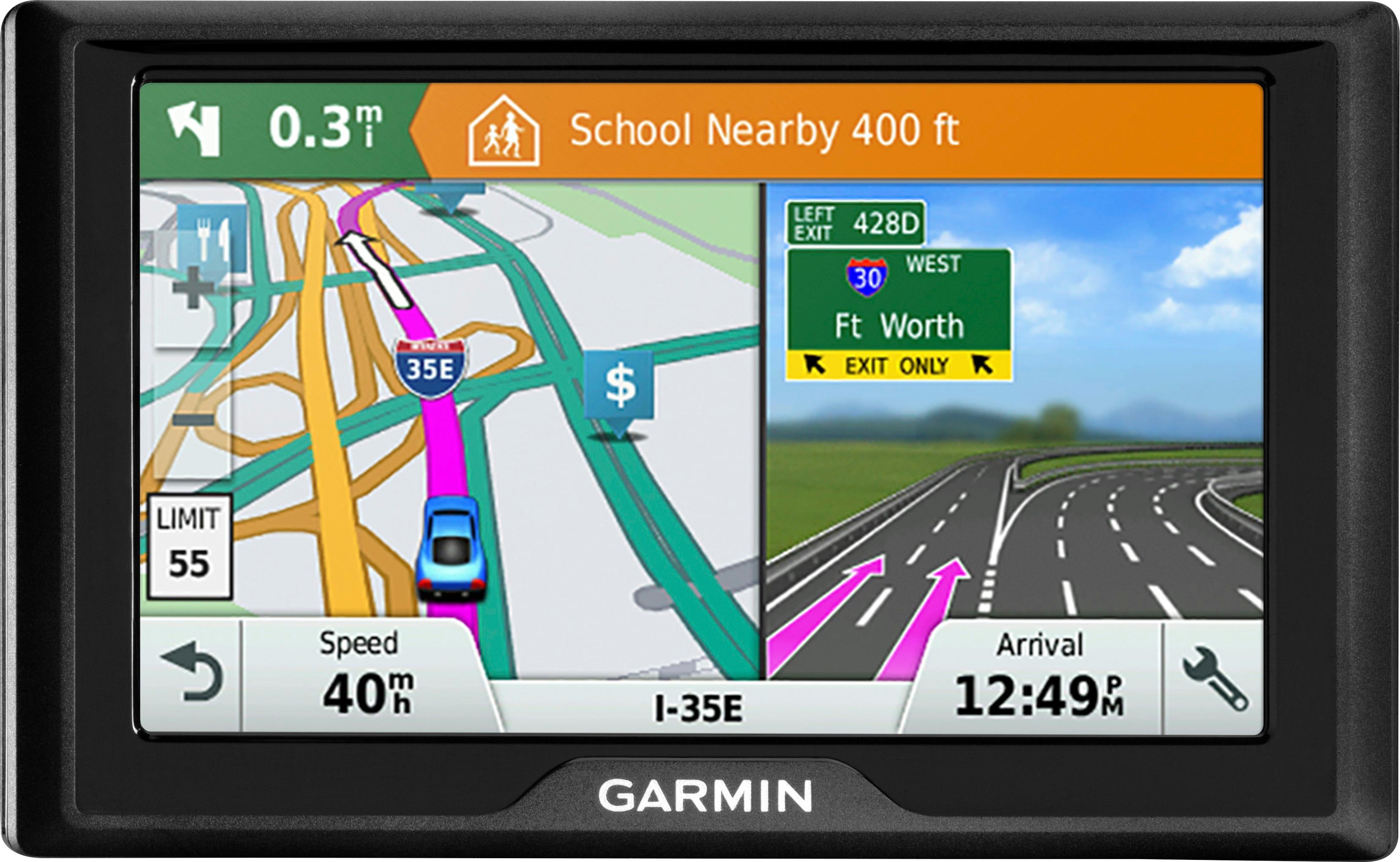
A:AnswerYes, this device does allow you to look at the upcoming turn by turn directions. However, on the main map screen only the next turn listed. Thanks, James
A:AnswerNo it does not need WiFi ... this unit by garmin is independent and doesn’t connect to my cell phone via Bluetooth or require WiFi. You have to be careful which model you buy .. I chose this one because I have to pay per minute on my cell phone and couldn’t afford the data charges.
A:AnswerI did not see any Option to choose male voice. For American English it only gives you 2 female voices, Michelle and Samantha to choose from. You can check yourself by opening the Language and Keyboard settings, from the main menu, select Settings > Language & Keyboard.
A:AnswerThis device is ready to use out of the box; however, we would suggest using the Garmin Express program to check for any map and software updates that may be available. If you haven't installed Garmin Express please download it at: www.garmin.com/express
A:AnswerYes, the City Navigator® Mexico maps are compatible with the Drive™ 51 LM. Please see the Garmin Support Center article about purchasing maps for other countries for additional information: http://bit.ly/2j64mEc Thanks, James
A:AnswerNormally, the battery should charge within a few hours. Even if the device is fully charged, it may not last on battery power alone for very long because the device is designed to be plugged in at all times when navigating.
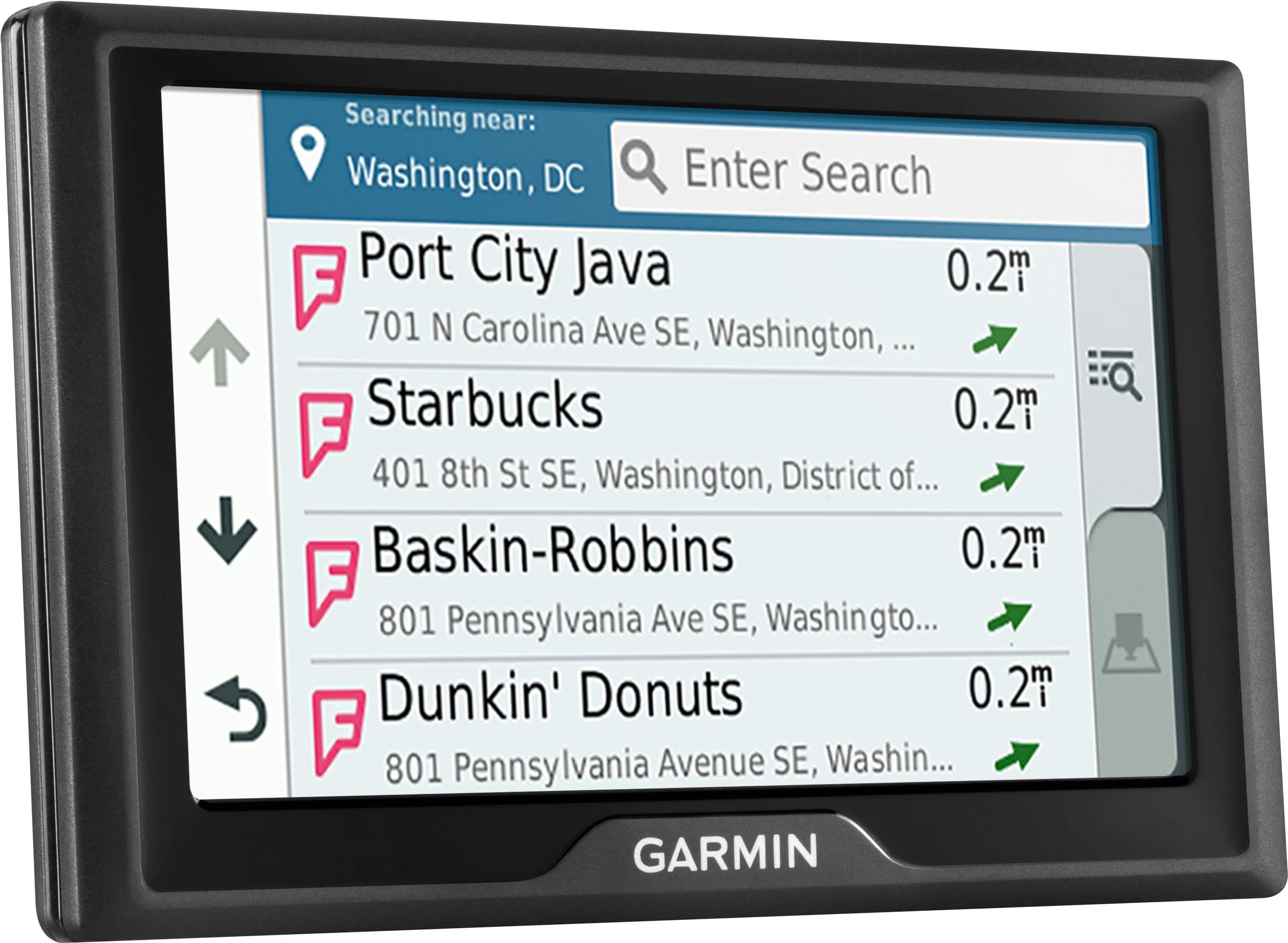
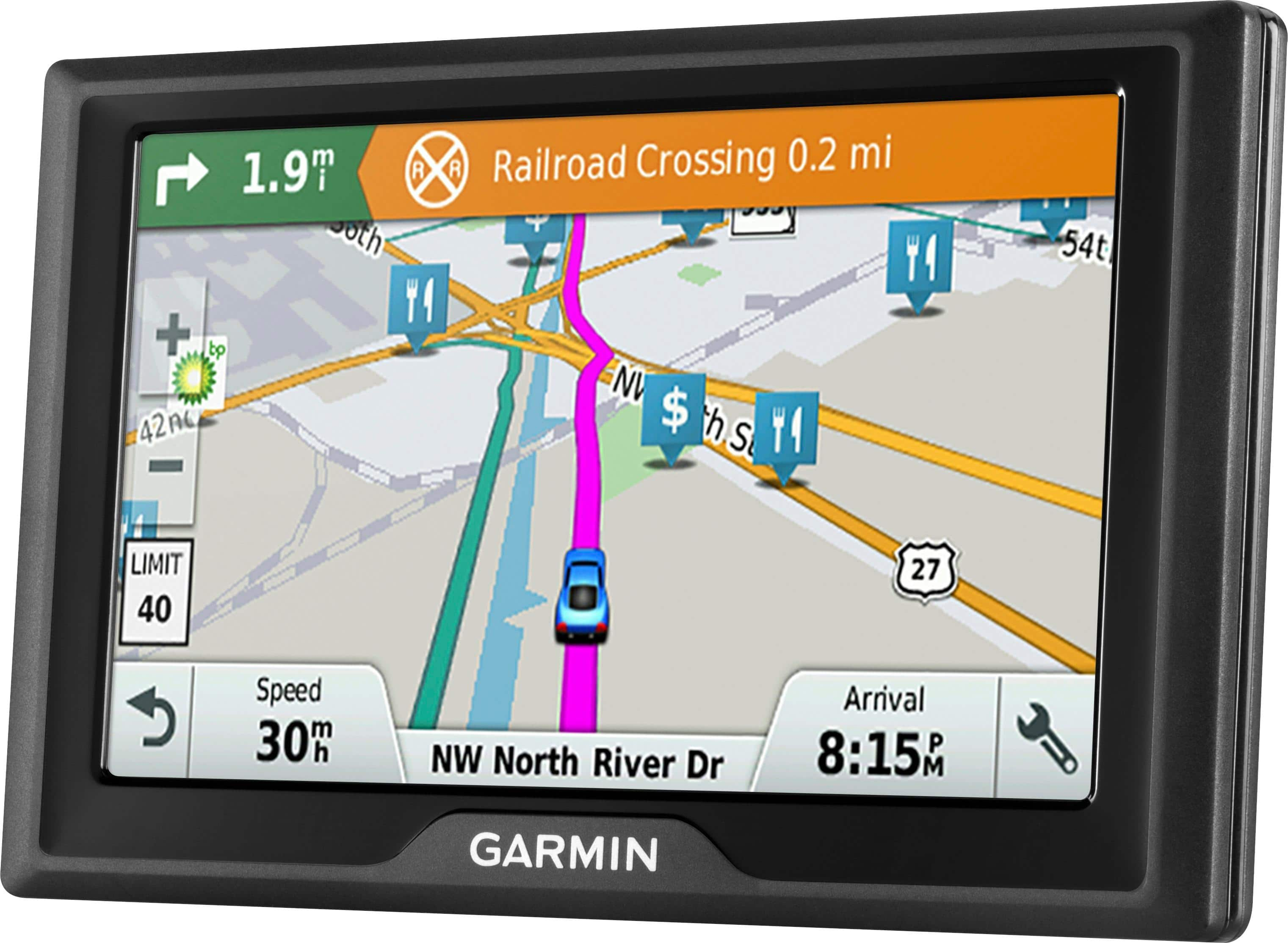
A:AnswerThis model includes millions of points of interest for things like restaurants, shopping, gas stations, banks etc. It does include cemeteries, however it does not have a cemeteries category.