Questions & Answers
- Model:
- 010-01678-0B
- |
- SKU:
- 5715643
Highly rated by customers for: Ease of use, GPS, Map Updates
Page Showing 501-508 of 508 questions
Q: QuestionCan you delete locations that you got stored one by one or does it delete them all The one I have now deletes all locations.you cant save any.
Asked by Duffy.
- A:Answer You can delete locations one by one with this GPS.
Answered by Dandub
Q: QuestionNeed to get ireland maps for trip in May? Does this model drive 51 support international maps. How do I order it the addl map. Do not want to buy a specific model until I know this answer.
Asked by irelandmaps.
- A:Answer Yes, any of the Garmin City Navigator® maps will work with this model, including City Navigator® Europe. Please see the Garmin Support Center article for information about purchasing maps for other countries: http://bit.ly/2j64mEc
Answered by GarminProductExpert

Q: QuestionDoes this device come with a printed paper user manual? I DO NOT want to have to go to the internet and print out pages and pages of user manual at my expense.
Asked by SwimMom.
- A:Answer It comes with a quick start manual.
Answered by CommunityAnswer
Q: QuestionIs it only for small cars or also for big trucks like 18 w?
Asked by Dani.
- A:Answer You could use this for a sei-truck, however please be advised that this model does include any truck specific routing. The Garmin dēzl™ series includes detailed maps for North America that also include truck-related restrictions – like bridge heights, sharp curves, weight limits and more – and related information for most major roads and highways.
Answered by GarminProductExpert

Q: QuestionMy garmin was in the truck all day, went to leave the job and the screen lights up but nothing else. No accept screen nothing
Asked by Shawn.
- A:Answer Sounds like the device may have overheated. If you’re still having trouble, Garmin Product Support would be happy to offer additional troubleshooting. Garmin contact information, including telephone numbers and hours of operation, can be found on our Support page: http://www.garmin.com/support Thanks, James
Answered by GarminProductExpert

Q: QuestionJust bought a Garmin - Drive 51. My previous GPS had an address library that I could pre-load addresses into and then easily select one to get directions to. I can't find this feature on the Drive 51. Am I missing something?
Asked by Al.
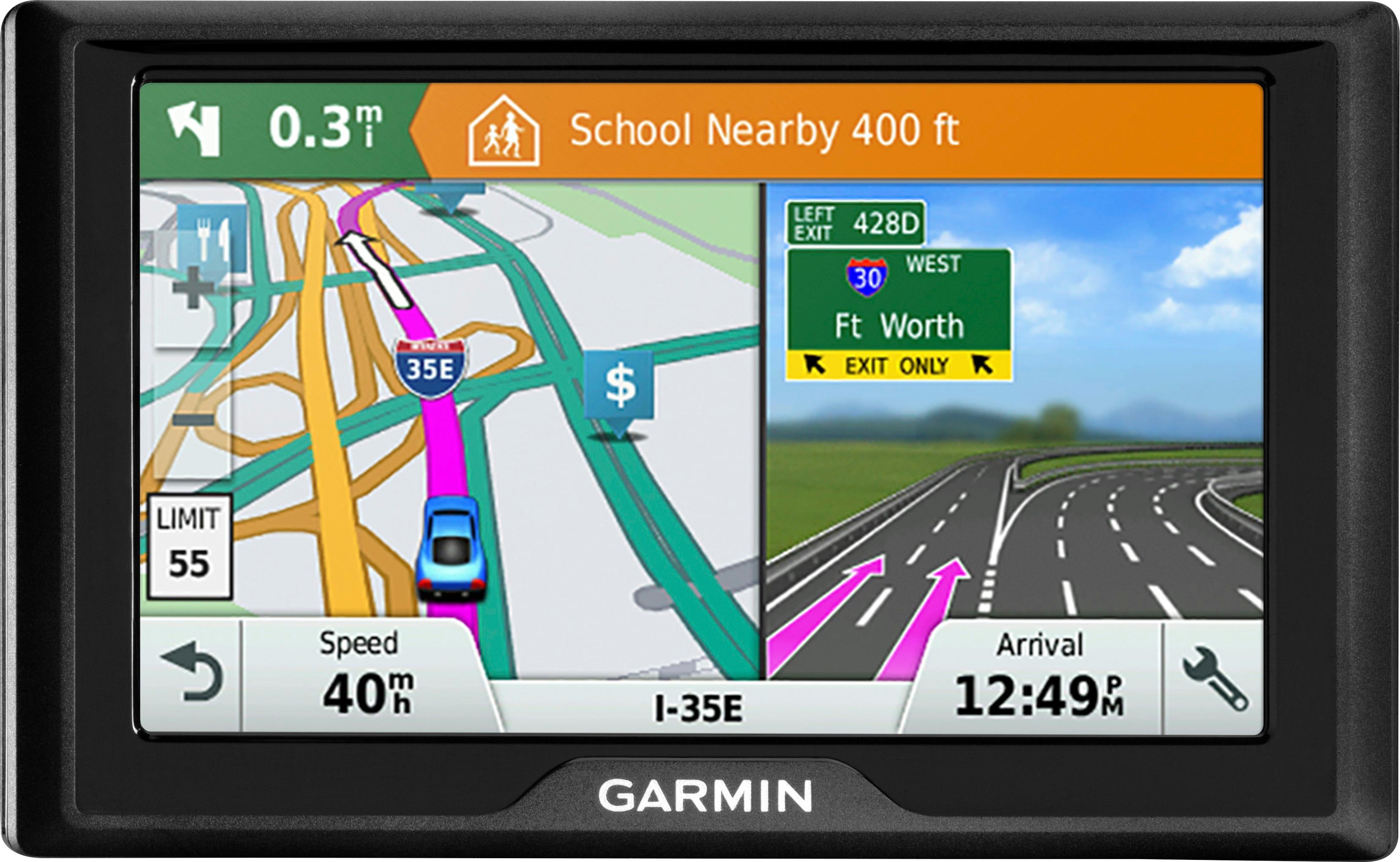
- A:Answer I was able to load addresses and save them as "work," "school," "home," "clinic," etc. and there's always recent addresses. If you're not looking to label them I'm not sure but otherwise yes, you're able to save. And if you're physically at the location you just hold the blue arrow until it beeps and you have a favorite.
Answered by CaricaAbeyer
Q: QuestionWhat is the difference between a Garmin DriveSmart 51 LMT-S and a Garmin Drive 51 LM
Asked by Betsy.
- A:Answer The LMT-S model receives Live traffic information through your compatible smartphone's data plan, and can be sent instantaneously to your Garmin automotive navigator through the free Garmin Smartphone Link app. Thanks, James
Answered by GarminProductExpert

Q: QuestionDo any of the Garmin gps show forest service map data like road numbers like 4850 ,etc. ( mt hood road ) I spend a lot of time in the woods. Also topo overlays would be nice too
Asked by Anonymous.
- A:Answer This model includes a Digital Elevation Map and most roads, including unpaved, would be included in the mapping.
Answered by GarminProductExpert

Best-selling Best Buy
- $299.99$299.99The price was $349.99
- $59.99$59.99The price was $99.00
- $14.99$14.99The price was $19.00
- $24.99$24.99The price was $29.99
- $199.99$199.99The price was $349.99
- $14.99$14.99The price was $19.00
- $149.00$149.00The price was $399.00