A:AnswerThis model will not accept routes from map quest. It include the Trip Planner feature that can be used to create and save a trip with multiple destinations. It will also accept routes created in the Garmin BaseCamp™ program.
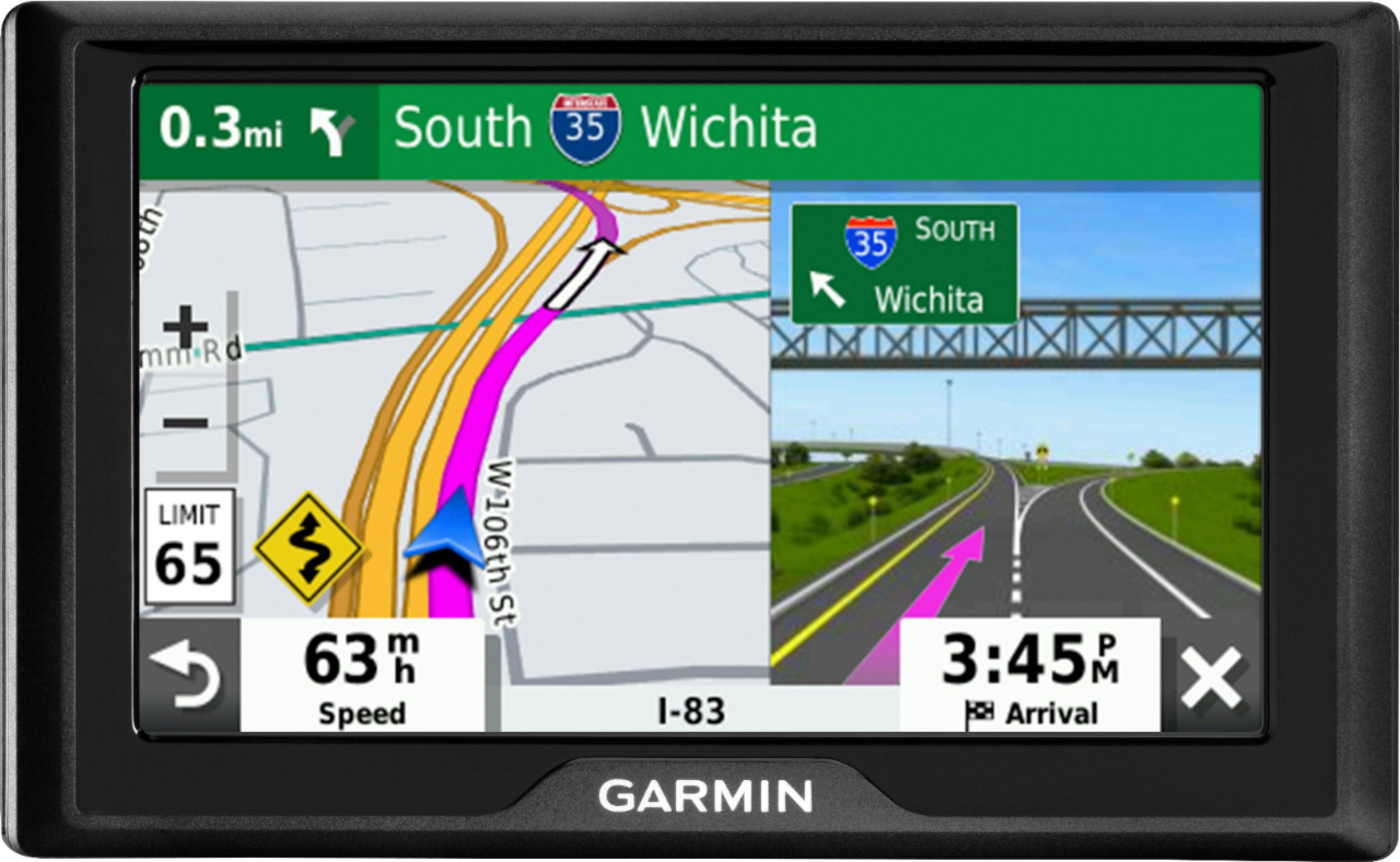
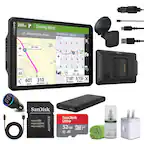
A:AnswerYes, it includes a Vehicle suction cup mount to attach the GPS to your vehicle’s windshield and a vehicle power cable that connects to the vehicle’s cigarette lighter/power port.
A:AnswerYes, this model includes a Vehicle suction cup mount to attach the GPS to your vehicle’s windshield and a vehicle power cable that connects to the vehicle’s cigarette lighter/power port.
A:AnswerYes, this device includes the Trip Planner feature that can be used to create and save a trip with multiple stops. An Optimize Order feature is also included to have the device calculate the most optimum order in which to travel to all the entered points.
A:AnswerThis model includes a Vehicle suction cup mount to attach the GPS to your vehicle’s windshield and a vehicle power cable that connects to the vehicle’s cigarette lighter/power port.
A:AnswerNo, this model is for automobiles and doesn’t include any truck specific routing. The Garmin dēzl™ series includes detailed maps for North America that also include truck-related restrictions – like bridge heights, sharp curves, weight limits and more – and related information for most major roads and highways.
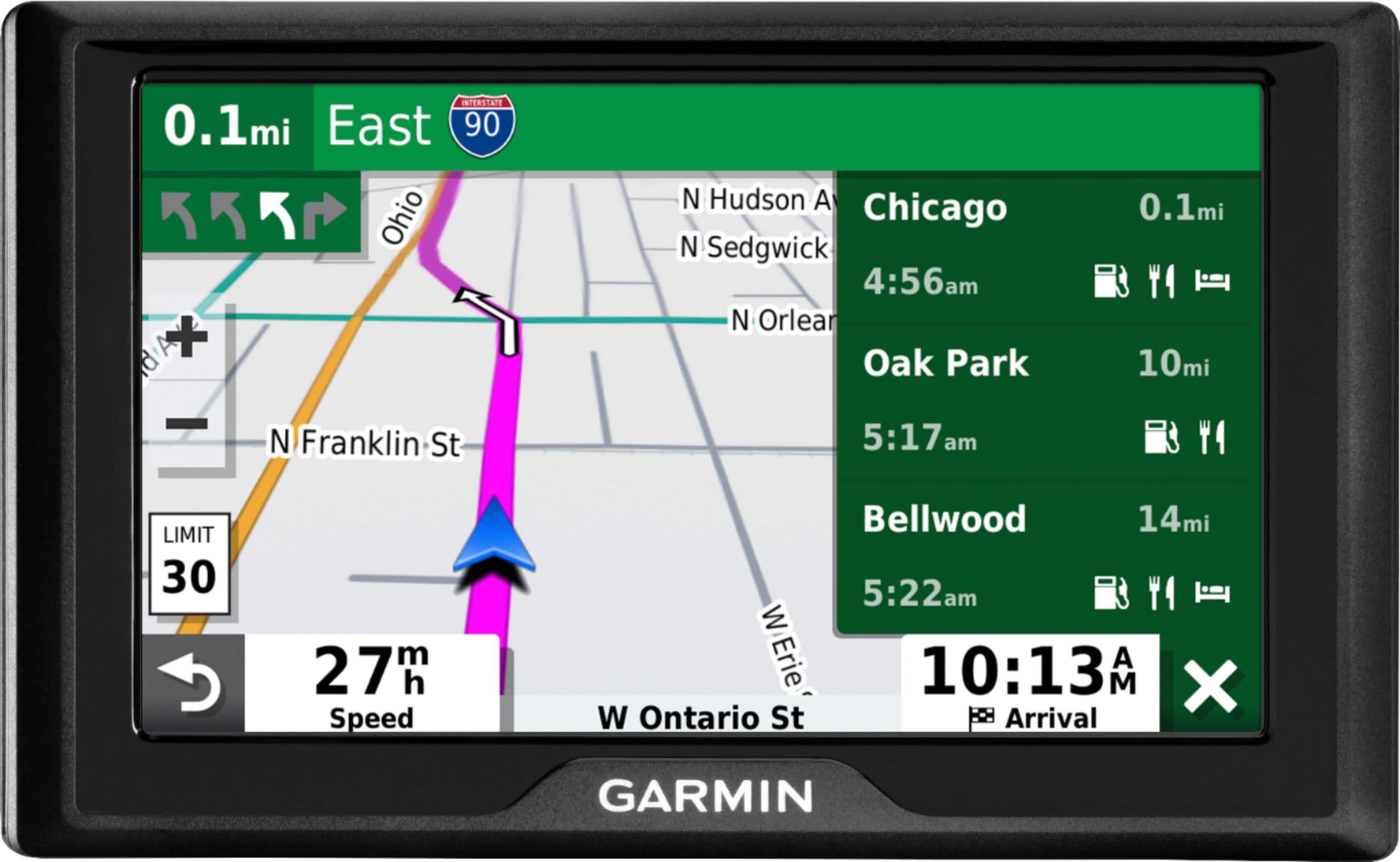
A:AnswerBased on your description, it may need a soft reset. To power the device ON with a soft reset: Connect the device to a power source and then press and hold the power button/power switch in the on position for 8-10 seconds. Here is a link to a Garmin Support Center article that provides additional information and a video: http://bit.ly/2mUqF0t
A:AnswerPlug in (cigarette lighter) ready - no subscription
At some point after a year or so you can hook up to your computer and get (free) updates if yours is lifetime maps (LM) version.