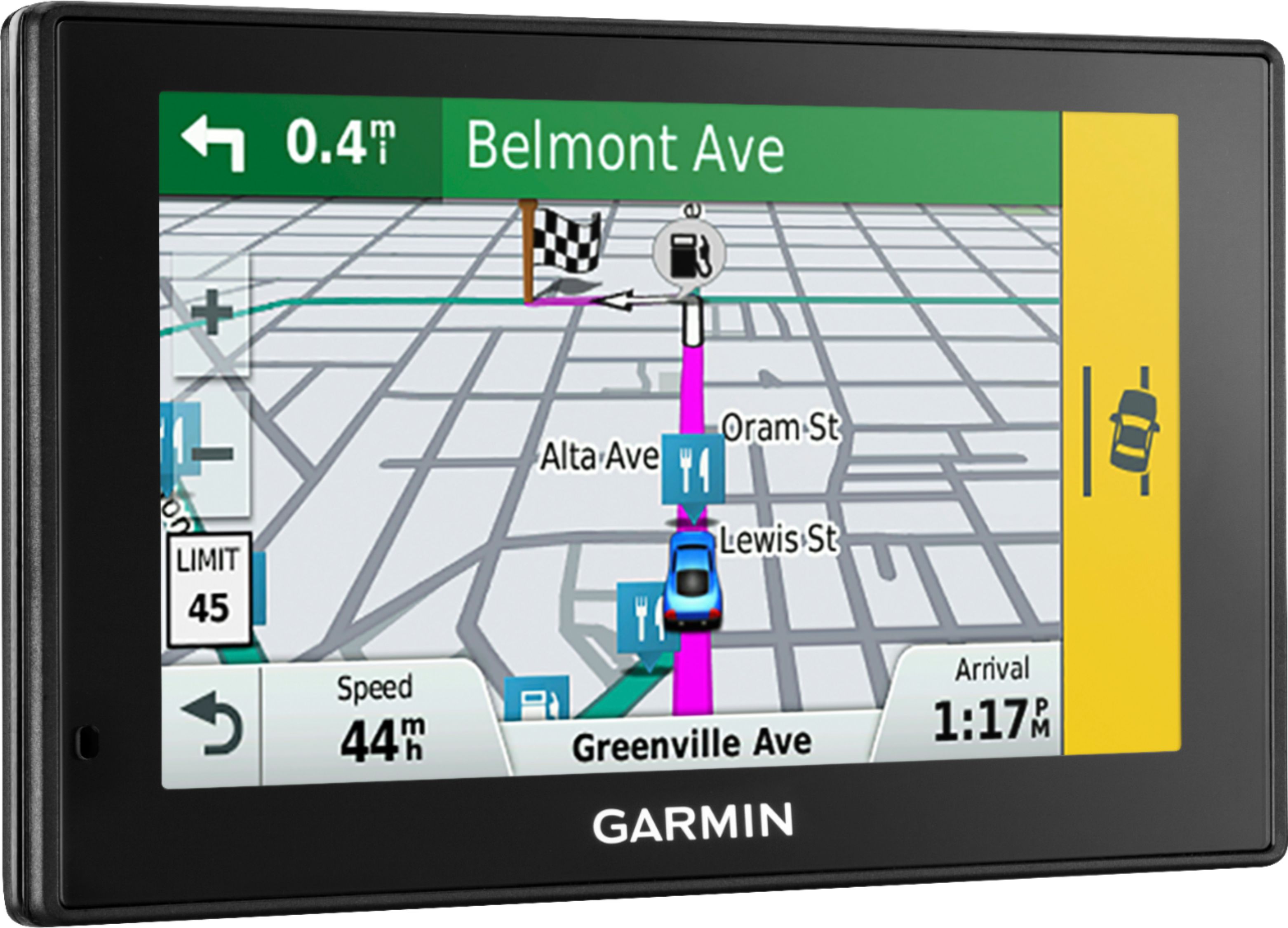
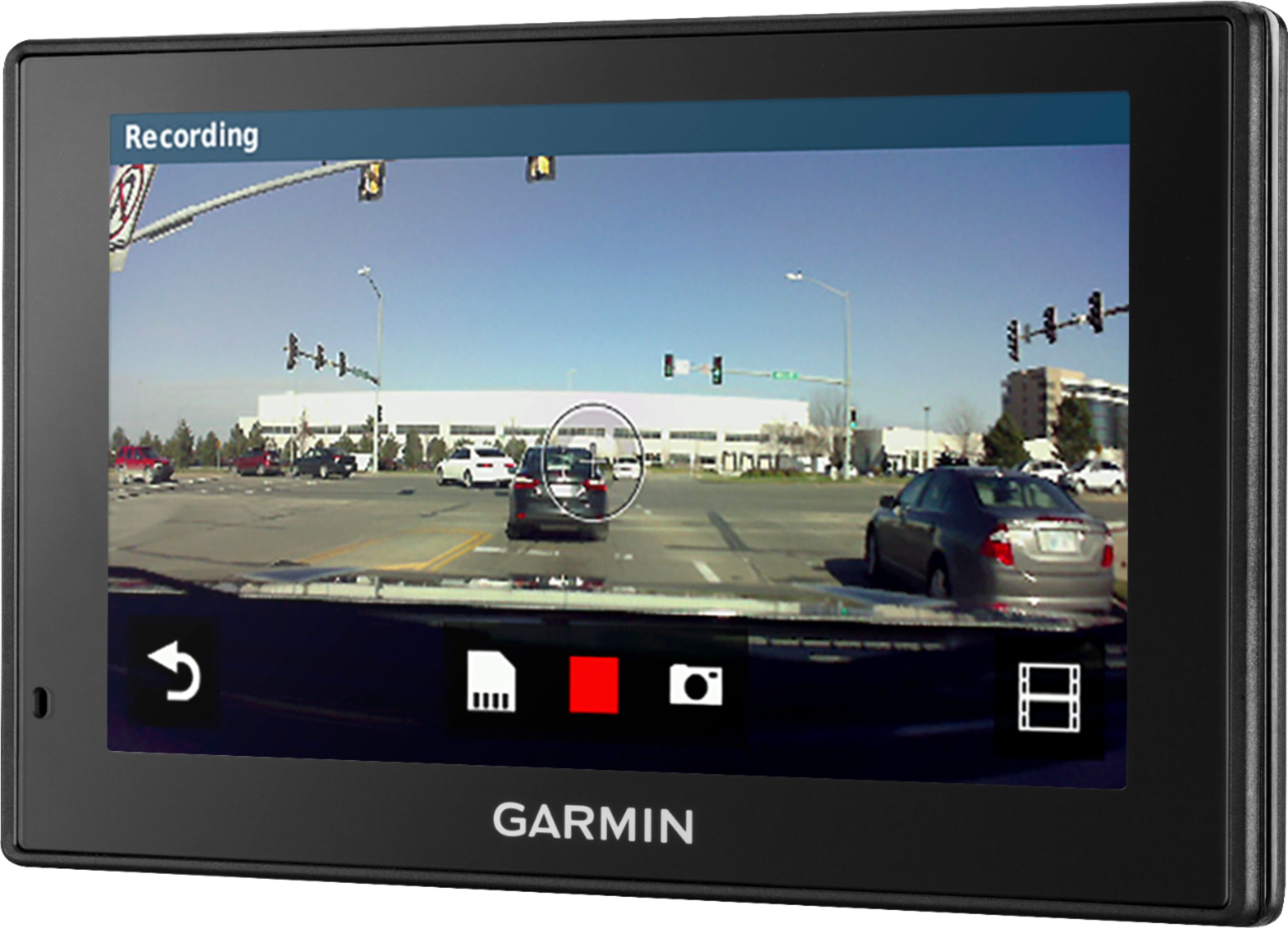
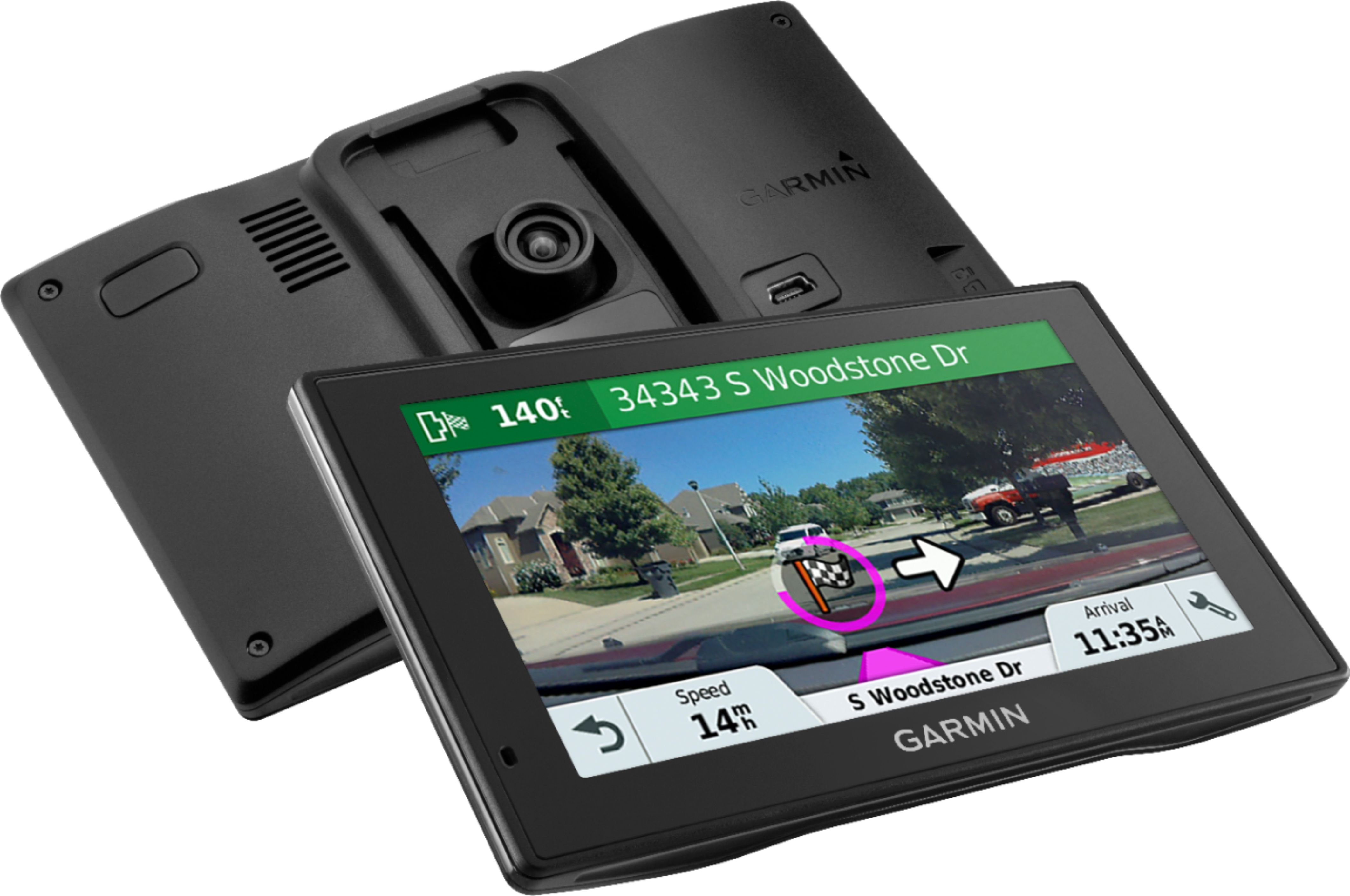
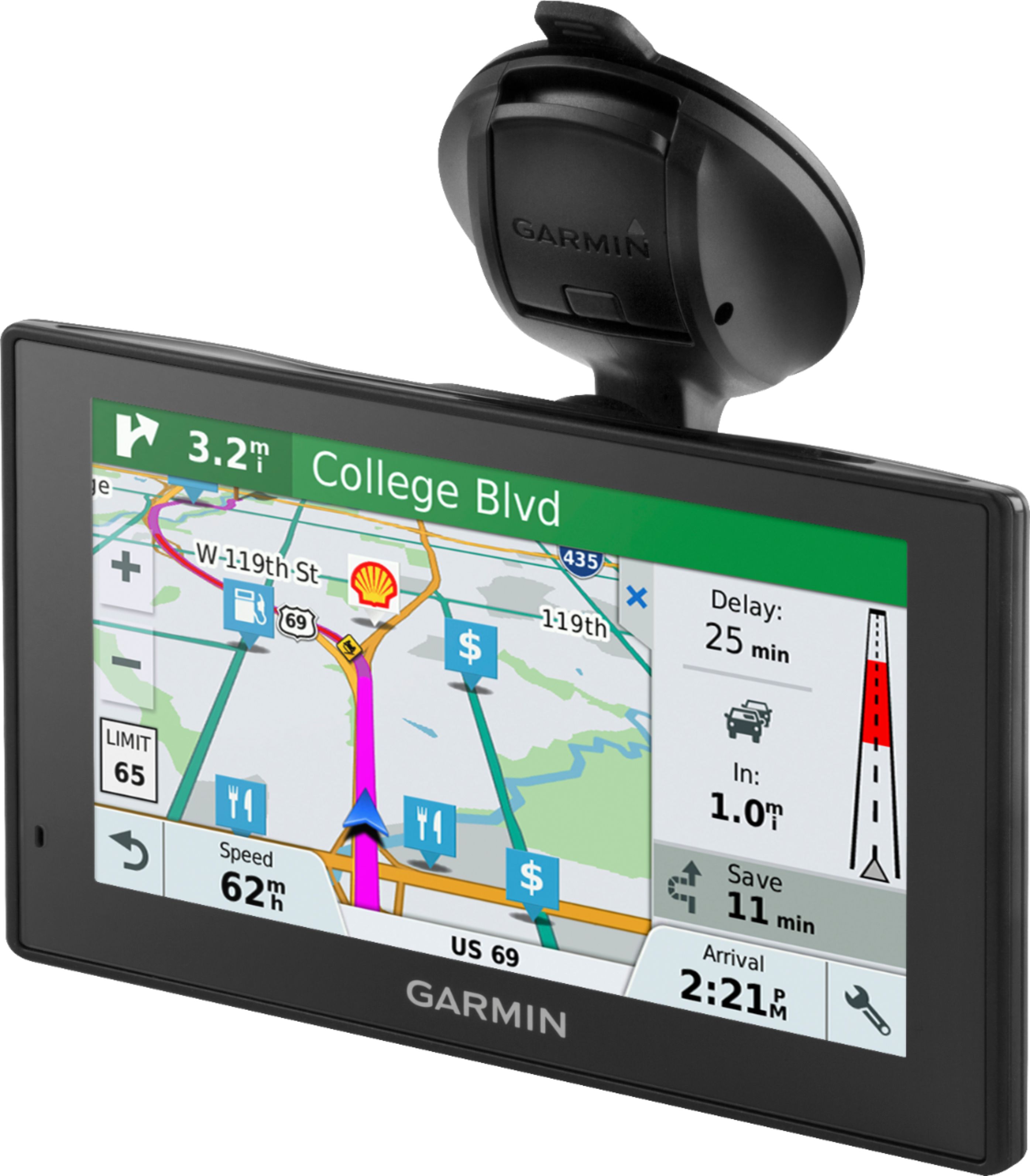
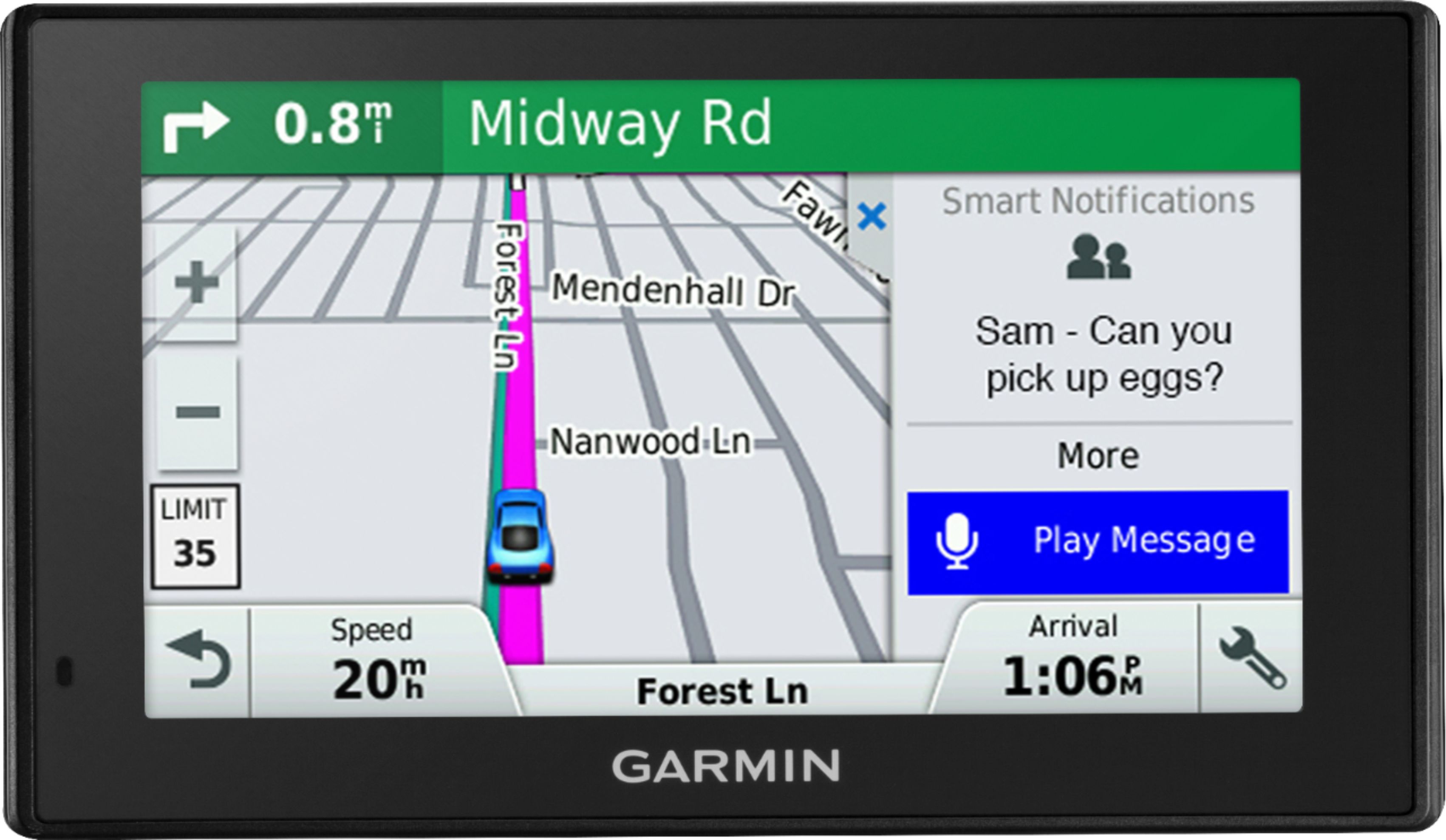
A:AnswerThe Garmin can be placed anywhere you feel is best for your viewing, the camera will adjust after picking where you placed it on the windshield. You can also by a dash holder if you like. I've had no problem with this being in both my 09 silverado and my wife's 06 v6 4runner. I also found this screen to be the best of other options.
A:AnswerThis device may not come preloaded with red light and speed camera data. This model is compatible, however, so this data can be added as an optional purchase.
-MH
A:AnswerTo get it to charge from your computer, you need to select Data Transfer Mode when you first plug it in otherwise it won't charge. I had the same problem and checked on the Garmin.com web page's knowledge base for the answer. I have Windows 10 so I can't help you on the Windows 7 question. You may have to manually enter your device's information into Garmin Express. If that doesn't work, contact Garmin's customer service by phone.
A:AnswerNo, the DriveAssist™ 51 LMT-S does not require professional installation, the GPS mounts to the windshield with the included suction cup arm and is powered with the included vehicle power cable that plugs in to any 12V auxiliary power outlet. Thanks, James
A:AnswerYes. It's actually pretty good. It uses landmarks too: "Turn right at the traffic light." I like it. If I have any complaints, it's that the windshield mount is not as easy to use as was my old Drive Assist 51 was. I also miss the built-in dash cam.
A:Answer. To get the device powered on, connect it to the vehicle power cable, or an AC adapter. Press and hold the power button for 15 to 20 seconds. Once the device powers on fully charge the battery and ensure the software is up-to -date.
A:AnswerIf the vehicle does not have a cigarette outlet or a 12V outlet, some devices can be used with a USB cable or a third-party adapter, but they may not be able to provide enough power to charge the device or allow it to operate properly
A:AnswerNo, this model is for automobiles and doesn’t include any truck specific routing. The Garmin dēzl™ series includes detailed maps for North America that also include truck-related restrictions – like bridge heights, sharp curves, weight limits and more – and related information for most major roads and highways.
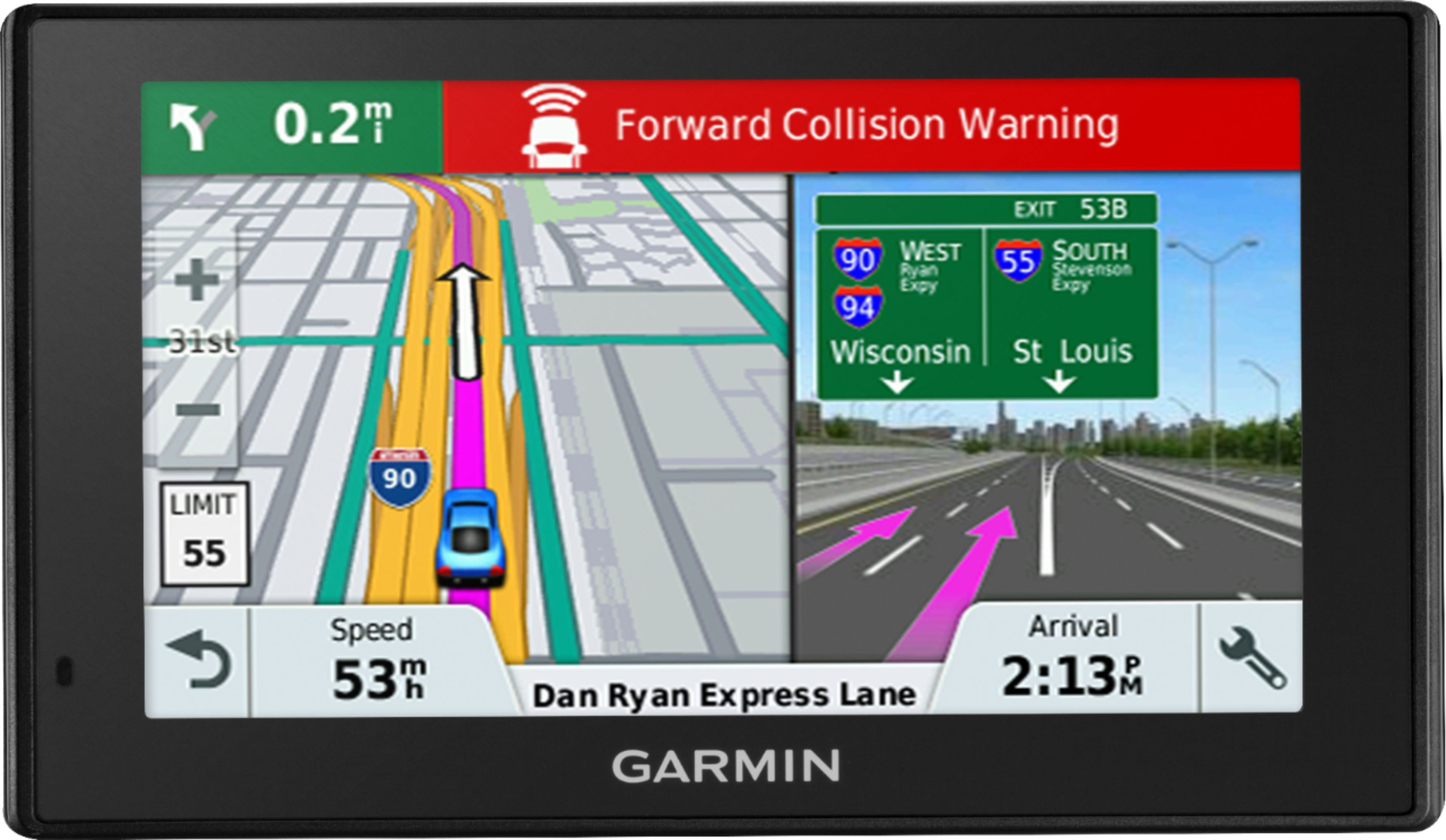
A:AnswerYes, this device is an easy-to-use, dedicated GPS navigator that does not rely on Wi-Fi, Bluetooth or cellular signals and is unaffected by cellular dead zones.