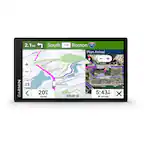
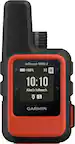
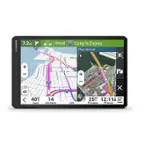
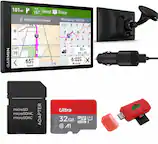
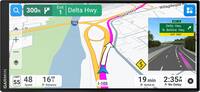
A:AnswerNo, this model is for automobiles and doesn’t include any truck specific routing. The Garmin dēzl™ series includes detailed maps for North America that also include truck-related restrictions – like bridge heights, sharp curves, weight limits and more – and related information for most major roads and highways.
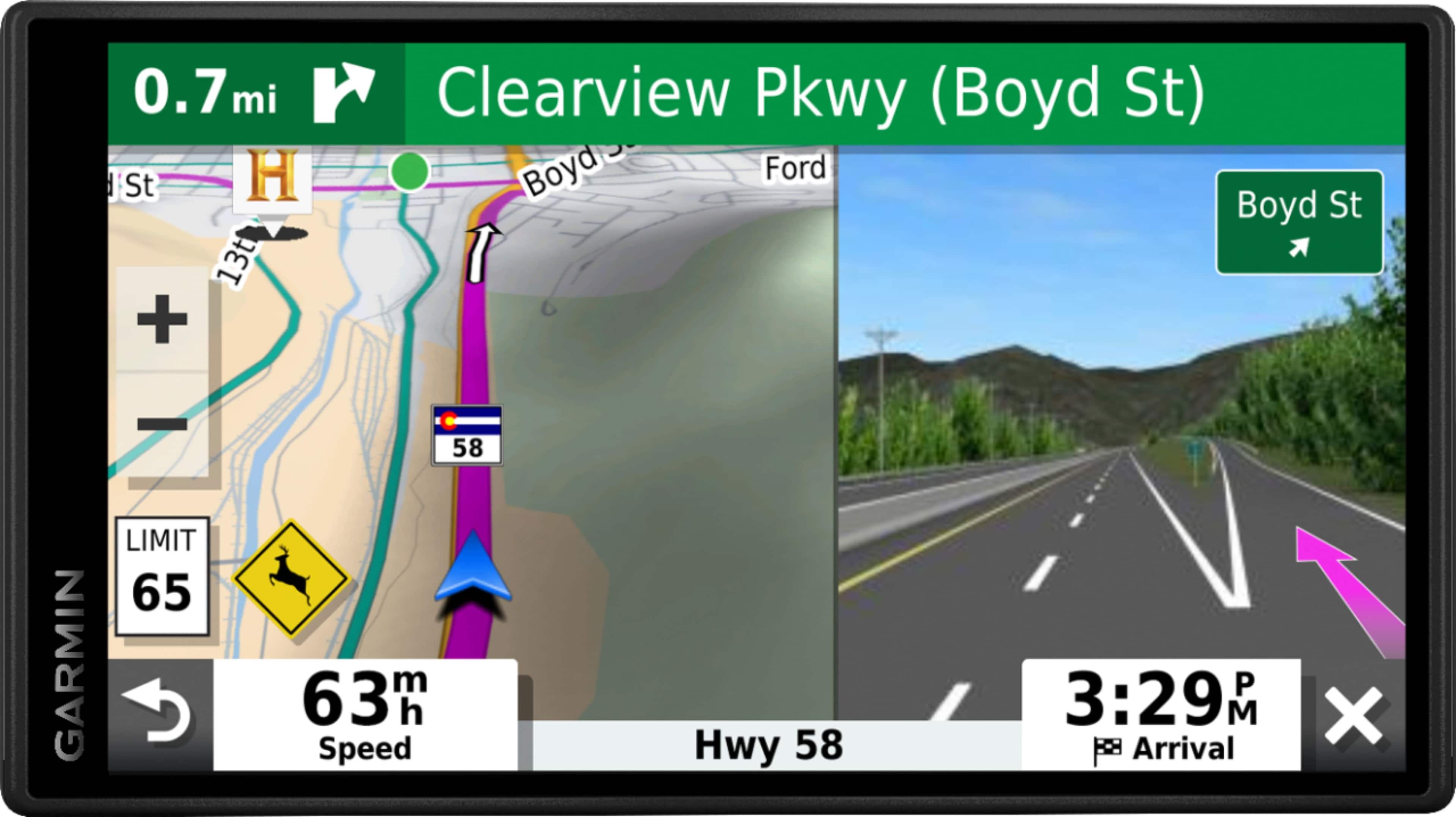
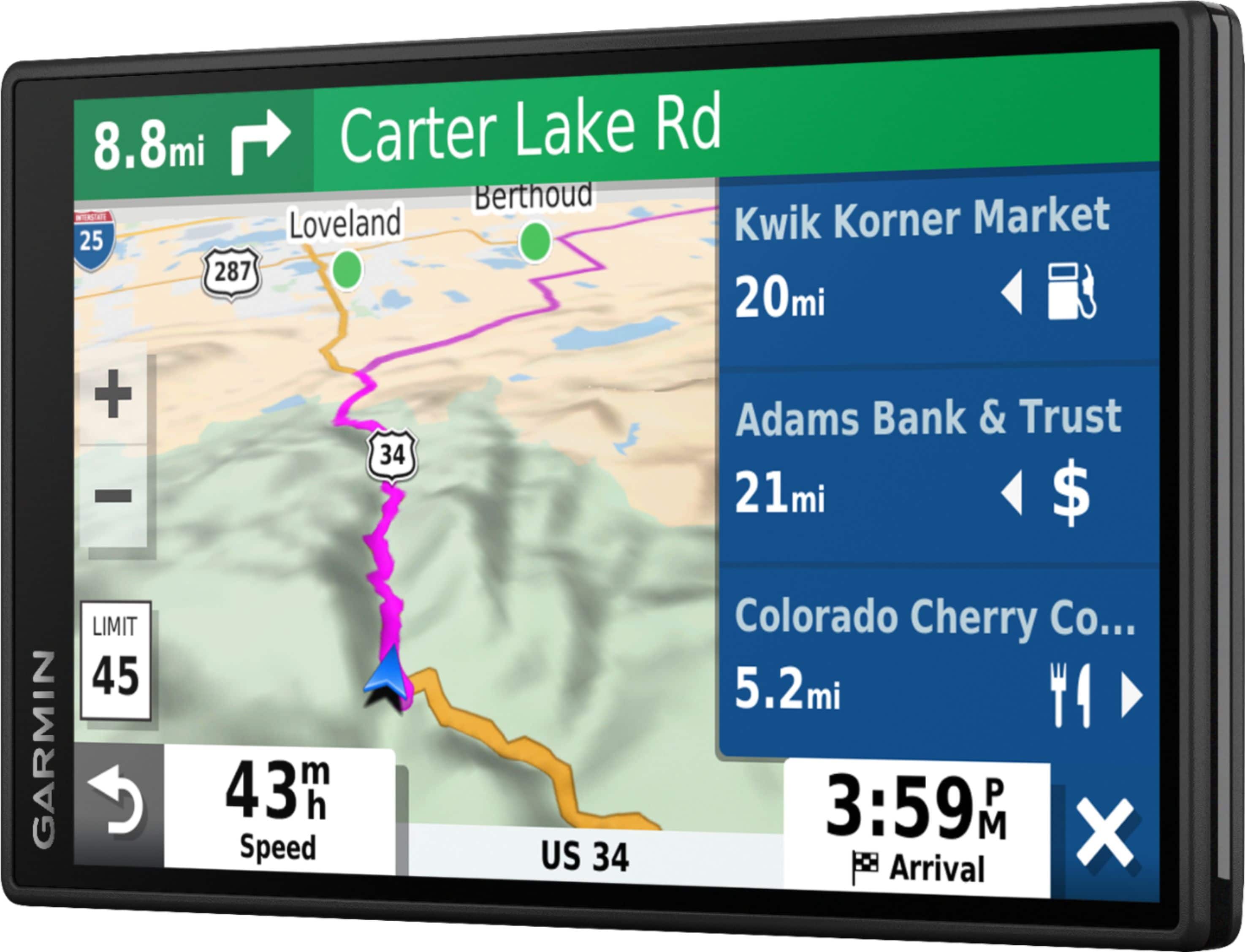
A:AnswerYes, this device includes the Trip Planner feature that can be used to create and save a trip with multiple stops. Or if you only want to “shape” a custom route to go the way you prefer; the device has a Shaping Points feature also.
A:AnswerYes, this model supports using Latitude/Longitude to search for locations. This Garmin FAQ explains Finding a Location Using Coordinates: https://bit.ly/2WfsJmR
A:AnswerSmart Notifications will display notifications from your Android or iPhone device on your Garmin automotive device so they can be read or heard safely without having to reach for your phone. The 25 most recent notifications from your phone will be stored on your Garmin device.
The phone must have the Garmin Drive App installed to connect to the Garmin device and use this feature.
A:AnswerThis device is designed to be synced to a Bluetooth-enabled phone, such as your smartphone for hands-free calling and to share information via the Garmin Smartphone Link app. This GPS will not pair to the Bluetooth in your vehicle or wireless speakers.
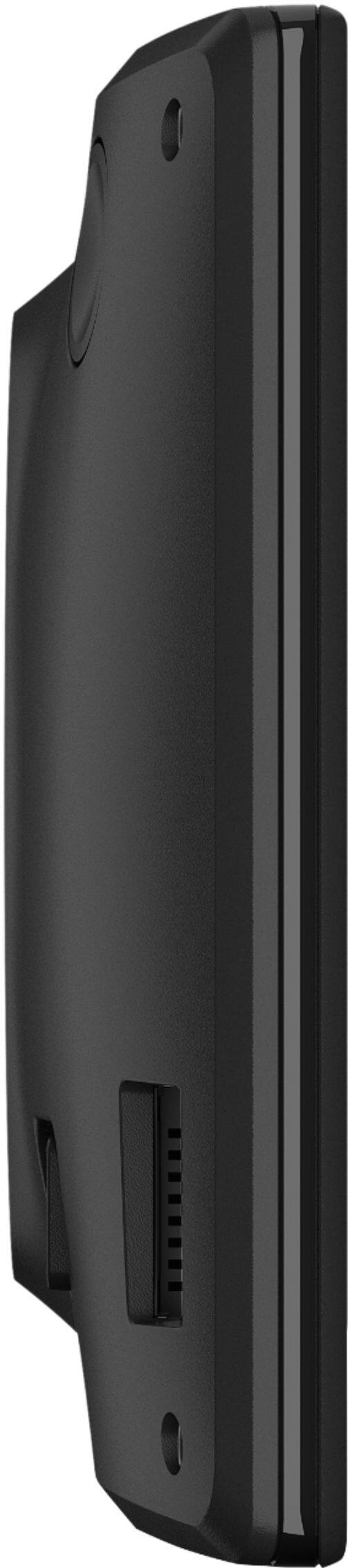
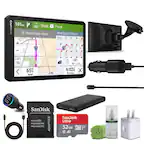
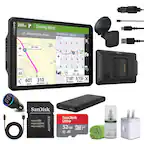
A:AnswerYes, it has a microSD card slot. Garmin supports cards with speed ratings up to class 10 (including unmarked cards). The size of card needed for Garmin Express is from 8GB SD up to a 32GB card.