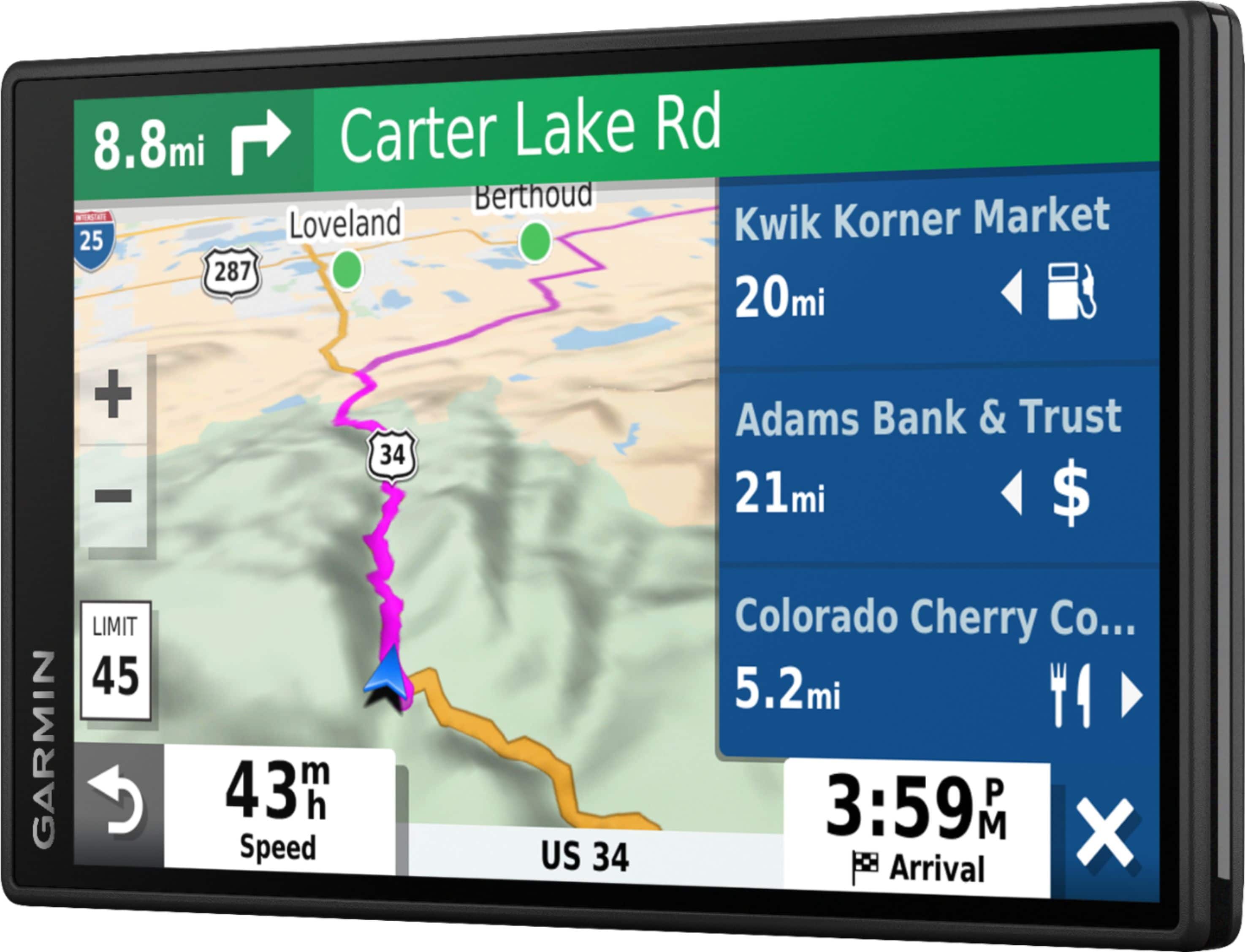
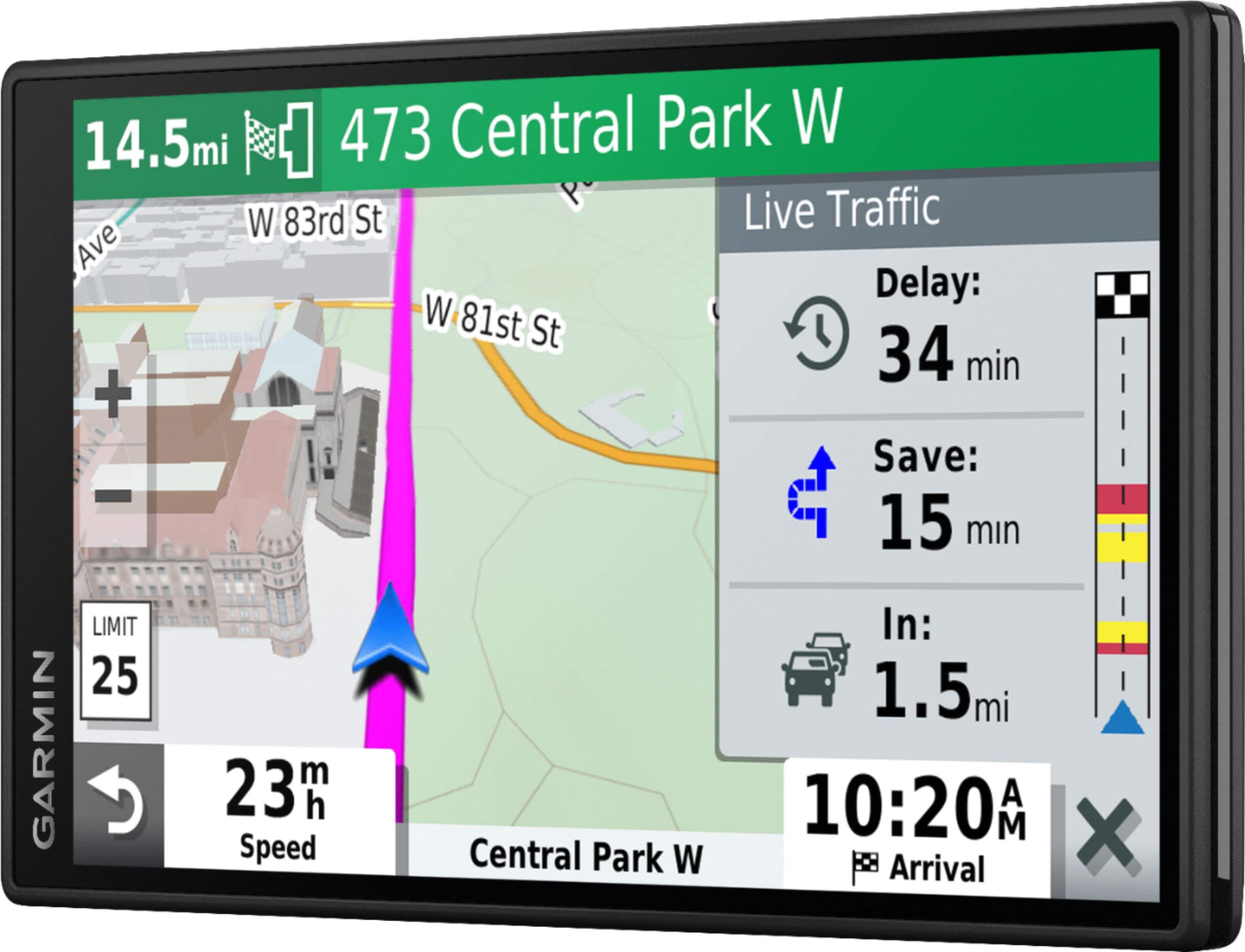
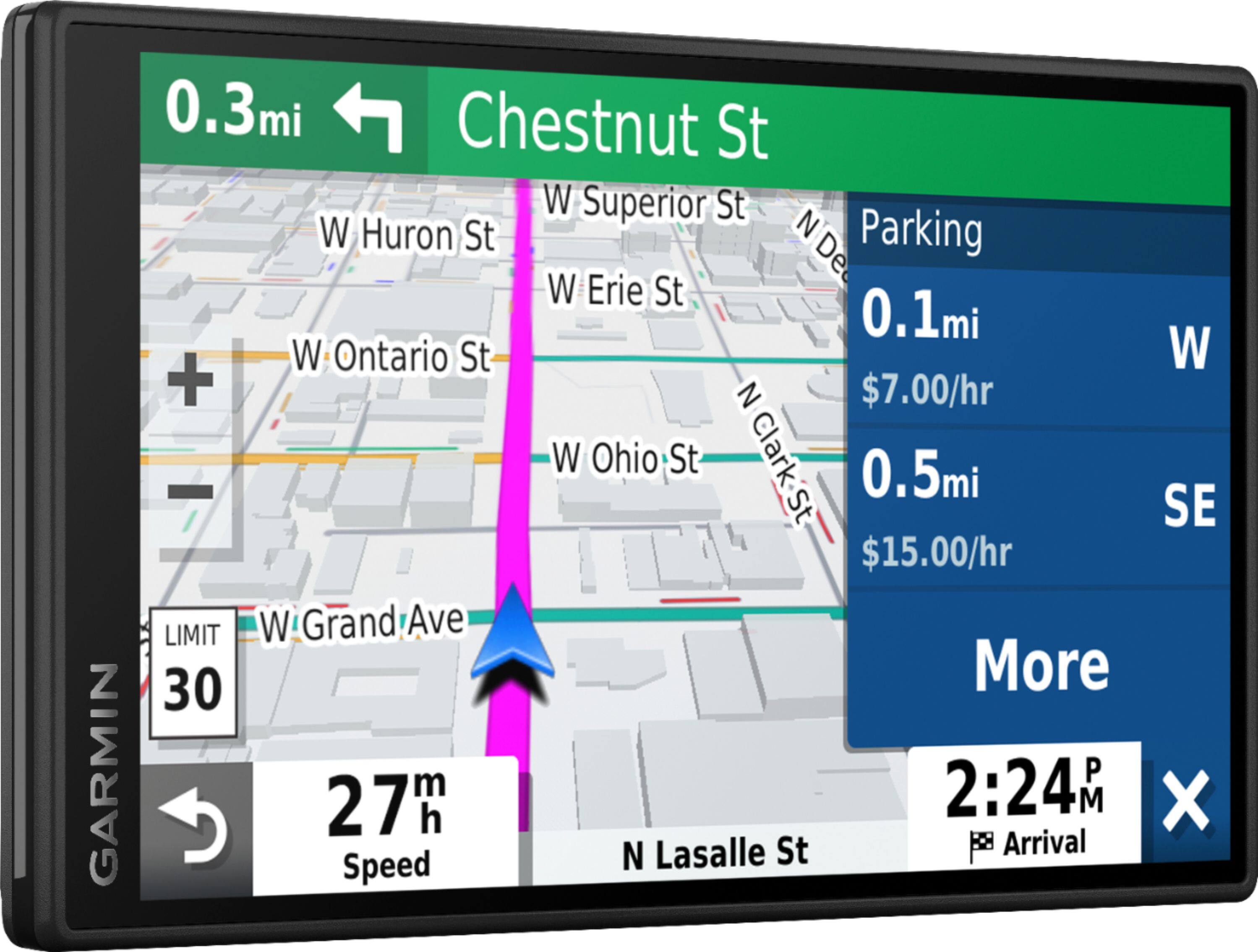
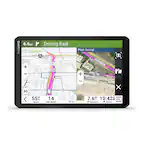
A:AnswerIf you download the app it comes with free traffic and weather information, also you can voice control of the Unit. You can also add a wireless backup camera to it
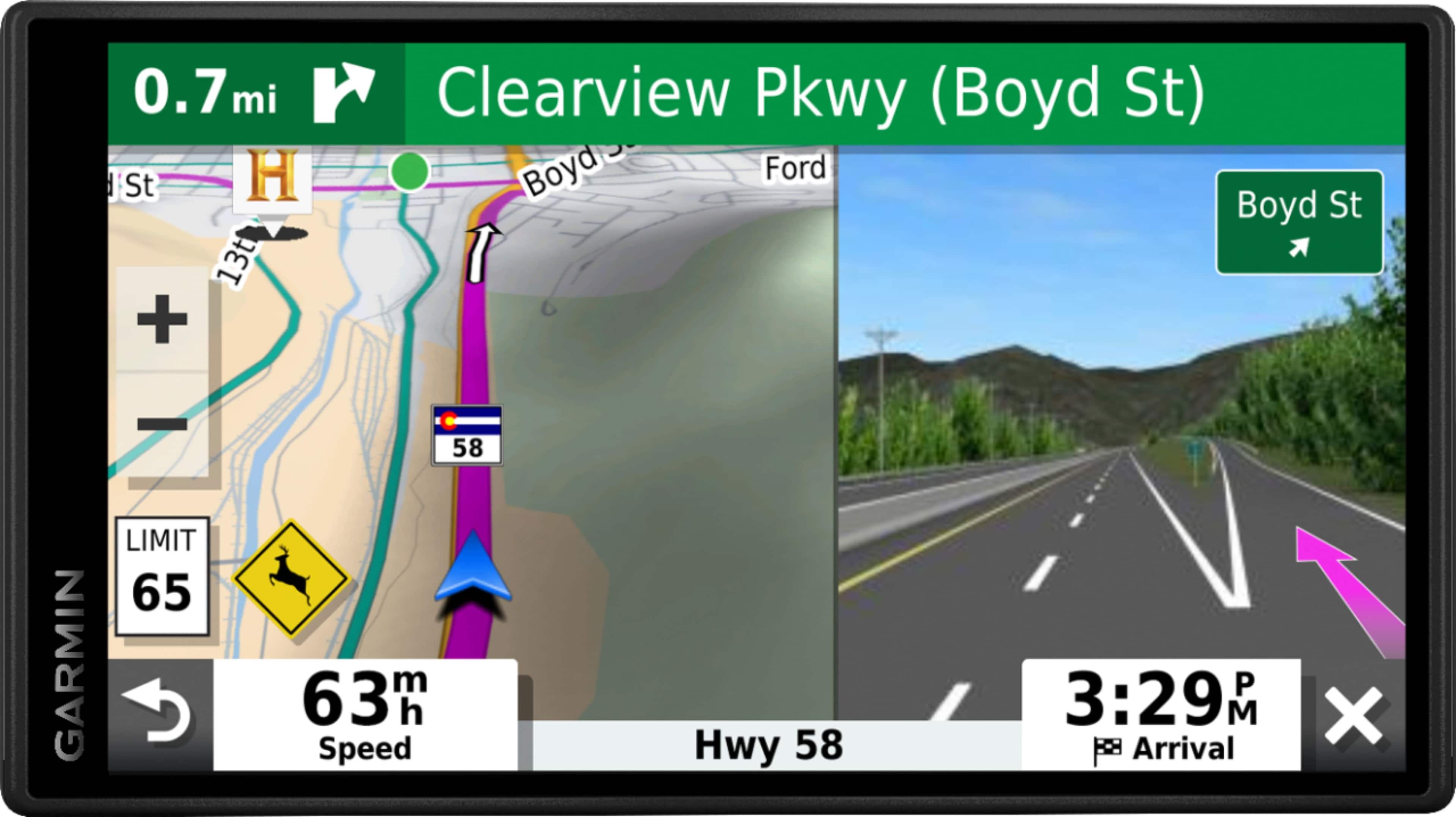
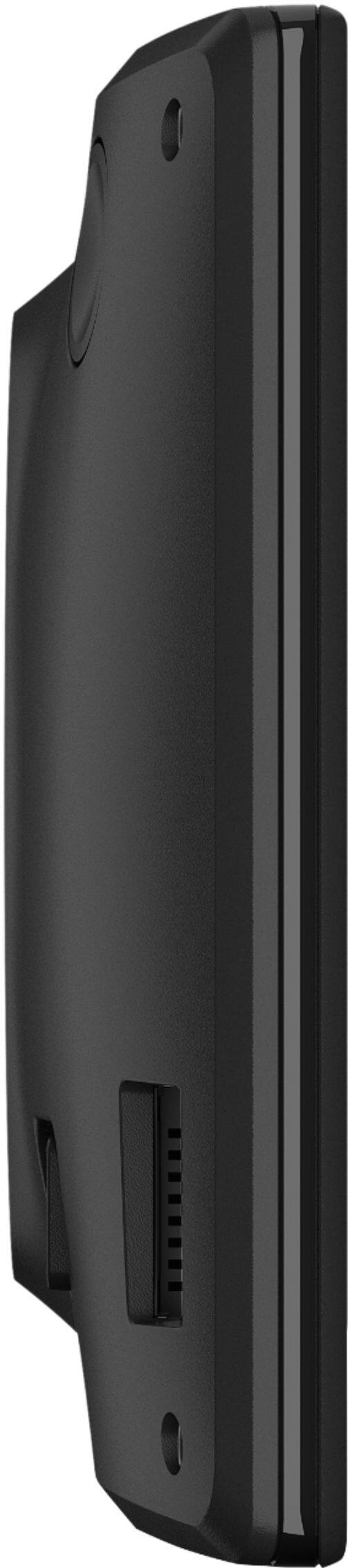
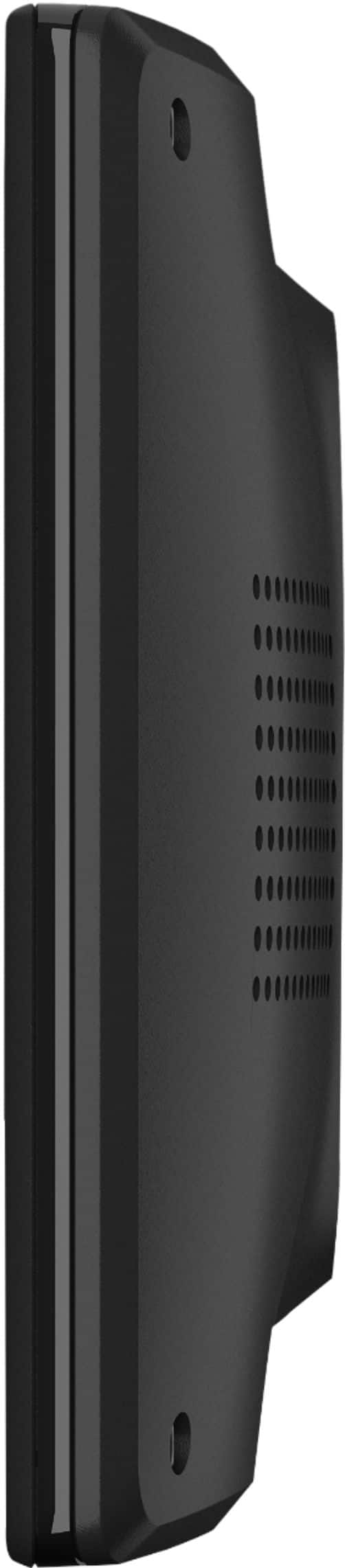
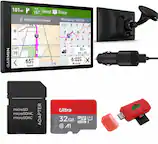
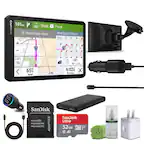
A:AnswerThis model is easy to install in most vehicles. It includes a Vehicle suction cup mount to attach the GPS to your vehicle’s windshield and a vehicle power cable that connects to the vehicle’s cigarette lighter/power port.
A:AnswerNo, this model does not allow for streaming music. You may want to look at the new Garmin DriveSmart™ 65 with Amazon Alexa, This models allows you to ask Alexa to play music from Amazon Music, Pandora®, SiriusXM®, iHeartRadio and more.
A:AnswerYes, this device is an easy-to-use, dedicated GPS navigator that does not rely on Wi-Fi, Bluetooth or cellular signals to navigate. City Navigator® Europe maps will need to be purchased and added to the device. There are two options for adding these maps to this device: Purchase a pre-programmed microSD™/SD™ Card or Purchase downloadable maps to be installed with the Garmin Express program. More info can be found here: https://bit.ly/3b8NdoT
A:AnswerThis is the most current model, released in January 2019. With the nüMaps Subscription, you will receive map data updates when they are made available on Garmin.com during the useful life of this device. No, the recently found addresses can not be deleted individually.
A:AnswerBoth the DriveSmart 55 and the DriveSmart 65 will work without a smartphone. Both are easy-to-use, dedicated GPS navigators that do not rely on Wi-Fi, Bluetooth or cellular signals and are unaffected by cellular dead zones.
A:AnswerYes, this model includes a Vehicle suction cup mount to attach the GPS to your vehicle’s windshield and a vehicle power cable that connects to the vehicle’s cigarette lighter/power port.
A:AnswerYes, this model can be updated via Wi-Fi or you can connect it to a computer and update using the Garmin Express program: http://www.garmin.com/express.
A:AnswerIt is possible for your automotive device to receive and navigate to geocache location files. You may not be able to utilize any of the advanced geocaching features and settings that many of our Outdoor Handheld devices have.
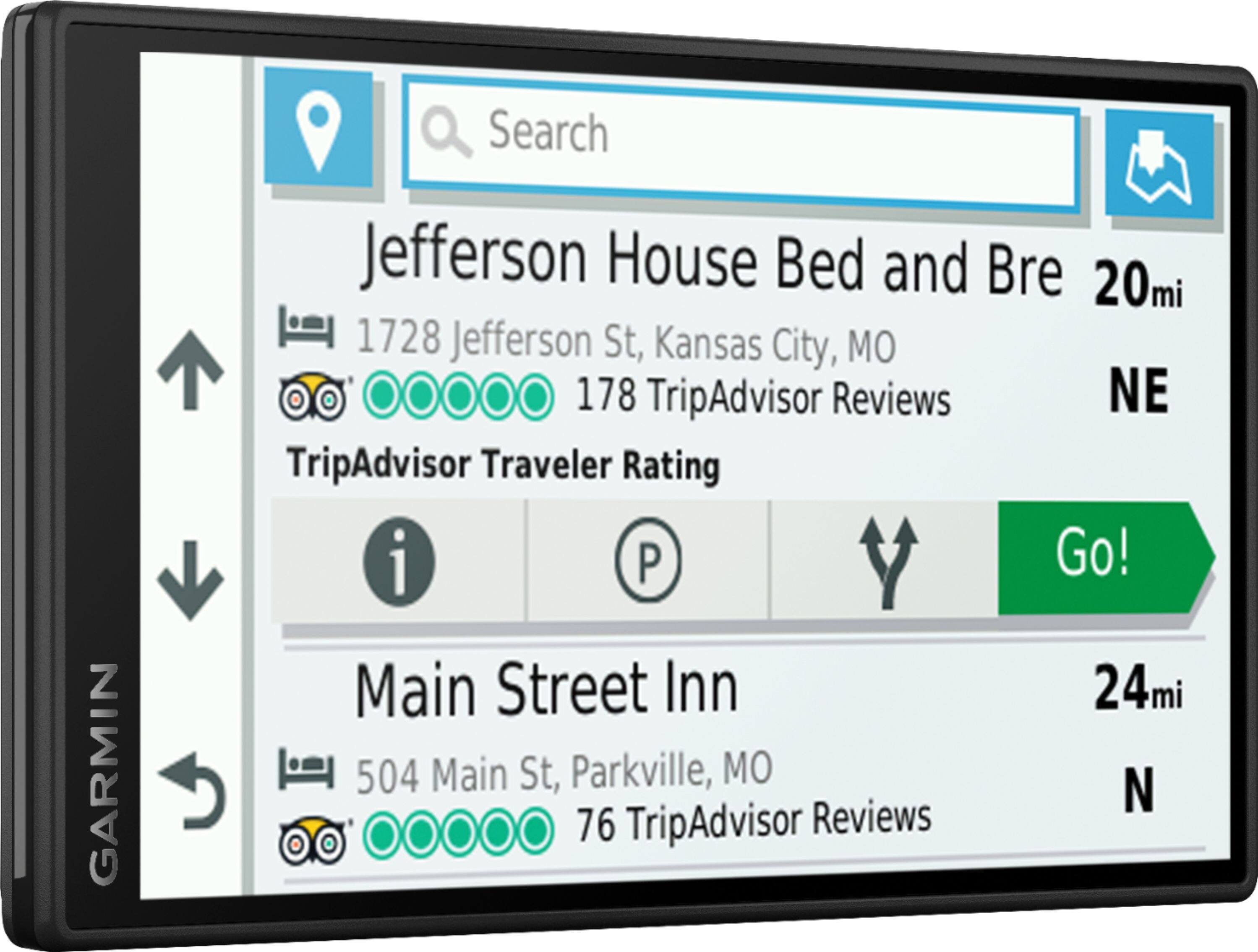
A:AnswerYes, this device includes the Trip Planner feature that can be used to create and save a trip with multiple stops. Or if you only want to “shape” a custom route to go the way you prefer; the device has a Shaping Points feature also.
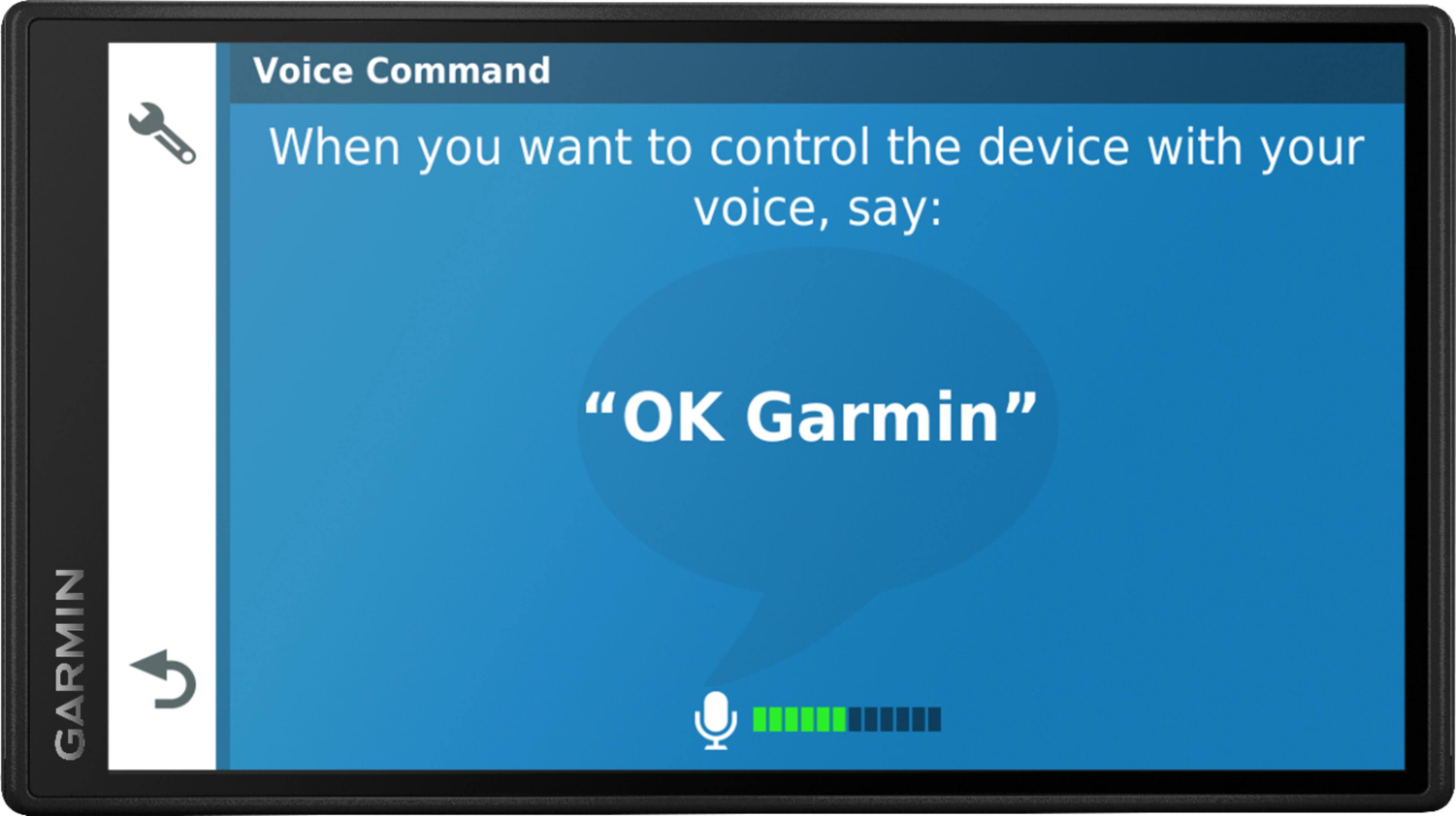
A:AnswerYes, this model includes the Voice Command feature that allows for voice activated searching of addresses, points of interest and places. However, if you choose, you can manually type the addresses.
A:AnswerI had the same problem with my new unit; the unit would operate in the car with a standard USB but it wouldn't charge the battery to allow it to run cordless unless it was charged with an original GARMIN cable. Also, the 'Traffic' feature only worked when using the OEM cable (cool feature which notifies you of accidents or other emergency info on the route you've programmed in). The cables are generally available at Garmin retailers but you'll probably get a better deal on a used one!