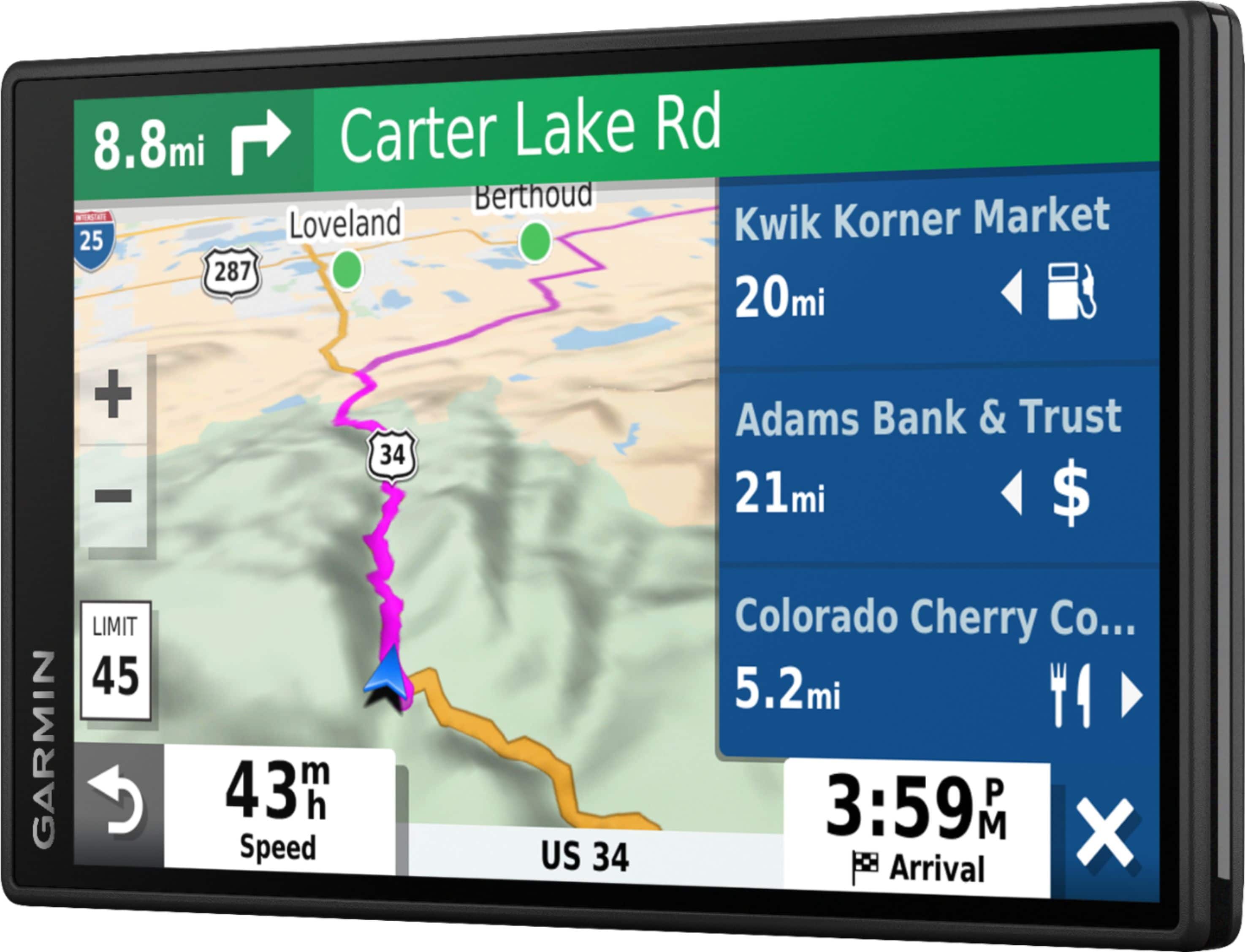
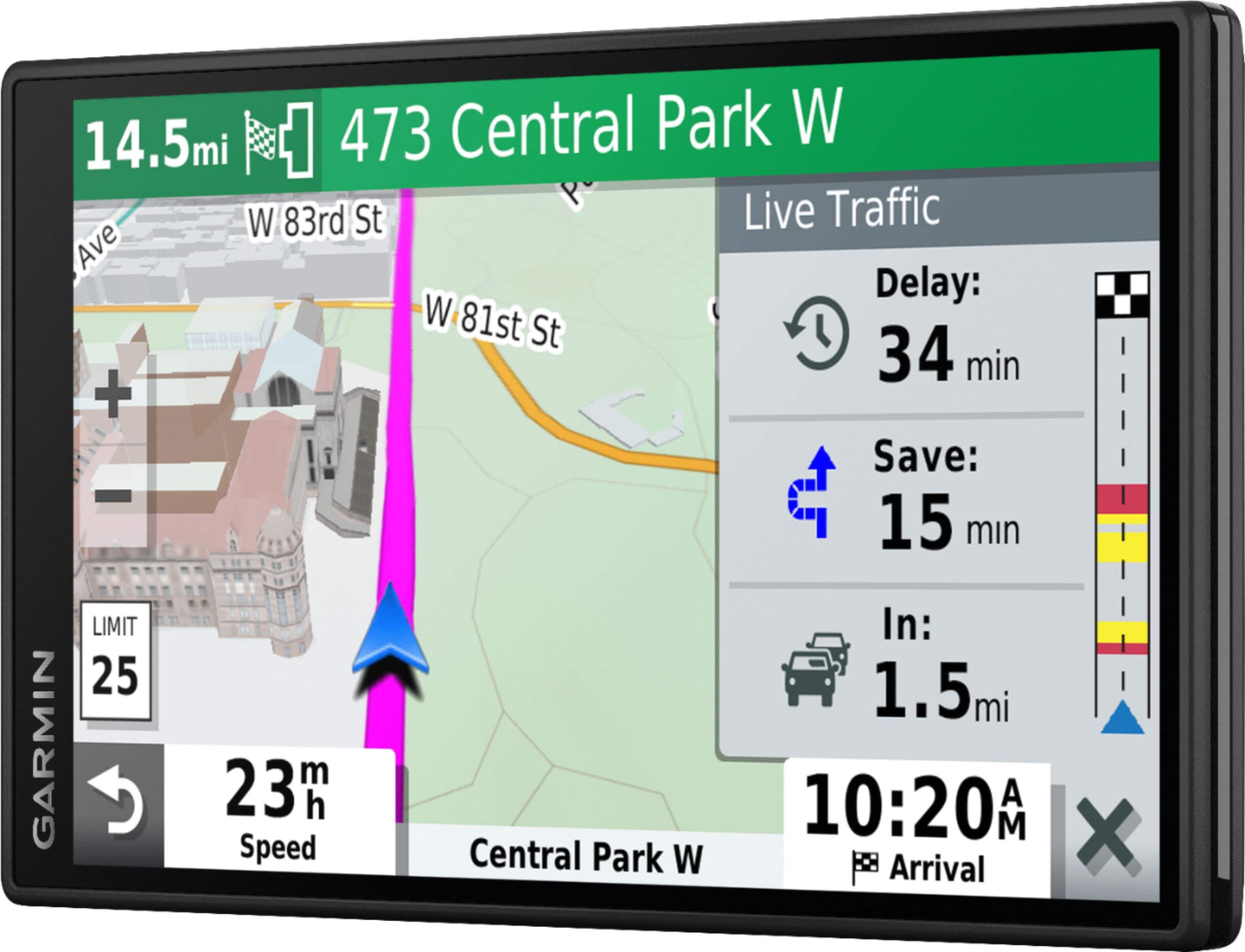
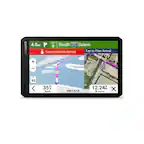
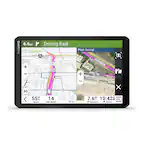
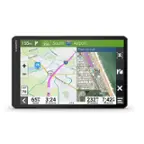
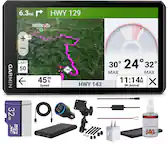
A:AnswerThe GPS will connect to the Drive App on your smartphone for traffic coverage. When traffic is reported it will route you around if there is a faster option available.
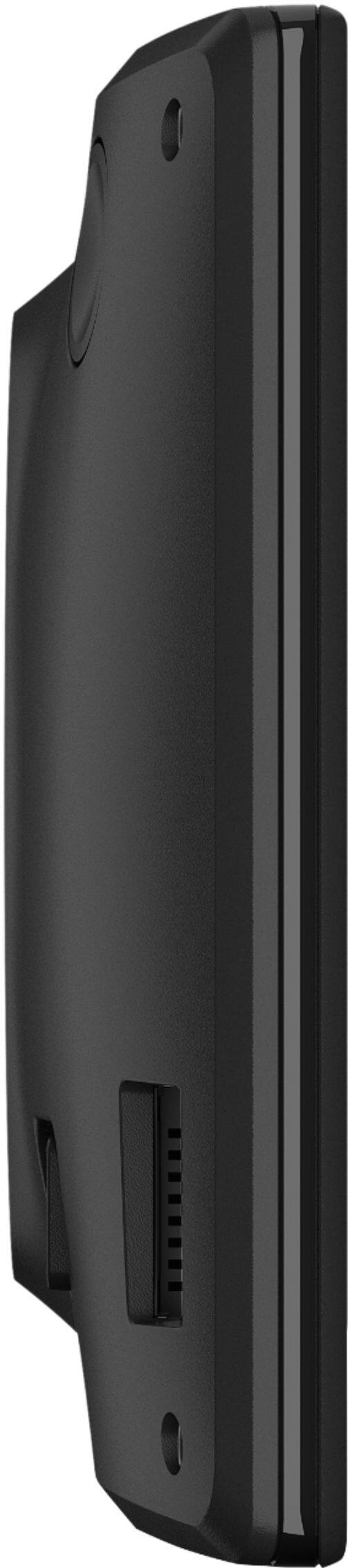
A:AnswerIf I am understanding the question, the power jack input is a USB B-mini. It's the same port as older Garmins.
The transfer speed is good though, when updating maps via PC. This unit has W-Fi map updates,but I choose the PC. It was much faster than the on-screen estimate.
A:AnswerAmerican English – Samantha (includes Garmin Real Directions & Garmin Real Voice). Also includes American English – Jack and American English – Zoe (both have Garmin Real Directions only).
A:AnswerThe DriveSmart 51/61 LMT-S, DriveAssist 51 LMT-S, DriveLuxe 51 LMT-S and DriveSmart 55/55 are all able to be updated via Wi-Fi. The device must be plugged into power to perform the update.
A:AnswerThis model includes preloaded street maps for North America with detailed coverage of the U.S., Mexico, Canada, Puerto Rico, U.S. Virgin Islands, Cayman Islands and Bahamas.
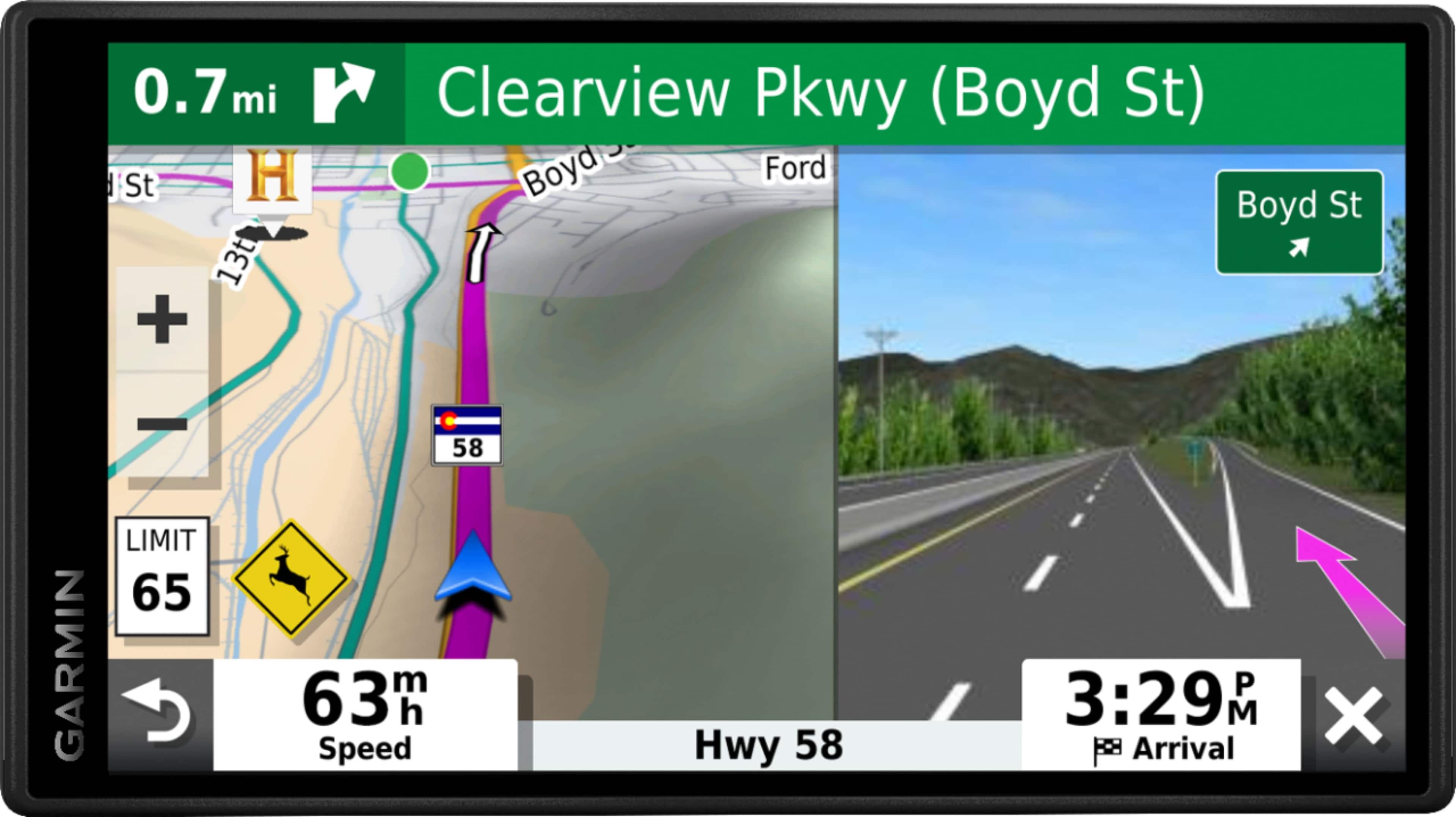
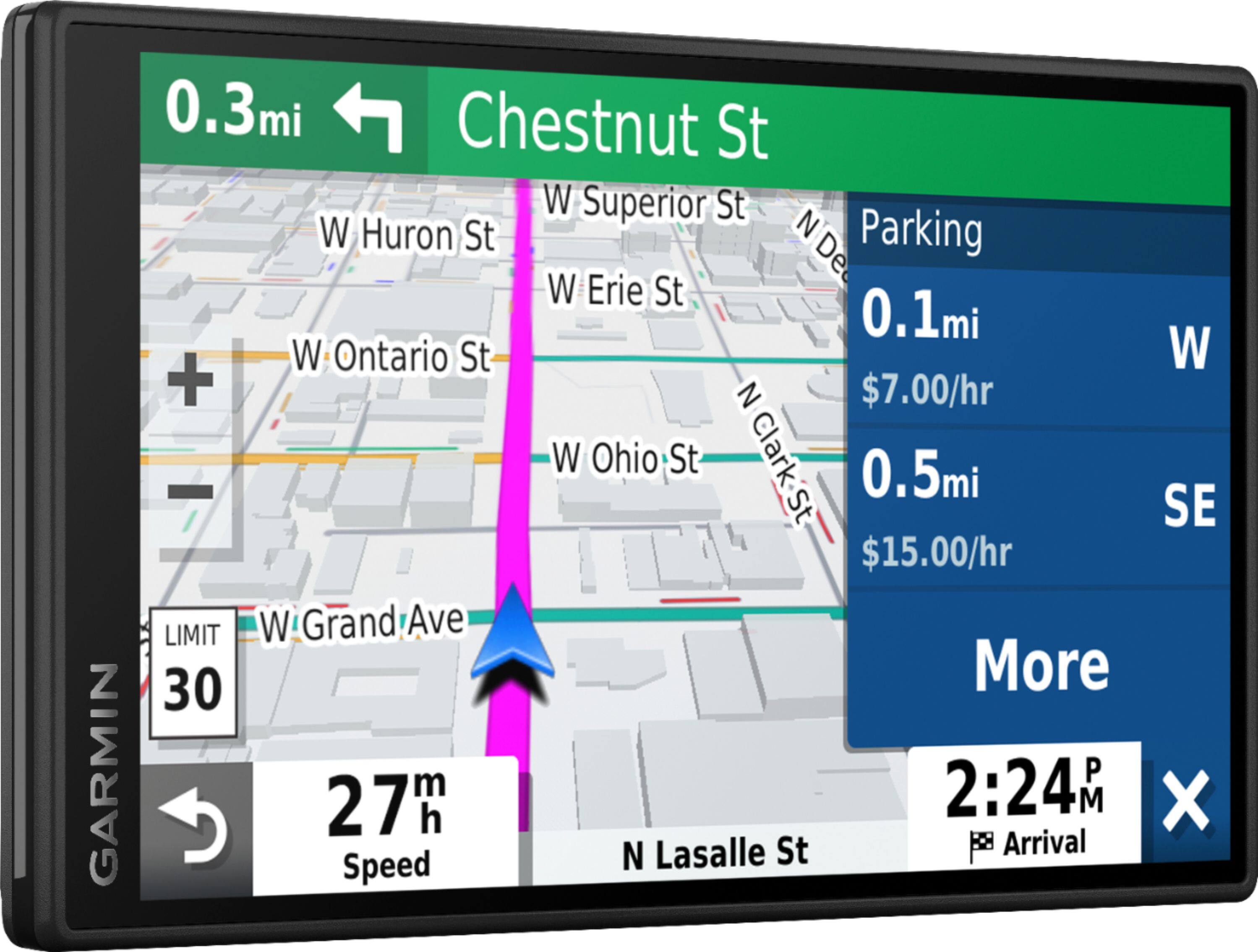
A:Answeryes, the road speed limit is shown in the left side of the screen, and their is a" tone/bell" when the speed limit changes as well so you know their was/is a change in speed..
The red light camera option : you get a drop down red banner at the top of the screen to indicating a "red light camera is ahead.