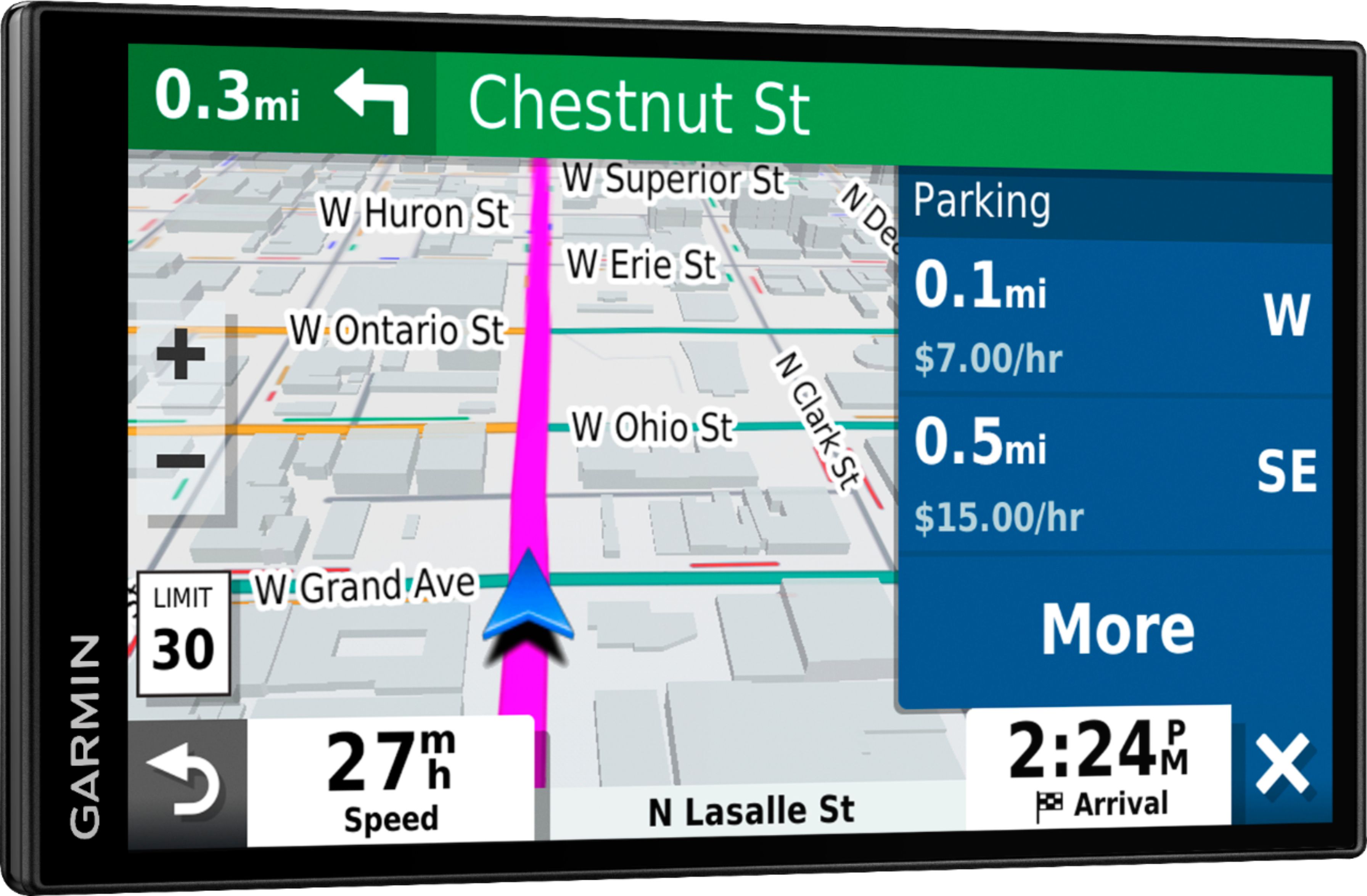
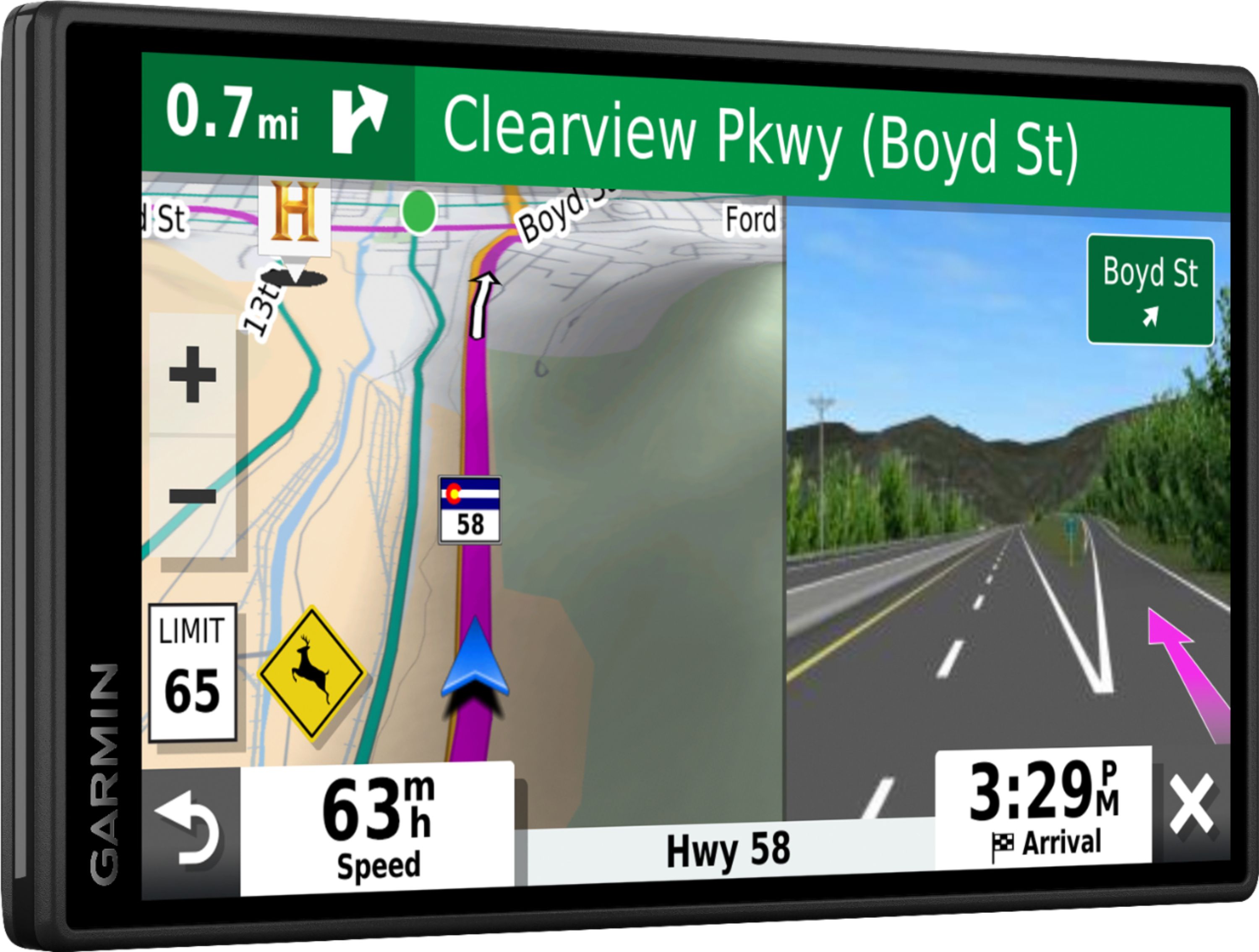
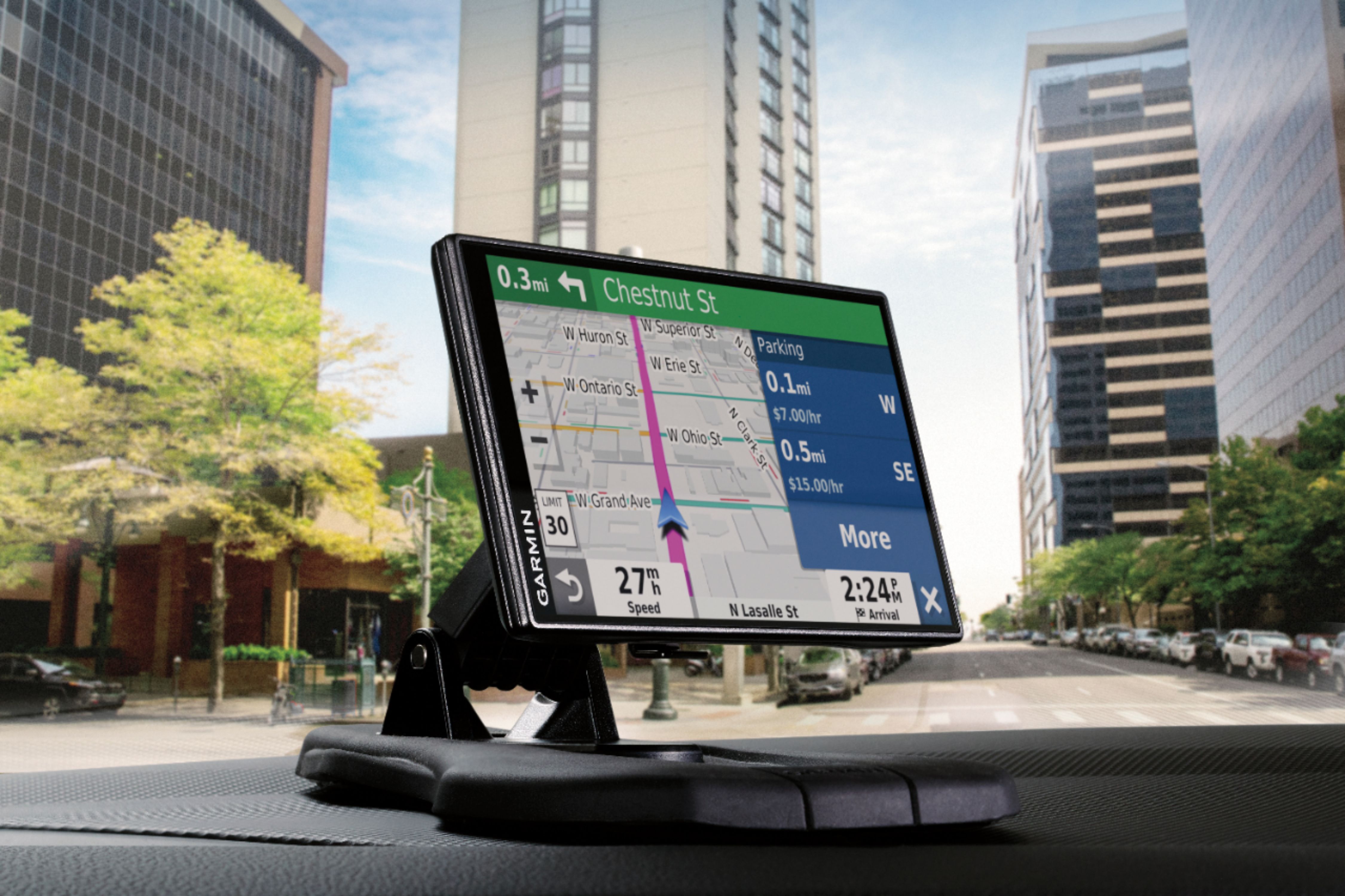
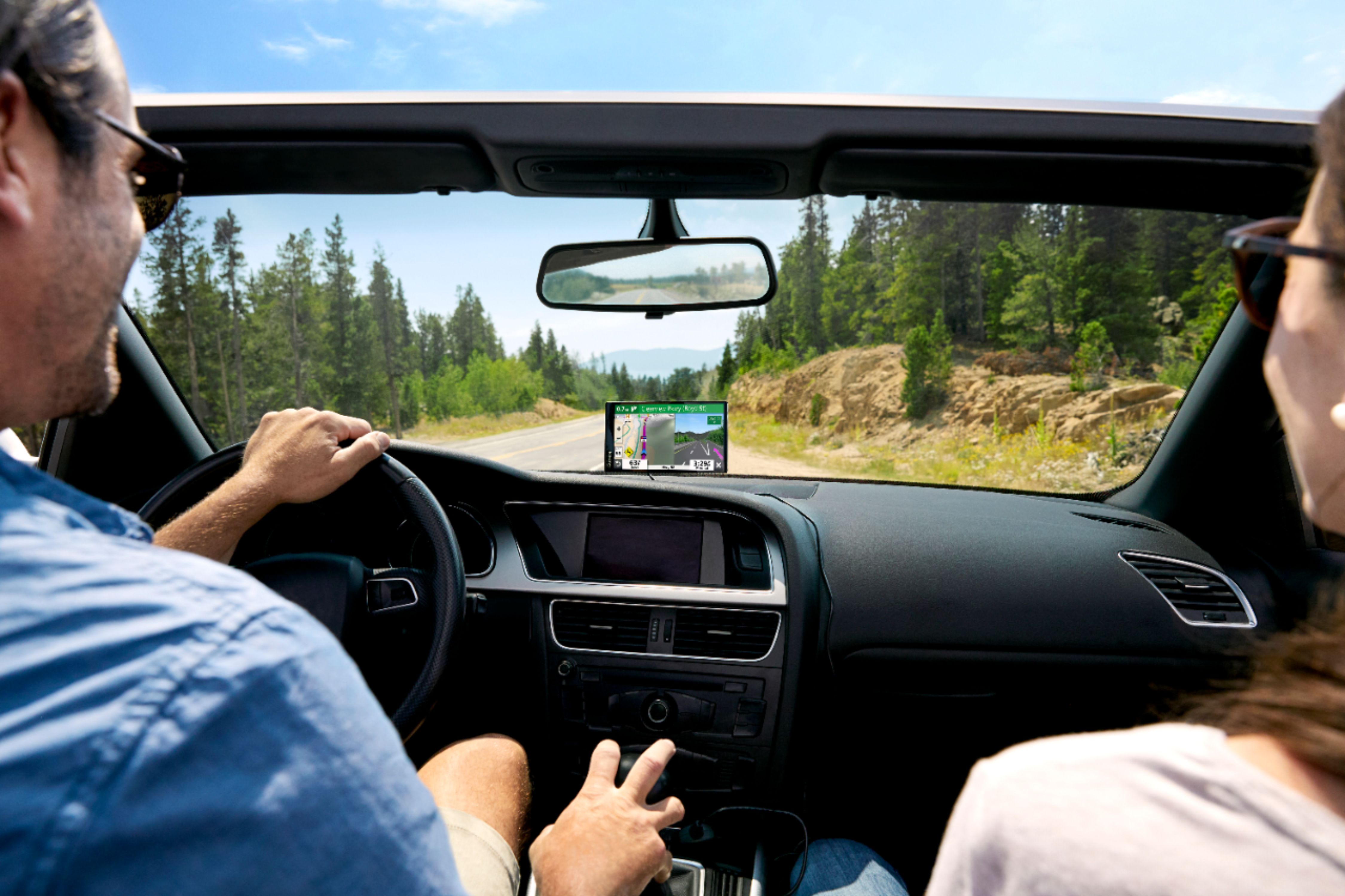
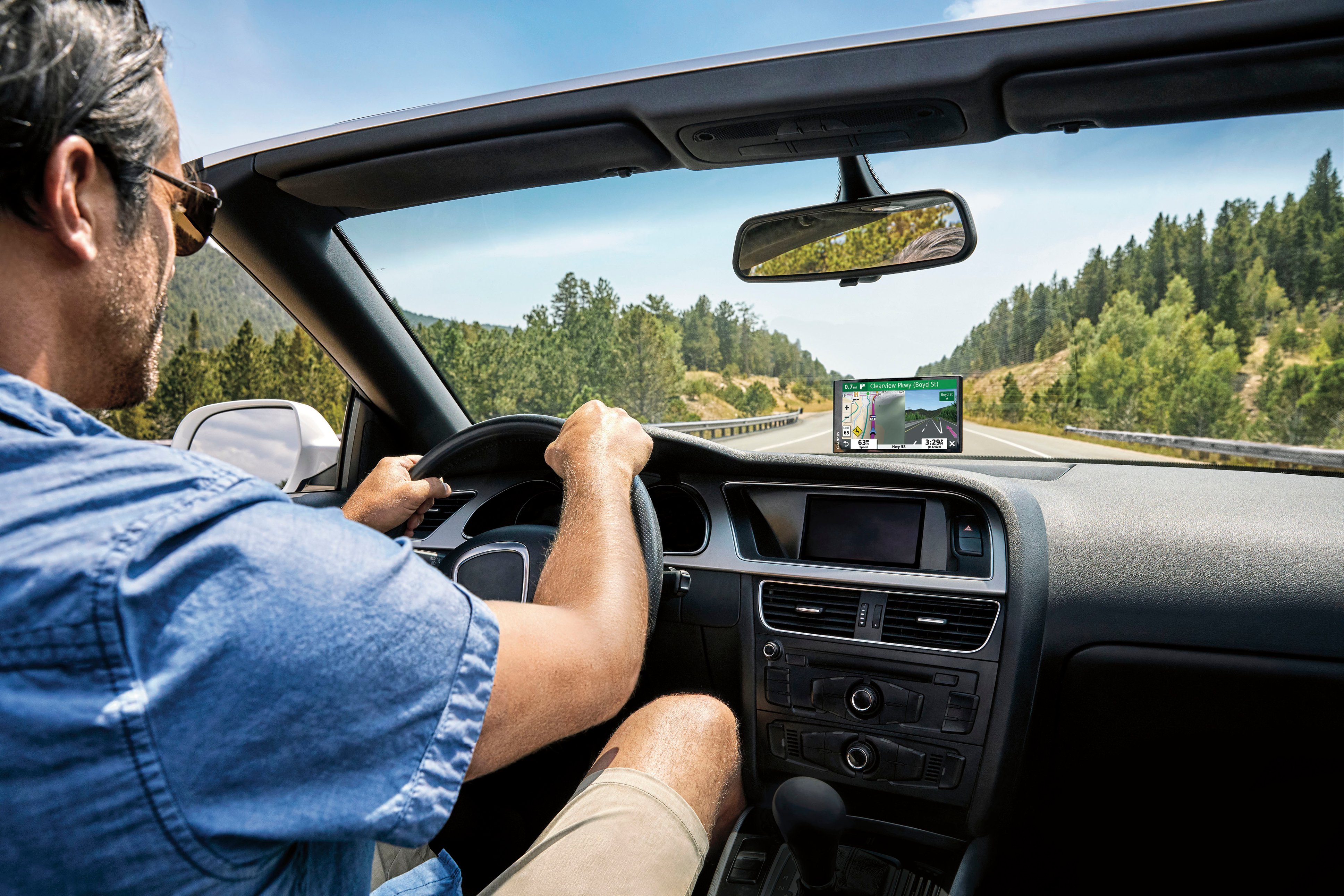
A:AnswerThe Garmin DriveSmart 65 & Traffic is commonly packaged with a suction cup mount to mount the device to a vehicle's windshield. It is also compatible with the Portable Friction Mount (010-11280-02) and Deluxe Portable Friction Mount (010-10908-02).
A:AnswerBoth a car USB port or car USB hub may be used to charge a Garmin 65 GPS. I own a car with only a cigarette lighter in it and use a USB hub to charge my Garmin 65 GPS. It works fine.
A:AnswerDevices sold in North America will come with US, Canada and Mexico mapping. You can add UK maps by purchasing these, https://www.garmin.com/en-US/p/743228
A:AnswerDevices sold in North America will come with US, Canada and Mexico mapping. You can add UK maps by purchasing these, https://www.garmin.com/en-US/p/743228
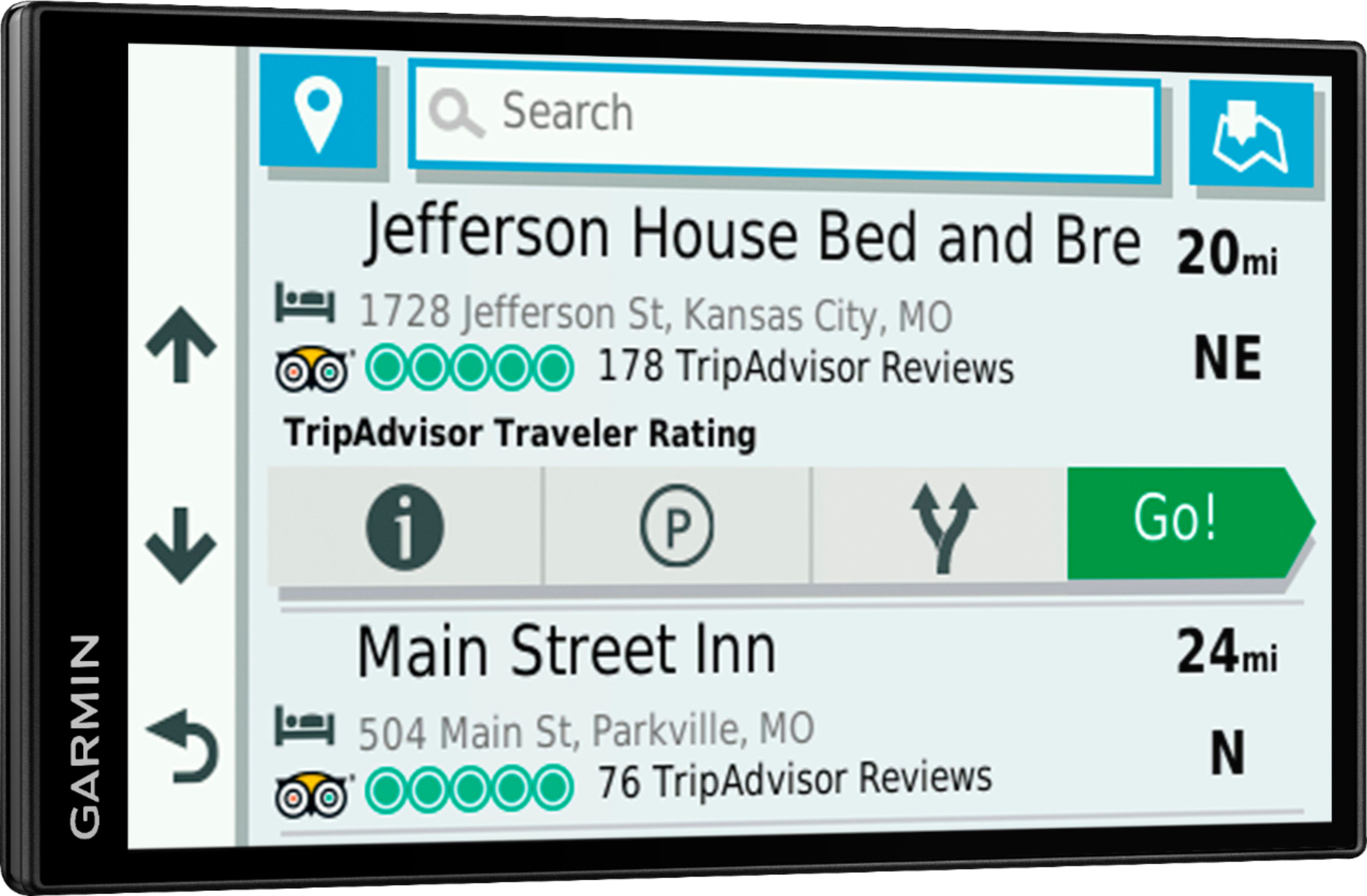
A:AnswerThe Garmin DriveSmart 65 & Traffic has the ability to search for nearby veterinarians if "veterinarians" is entered as a search term when using the search feature on the device. It will then provide directions to the location selected on from the search results.
A:AnswerThe Garmin DriveSmart 65 & Traffic is compatible with the Deluxe Portable Friction Mount (010-10908-02) and Portable Friction Mount ( 010-11280-02).