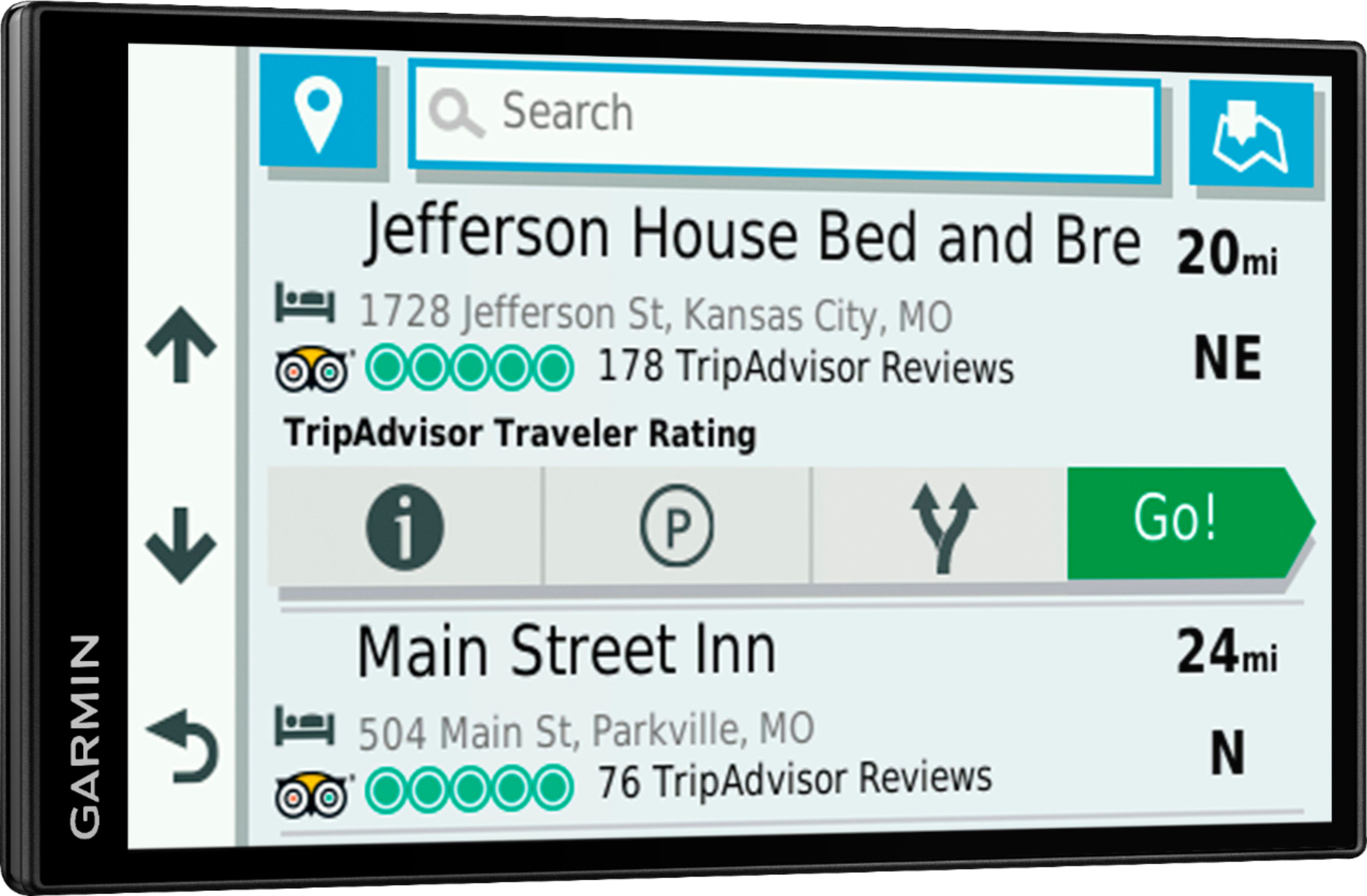
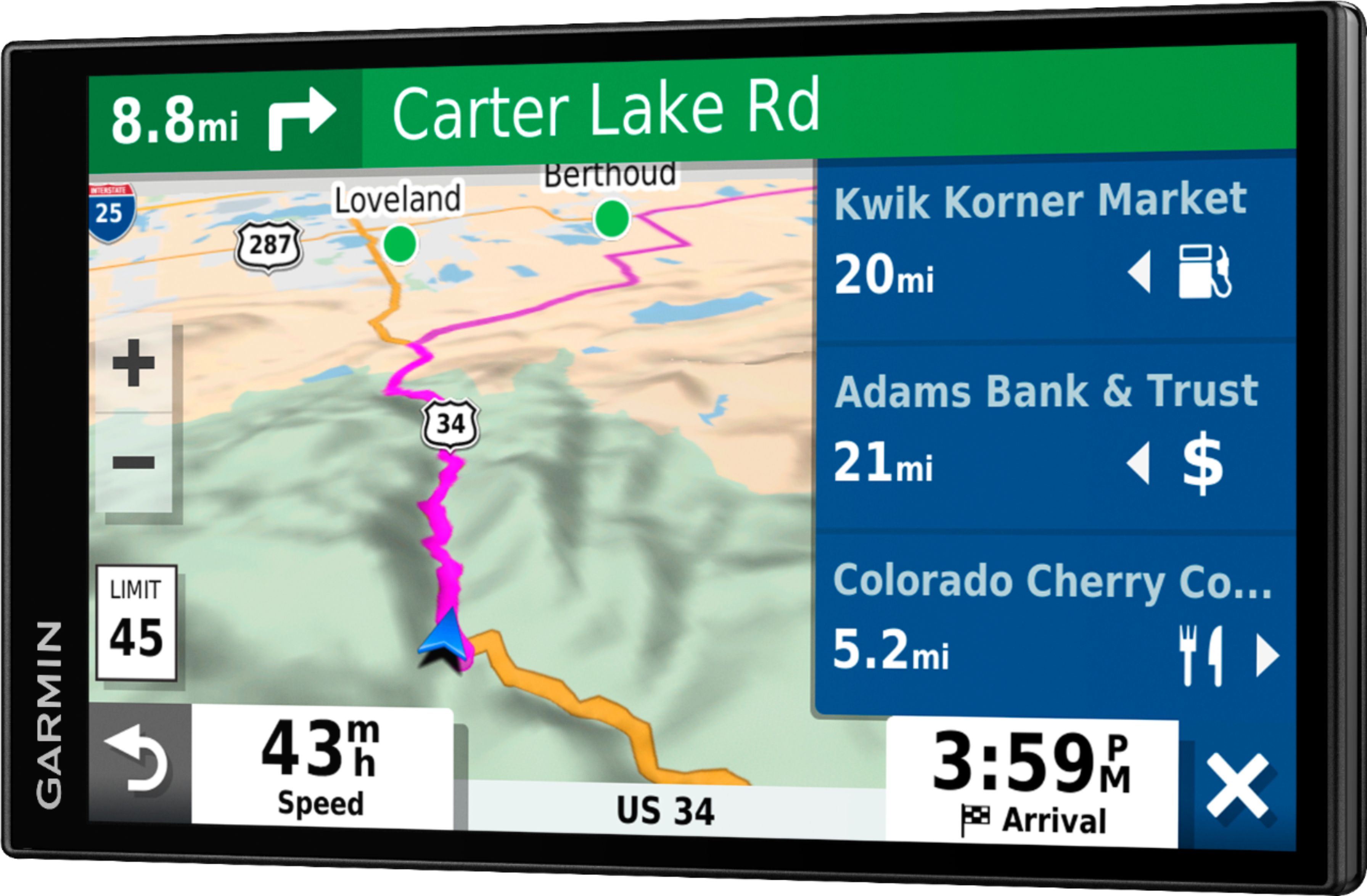
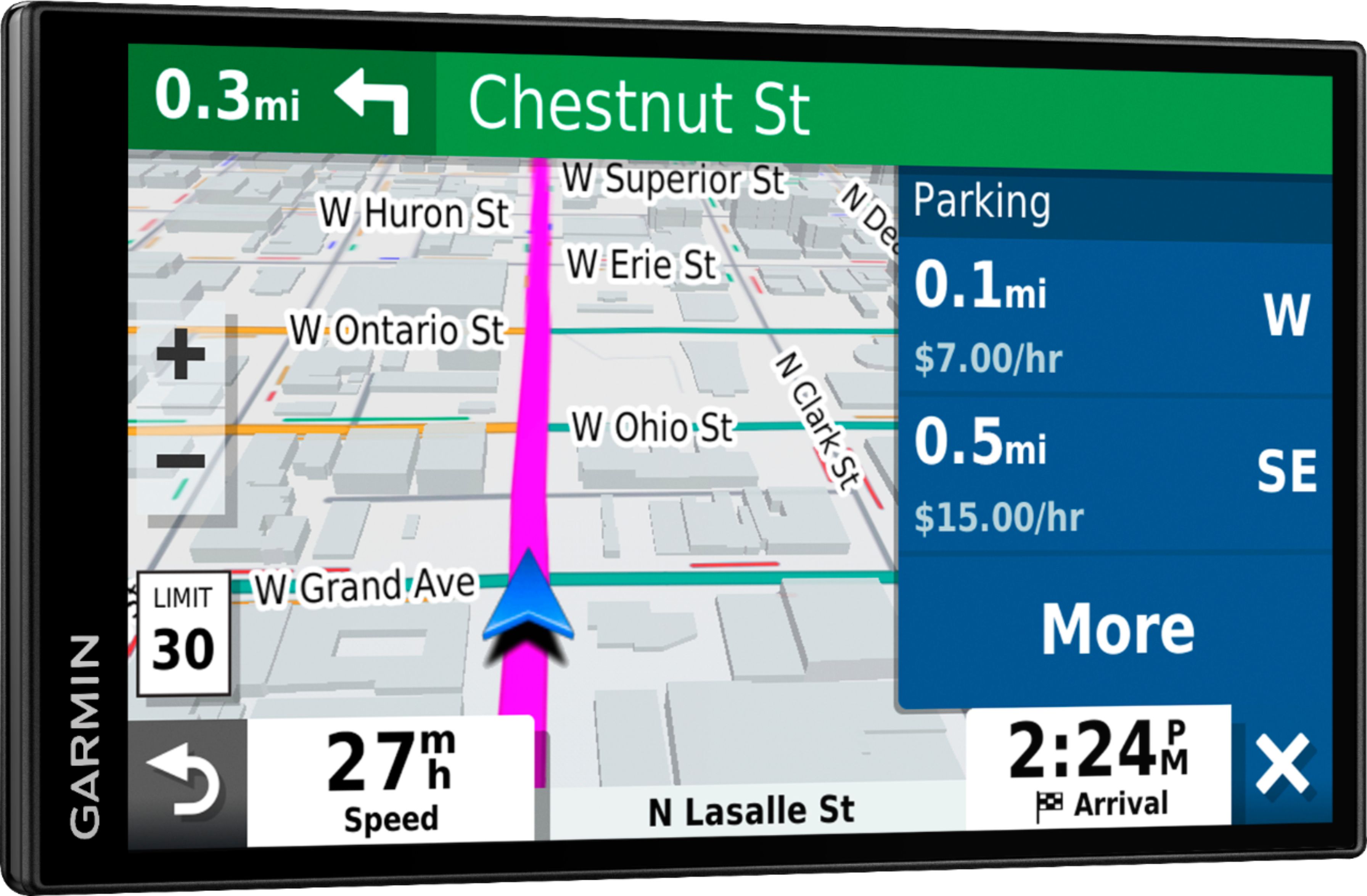
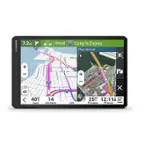
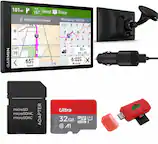
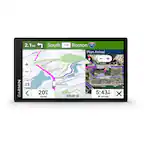
A:AnswerGarmin sets a route based on your preference - most or least use of freeways. You can put in an address and it takes you there on the fastest route. You can also select a destination based on different categories - restaurants, grocery stores, banks, attractions, etc. If you want to vary from the route, Garmin (she) eventually figures it out and recalculates the route. It was my wedding present to my husband 16 years ago (we keep updating to have enough memory for all the maps) and it has certainly saved our marriage. He argues with her instead of me. The current version picks up traffic interruptions (I think from our cell phones). I like Garmin better than the systems in the new vehicles.
Not sure if this answers your question
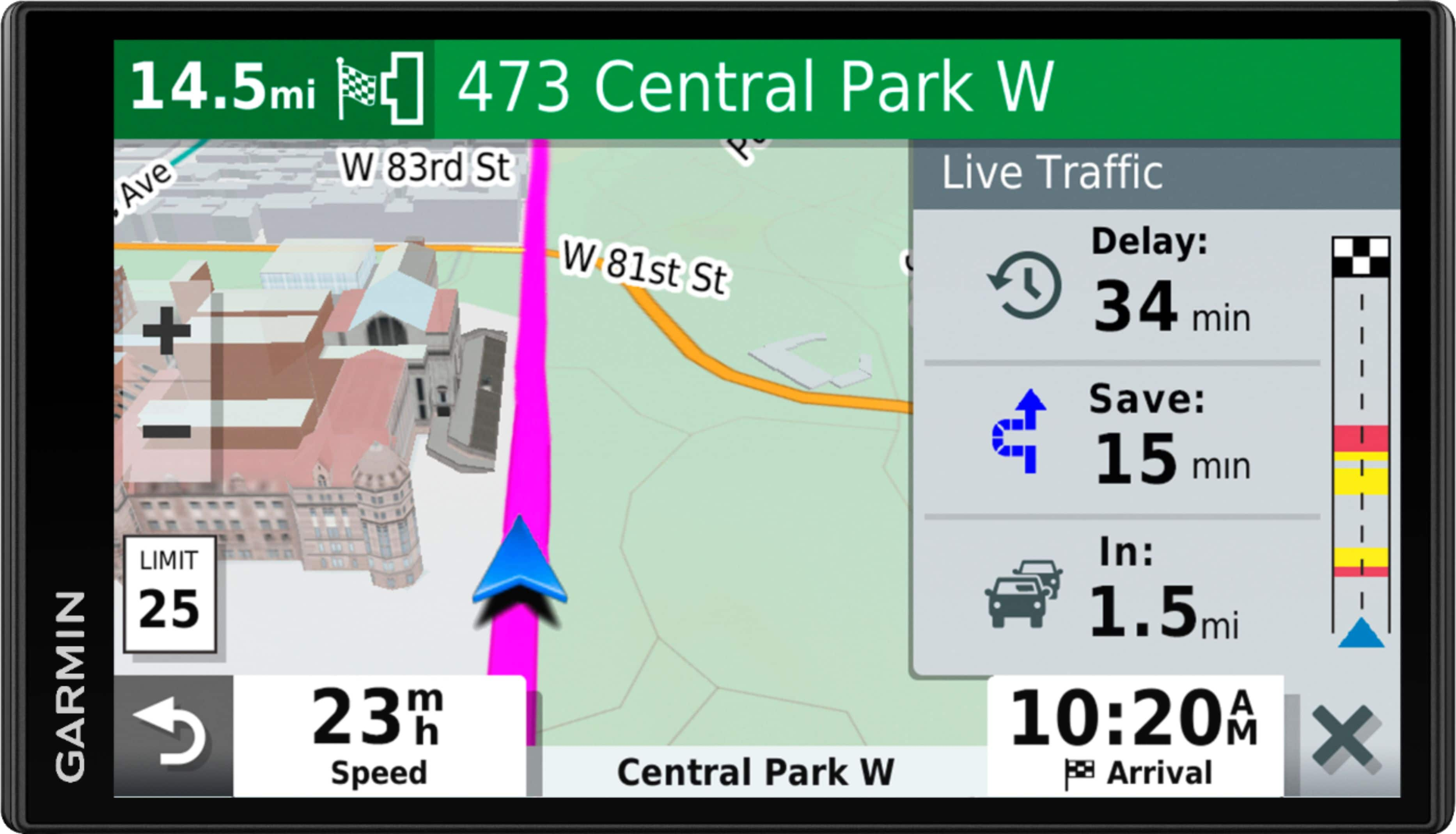
A:AnswerNo, this model is designed for passenger vehicles. Our Garmin dezl series offers customer truck routing for the size and weight of your rig. Just enter your truck profile (customizable by height, weight, length, width and hazardous materials) to find truck-preferred routes best suited for your rig and load.
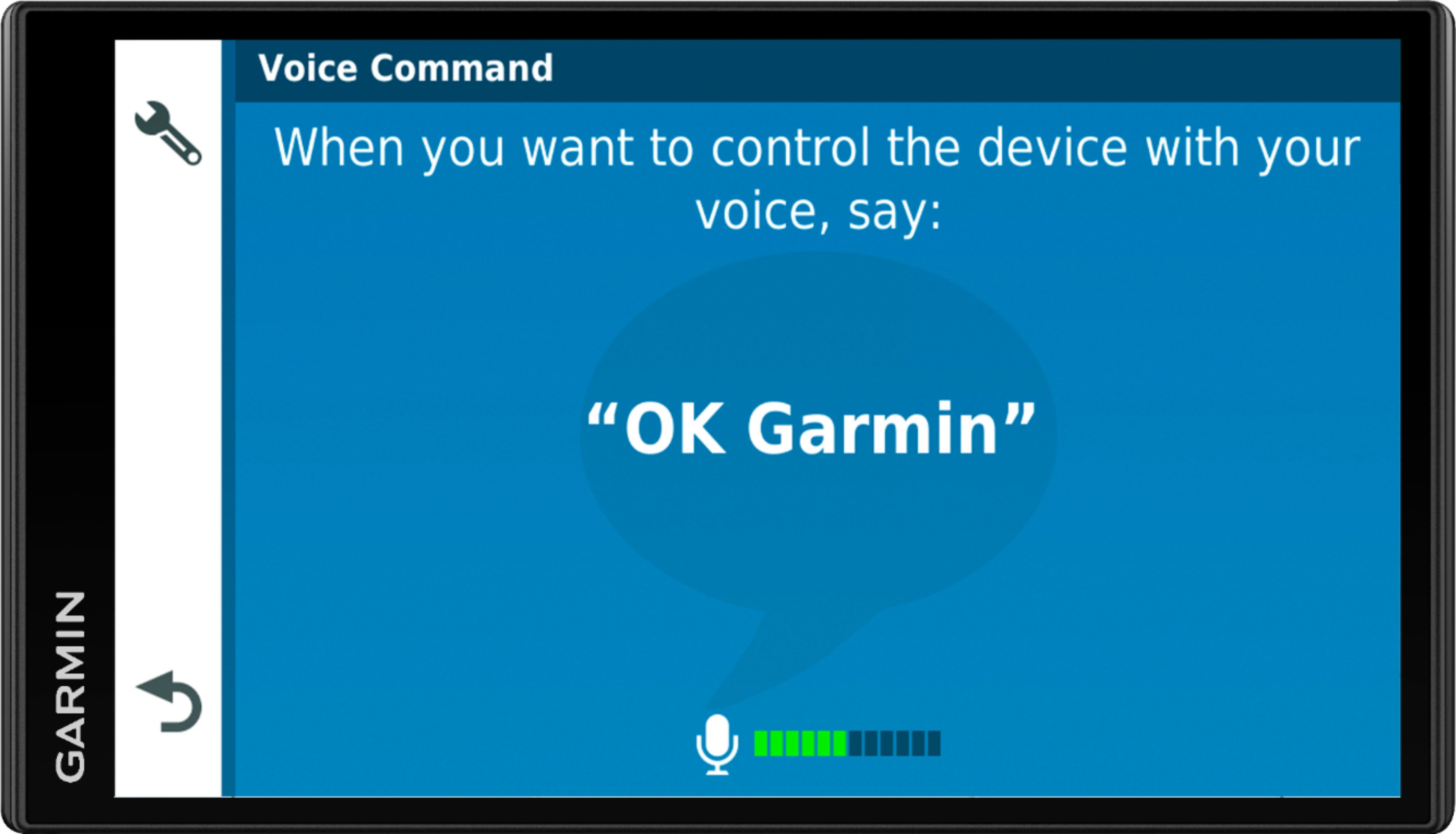
A:AnswerYes, this model with offer multiple routing options as well as the option to avoid toll roads. It does include the Voice Command feature that allows for voice activated searching of addresses, points of interest and places.
A:AnswerYes, City Navigator® Europe maps can be purchased and added to this device. There are two options for adding these maps to this device: Purchase a pre-programmed microSD™/SD™ Card or Purchase downloadable maps to be installed with the Garmin Express program.
A:AnswerUpdates to software and/or maps can be made either via WiFi or by USB connection to your computer. Map updates are VERY large and may require many hours via WiFi (my first update would have required almost all day via WiFi). Therefore, it may be better to periodically (2 or 3 times per year???) simply remove your GPS from your auto and plug it into your computer for a few hours to update everything. It is really very simple.
A:AnswerThis model includes preloaded street maps for North America with detailed coverage of the U.S., Mexico, Canada, Puerto Rico, U.S. Virgin Islands, Cayman Islands and Bahamas.
A:AnswerYes, this model includes preloaded street maps for North America with detailed coverage of the U.S., Mexico, Canada, Puerto Rico, U.S. Virgin Islands, Cayman Islands and Bahamas.
A:AnswerNo, the Garmin SmartDrive 65 does NOT need WiFi to operate and provide you with your location and directions. It receives its data from satellites. The WiFi connection is only used for software updates if you choose not to connect your GPS directly to a computer for updates.
A:AnswerNo, this model is designed for passenger vehicles. Our Garmin dezl series offers customer truck routing for the size and weight of your rig. Just enter your truck profile (customizable by height, weight, length, width and hazardous materials) to find truck-preferred routes best suited for your rig and load.