A:AnswerYes, you can update the unit just by using wifi. You need to make sure that you put your wifi password in your Gatmin.
It is super easy to update this way. Just make sure that the power to your gps stays on the whole time.
A:AnswerThe model I have is very flexible on what is displayed.
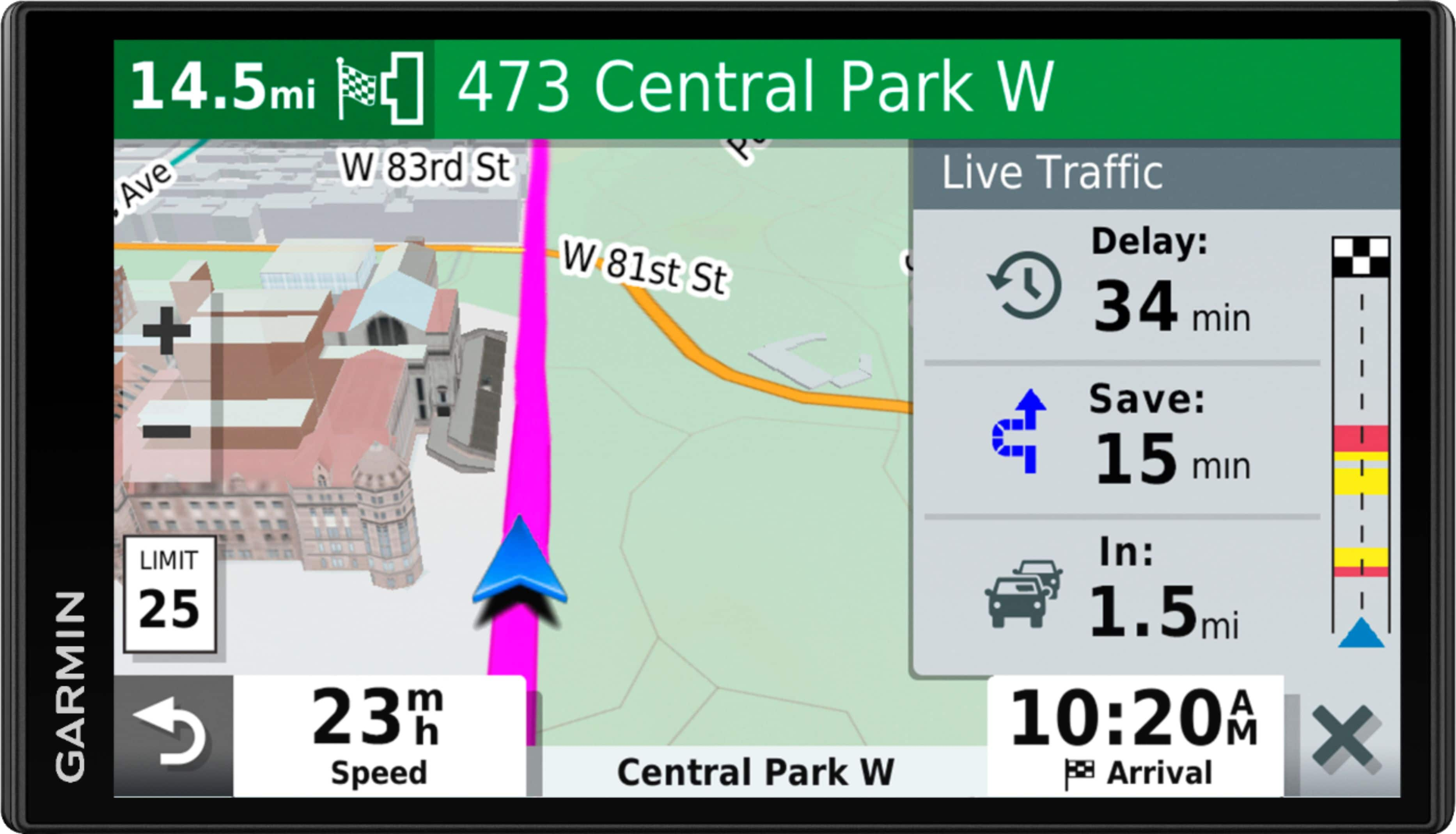
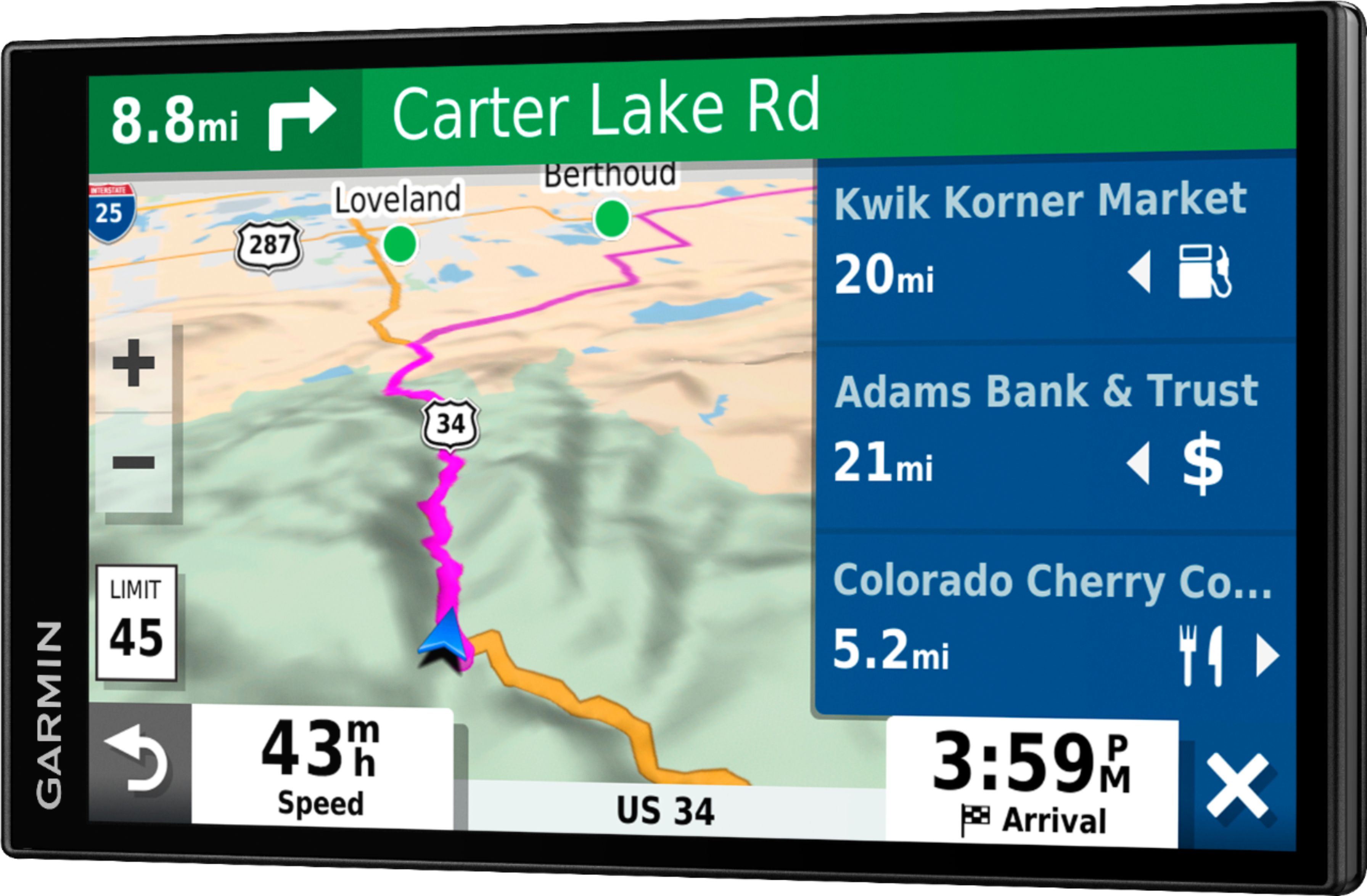
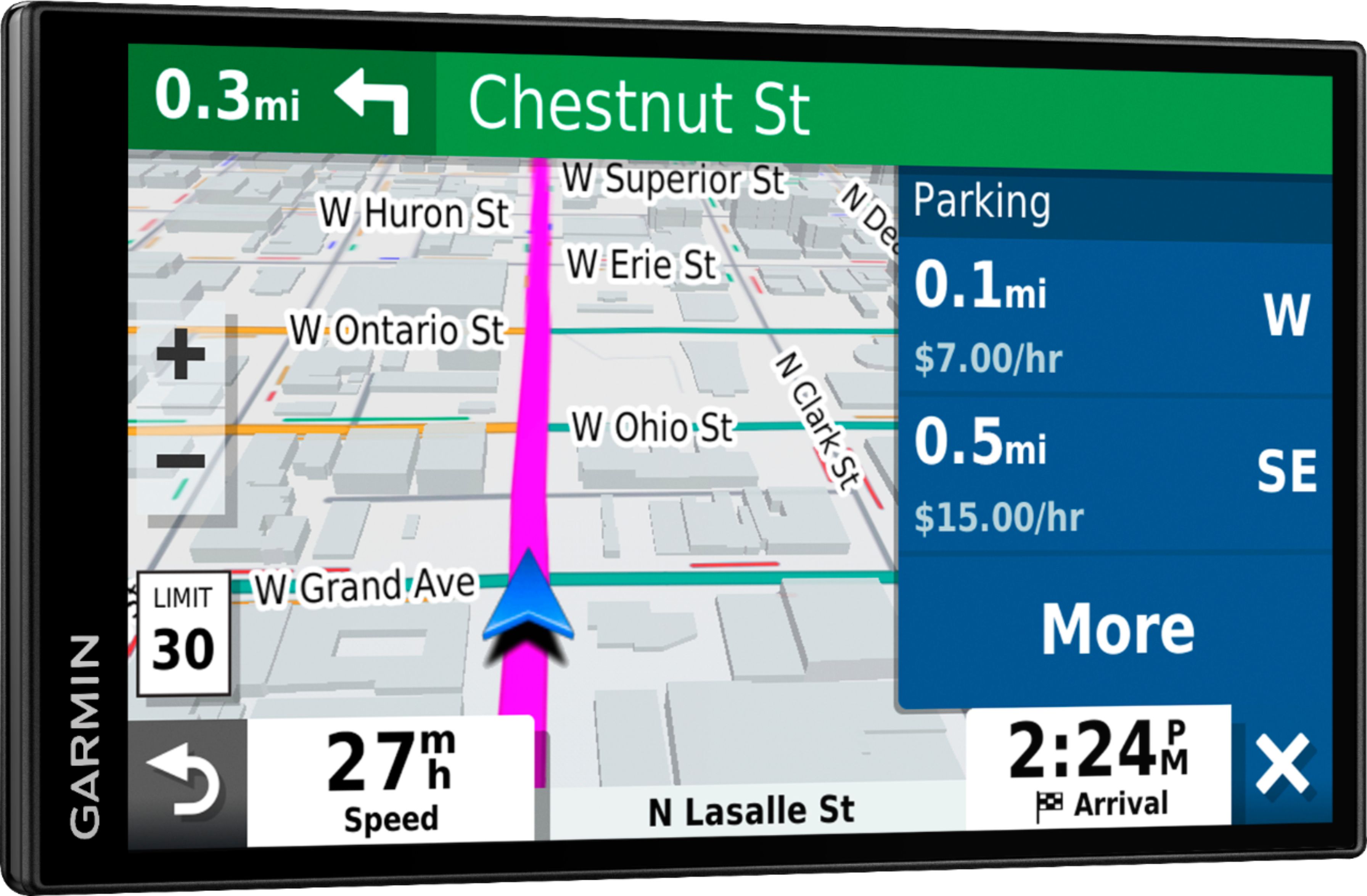
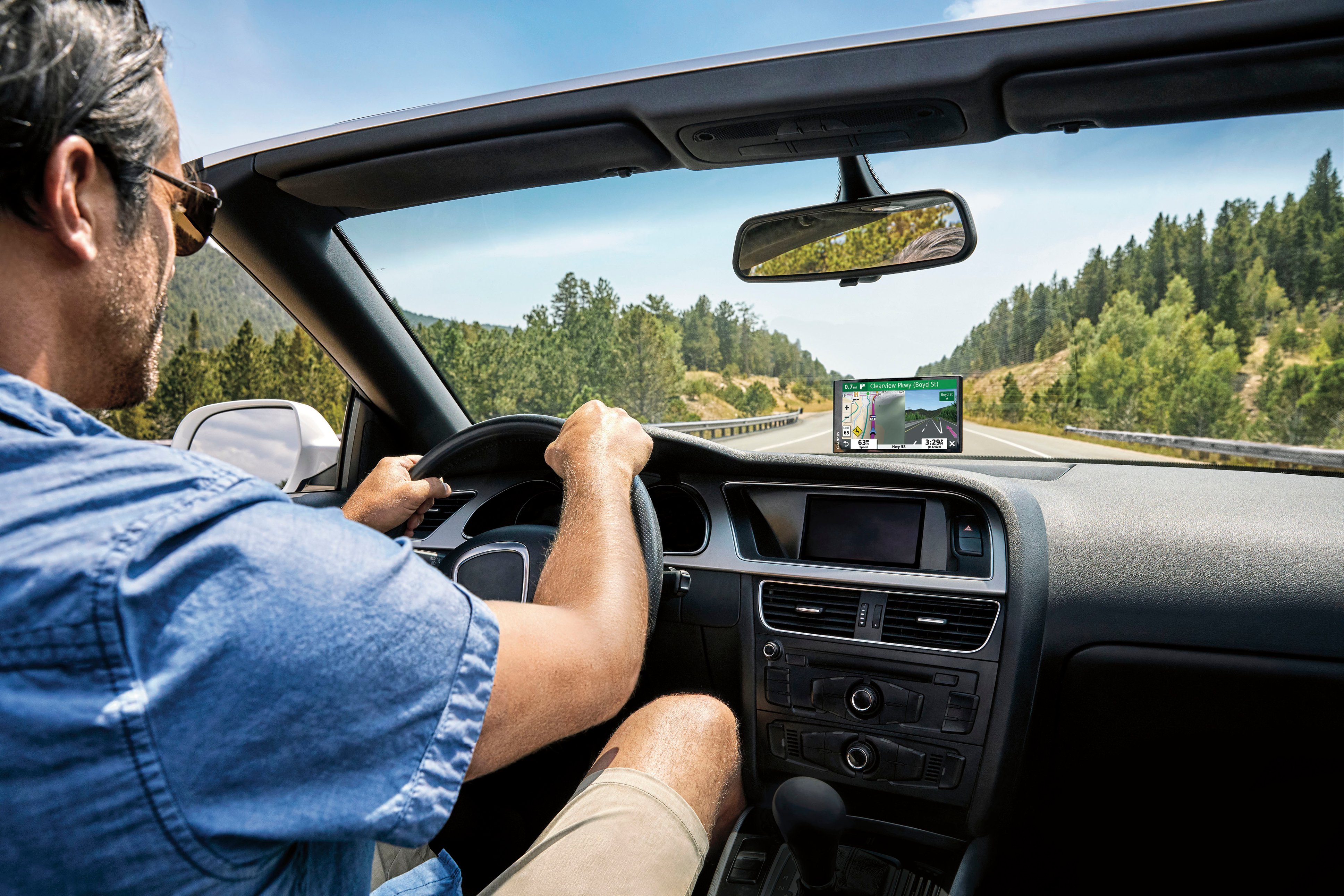
Yes it shows MPH AND THE MPH window turns red when you have exceeded the posted limit Garmin model DriveSmart 65
A:AnswerBecause West Des Moines is an "island" among the surrounding communities. They built the city before the surrounding areas reached it and assigned street names which are different from the streets that eventually joined them. The people who live on the street would have to agree to change their street names to match and none of them want the hassle!
- Former West Des Moines resident.
A:AnswerYes, the screen is a good size. the directions are said in a good volume. this part of a GPS i like. the volume for bluetooth phone calls sucks. but i had the same problem with my last Tom Tom.
For the price of this GPS i'd say it's not worth the $239 we paid for it. I think a cheaper one would do just as well.
A:AnswerIt sounds like your device had not yet acquired a signal from the satellites. Once the device is taken outside with a clear view of the sky, satellite acquisition should happen within a few minutes. At that point the device will know you are in Massachusetts and any addresses you enter will be saved.
A:AnswerYes, this device includes the Trip Planner feature that can be used to create and save a trip with multiple stops. Or if you only want to “shape” a custom route to go the way you prefer; the device has a Shaping Points feature also.
A:AnswerNo, this model is for automobiles and doesn’t include any truck specific routing. The Garmin dēzl™ series includes detailed maps for North America that also include truck-related restrictions – like bridge heights, sharp curves, weight limits and more – and related information for most major roads and highways.