A:AnswerYes, this model includes the Trip Planner feature that can be used to create and save a trip with multiple stops. Or if you only want to “shape” a custom route to go the way you prefer; the device has a Shaping Points feature also.
A:AnswerNo, this model does not allow the vehicle profile to be entered. The Garmin RV series provides custom routing takes into account the size and weight of your RV / Trailer then finds the best route for your vehicle
A:AnswerNo, this device is designed to be paired to a Bluetooth-enabled phone, such as your smartphone for hands-free calling and to share information via the Garmin Drive app. This GPS will not pair to the Bluetooth in your vehicle or wireless speakers.
A:AnswerNo, unfortunately this model is not compatible with any type of TOPO or off-road maps. You may want to look at the new Garmin Overlander model. Overlander is the rugged, all-terrain navigator with on- and off-road navigation.
A:AnswerIt's more a Top of line for Automobiles.. But search Garmin, I saw alot of Trucker oriented ones that had Radar, weight restrictions, bridge clearances, etc etc..
A:AnswerYes, while this device is connected to the Garmin Drive™ app, you can hear or view notifications from your smartphone. The device reads the notification using text-to-speech technology.
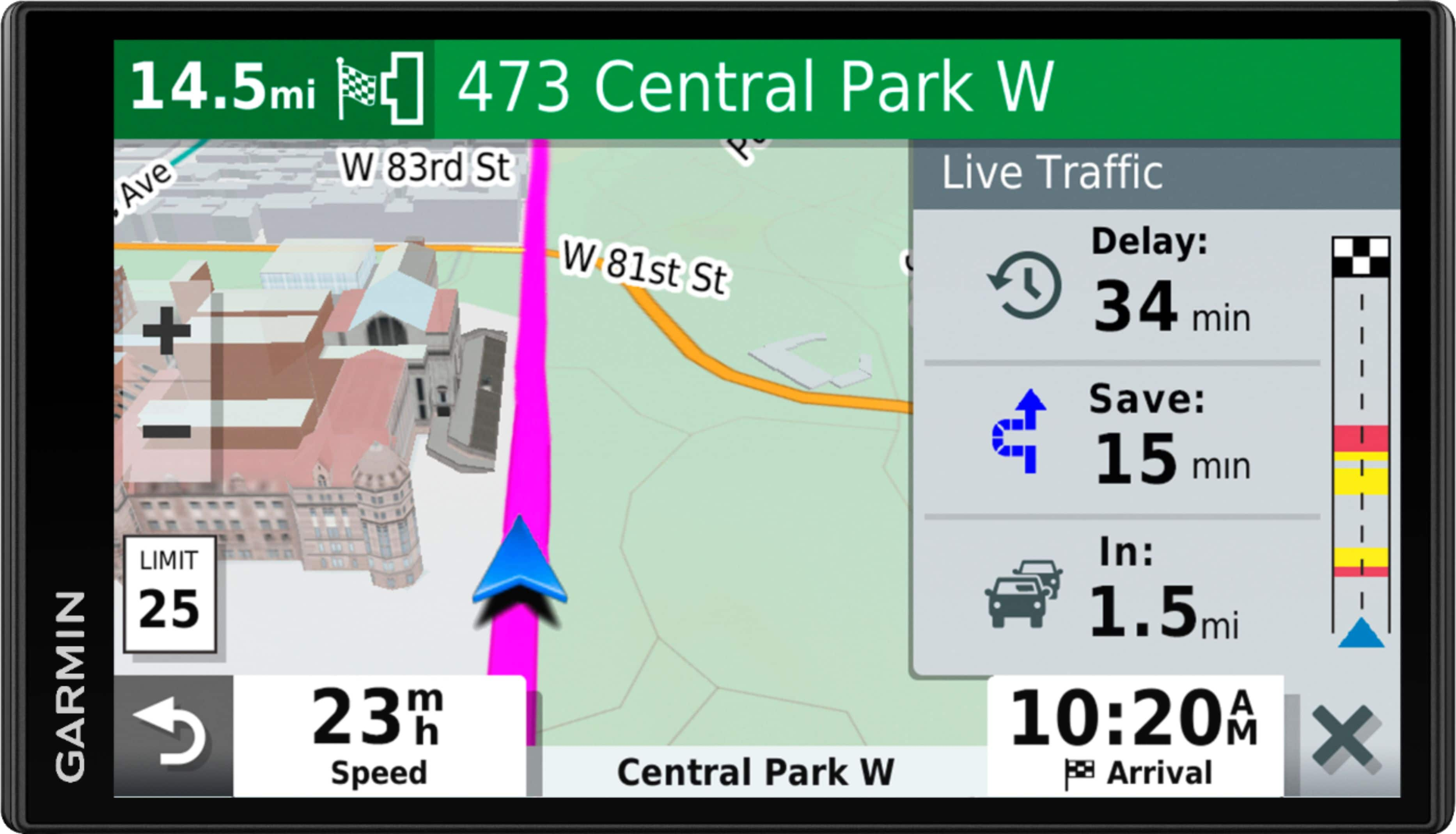
A:AnswerThis model includes Garmin Traffic ready to use right out of the box with the included traffic cable. To access the LIVE Traffic, you will need to connect with a smartphone that has the Garmin Drive app installed. For more details please visit garmin.com/traffic.
A:AnswerCity Navigator® Southeast Asia maps can be purchased and added to this device. There are two options for adding these maps to this device: Purchase a pre-programmed microSD™/SD™ Card or Purchase downloadable maps to be installed with the Garmin Express program. More info can be found here: https://bit.ly/3b8NdoT
A:AnswerNo, this device is designed to be paired to a Bluetooth-enabled phone, such as your smartphone for hands-free calling and to share information via the Garmin Drive app. This GPS will not pair to the Bluetooth in your vehicle or wireless speakers.
A:AnswerThe garmin does not come with an at home charger but if you have a power block or charge with your computer (with supplied data cable) you can .
P.s. the garmin’s gps function usually does not work in doors