A:AnswerYes, City Navigator® Europe maps can be purchased and added to this device. There are two options for adding these maps to this device: Purchase a pre-programmed microSD™/SD™ Card or Purchase downloadable maps to be installed with the Garmin Express program. More info can be found here: https://bit.ly/3b8NdoT
A:AnswerInput manually and save it. Uoi have to.go through a couple.steps.to locate. Best if you watch video and be in front of your Garmin at same time. You can always pause video. Took.me awhile to get hang of.it.
A:AnswerYes it does. Home screen>View Map>3 dots lower right>Trip Data Altitude should display in upper right box. ( I believe you can click that box and customize the display .) You might want to go to the Garmin site and print out the Owner's Manual. Also the questions and comments on the Best Buy site for this GPS was helpful to me.
A:AnswerCity Navigator® Europe maps can be purchased and added to this device. Please see the Garmin Support Center article about Traveling to Another Country with a Garmin Automotive Device: https://bit.ly/2YTNdCB
A:AnswerNo, this model is designed for passenger vehicles. Our Garmin dezl series offers customer truck routing for the size and weight of your rig. Just enter your truck profile (customizable by height, weight, length, width and hazardous materials) to find truck-preferred routes best suited for your rig and load.
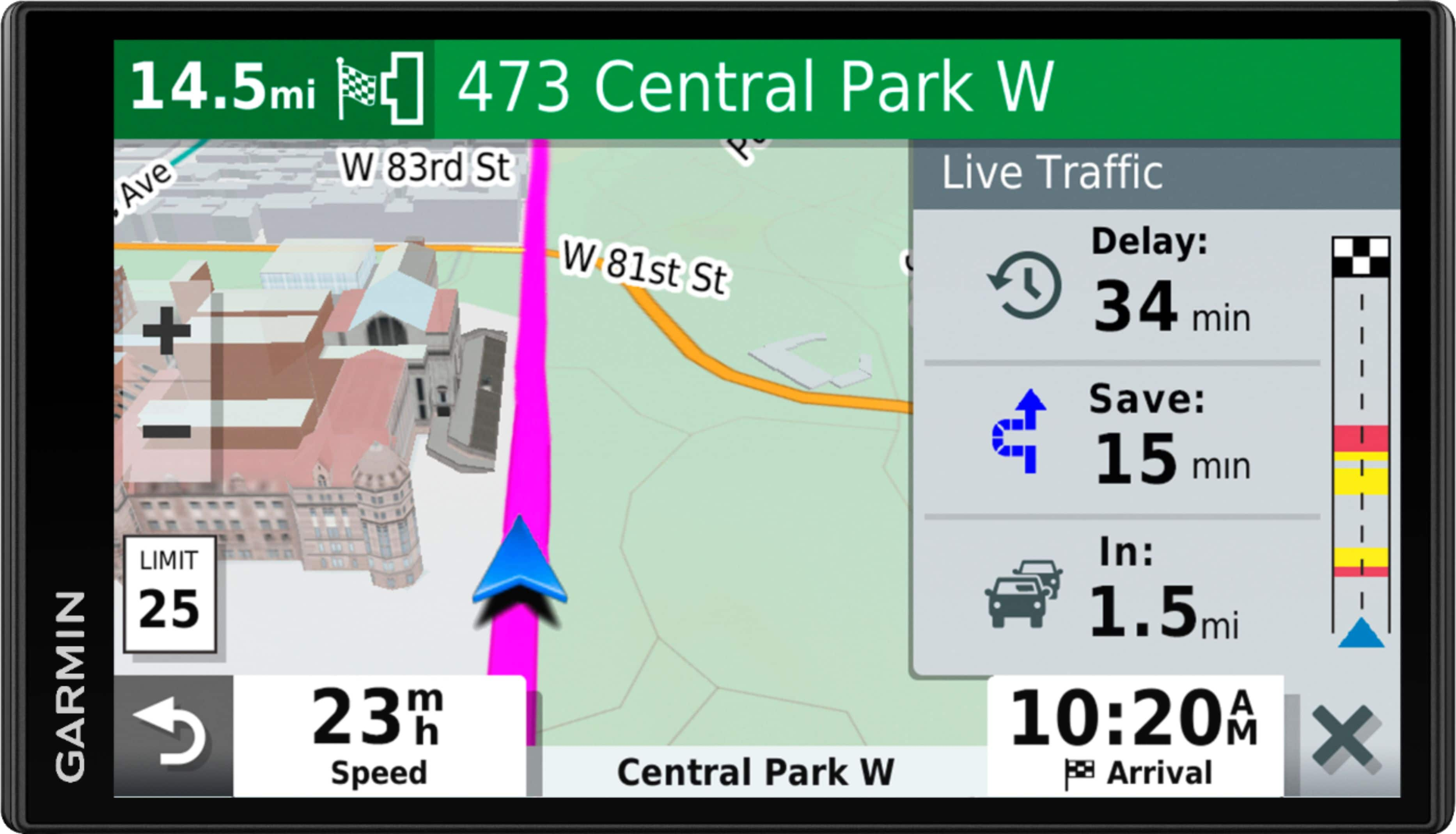
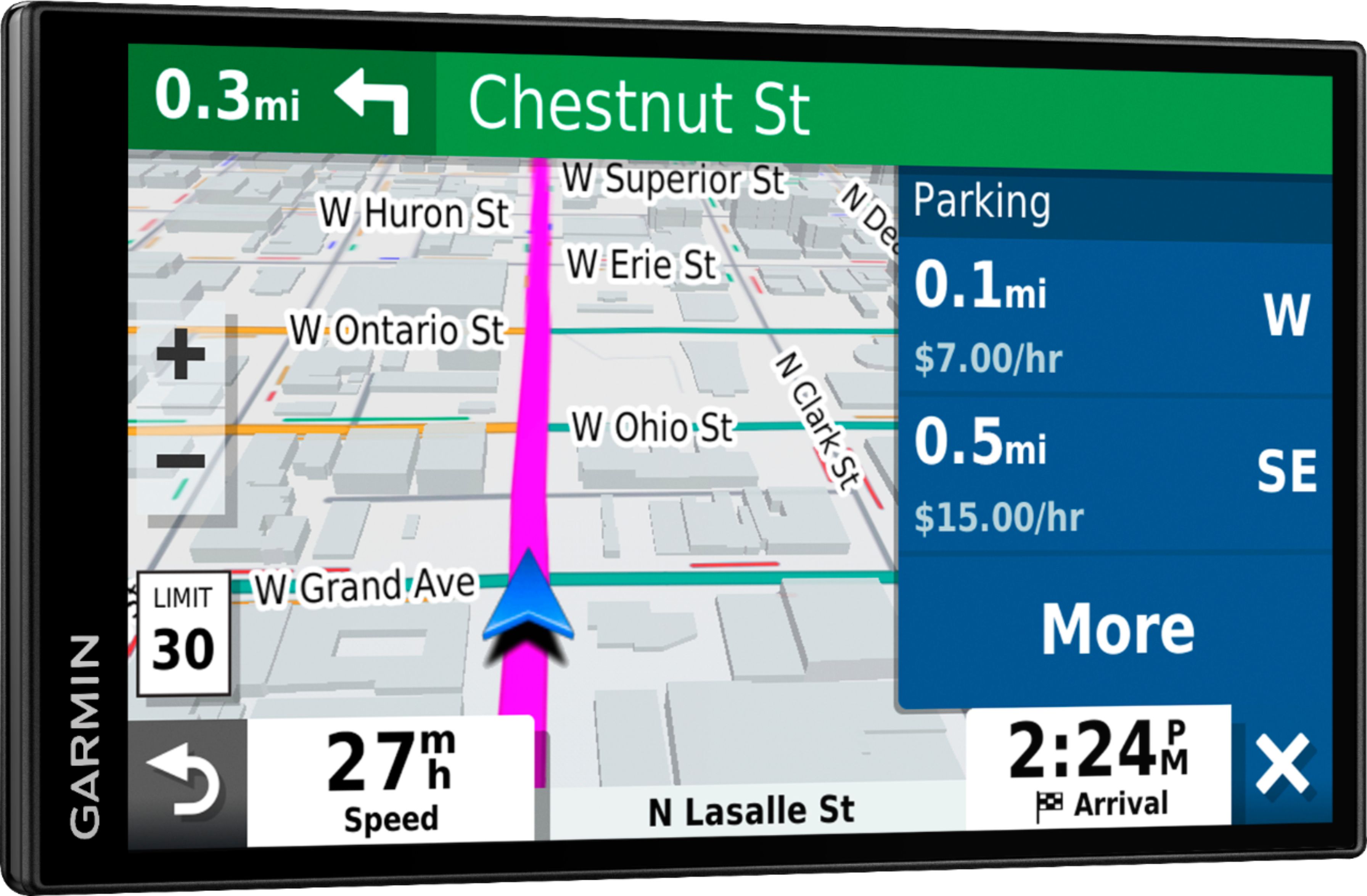
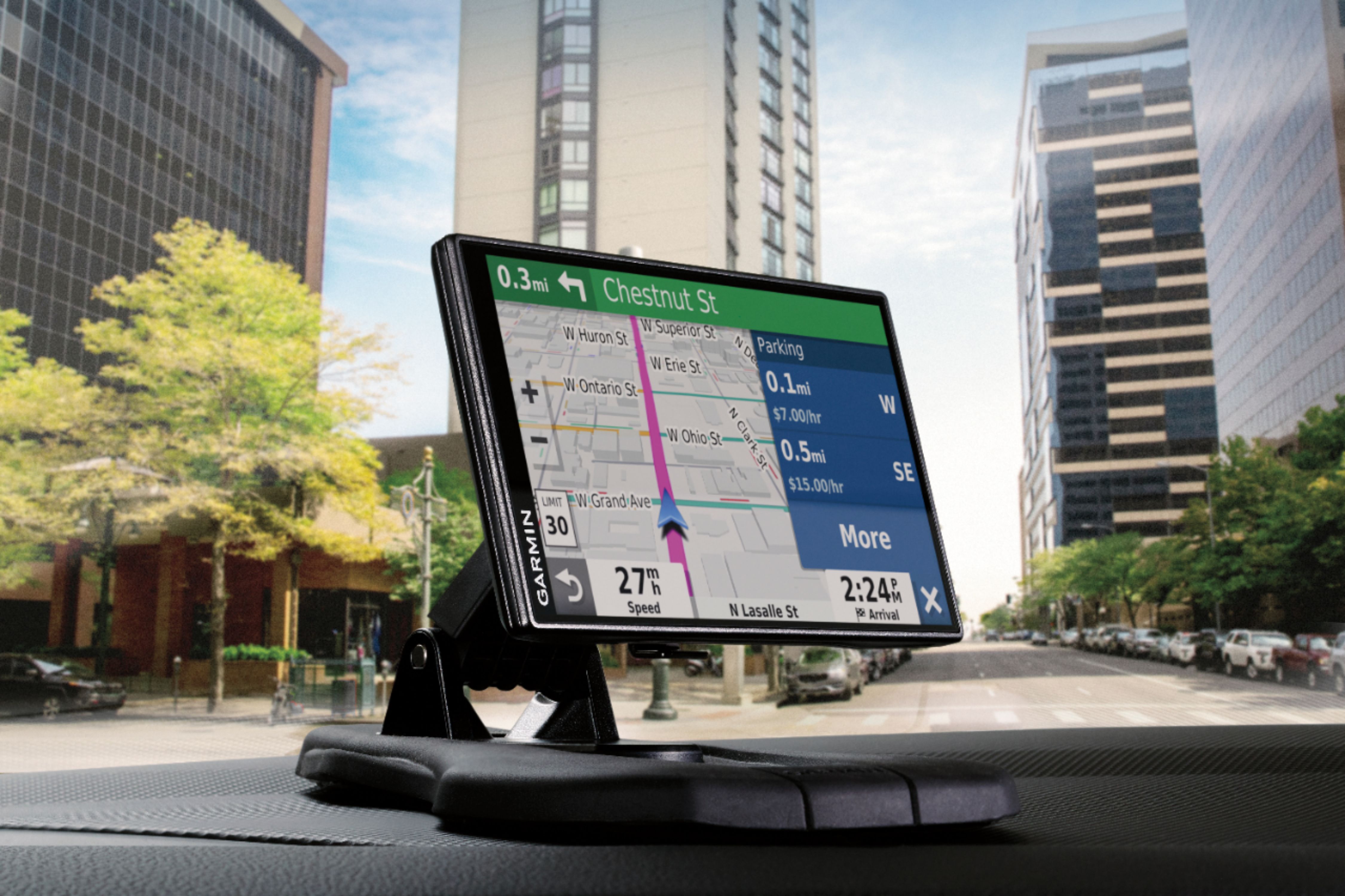
A:AnswerI have since found that you uncheck CN North America Parkopedia in Settings/Map and Vehicle/My Maps the parking notifications will go away.
Too bad the Garmin "Expert" could not provide this info. Expert is probably a robot?
A:AnswerNo, this model is designed for passenger vehicles and doesn’t include any truck specific routing or weigh stations. The Garmin dēzl™ series includes detailed maps for North America that include truck-related restrictions – like bridge heights, sharp curves, weight limits and more – and related information for most major roads and highways.
A:AnswerNo, this model doesn’t include any RV specific routing. The Garmin RV series includes detailed maps for North America that also include RV-related restrictions – like bridge heights, sharp curves, weight limits and more – and related information for most major roads and highways. It also includes a directory of RV parks and services.
A:AnswerYes, this model will display the elevation and the coordinates of your location. You can view the elevation in one of the Trip Data fields on the map screen.
A:AnswerIf you charge the unit up in the house, there will be no wires. If you use the power plug for the cigarette lighter, the black wire will show. I bought the sand bag, and it sits on my dash. I absolutely love this unit.