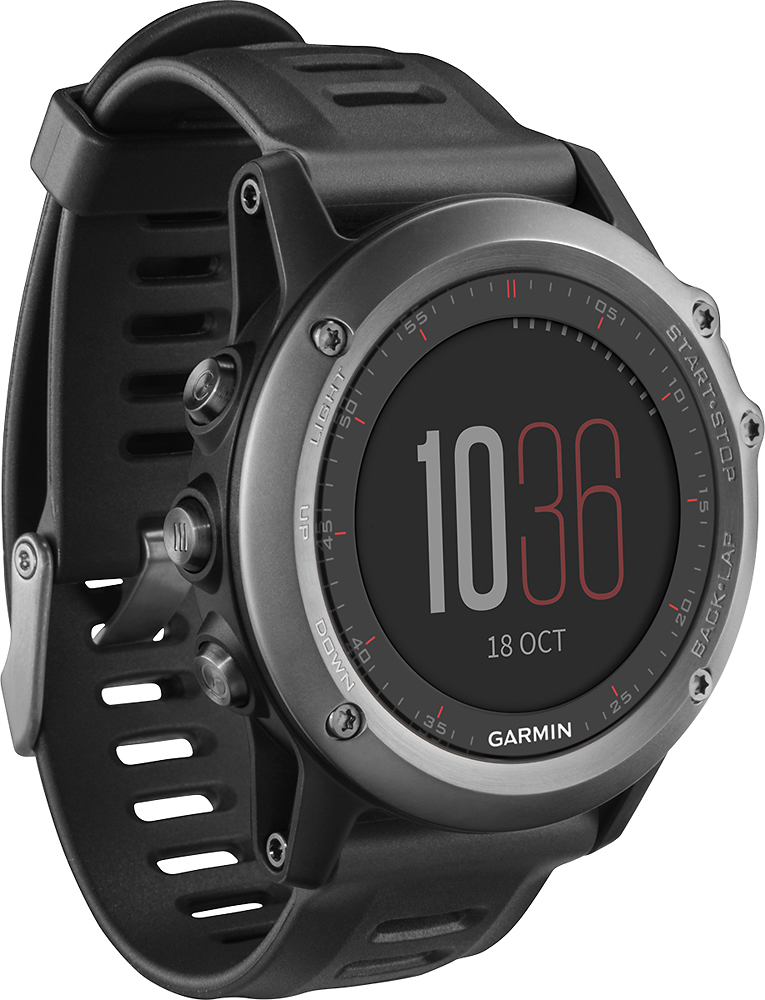
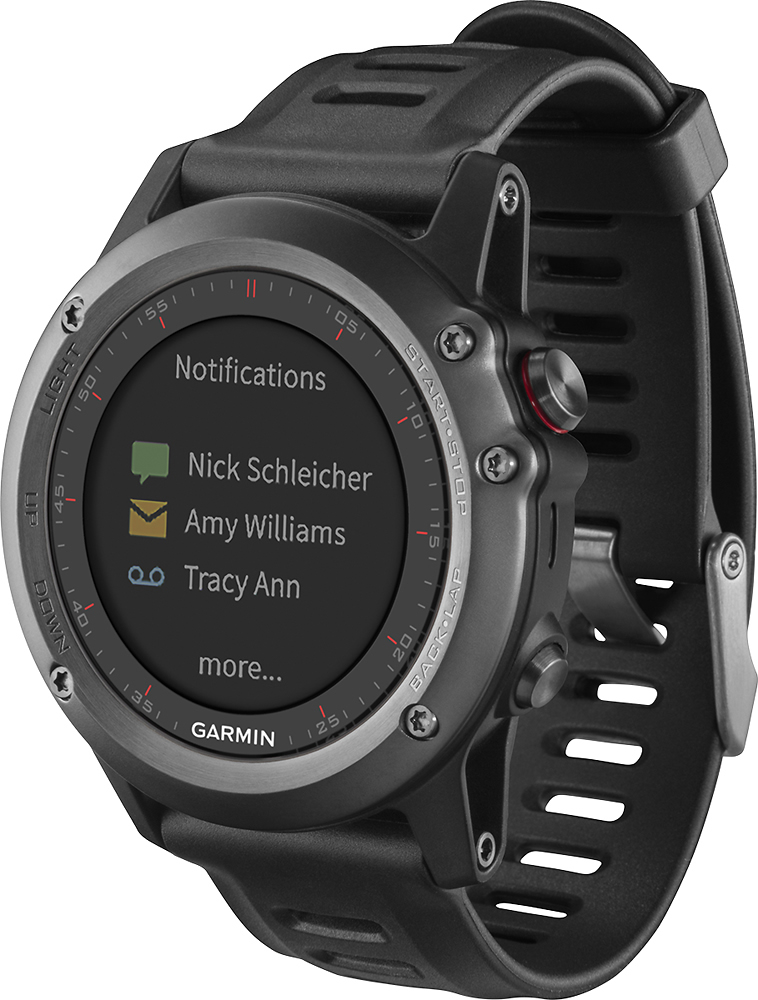
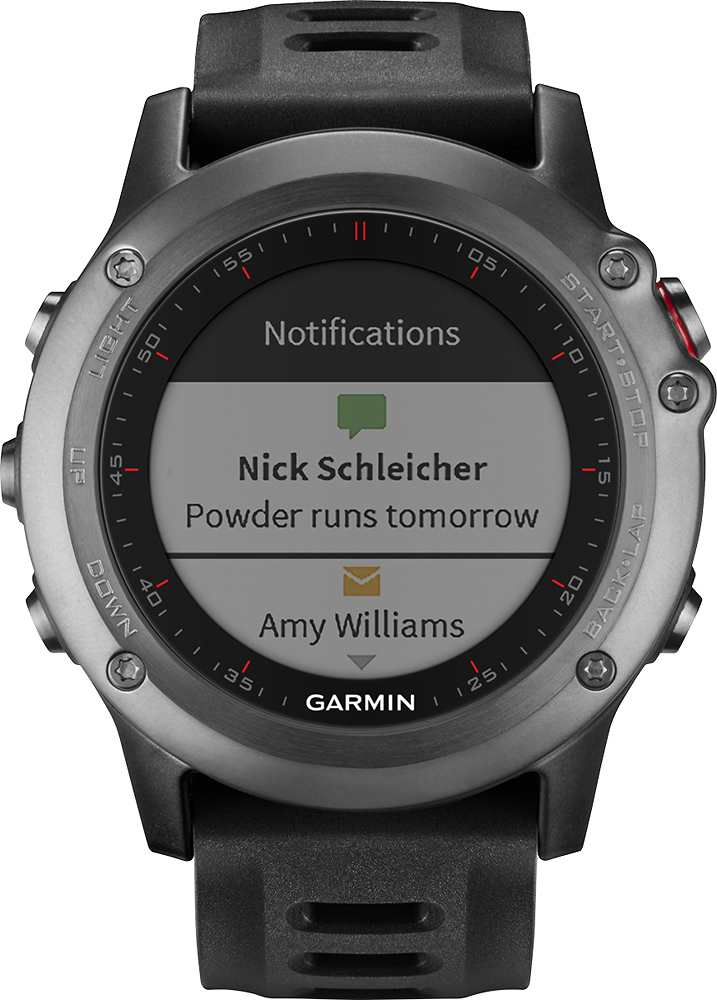
A:AnswerThis one did not come with a heart rate monitor. I bought the chest strap monitor separately, as the wrist monitoring methods are not as accurate
A:AnswerHi George,
Yes, you can download golf course on this watch. Below is an article on how to do that.
https://support.garmin.com/faqSearch/en-US/faq/content/kZbk2WZs3I1CI7yT35pxn6
Thanks
Chris
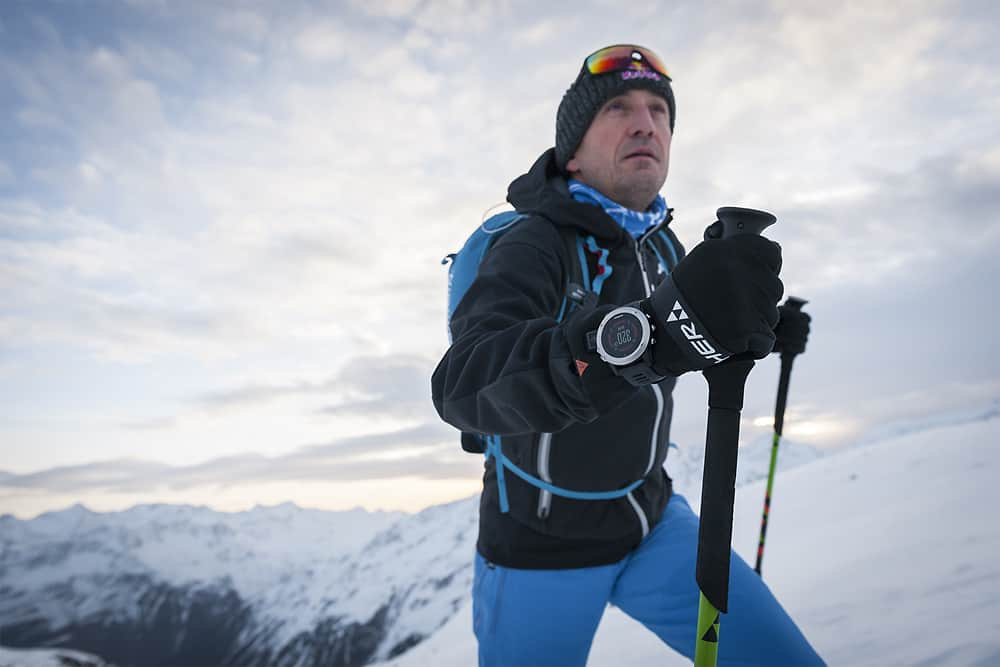
A:AnswerI work out side doing trail work and natural resource management and have had no issues with durability. I got it cause it has a metal case for durability and it looks good. I am also planning on doing the tough Mudder with it, I had the plastic version of this watch, forerunner 235 and that watch did great also. I would recommend a screen protector though.
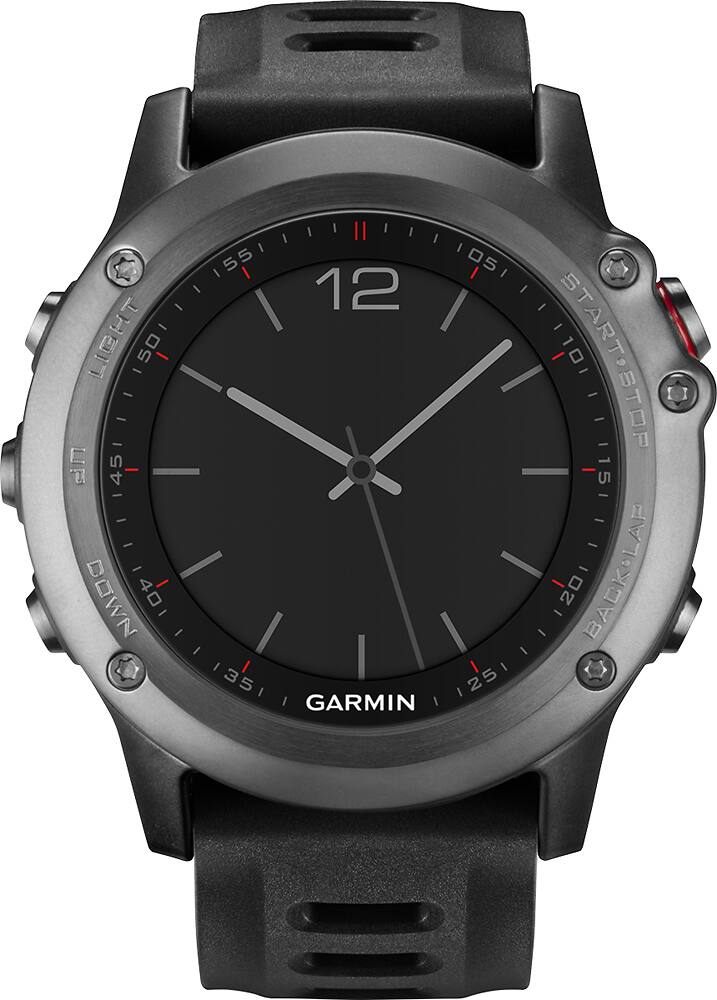
A:AnswerNo, there is not a pre-loaded geocaching profile. That being said, there may be a Connect IQ app that can be downloaded to it that supports geocaching. Visit http://apps.garmin.com/ to see available apps.
^DK
A:AnswerThe fēnix 3 can be customized to show many different types of data during an activity, including several different speed fields. Available speed fields include:
- Speed: The current rate of travel.
- Avg. Speed: The average speed for the current activity.
- Lap Speed: The average speed for the current lap.
- Last Lap Speed: The average speed for the last completed lap.
- Maximum Speed: The top speed for the current activity.
- Nautical Speed: The current speed in knots.
-OA
A:AnswerI have not seen this available the Charity miles app is usually tied to a cell phone GPS application, the best source for this would be to watch http://www.charitymiles.org to see if they offer this in the future
A:AnswerThis can track through the phone app if you are looking to locate someone but they must then also setup in the app so that they can be tracked and have the phone with them with bluetooth running so the watch can coordinate position. A lot of runners do this in events so that family and friends know where they are in the event.