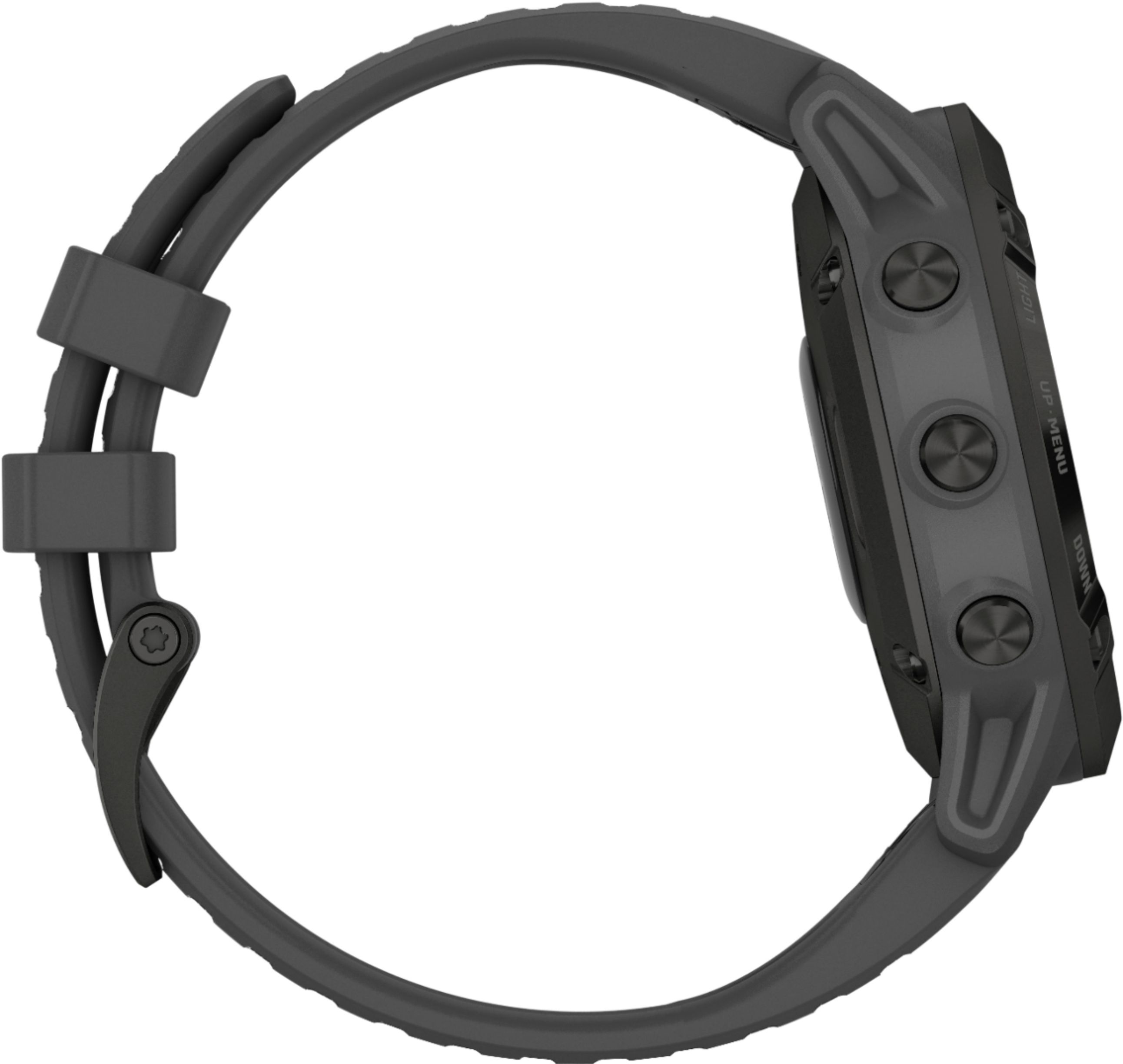
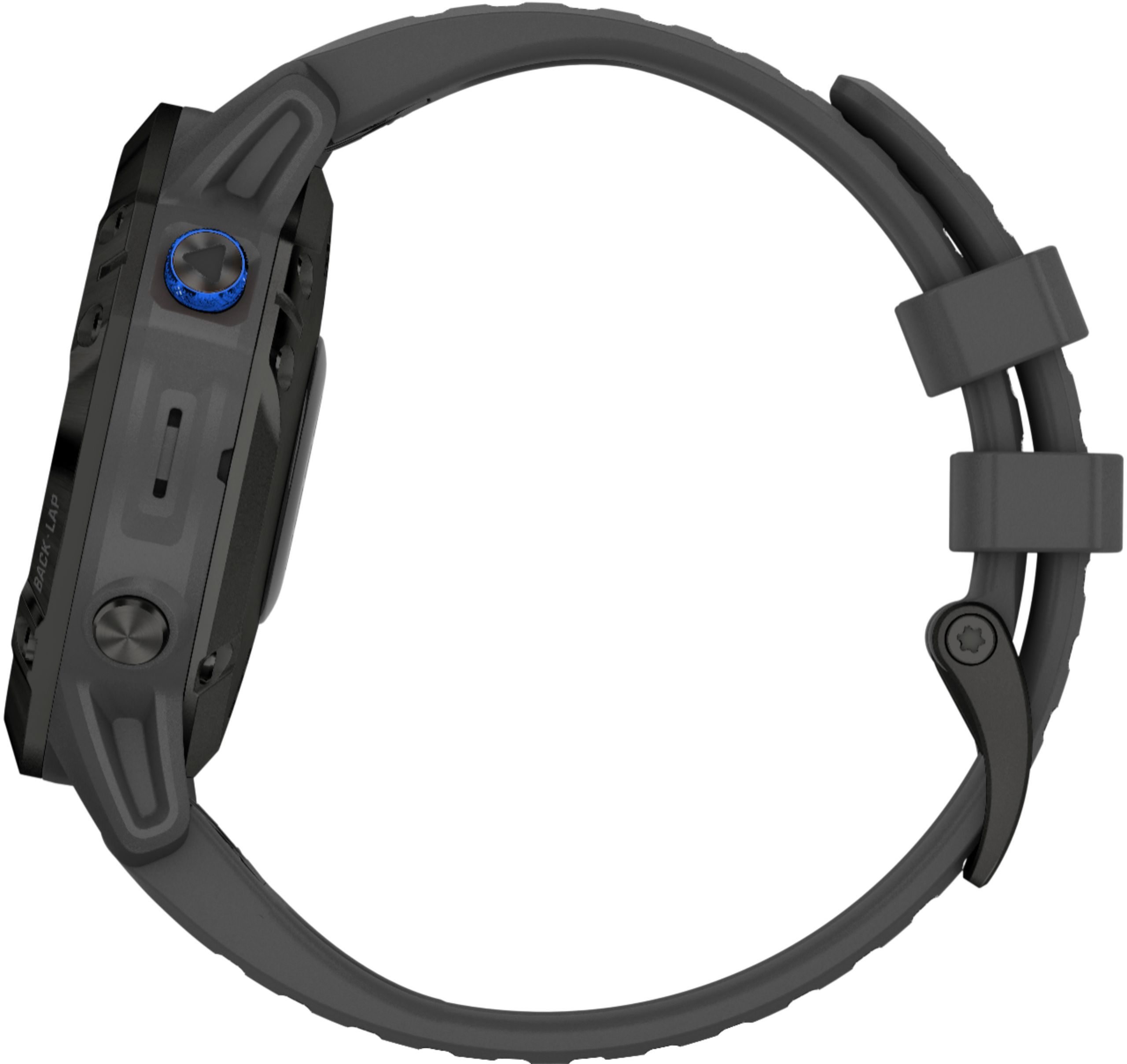
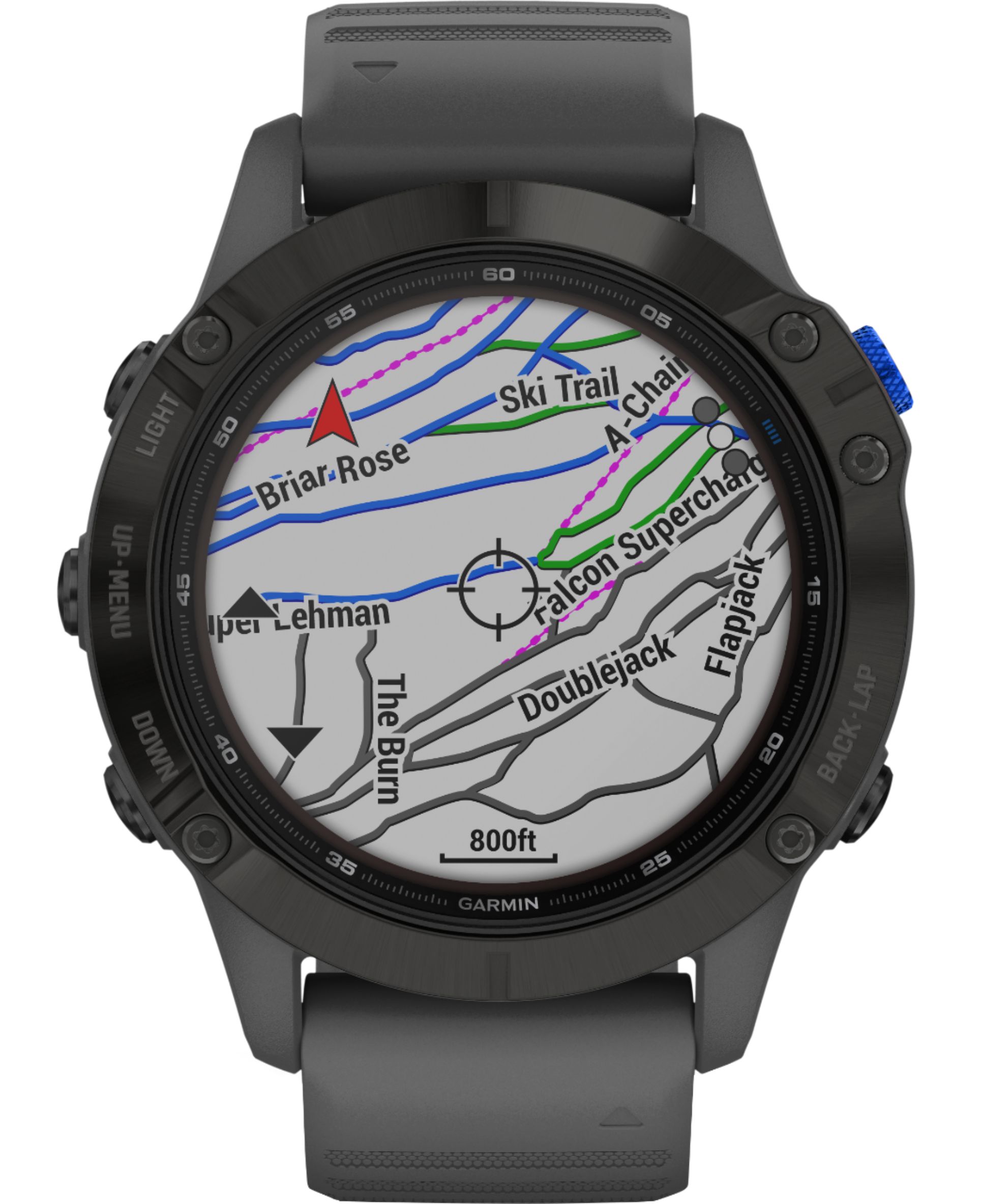
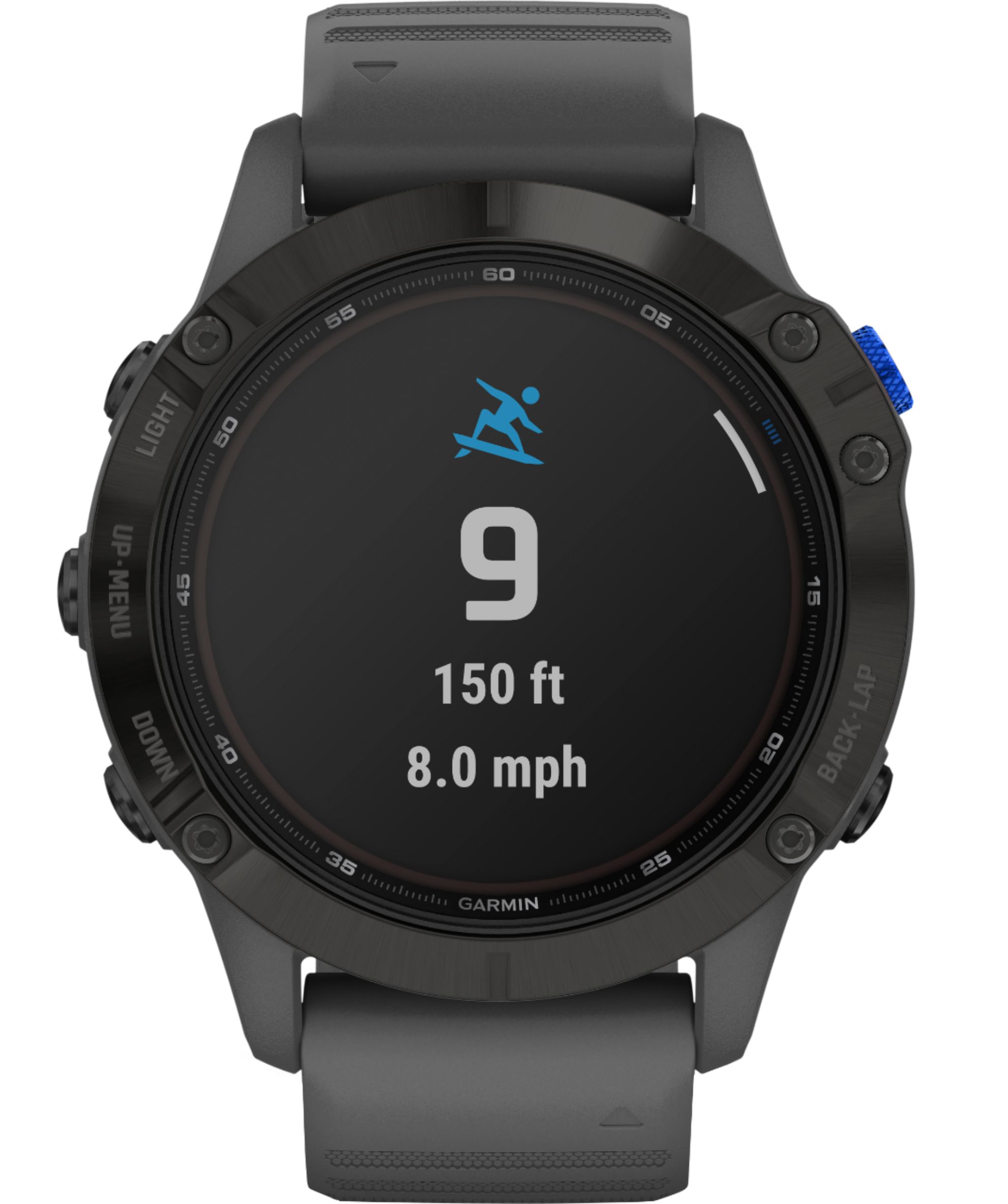
A:AnswerYes, it has TOPO maps and once you set up Garmin Express and connect to it there will be map updates. You can also use Garmin Explore to create custom trails and Garmin Connect to do so as well. If you want detailed information go on Youtube and there are a few great tutorials that show how vast this Fenis 6 is.
A:AnswerThe Fenix 6 Pro Solar does not have tide information. For more information contact us at [email protected] or visit our Support Center, https://support.garmin.com/en-US/. Thanks Jenny
A:AnswerHere are the Fenix 6 Pro Solar Device Specifications: Battery type - Rechargeable, built-in lithium-ion battery, fēnix® 6S battery life - Up to 9 days in smartwatch mode, fēnix 6 battery life - Up to 14 days in smartwatch mode, fēnix 6X battery life - Up to 21 days in smartwatch mode, Water rating - 10 ATM, Operating and storage temperature range - From -20º to 45ºC (from -4º to 113ºF), USB charging temperature range - From 0º to 45ºC (from 32º to 113ºF), Solar charging temperature range - From 0 to 60°C (from 32 to 140°F), Wireless frequencies - 2.4 GHz @ 18 dBm nominal. For more information please contact Product Support or email us at [email protected]. Thanks Jenny
A:AnswerThe Fenix 6 Pro Solar has preloaded topographical maps, preloaded road and trail maps, and preloaded ski resort maps. For more information contact us at [email protected] or visit our Support Center, https://support.garmin.com/en-US/. Thanks Jenny
A:AnswerThe fenix 6 Pro Solar does not rely on a data tower. The maps is preloaded to the internal storage. The functions for tracking or other activities use GPS. The fenix 6 Pro Solar requires a clear view of the sky to acquire satellite connections. For more information contact us at [email protected] or visit our Support Center, https://support.garmin.com/en-US/. Thanks Jenny
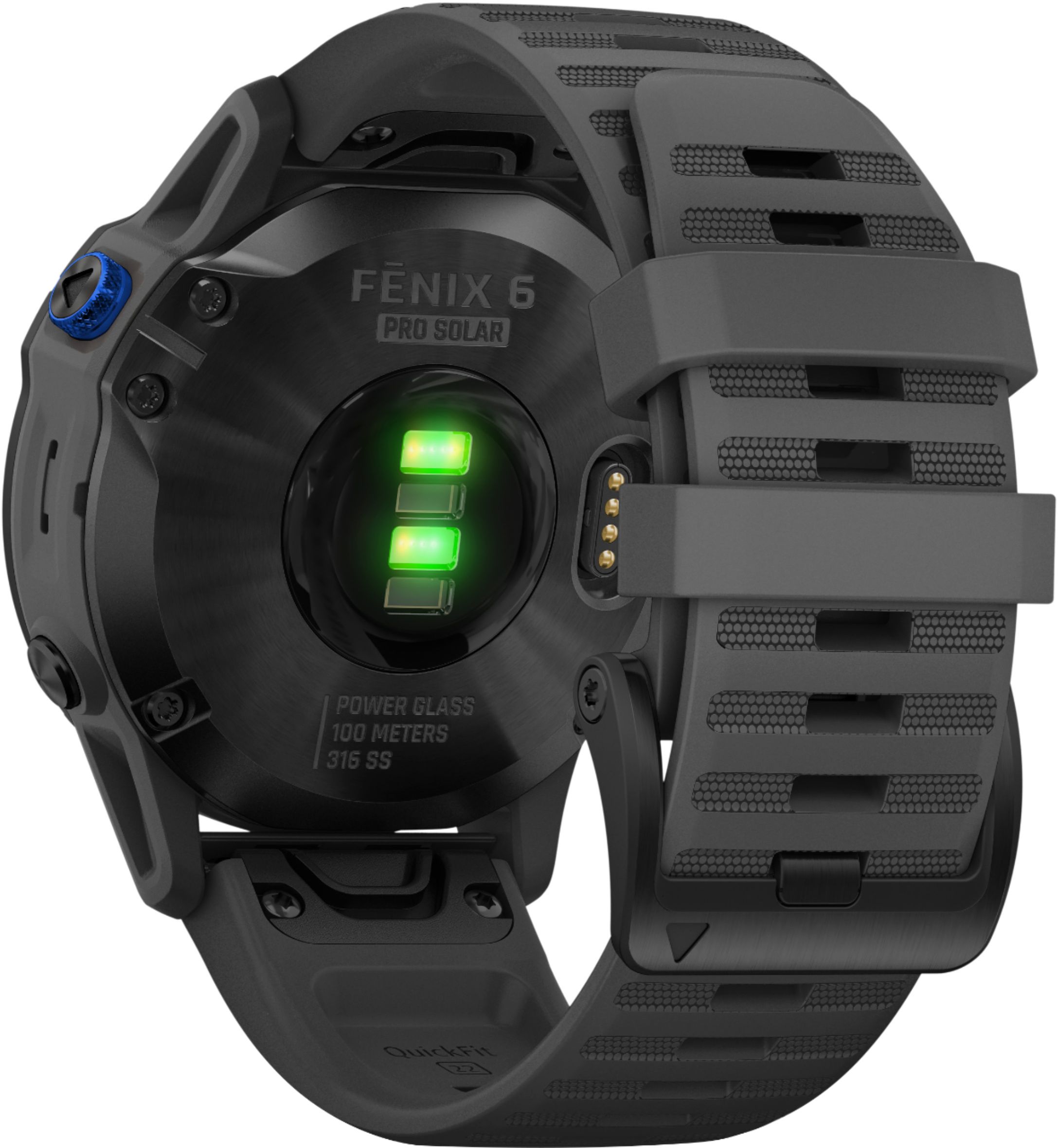
A:AnswerThe fēnix® device has a wrist-based pulse oximeter to gauge the peripheral saturation of oxygen in your blood. Knowing your oxygen saturation can help you determine how your body is acclimating to high altitudes for alpine sport and expedition. You can manually begin a pulse oximeter reading by viewing the pulse oximeter widget (Getting Pulse Oximeter Readings). You can also turn on all-day readings (Turning On All-Day Pulse Oximeter Readings). When you remain motionless, your device analyzes your oxygen saturation and your elevation. The elevation profile helps indicate how your pulse oximeter readings are changing, relative to your to elevation. On the device, your pulse oximeter reading appears as an oxygen saturation percentage and color on the graph. On your Garmin Connect™ account, you can view additional details about your pulse oximeter readings, including trends over multiple days. For more information about pulse oximeter accuracy, go to garmin.com/ataccuracy. For more information contact us at [email protected] or visit our Support Center, https://support.garmin.com/en-US/. Thanks Jenny
A:AnswerNo limitations, the Fenix 6 Pro Solar uses GPS for location. For more information contact us at [email protected] or visit our Support Center, https://support.garmin.com/en-US/. Thanks Jenny
A:AnswerThe Fenix 6 Pro Solar has TEXT RESPONSE/REJECT PHONE CALL WITH TEXT (ANDROID™ ONLY). For more information contact us at [email protected] or visit our Support Center, https://support.garmin.com/en-US/. Thanks Jenny
A:AnswerNo. Unfortunately not. The Gorilla Glass is still very strong, however, I bought cheap glass screen protectors to put on mine from Amazon. They don't impede the Solar function and they've saved my watch a couple of times already.
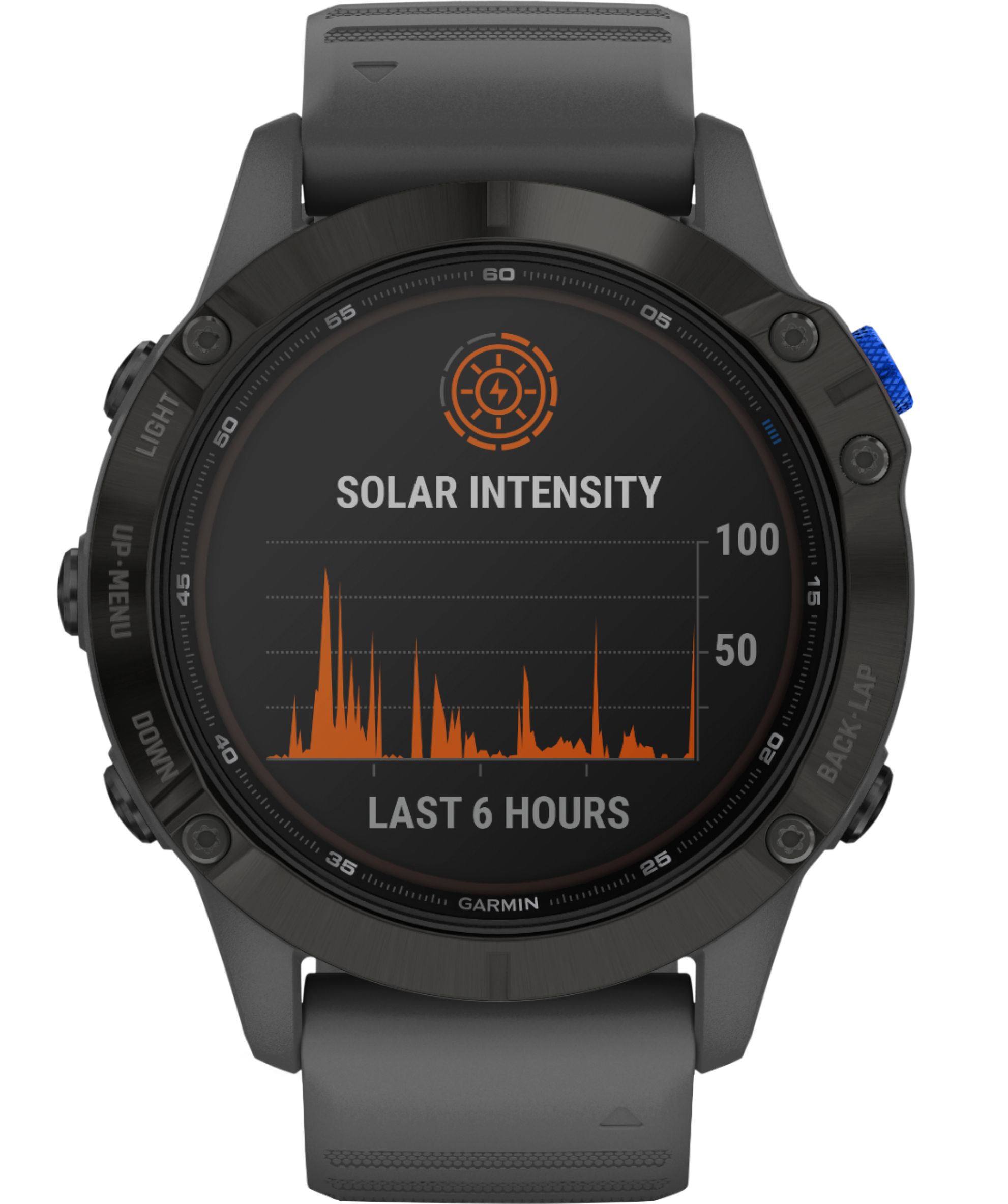
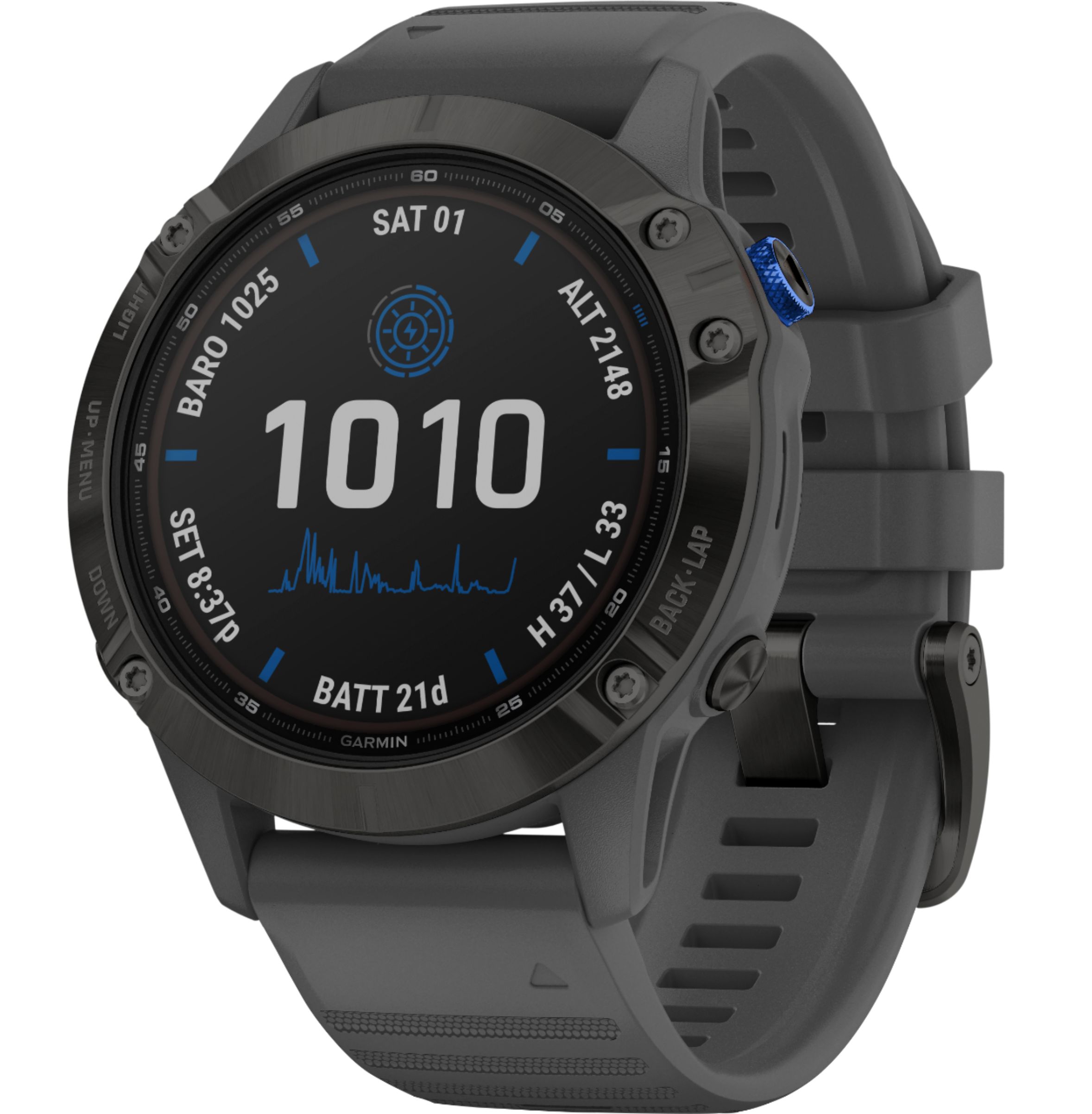
A:AnswerGarmin solar watches use a Power Glass watch lens to convert sunlight into battery power, extending your time between charges. The solar charging is not designed to be used as the primary charging source or to achieve indefinite power. The solar intensity will be displayed on the solar watch face or Solar Intensity widget as an icon that fills in as solar intensity is increased, as shown in the examples below. This represents the amount of sunlight, or lux conditions, received. When the watch is in full direct sunlight with a solar intensity of 100%, it is receiving approximately 50k lux or more. Additionally, a line graph will be visible on both the widget and a watch face displaying solar intensity over the last 6 hours. For more information contact us at [email protected] or visit our Support Center, https://support.garmin.com/en-US/. Thanks Jenny
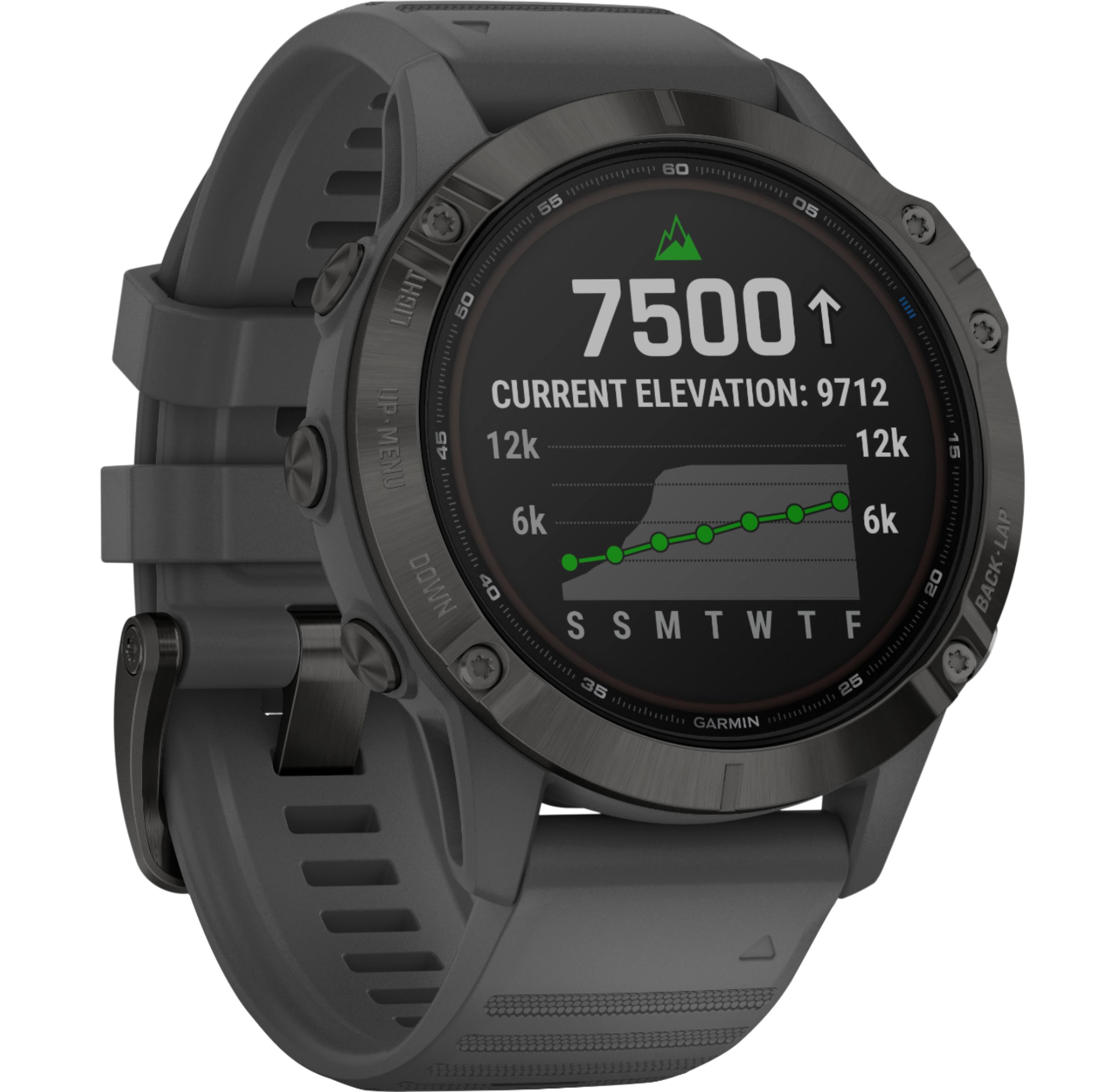
A:AnswerYou navigate your next trail with ABC sensors, including an altimeter for elevation data, barometer to monitor weather and three-axis electronic compass. For more information contact us at [email protected] or visit our Support Center, https://support.garmin.com/en-US/. Thanks Jenny
A:AnswerGarmin solar watches use a Power Glass watch lens to convert sunlight into battery power, extending your time between charges. The solar charging is not designed to be used as the primary charging source or to achieve indefinite power. The solar intensity will be displayed on the solar watch face or Solar Intensity widget as an icon that fills in as solar intensity is increased, as shown in the examples below. This represents the amount of sunlight, or lux conditions, received. When the watch is in full direct sunlight with a solar intensity of 100%, it is receiving approximately 50k lux or more. Additionally, a line graph will be visible on both the widget and a watch face displaying solar intensity over the last 6 hours. For more information contact us at [email protected] or visit our Support Center, https://support.garmin.com/en-US/. Thanks Jenny
A:AnswerThe fēnix® device has a wrist-based heart rate monitor and is also compatible with chest heart rate monitors (sold separately). You can view heart rate data on the heart rate widget. Abnormal heart rate alert, this feature only alerts you when your heart rate exceeds or drops below a certain number of beats per minute, as selected by the user, after a period of inactivity. This feature does not notify you of any potential heart condition and is not intended to treat or diagnose any medical condition or disease. Always defer to your health care provider for any heart-related issues. For more information contact us at [email protected] or visit our Support Center, https://support.garmin.com/en-US/. Thanks Jenny
A:AnswerThe Fenix 6 series watches will pair with the inReach Mini to have satellite communications. For more information contact us at [email protected] or visit our Support Center, https://support.garmin.com/en-US/. Thanks Jenny
A:AnswerYes, the Fenix 6 Pro Solar will work anywhere you have a clear view of the sky. For more information contact us at [email protected] or visit our Support Center, https://support.garmin.com/en-US/. Thanks Jenny
A:AnswerThere are other Position Formats available to choose from on the Fenix 6 Pro Solar, especially if you are using coordinates from a map, or other source, not using the lat/lon DM set from the factory. For more information contact us at [email protected] or visit our Support Center, https://support.garmin.com/en-US/. Thanks Jenny
A:AnswerThe Fenix 6 Pro Solar has the Golf activity on it and there is no subscrition fee. For more information contact us at [email protected] or visit our Support Center, https://support.garmin.com/en-US/. Thanks Jenny
A:AnswerThe Fenix 6 Pro Solar will receive texts and calls with the ability to text respond when paired with a compatible Android smartphone. For more information contact us at [email protected] or visit our Support Center, https://support.garmin.com/en-US/. Thanks Jenny