A:AnswerThe Fenix 6X has a water rating of 10 ATM. Withstands pressures equivalent to a depth of 100 meters and is suitable for splashes, rain or snow, showering, swimming, diving into water, snorkeling, high-speed water sports. For more information contact us at [email protected] or visit our
Support Center, https://support.garmin.com/en-US/
Thanks Jenny
A:AnswerReceive emails, texts and alerts right on your watch when paired with a compatible device. For more information contact us at [email protected] or visit our Support Center, https://support.garmin.com/en-US/. Thanks Jenny
A:AnswerCorning® Gorilla® Glass DX, which is also used for the Power Glass™ lens, is designed to be scratch-resistant, but it is not as durable as the sapphire crystal lens. The sapphire crystal lens is incredibly durable and is the third hardest mineral, right behind diamond. As a result, the lens is much harder to scratch than glass. Please note that while the sapphire crystal lens can be very difficult to scratch, it is still not scratchproof. For more information contact us at [email protected] or visit our Support Center, https://support.garmin.com/en-US/. Thanks Jenny
A:AnswerIt does not. It has Garmin Pay. Garmin Pay is considered to be a secure way to make purchases with your Garmin watch. It is important to note the following security focused measures that are taken when using Garmin Pay:
When adding a credit card to your wallet via the Garmin Connect App, information from the card is not being stored or shared with Garmin.
Upon accepting the terms and conditions from the issuing bank, some issuers will require identity verification in order to complete the tokenization process in the Garmin Pay Wallet.
The Garmin Pay wallet requires authentication via a passcode which is set up by the user in order to access the wallet in Garmin Connect App.
The same passcode is required to access the wallet on the Garmin watch. The passcode is required once a day while wearing the device and required each time when the device is detected off of the wrist.
For more information contact us at [email protected] or visit our
Support Center, https://support.garmin.com/en-US/. Thanks Jenny
A:AnswerThe Fenix 6x Pro Solar's battery life - Smartwatch: Up to 21 days/24 days with solar* - Battery Saver Watch Mode: Up to 80 days/120 days with solar* - GPS: Up to 60 hours/66 hours with solar** - GPS + Music: Up to 15 hours/16 hours with solar** - Max Battery GPS Mode: Up to 120 hours/148 hours with solar** - Expedition GPS Activity: Up to 46 days/56 days with solar*. *Solar charging, assuming all-day wear with 3 hours per day outside in 50,000 lux conditions. **Solar charging, assuming use in 50,000 lux conditions. For more information contact us at [email protected] or visit our Support Center, https://support.garmin.com/en-US/. Thanks Jenny
A:AnswerYes - you can download golf, running, and cycling courses from the Garmin App. and fitness Apps that support it
I also think you can use Strava.
A:AnswerYes, the Fenix 6X Pro has advanced Sleep with sleep score and insights. For more information contact us at [email protected] or visit our Support Center, https://support.garmin.com/en-US/. Thanks Jenny
A:AnswerYou don’t need a gps anymore if you have this product you have everything in the world phone gps heart rate oxygen rate and keep checking you health info
A:AnswerHere is a link for the hole information on the Fenix 6X, https://www8.garmin.com/manuals/webhelp/fenix66s6xpro/EN-US/GUID-BC8F0B7E-1AC8-4F12-A86B-D61315A75A20.html. For more information contact us at [email protected] or visit our Support Center, https://support.garmin.com/en-US/. Thanks Jenny
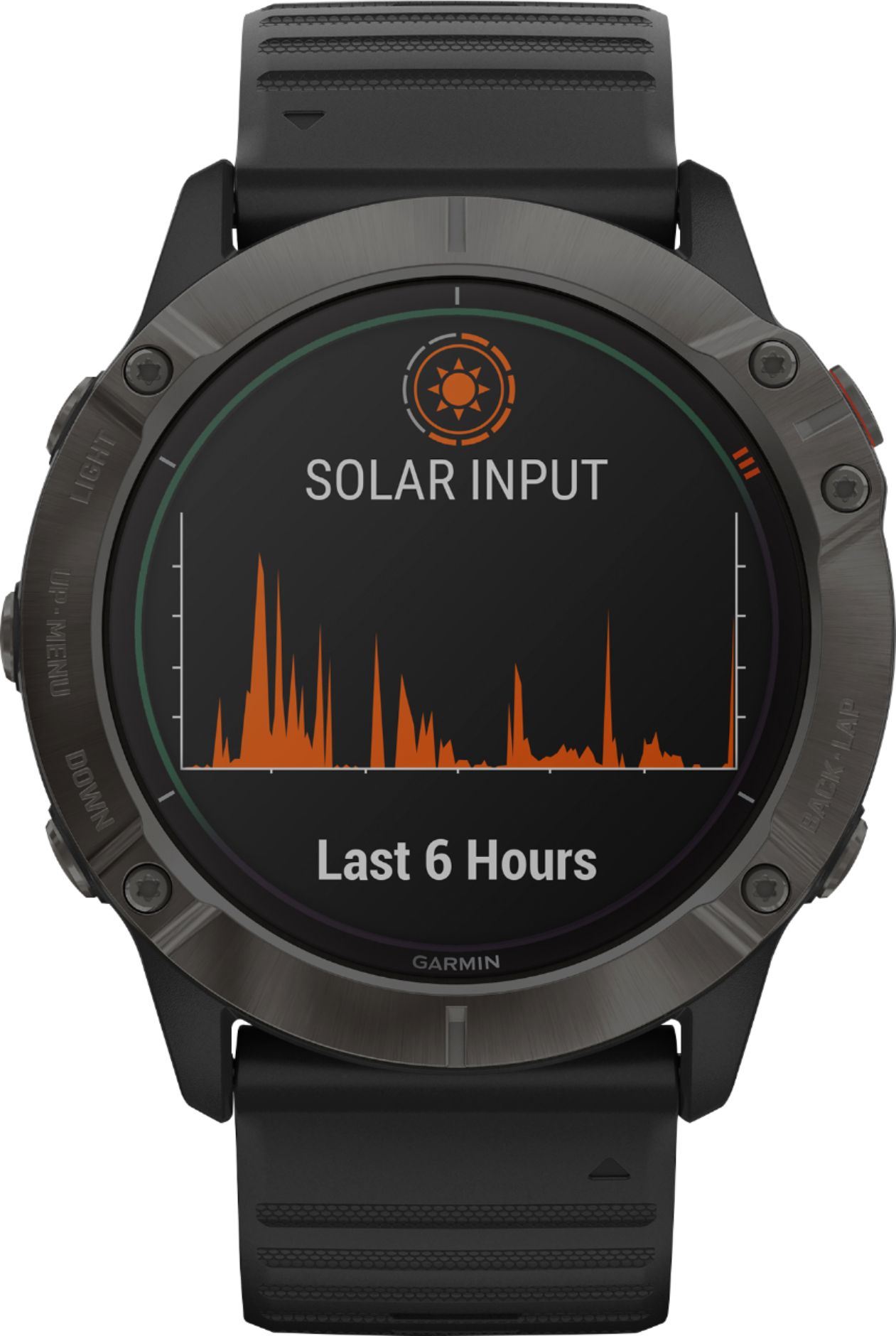
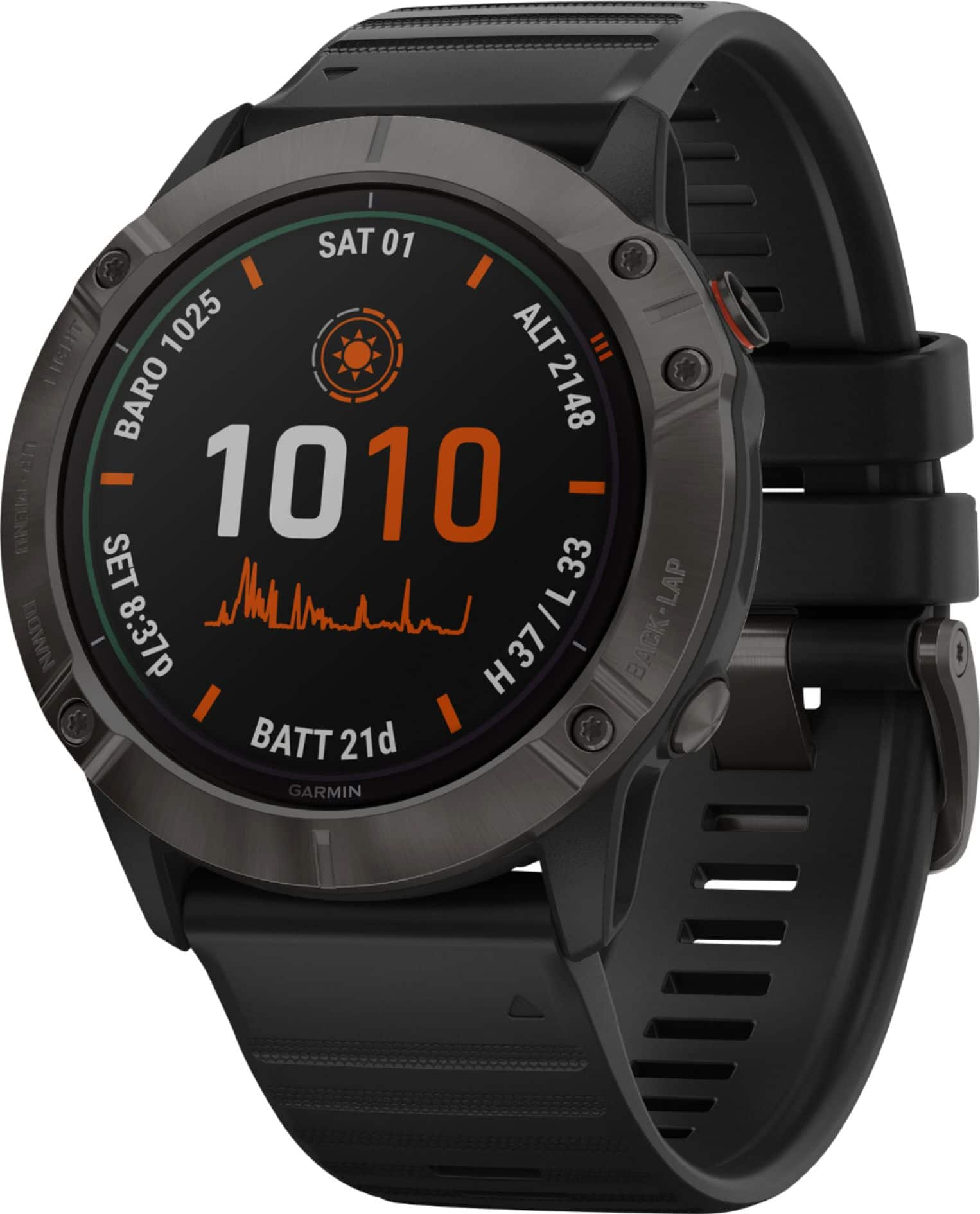
A:AnswerThe Fenix 6X Pro Solar does not have wireless charging. Garmin solar watches use a Power Glass watch lens to convert sunlight into battery power, extending your time between charges. The solar charging is not designed to be used as the primary charging source or to achieve indefinite power. The solar intensity will be displayed on the solar watch face or Solar Intensity widget as an icon that fills in as solar intensity is increased, as shown in the examples below. This represents the amount of sunlight, or lux conditions, received. When the watch is in full direct sunlight with a solar intensity of 100%, it is receiving approximately 50k lux or more. Additionally, a line graph will be visible on both the widget and a watch face displaying solar intensity over the last 6 hours. For more information contact us at [email protected] or visit our Support Center, https://support.garmin.com/en-US/. Thanks Jenny
A:AnswerThe Fenix 6X Pro Solar does not have area calculation. You can use coordinates to mark places and will provide elevation. For more information contact us at [email protected] or visit our Support Center, https://support.garmin.com/en-US/. Thanks Jenny
A:AnswerWhen you receive a phone call on your connected smartphone, the fēnix® device displays the name or phone number of the caller. To accept the call, select Accept. NOTE: To talk to the caller, you must use your connected smartphone. To decline the call, select Decline. To decline the call and immediately send a text message reply, select Reply, and select a message from the list. NOTE: This feature is available only if your device is connected to an Android™ smartphone. For more information contact us at [email protected] or visit our Support Center, https://support.garmin.com/en-US/. Thanks Jenny
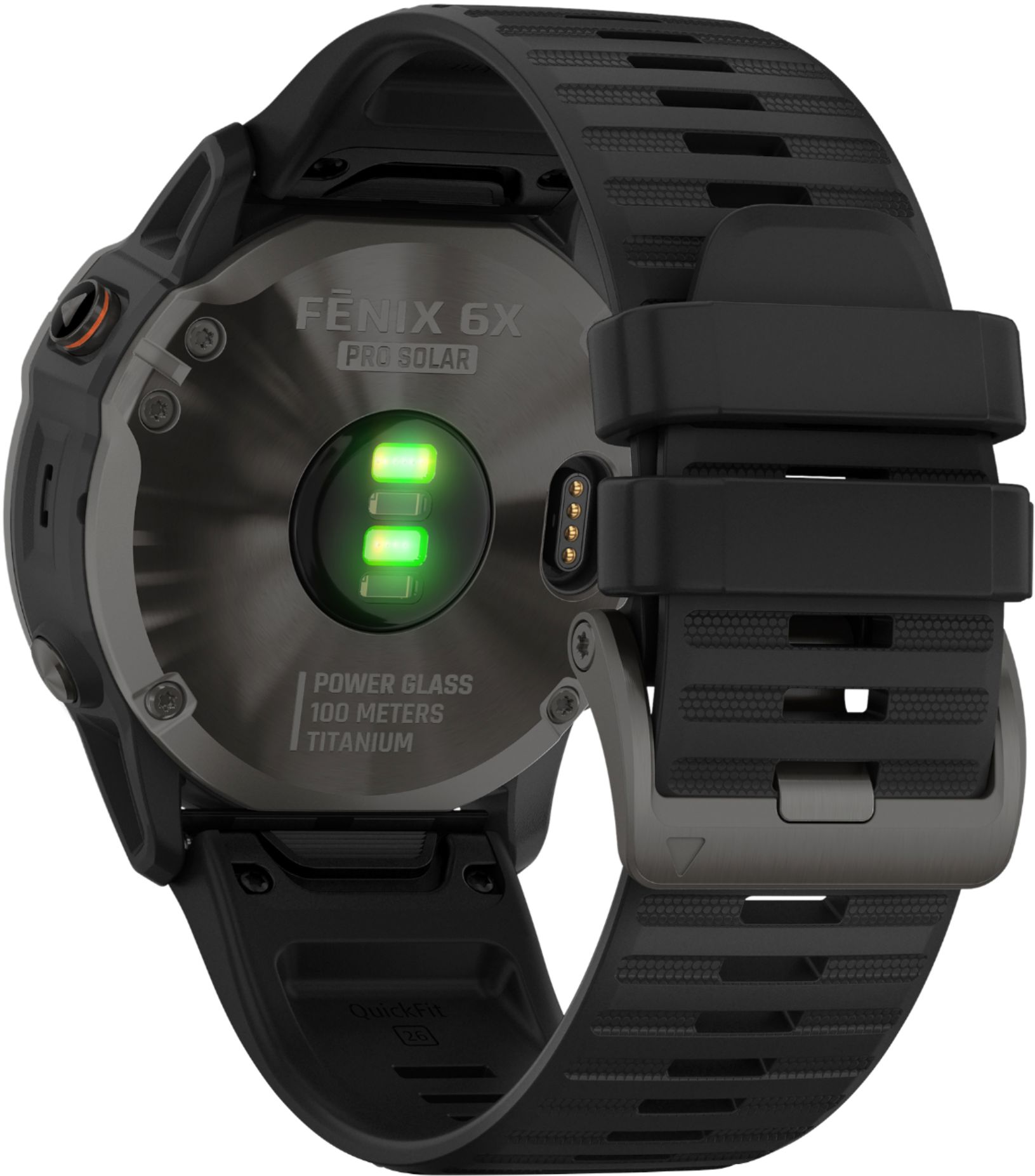
A:AnswerThe charger snap into the back of the watch that has four pins on springs. I’ve found that dirt mixed with sweat will build up in the slot that prevents the watch from charging unless you clean it out (I use a toothpick)