A:AnswerIt came with a windows mount but I prefer the garmin dash pad mount as it stays in place better in hot weather when suction cup mounts sometime fails. The dash type mount is also faster to move to other car.
A:AnswerUsing the Trip Planner feature, you can create custom routes on the nüvi 2689LMT. There are several models which do this. To learn more about the Trip Planner feature and see a list of devices which have it, please visit the following FAQ article: http://bit.ly/2507kw6
Currently, the only models which feature lane departure warnings are the DriveAssist 50 and nüviCam LMTHD. Both models also feature Trip Planner.
If you have any other questions, please feel free to contact Garmin Customer Care using the information listed here: http://garmin.com/support
^DK
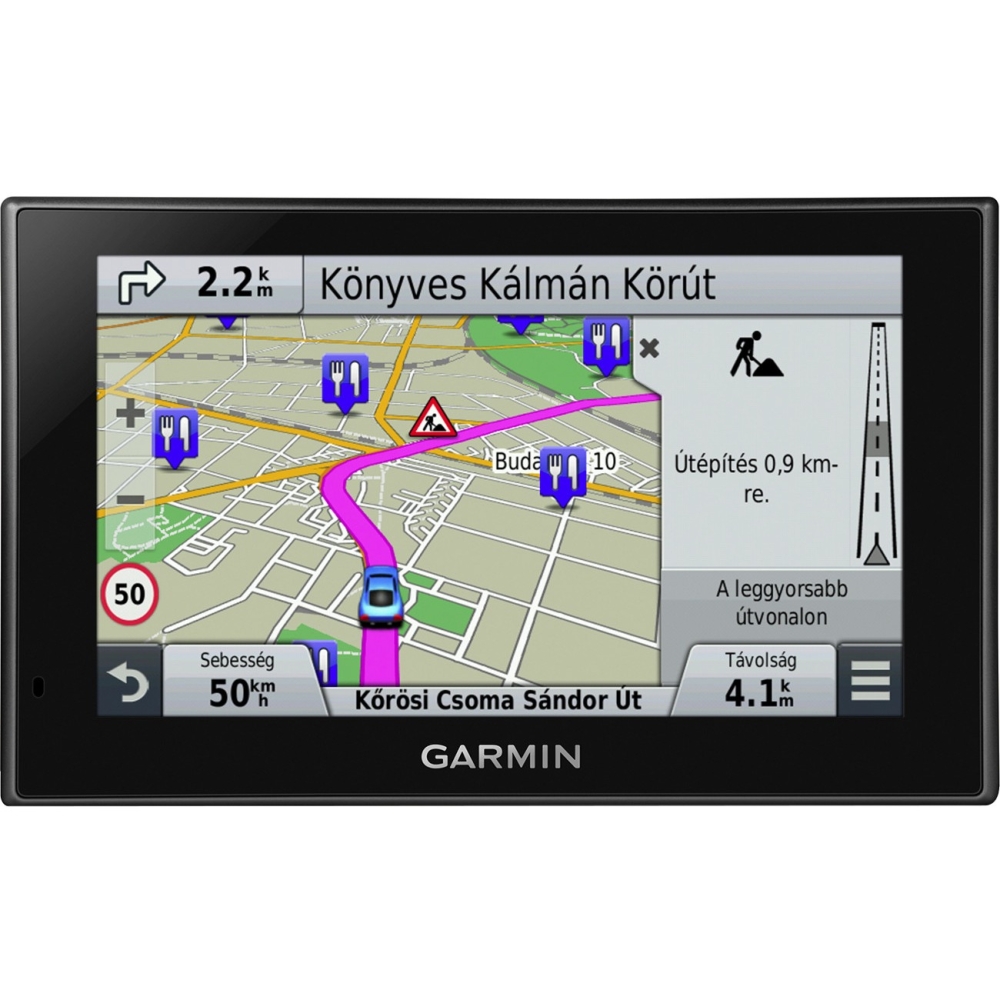
A:AnswerMy unit reprogrammed the route and will tell you how get back towards your destination. You could turn down the volume, "sightsee a little" and turn the volume back up when you are ready to resume your trip.
A:AnswerTc, the nüvi 2689LMT includes Voice-activated navigation (operate device with spoken commands) and speaks street names (e.g. "Turn right ON ELM STREET in 500 ft."). ~QKO
A:AnswerAlthough the 2689LMT does not have an external antenna (nor is it compatible with them), it shouldn't need one. I have seen no reports of interference caused by heating elements or rain sensors. -JPK
A:AnswerWe bought a new one on sale instead of updating as the electronics are more advanced, more features and no more annoying, Recalculating announcement, it just finds you another route. We also noticed that it didn't lose the satelites as often.
A:AnswerYes, the nüvi 2689LMT does support mapping of the UK, however it is not included with the device. Additional mapping can be added as a preloaded SD card or as a download through the Garmin website as an accessory purchase.
^DK
A:AnswerThe nüvi 2689LMT does not support off-road navigation, however we do have other devices that support a variety of mapping including BLM and automotive. I recommend you check out the Montana 680t (part number 010-01534-11), as this device supports multiple map types and should suit your needs. \tw/
A:AnswerPlease check out the FAQ I've linked to below. If you still need help, please reach out to our technical support team, which I've also linked to below.
FAQ: https://support.garmin.com/support/searchSupport/case.faces?caseId=%7B1523cad0-34d1-11de-76c5-000000000000%7D
Support contact info and hours: www.garmin.com/support
Thank you. -JPK
A:AnswerThe camera feature is used for taking a screen shot of the nüvi. This is typically used more for trouble shooting options. Please click the link below to review more information about this feature:
http://support.garmin.com/support/searchSupport/simpleCase.htm?caseId={45376bd0-1b70-11dd-4259-000000000000}&kbName=garmin
~JH
A:AnswerYes you can. For instructions on how to do this, please check the following FAQ on our site: https://support.garmin.com/support/searchSupport/case.faces?caseId={9c324b10-c2d1-11e0-cf56-000000000000}
Thank you. -JPK












