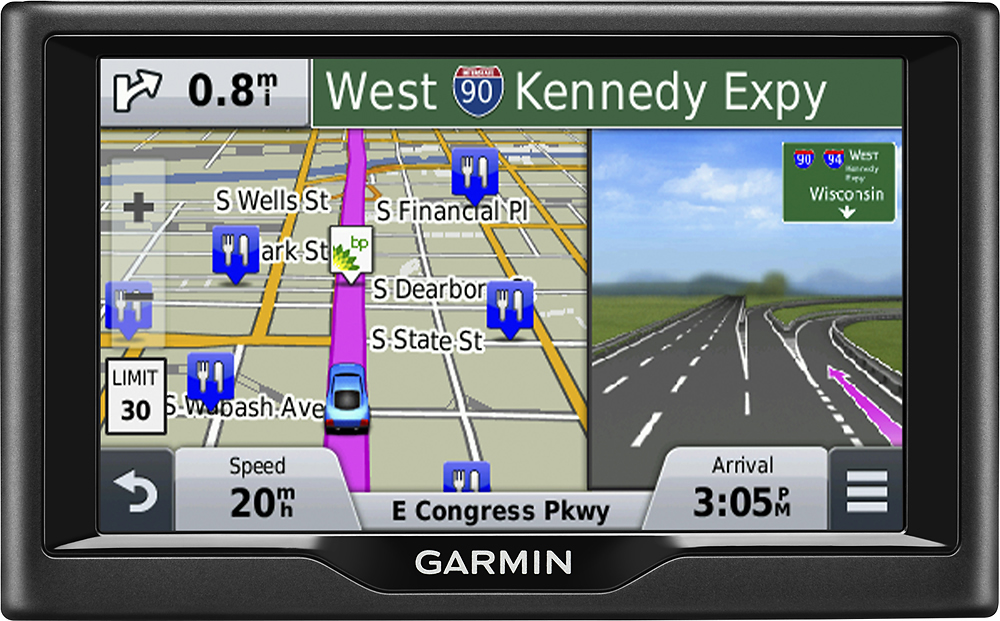
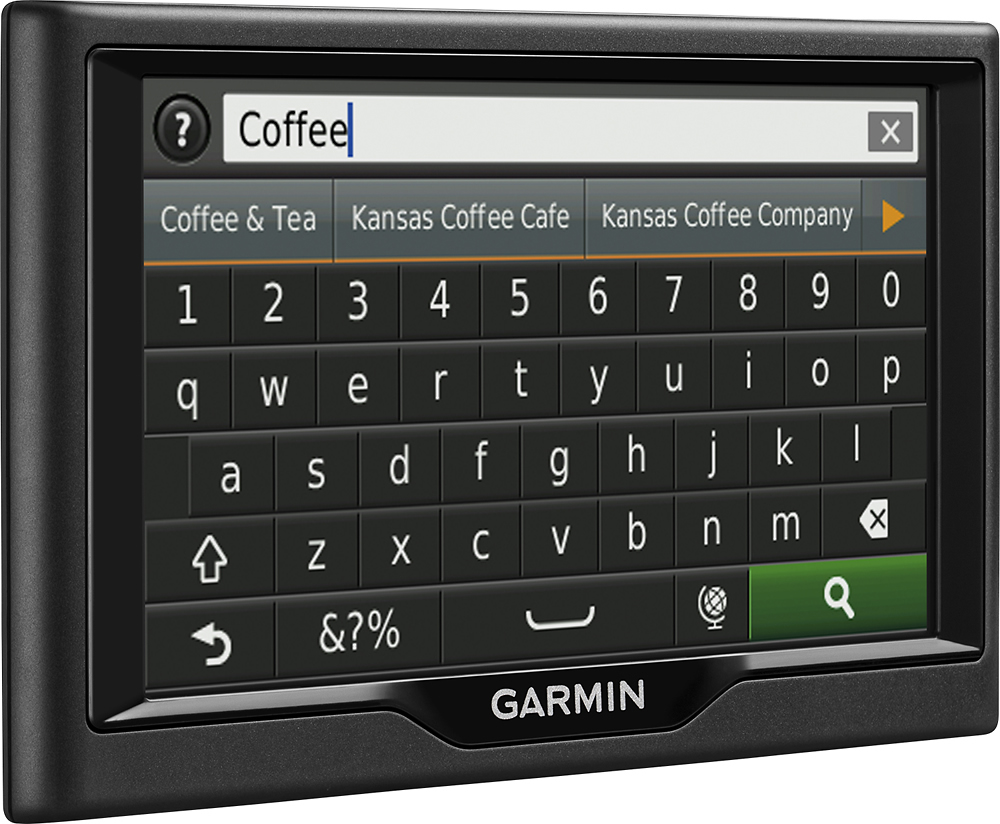
A:AnswerPlease visit the following FAQ article for steps on how to change the home address on Garmin automotive units: https://support.garmin.com/faqSearch/en-US/faq/content/jDRaDwGPkd4439f7J0GsD6
^DK
A:AnswerCurrently, Garmin does not produce mapping of Panama. Third party options may exist, but Garmin is not able to verify which work, their accuracy, or offer support on these third party maps.
^DK
A:AnswerThe nüvi 57LM comes preloaded with detailed maps of the lower 49 U.S. states. Maps of Spain can be purchased and added to the device separately if you'd like. (KS)
A:AnswerThe mapping of the device is for city maps only. The most you could do is save the coordinates on the map screen to go back to them later. This will also require you to change the navigation settings to “off road” as well.
~JH
A:AnswerYes, the nüvi 57 has a data field that appears on the screen that you can customize information displayed among the options of information you want to see is the current direction.
~JH
A:AnswerIf you are asking if this will give you trail directions, I highly doubt that it will. This is a GPS meant for travel on the road. But, it is a GPS, and it uses satellite. It should work everywhere that you have a map for.
A:AnswerWhen connecting the nüvi 57LM into your PC or Mac computer the nüvi will be registered once the device syncs with our Garmin Express program. Garmin Express updates the device and registers it with your email address.
~JH
A:AnswerThe device appears to have an issue with navigation settings. Please us the following link to get more information on how to fix this:
https://support.garmin.com/faqSearch/en-US/faq/content/3iM9v2JJka7CJro1iWunE6
If that article is not helpful please contact our product support team in the following link:
www.garmin.com/support
~JH