A:AnswerYes, as it comes preloaded with mapping of both the United States and Canada. I would recommend doing a mapping update before taking your trip, to ensure it has the most recent mapping data.
^DK
A:AnswerThe nüvi 2589LMT does not require a SIM card. If the internal rechargeable battery needs to be replaced, it would need to be sent to Garmin for service. ^DK
A:AnswerA quick start manual is included with the nüvi 2589LMT, however a complete owner's manual is not. The owner's manual and quick start guide are available here: https://support.garmin.com/support/manuals/manuals.htm?partNo=010-01187-01&language=en&country=US
^DK
A:AnswerYou need to go to GarminExpress.com and download an app to your computer, then hook up the GPS to the USB and you can download the maps. You must have your device registered to Garmin
A:AnswerThe language on the nüvi 589LMT can be changed by going to settings>Language>Keyboard>Voice Language / Text Language. If you have additional questions, please feel free to contact our support team (www.garmin.com/support). Best regards. ~QKO
A:AnswerThe nüvi 2589LMT does work in the Middle East; however, it does not come with detailed mapping of the Middle East. It comes preloaded with mapping of North America. Additional mapping can be loaded as an accessory purchase.
^DK
A:AnswerThe current Mac system requirements for the Garmin Express software are OS X 10.8 or newer, a 1440 x 900 display, USB port, 1 GB RAM, high speed Internet access and up to 13 GB free disk space.
You can see the latest system requirements at the following link: http://garmin.com/express
-OA
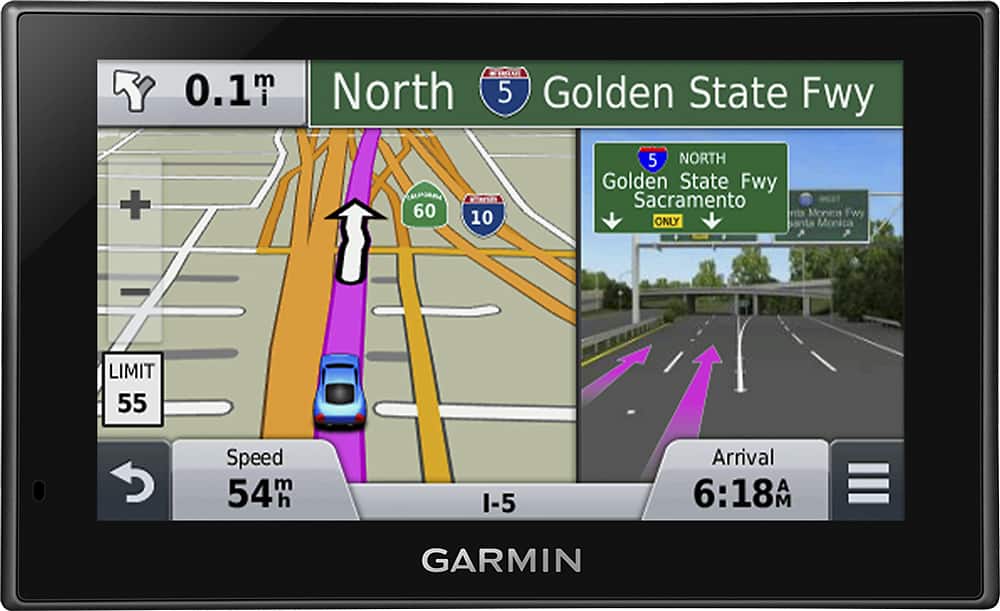
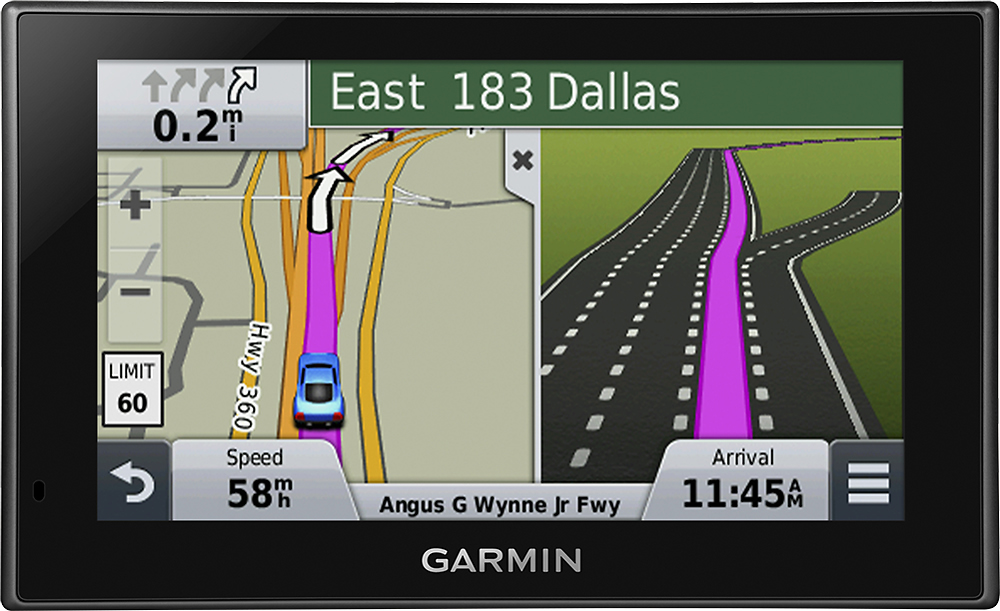
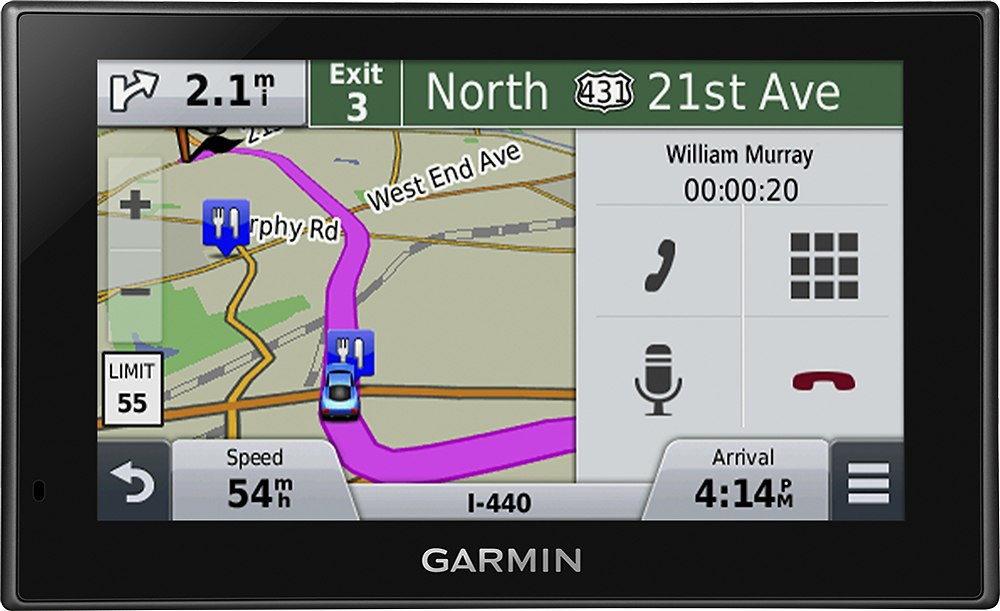
A:AnswerI have not seen the feature that you are looking for - that is, texting the directions to your phone. However, the display can be set to show directions rather than the map. Also, at the top of the display are very clear and accurate and detailed displays of road names and road signs. For example, on highways it shows a what appears to be an accurate picture of the sign which you are approaching. Very cool, actually. Additionally, if you are on the highway, it splits the screen and shows you which lane to be in with uncanny accuracy. That too is very cool.
A:AnswerYes, the preloaded City Navigator North America NT mapping covers the following areas:
-Canada
-United States
-Mexico
-Puerto Rico
-U.S. Virgin Islands
-Cayman Islands
-Bahamas
-New Providence Island
-Grand Bahama
-French Guiana
-Guadeloupe
-Martinique
-Saint Barthélemy
-Jamaica
^DK
A:AnswerThe box says: "Includes preloaded street maps for the United States, Canada, Mexico, Puerto Rico, US Virgin Islands, Cayman Islands and Bahamas. Visit www.garmin.com for additional coverage information."
A:AnswerFrom my understanding, the antenna is in the cord. You have to subscribe to some kind of plan to use the traffic. I haven't really had time to look and see what all is involved with this.