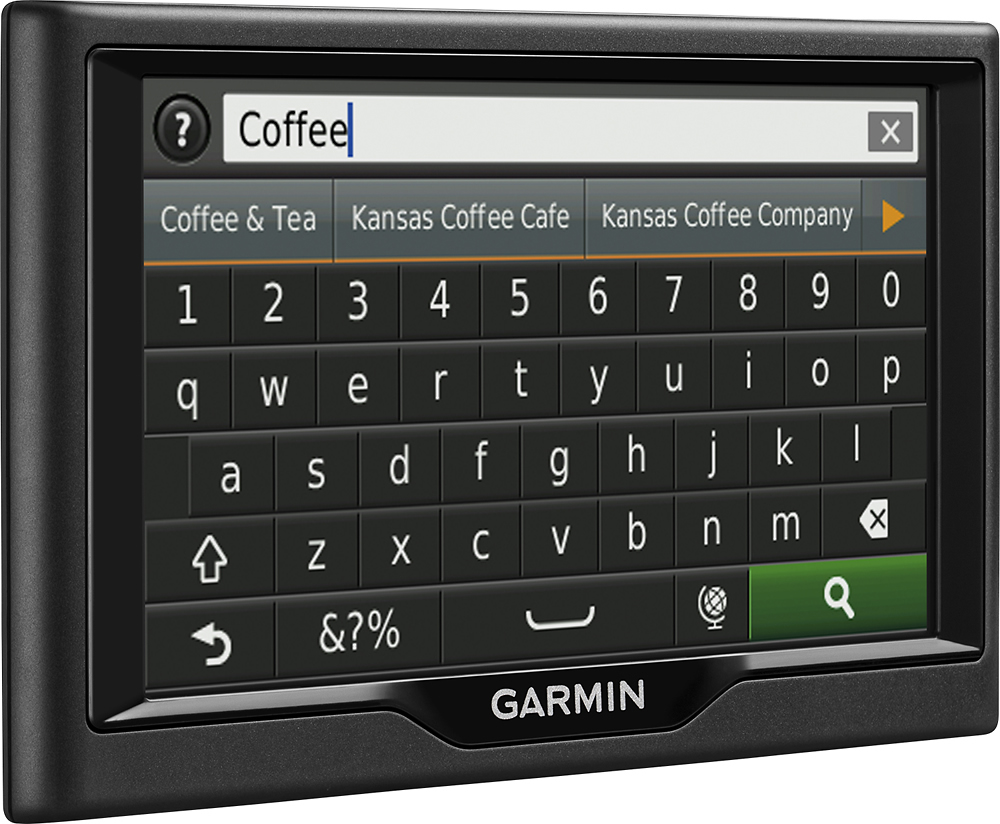
A:AnswerThe LMT unit includes Free Lifetime Traffic Avoidance with no ads and no subscription fees. Garmin traffic is delivered straight to your nüvi – no smartphone needed. >JF
A:AnswerYou can update the US and Canada all at once I believe but this will use up the memory of the device I would update only the regions you travel most and customize as needed
A:AnswerYes, you can find a Location Using Coordinates on the Nüvi 57lm; also it will display your current coordinates when using the “Where I Am” feature. Here is a link to a Garmin Support Center article that will help: http://bit.ly/2kxhDWF >JF
A:AnswerThe Nüvi 57lm doesn’t include Bluetooth capability, for devices that do include Bluetooth it would need to be paired to a Bluetooth compatible phone. >JF
A:AnswerConnect the nuvi to your computer and use the Garmin Express application to update maps and device software on the Nüvi 57lmt. Please see the Garmin Support Center for information about installing Garmin Express to your computer: http://bit.ly/2k4hUnQ >JF
A:AnswerNot recommended, the nuvi 57LM doesn’t include any truck specific routing. The Garmin dēzl™ series includes detailed maps for North America that also include truck-related restrictions – like bridge heights, sharp curves, weight limits and more – and related information for most major roads and highways. >JF
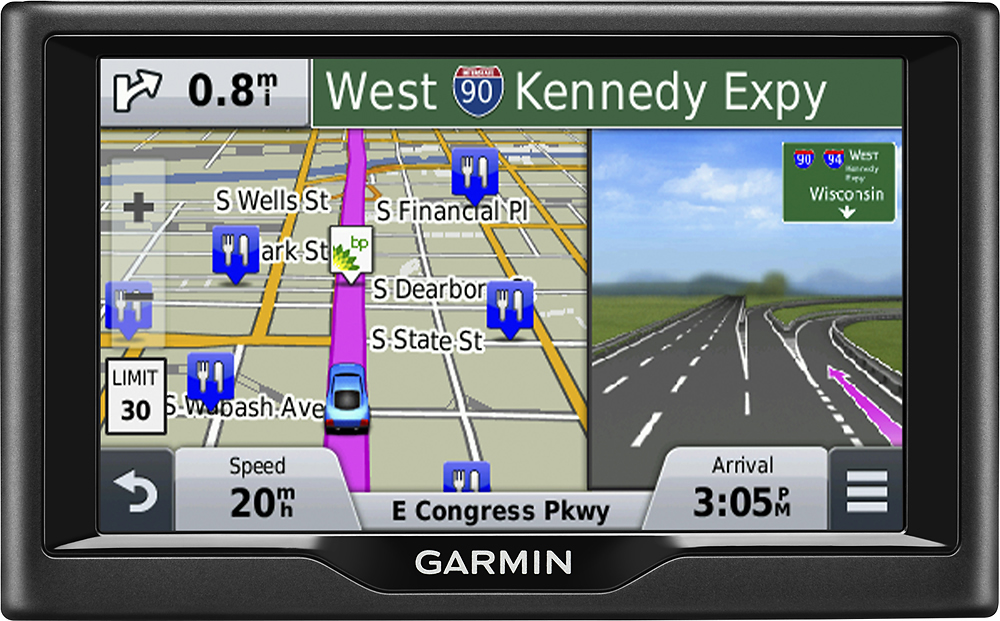
A:AnswerYes but it depends on the location and how far you want to go. Just type in the address and it should pop up some options to choose from. When I use it myself..some options are in other countries so be exact when typing it because you will end up in the wrong address or not valid.
A:AnswerThe Nüvi 57lm will display both the upcoming cross street and the current street you are driving on. Here is a link to a Garmin Support Center article that will help: http://bit.ly/2jqNvyi >JF