A:AnswerThe GPS will acknowledge the route once completed. https://www8.garmin.com/manuals/webhelp/GUID-1C3C7630-B695-44C3-AF56-949C1D4889FB/EN-US/Venu_Sq_OM_EN-US.pdf
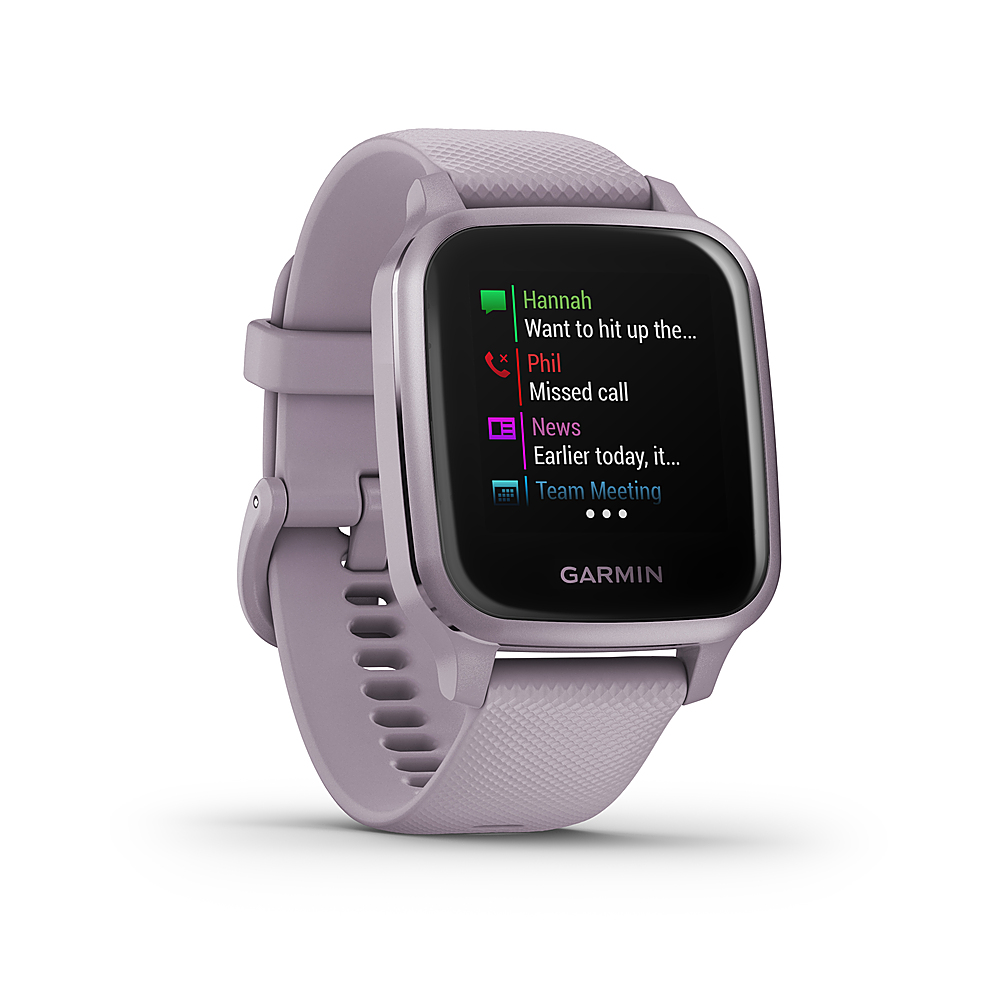
A:AnswerYou can accept or decline a call but you have to speak to the caller on the phone. If you're using a compatible Android there are programmed text you can respond with, if you're on an iPhone you can only read the text on the watch.
A:AnswerThere may not be any issues, however, you may want to test it because all apps are different and may have various controls that aren't supported by our start/stop, forward/back and volume controls.
A:AnswerYes, there is a Golf activity profile on the watch. Once you have synced your device with your Garmin Connect account you'll be able to see the stats.
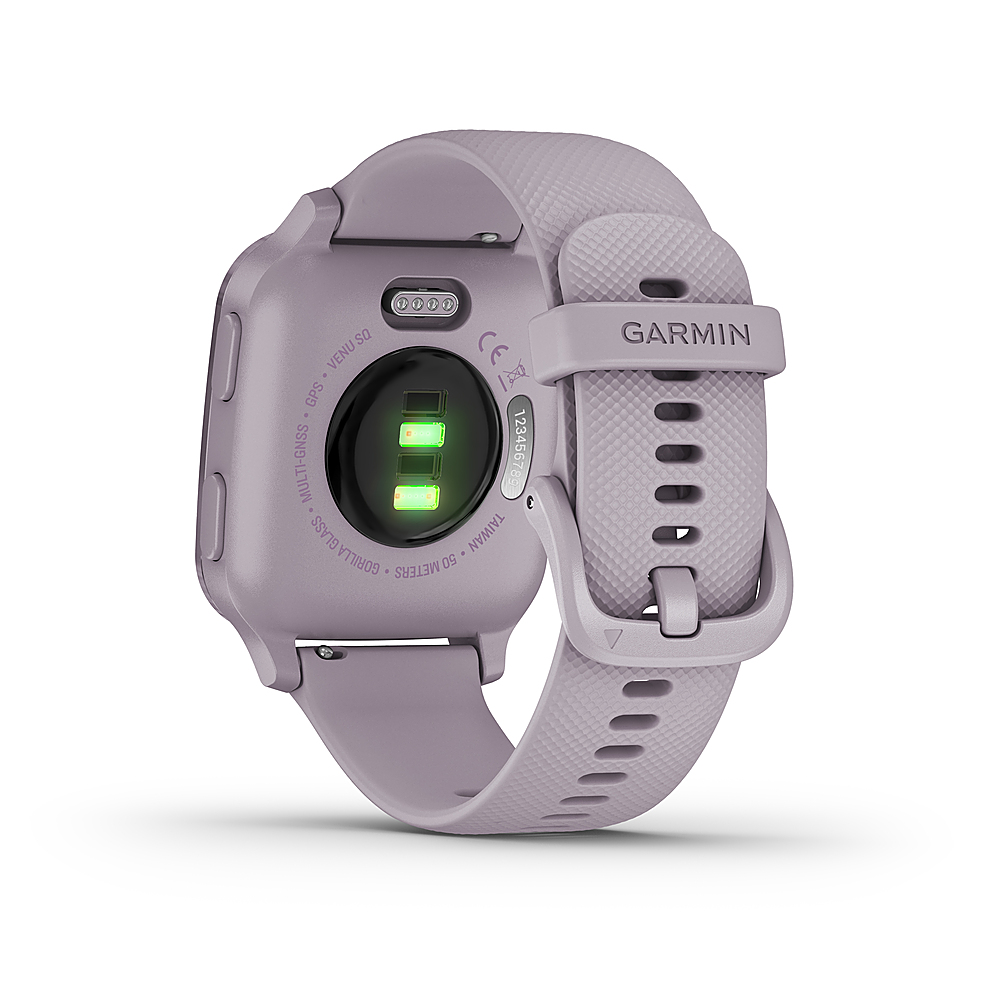
A:AnswerThe Garmin website does not make it easy to get chargers!!! I had to order thru Walmart.com and have it delivered. The price was cheaper than Garmins price. Hang on to those chargers, they are hard to find and not interchangeable with anything else.
A:AnswerNo, you can only accept or decline calls, however, you have to have the phone with you if you accept the call so you can speak to the caller through the phone.
A:AnswerNo. Unfortunately, you can not answer the text from your watch. You can only receive Calls or Text. But, no answering option. Not even with EMOJI.