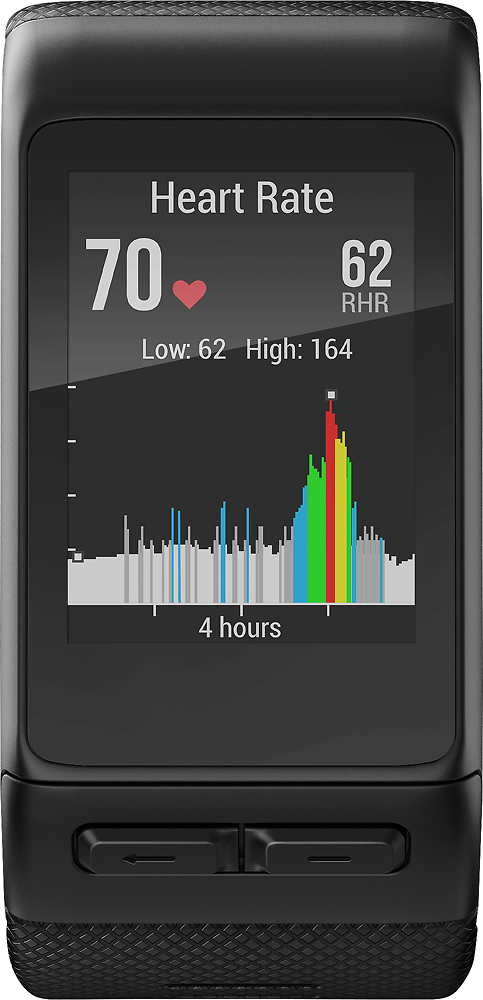
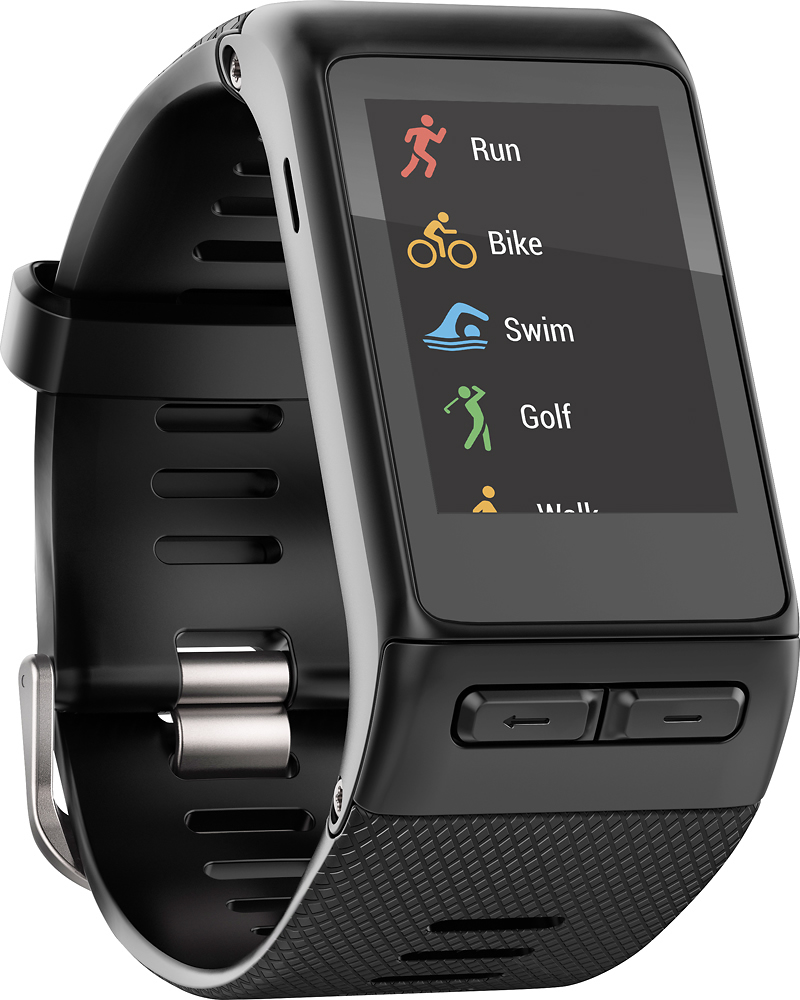
A:AnswerYou download the "Connect" app on your phone. When your Vivoactive HR syncs, it will transfer the data automatically. I can go back and review my heart-rate for every day and night (I wear it nonstop.) Yes, you can set an alarm for HR range. I have all 5 zones set up under my "run" app on the watch. You can also set up a "custom" HR range or zone.
A:AnswerNo. Once you select an activity, the GPS comes on. Press start and go run. The watch will track everything for you. Pace, laps, HR, distance and time.
A:AnswerMy Vivoactive HR lasts 8 days on a single charge with about two hours of tracked GPS "activities" each day on average. With a GPS "activity" running for 8 hours or more each day, the battery life is reduced to about 3 days. This was its performance just out of the box, I expect it might lose ground over time. It also charges fully in well under a half hour.
A:AnswerThe vivoactive HR does not need to be connected to a WiFi network or phone to track GPS data, but it is not designed to provide you with directions in order to get you to a specific location. You can upload the activity and view on a map the route that was taken during the activity.
A:AnswerI found the HRM to be fairly accurate when comparing it to my chest HR monitor and blood pressure monitor. It does have to be snug around the wrist above the wrist bone.
A:AnswerI think the vivoactive is a nice blend between smart watch and a Forerunner. But you do have to turn the activity functions on and off, other than basic pedometer functions and heart rate that are monitored all the time
A:AnswerMore than the phone, you'll need to check the version of iOS you're running. It paired just fine to iOS 8 and above with no issues. The Garmin Vivoactive continues to work with Apple's latest release, 10.2.
A:AnswerYes! You can connect many devices through your phone (easiest) or PC!
If using the PC, you want to use Garmin Express: http://software.garmin.com/en-US/express.html