A:AnswerYes, there is an android app called "Connect" by Garmin (it's better than the IOS one). It receives txt messages and notifies of incoming calls. It does not receive calls though.
A:AnswerNo, the vívosmart doesn’t use GPS data independently or by the use of your smart phone. We do offer other products that are GPS enabled. Please contact our Customer Care in the link below so they can discuss the device that’s right for you.
www.garmin.com/support
~JH
A:AnswerI think it's because you don't swing your arms. I use my Elliptical machine and it registers fine. You can go into the Garmin Connect app and manually add the exercise with mileage and time. At least it will be recorded.
A:AnswerThere is nothing to really be hacked, this device has a basic UI that receives communications from you paired phone and sends basic movement tracking to your paired device. So it really is, can your paired device be hacked?
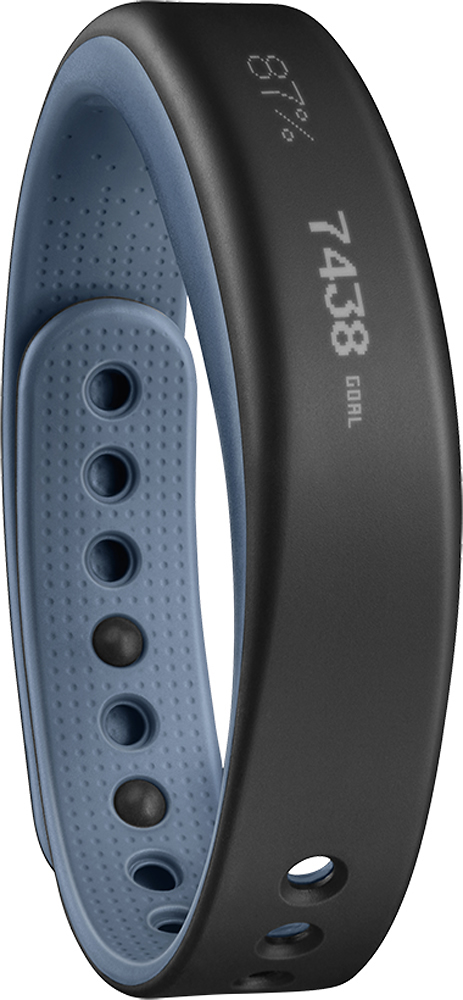
A:AnswerThe word "hover" won't appear on the vívosmart. The only thing I can think of is that it will say "MOVE!" when your move bar fills up. But if you're seeing it as the word "hover," then there may be some pixel issues going on. Please send a picture to support so they can take a look and let you know what's going on: www.garmin.com/support
Thank you! -JPK
A:AnswerYes. You have to enter the data by selecting the activity or excercise. You also have to select the public feature in your setup so other users can access your data.
A:AnswerThe vívosmart does not function as a display relay for third-party app data. It will, however, use Bluetooth to display notifications that you allow via the notification settings on your compatible smartphone. This can include notifications received by the MapMyRun app, but the vívosmart does not stream or display live data being calculated by that app.
To clarify, the vívosmart calculates daily steps, distance, heart rate (when wearing a compatible heart rate monitor) and calorie burn based on your user profile and arm movement; it does not use GPS. You can record individual timed activities throughout the day that when uploaded to Garmin Connect will appear separately (but are included) in your daily calculations. -LB
A:AnswerThe included chest strap style heart rate monitor can be worn while swimming, however is not designed to provide heart rate data while doing so. This limitation is related to the inability to transmit the heart rate data through the water.
After exiting the water, the Garmin device will begin to record heart rate data.
^DK